Patent Drawing Tools
Every PatentFig AI tool in one place. Generate patent figures by type or source, check compliance, and convert, vectorize, or upscale existing drawings.
Popular starting points
Patent drawing examplesSample figures across every category.Patent drawing requirementsUSPTO rules and a compliance checklist.Figure checkerValidate figures against office rules.The complete workspacePatent drawing software end to end: generate, edit, check, export.Patent drawing servicesWhat services charge — and the software alternative.
Generate a patent drawing
Describe an invention and generate filing-style figures, then keep editing in the workspace.
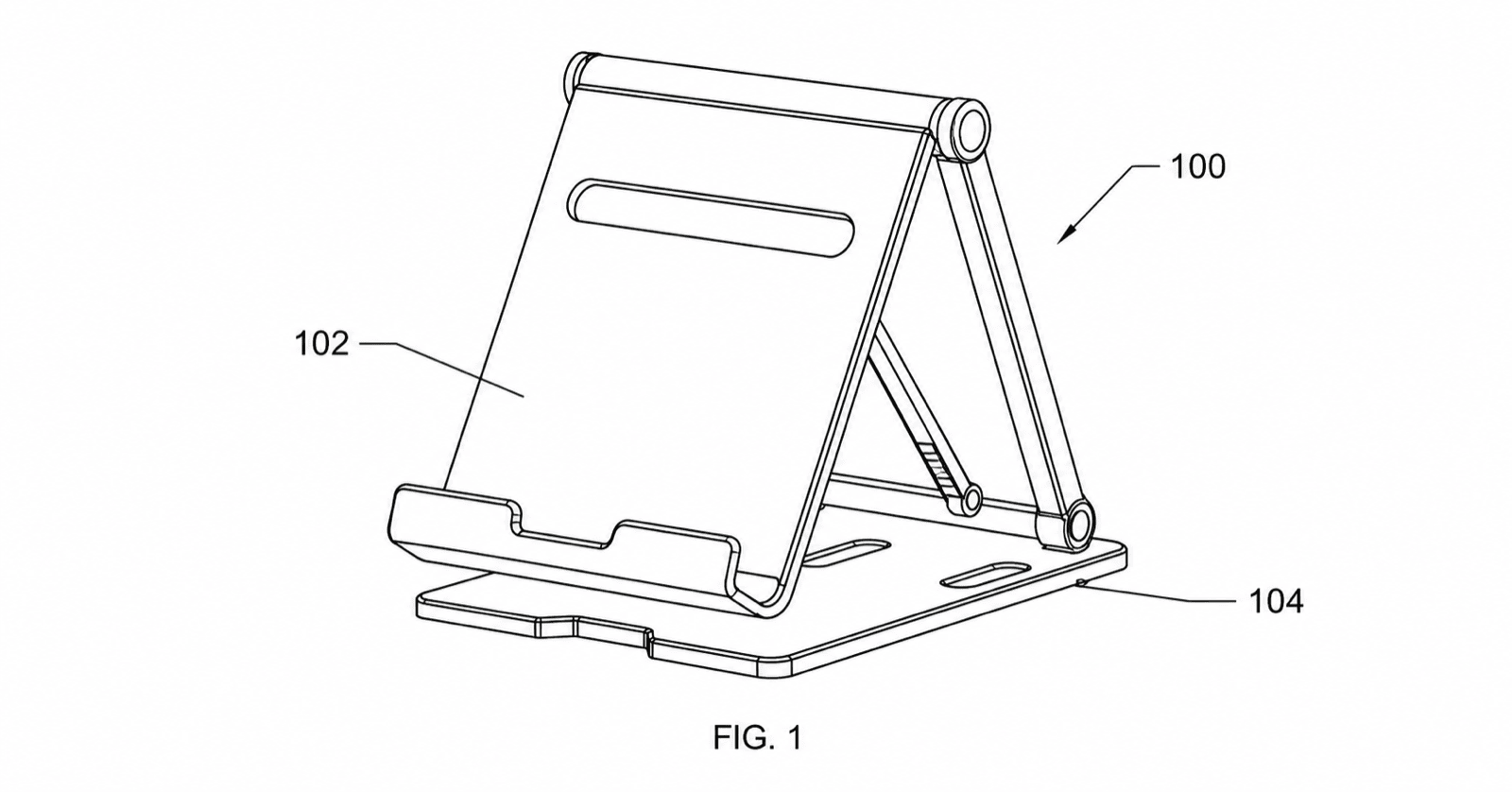
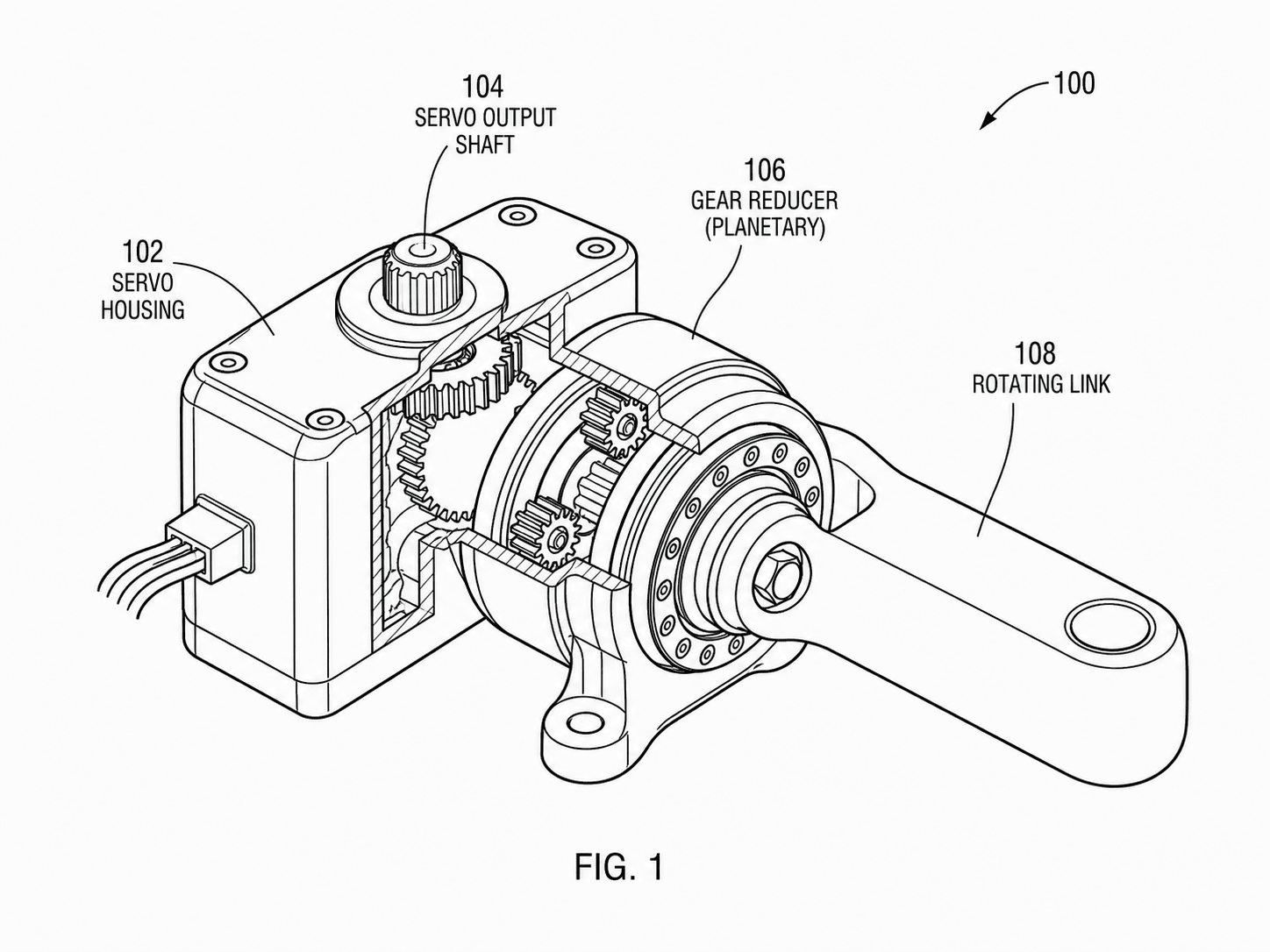
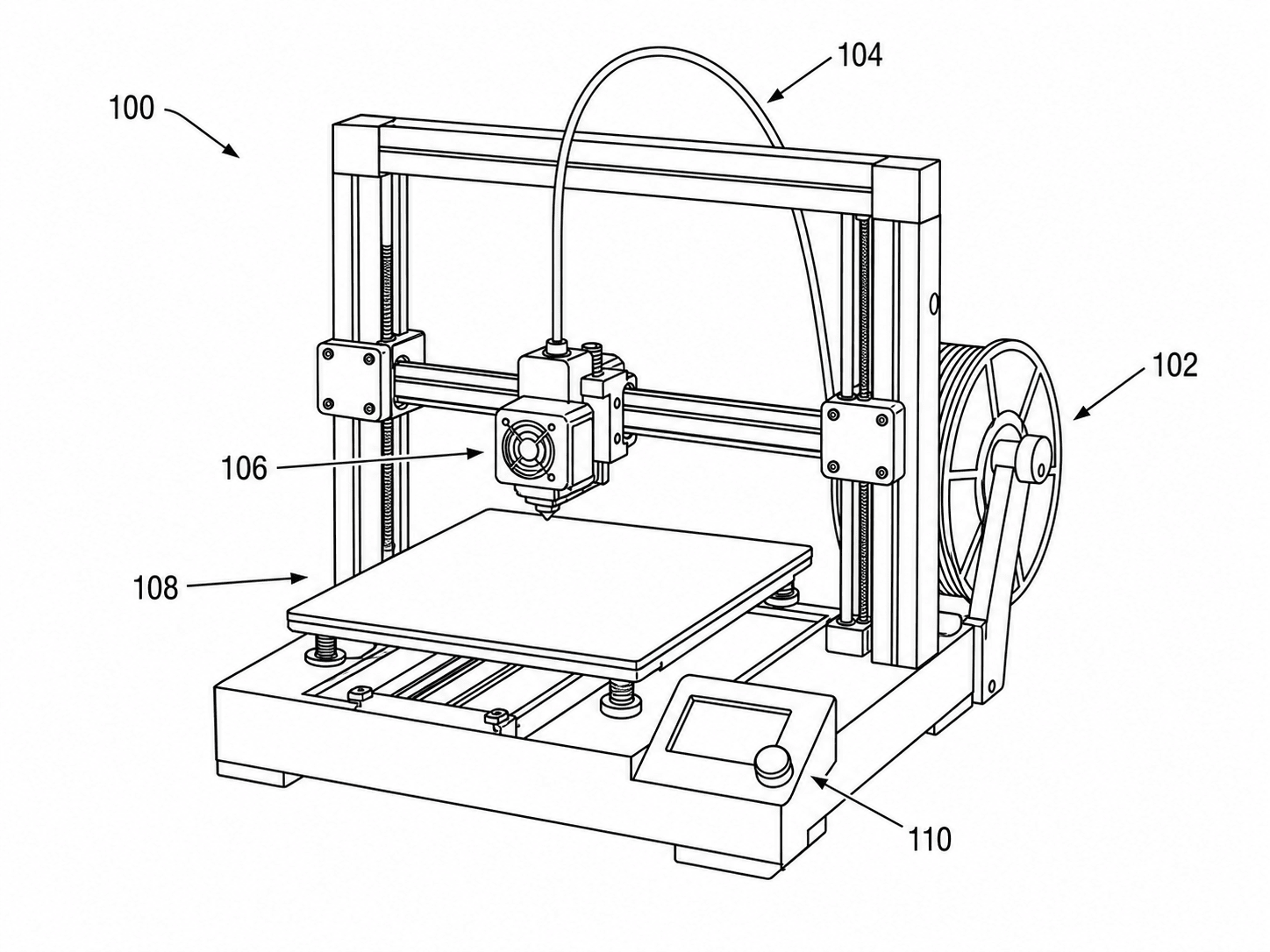
By filing type
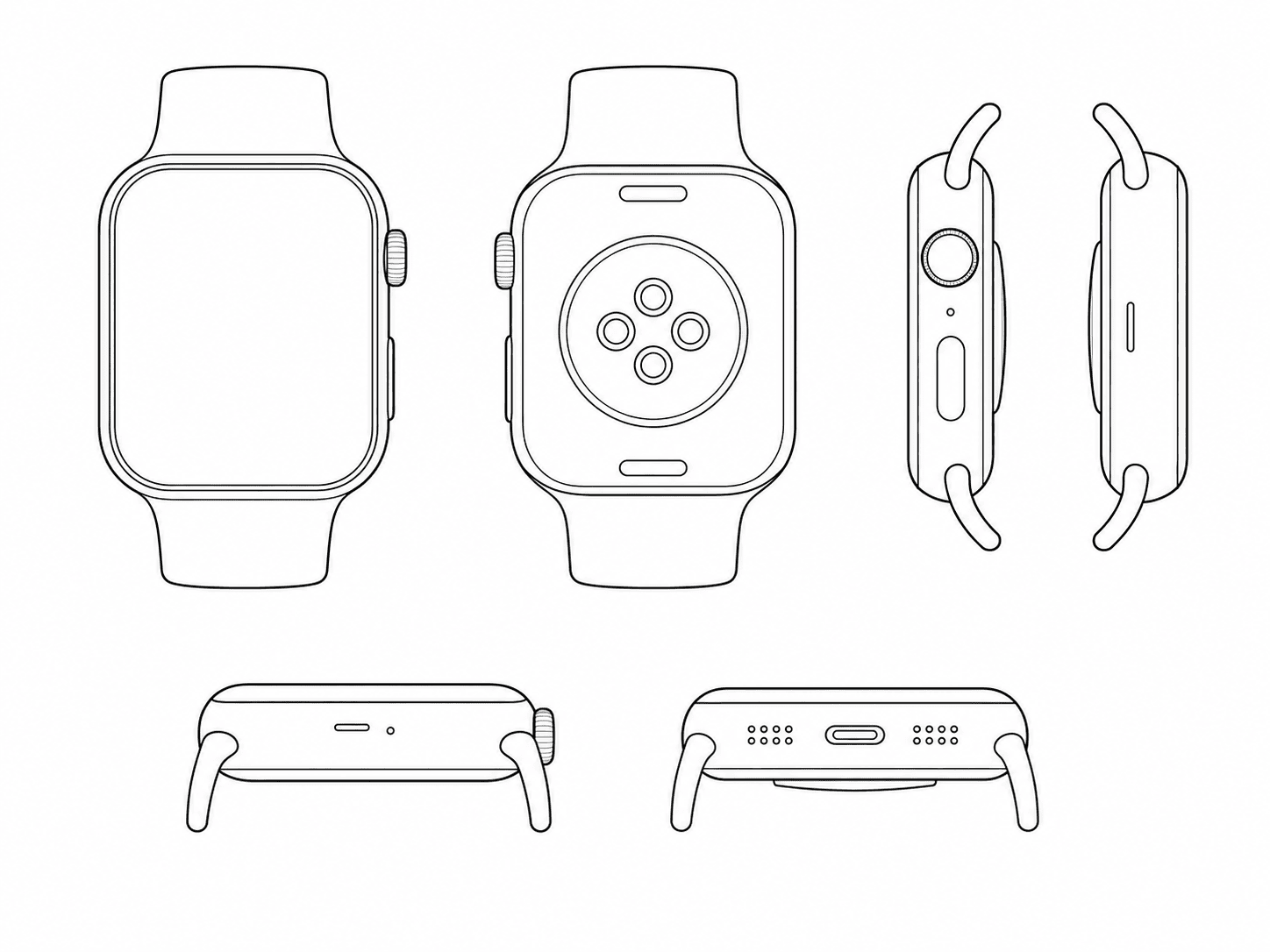
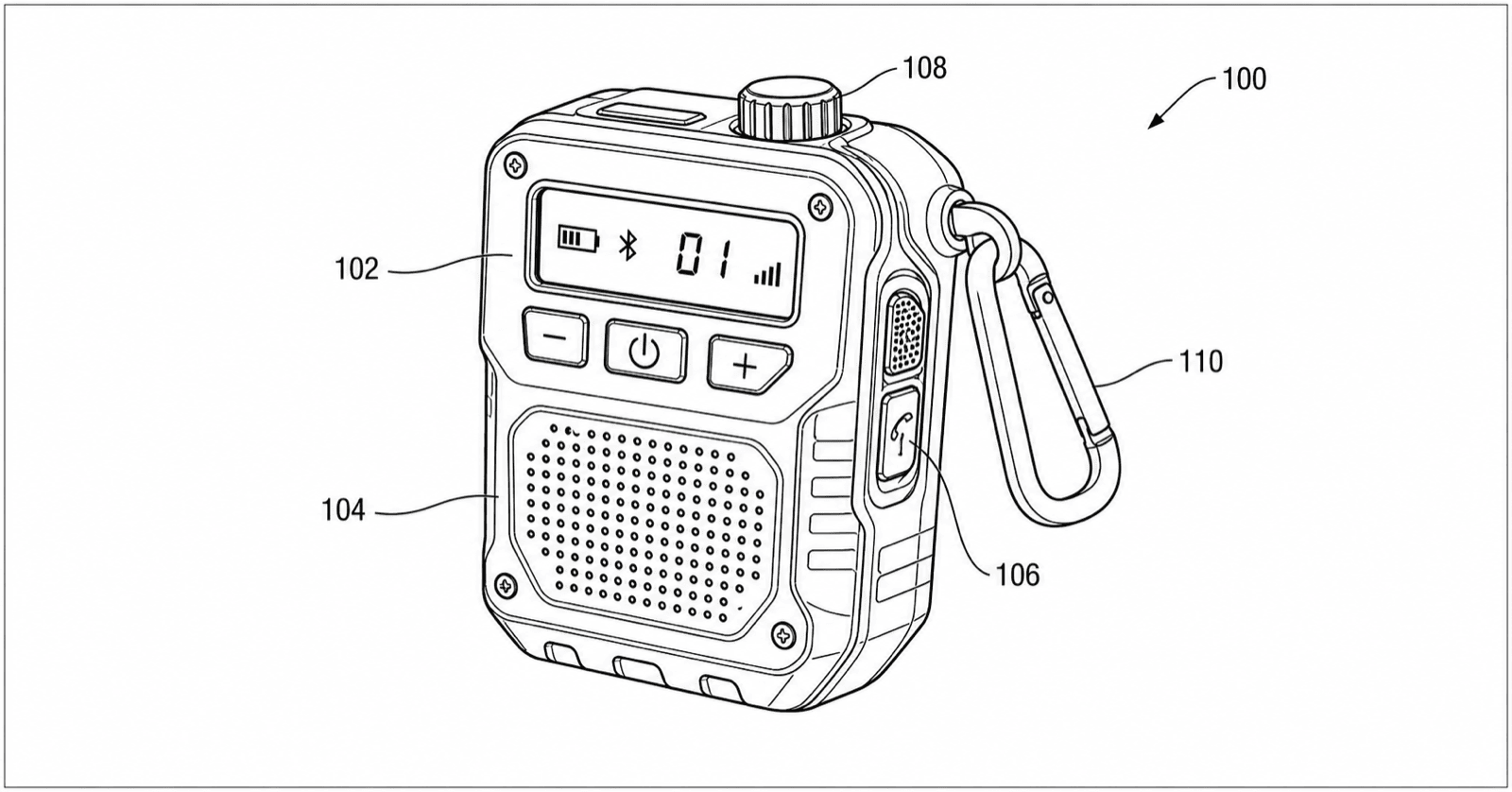
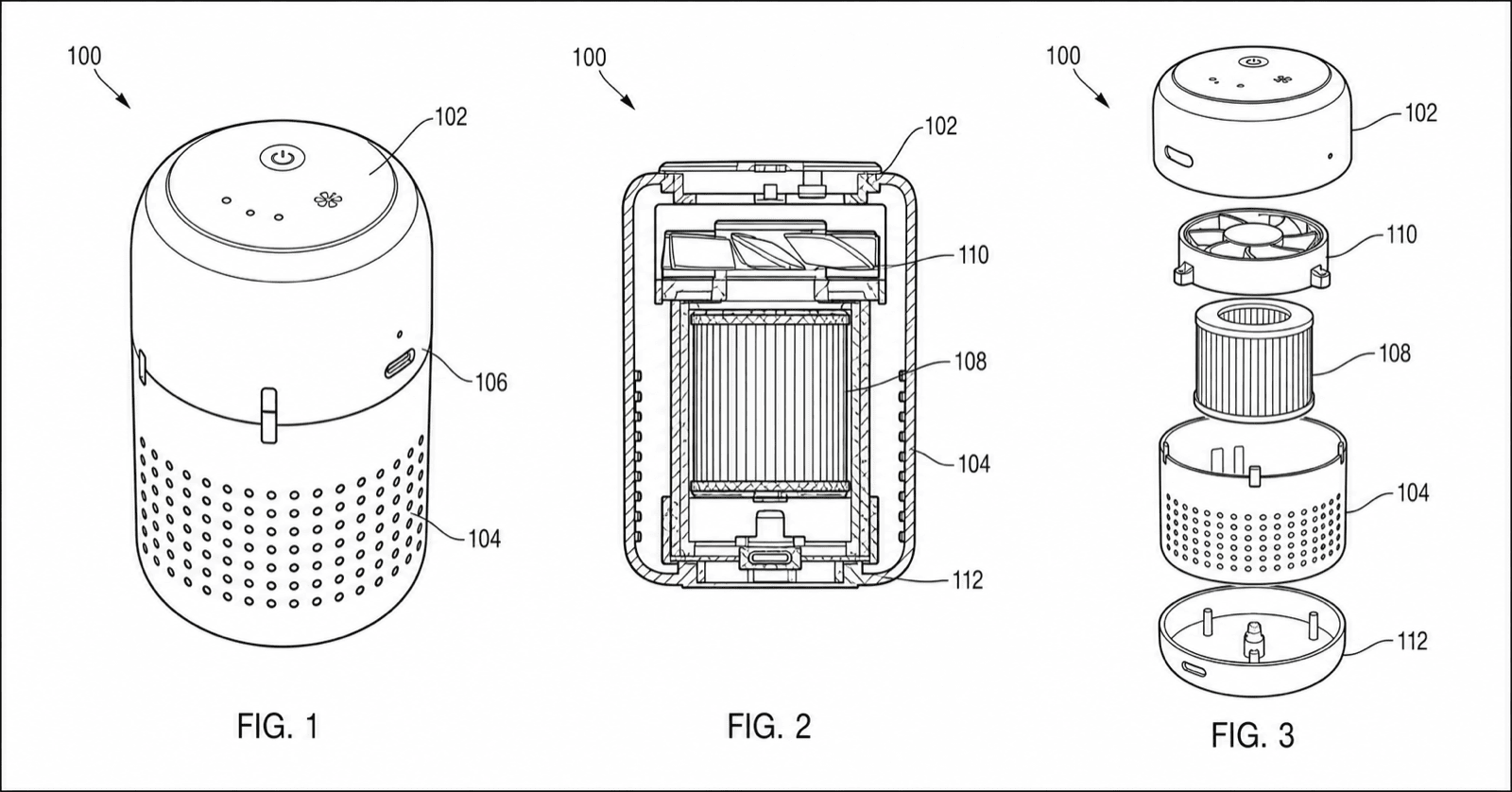
Drawings matched to the filing: utility, design, provisional, or the full application set.
Start from a source image
Turn a photo, sketch, screenshot, or 3D-style image into controlled patent line art.
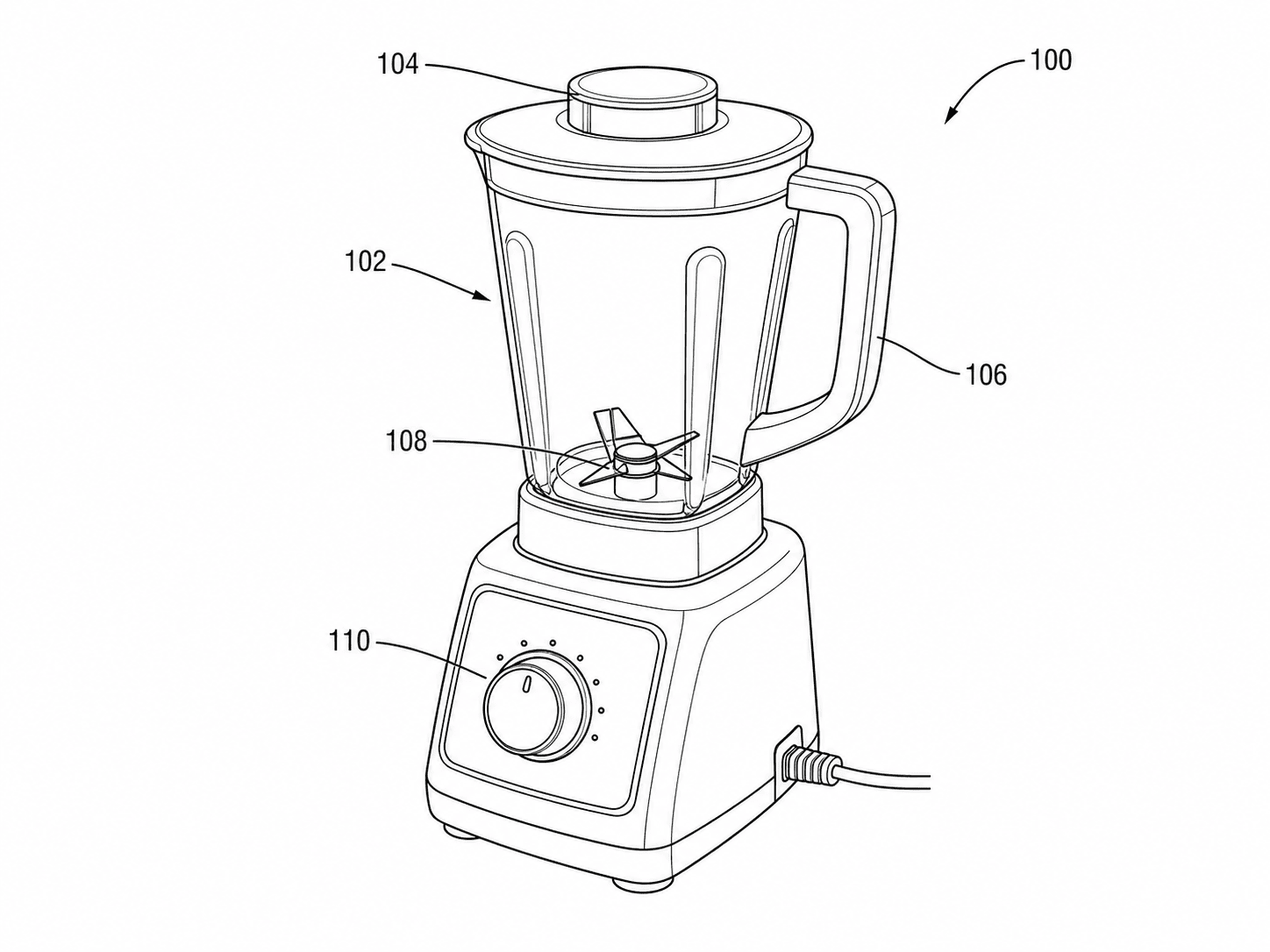
Photo to patent drawing AI
Convert product photos to patent line art.
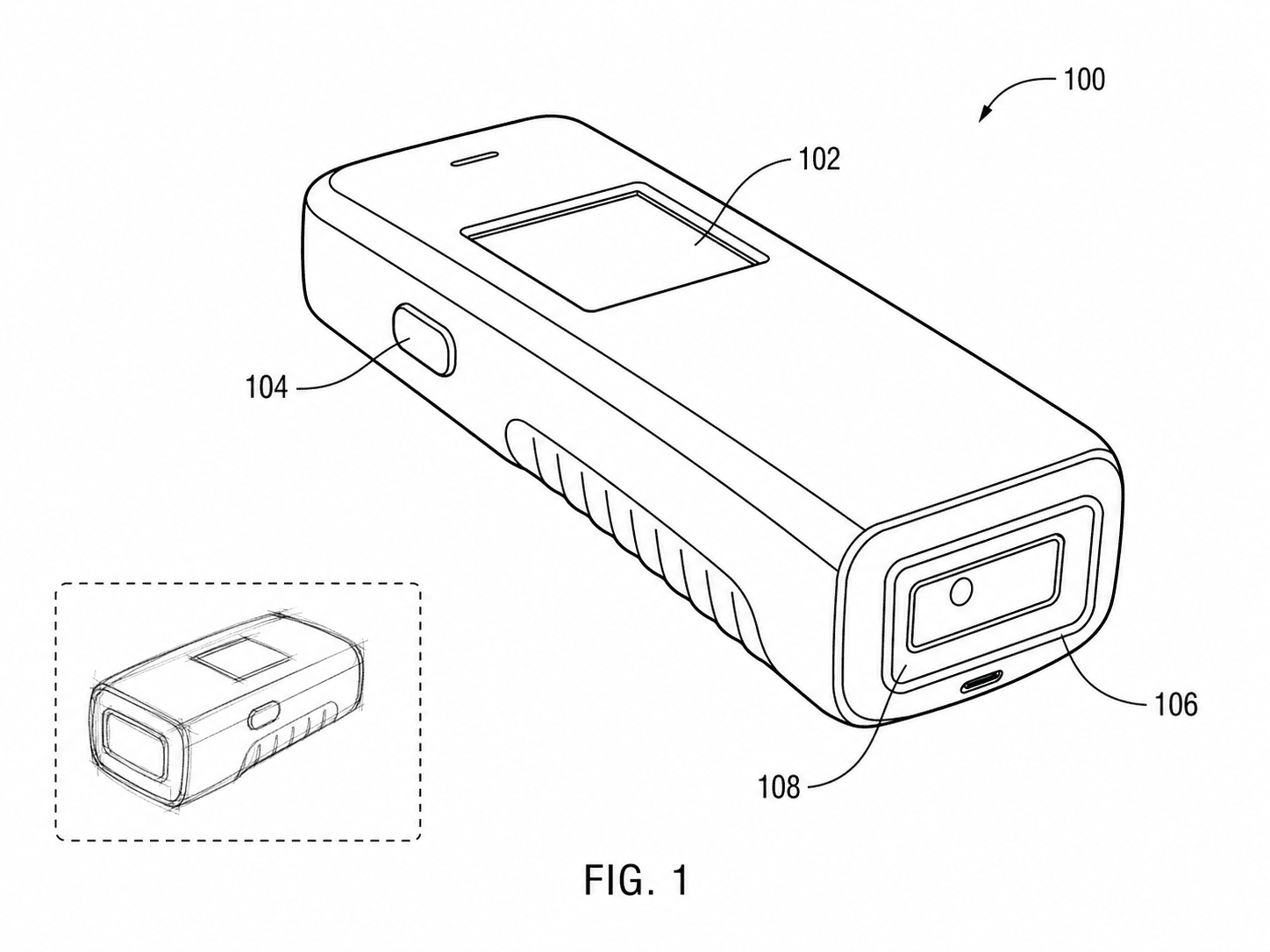
Sketch to patent drawing
Clean inventor sketches into filing figures.
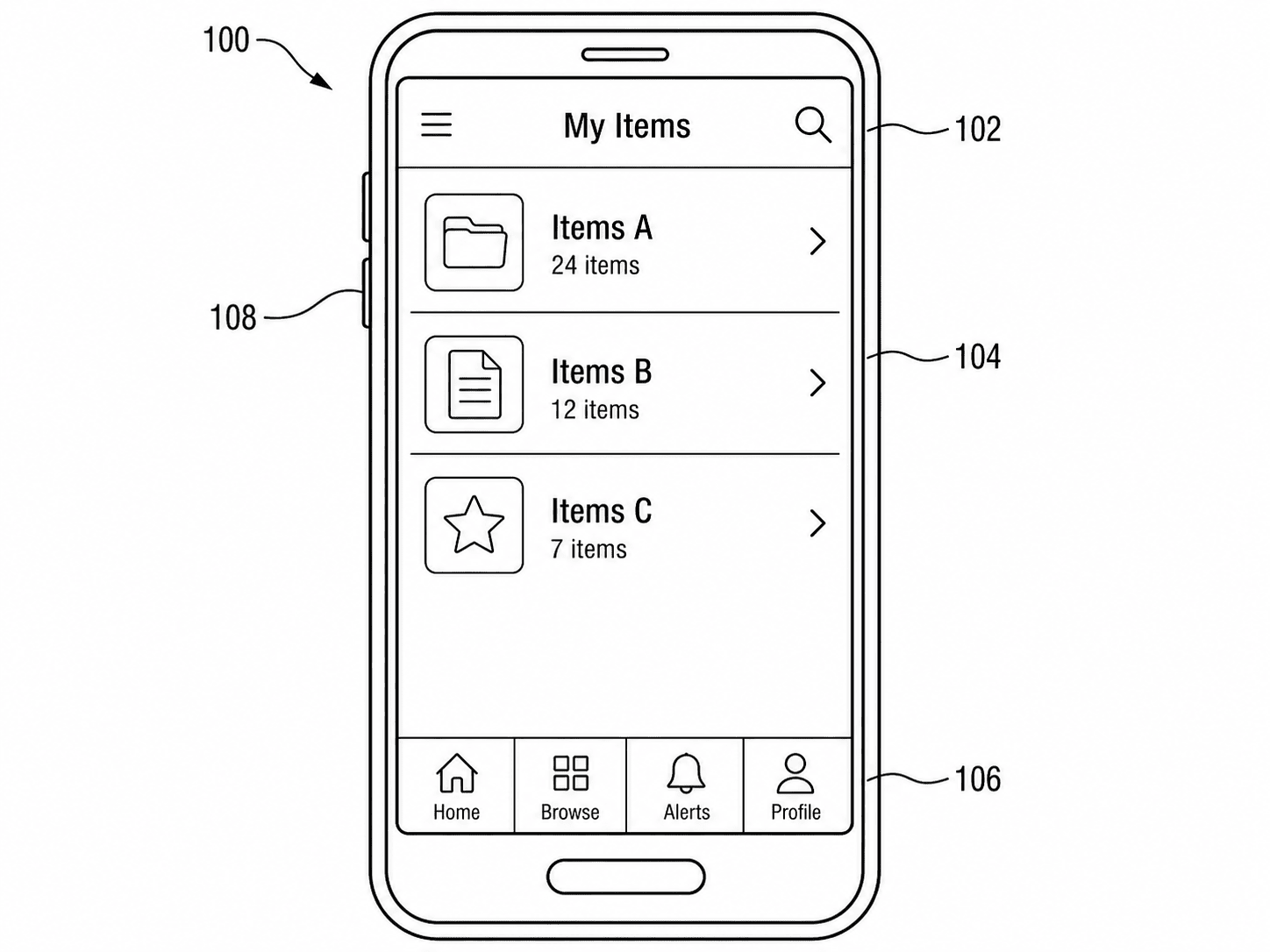
Screenshot to patent drawing
Turn UI screenshots into patent figures.
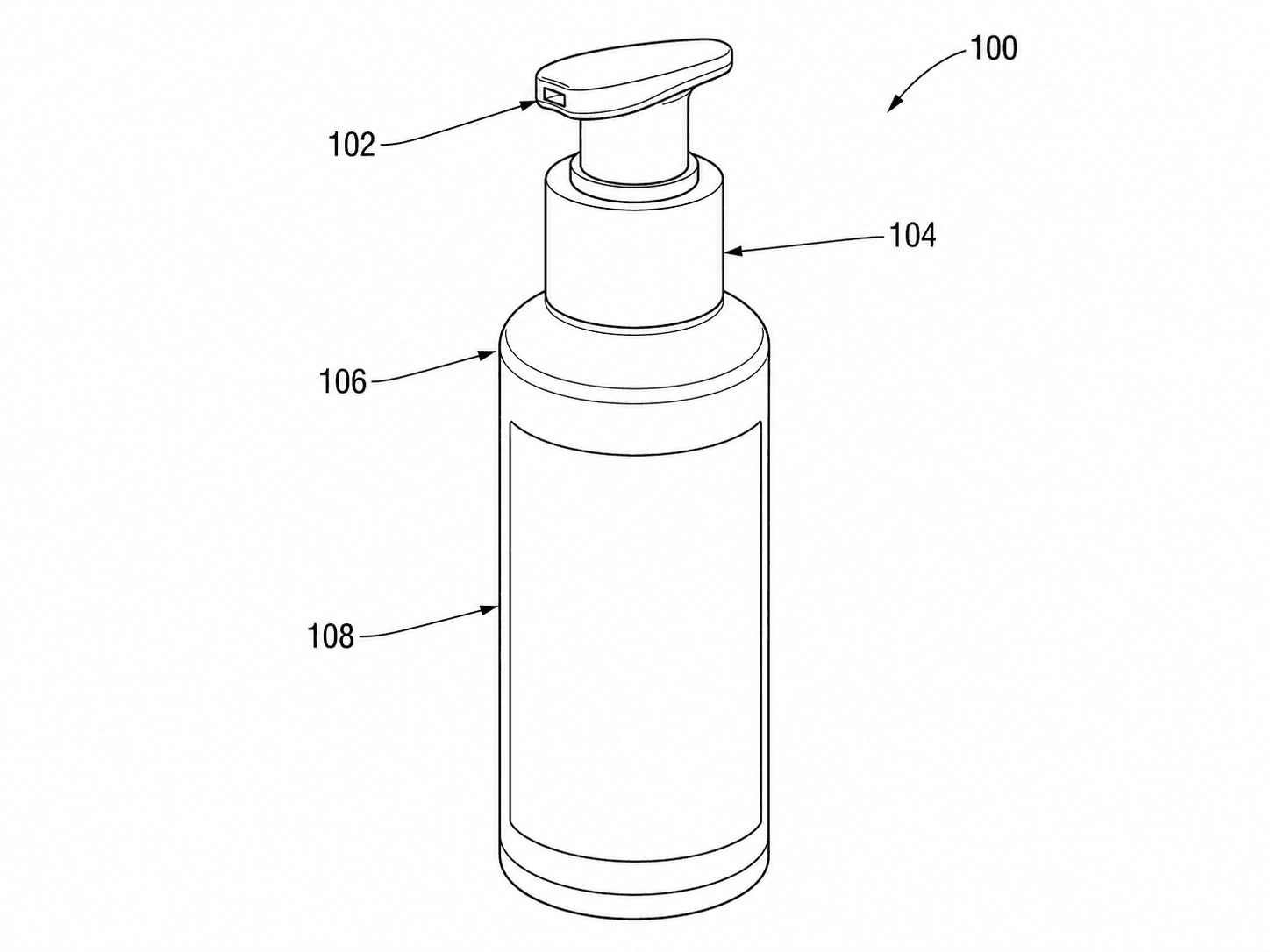
Product photo to line art
Studio product photos to clean line art.
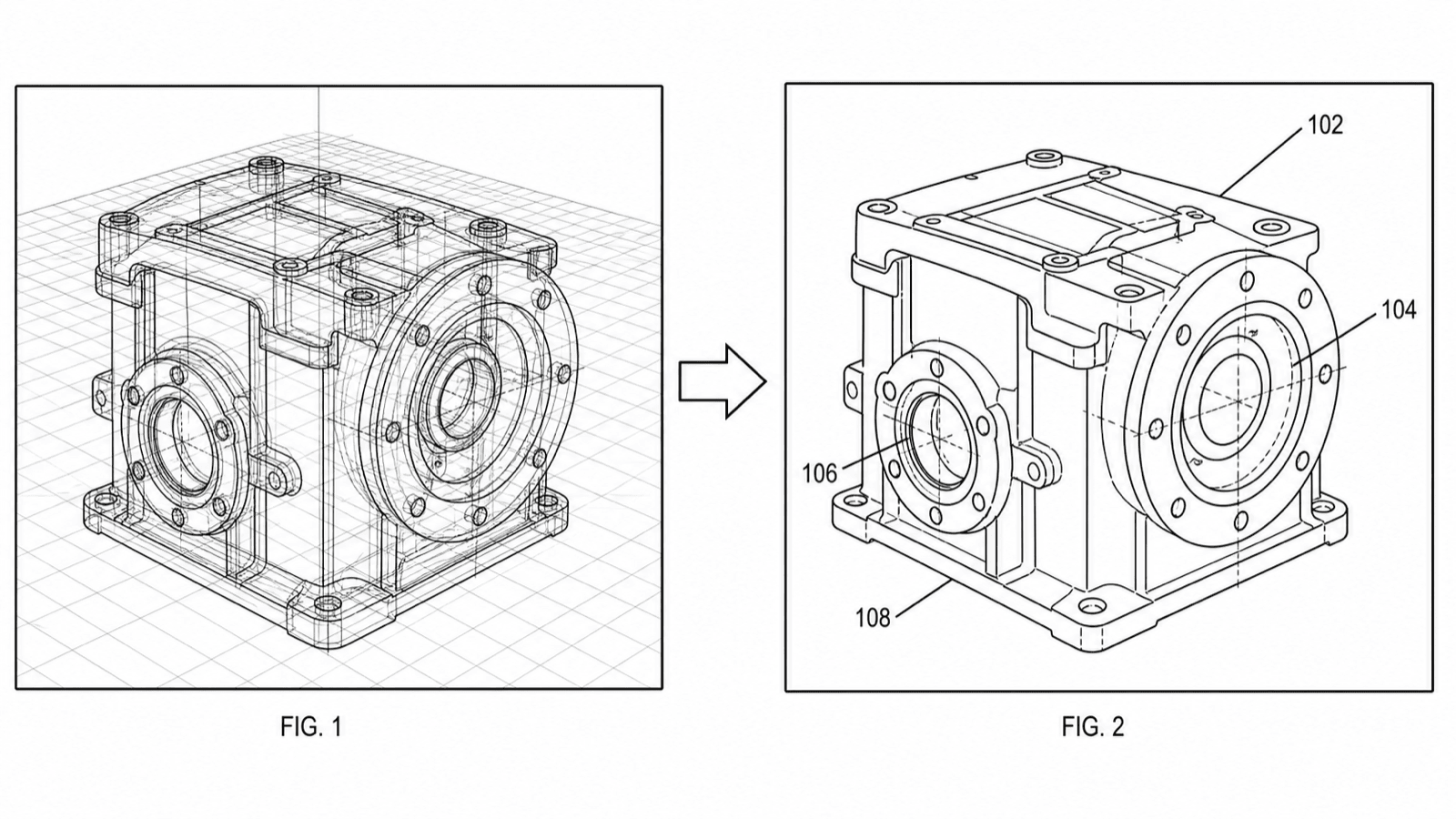
From CAD to patent drawing
Export views from SolidWorks or Fusion 360 and get filing-ready line art.
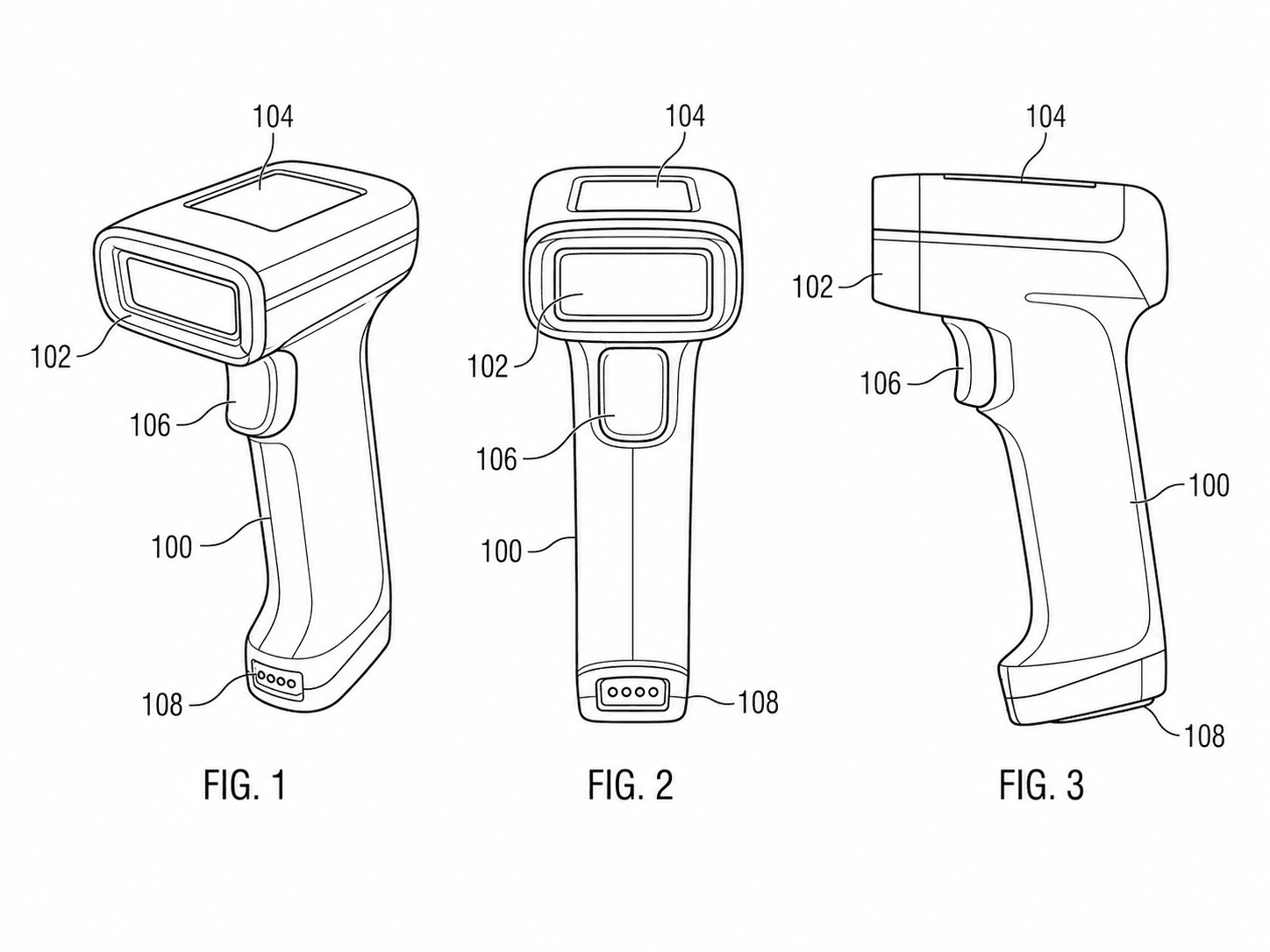
Multi-image generator
Combine multiple references into one figure.
By figure type
Purpose-built generators for each kind of patent figure and diagram.
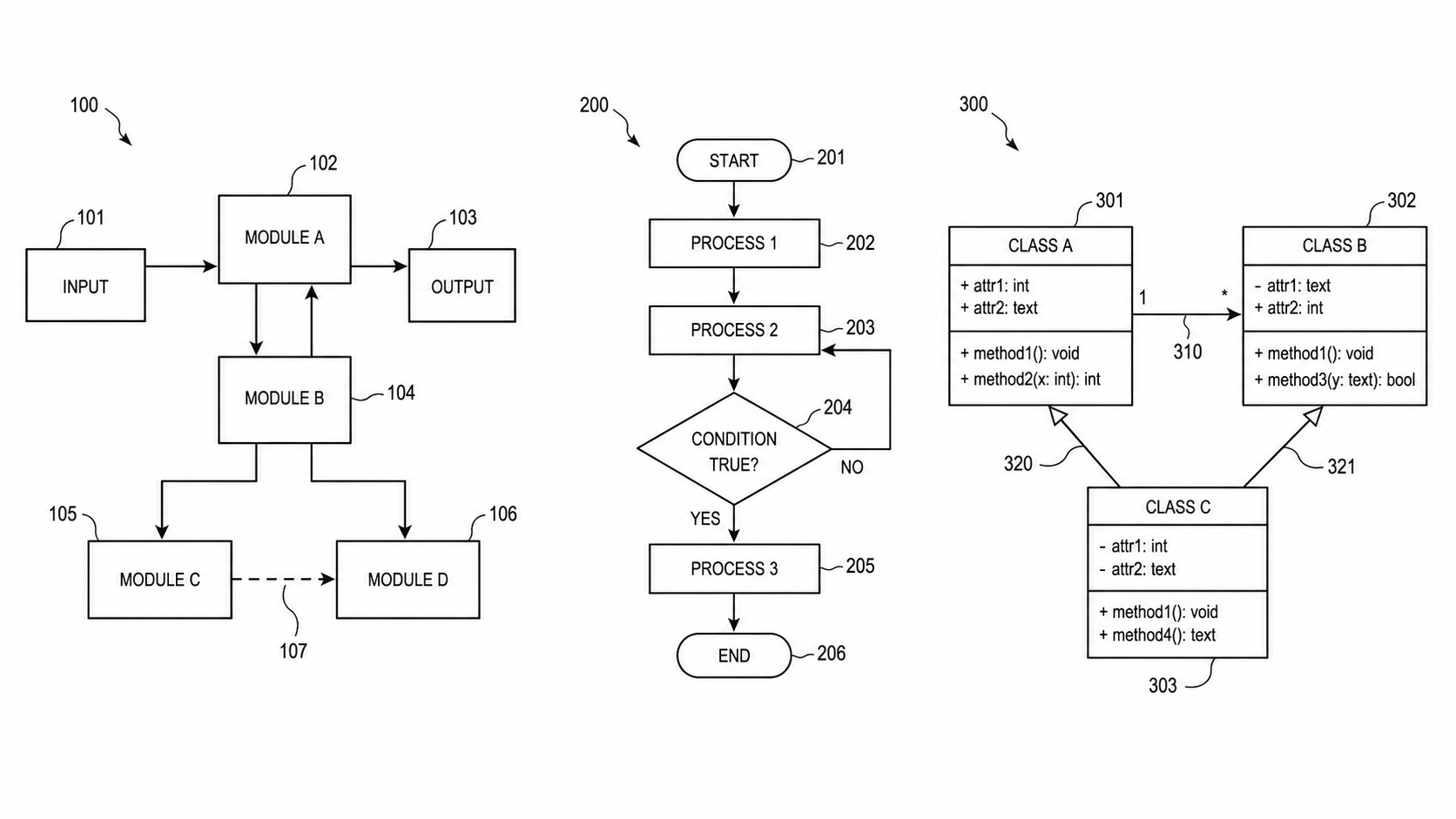
Patent diagram software
Create and check method, system-block, data-flow, and state-transition patent diagrams.
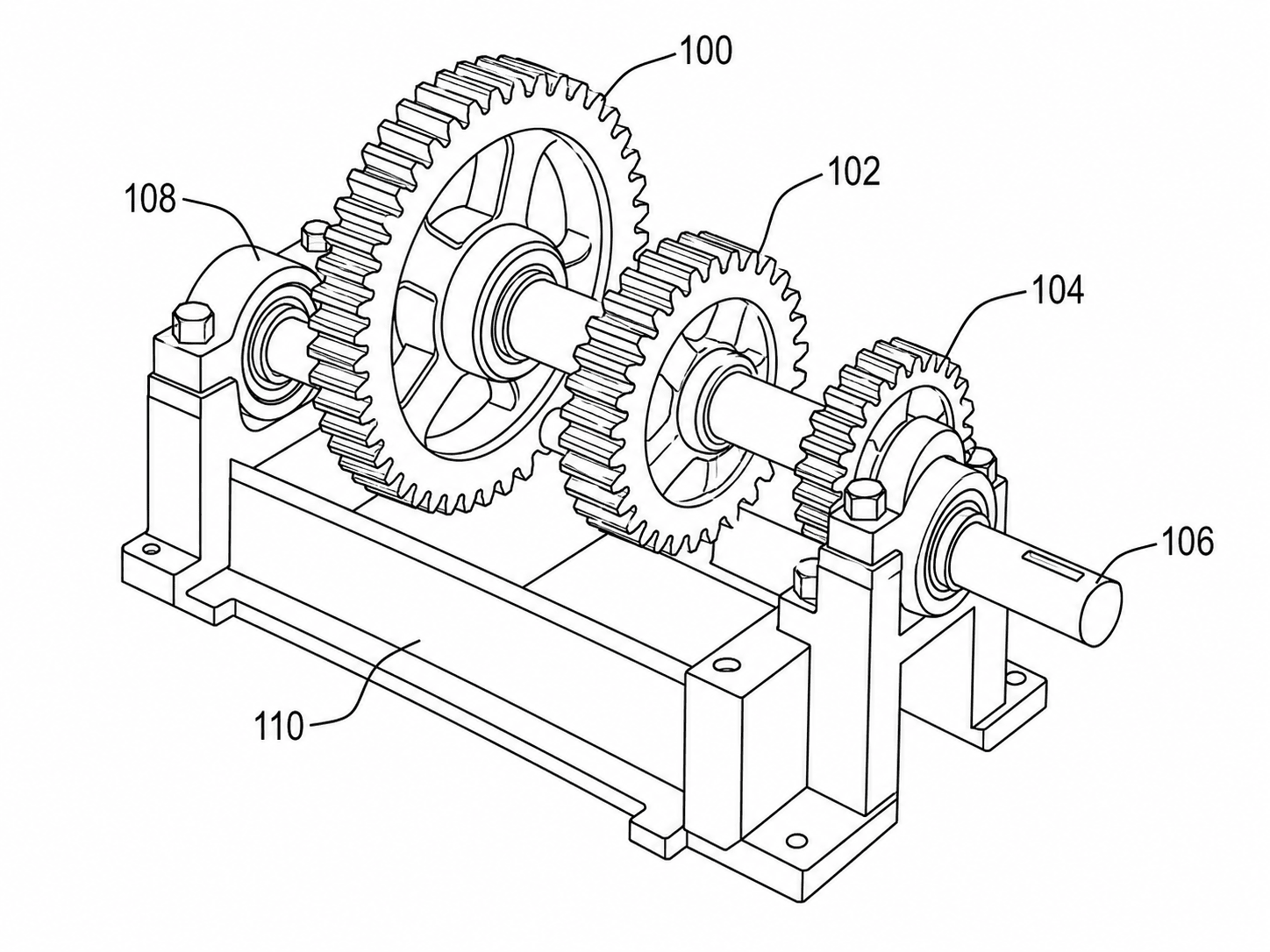
Mechanical patent drawings
Mechanical and structural figures.
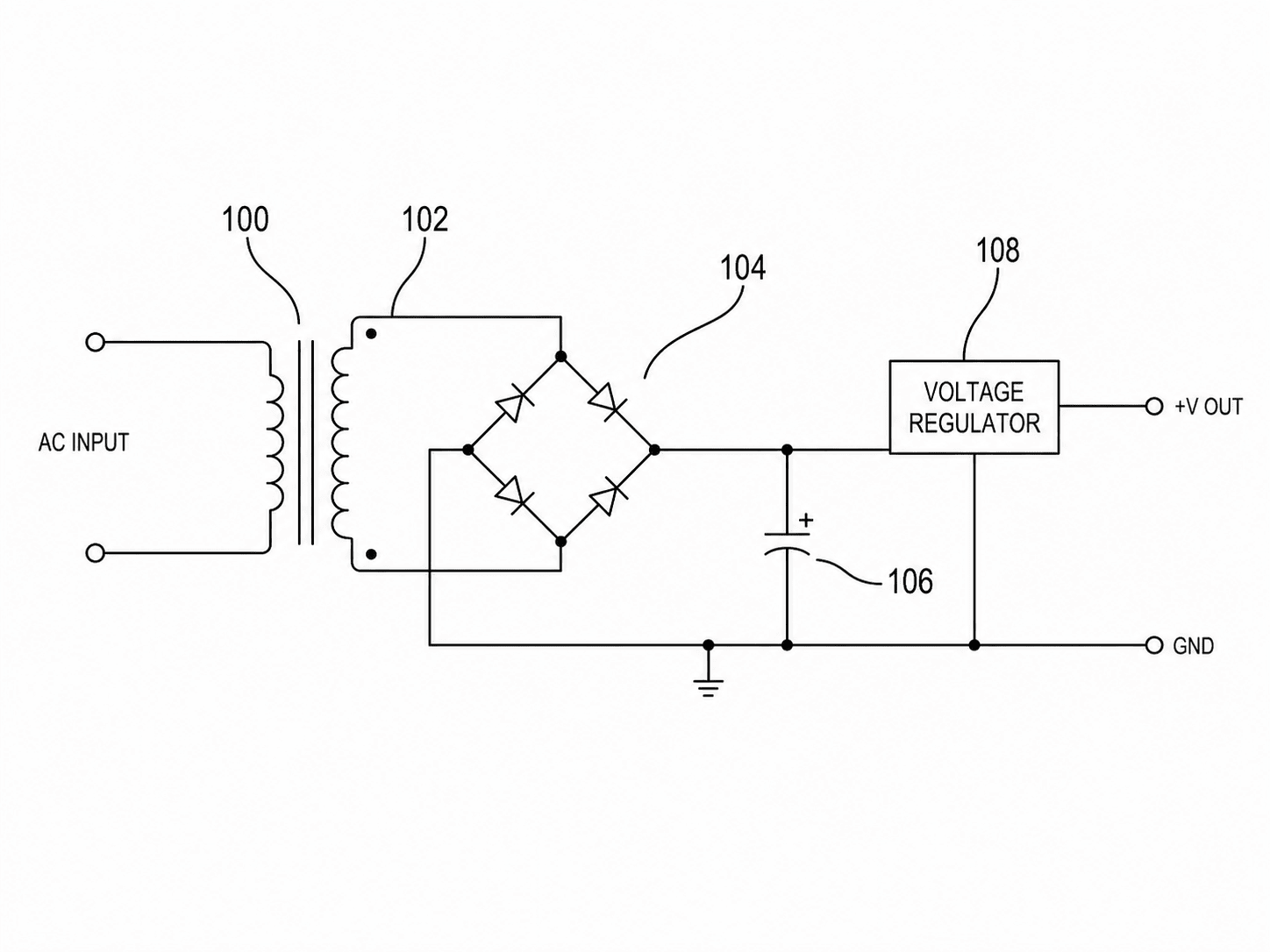
Electrical patent diagrams
Electrical schematics and diagrams.
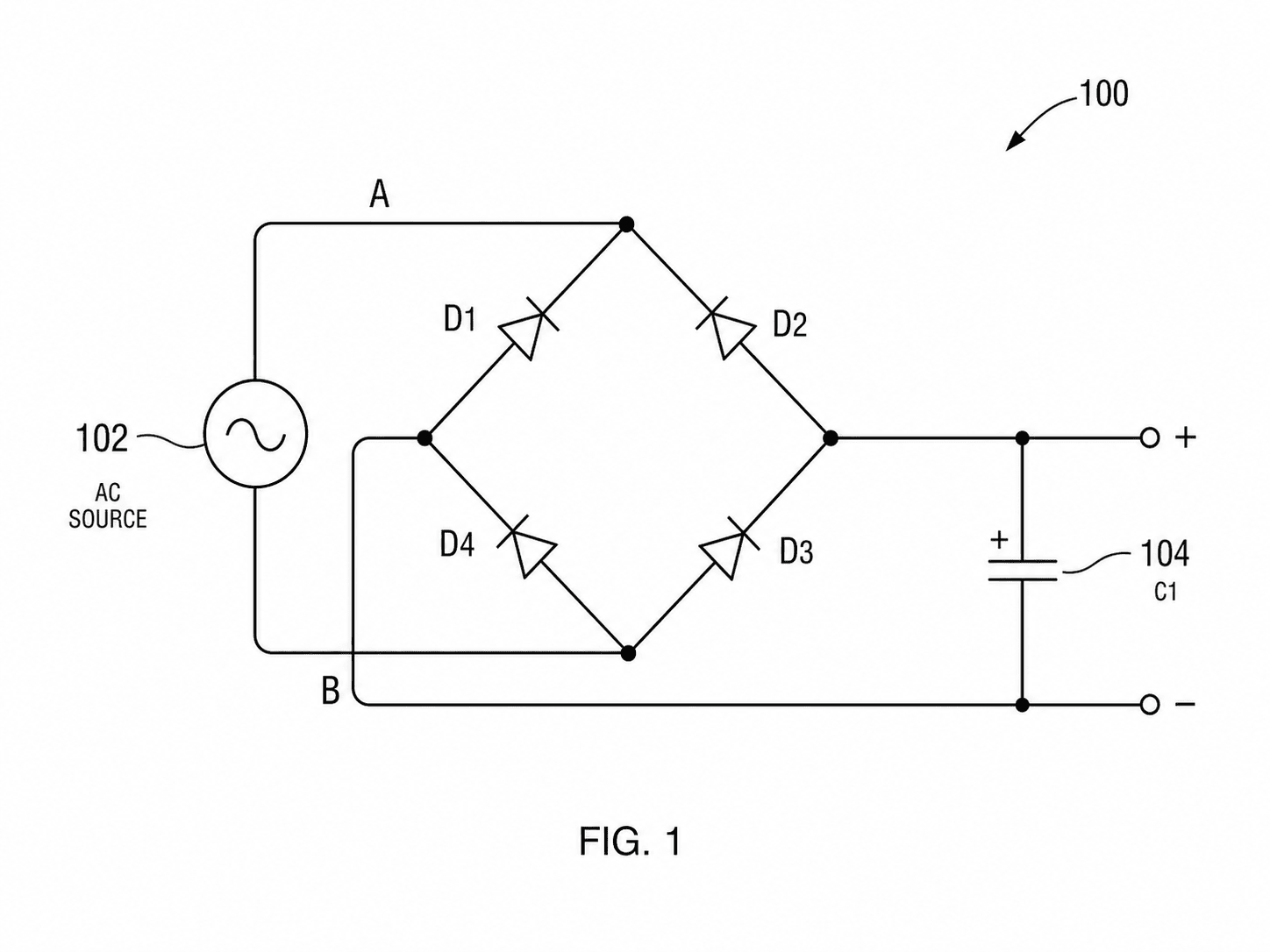
Circuit patent drawings
Circuit schematics with components.
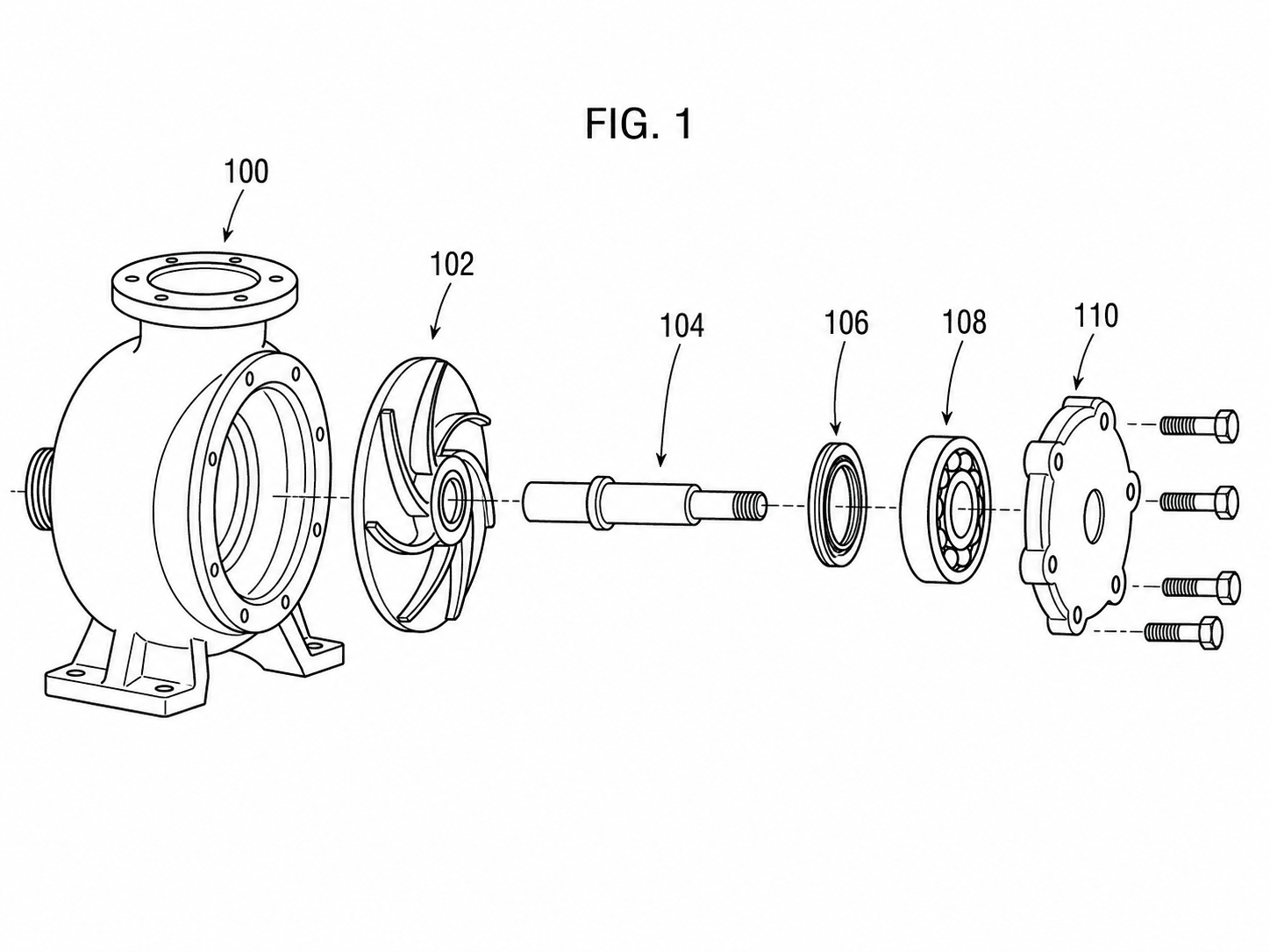
Exploded view drawings
Assembly and part-relationship views.
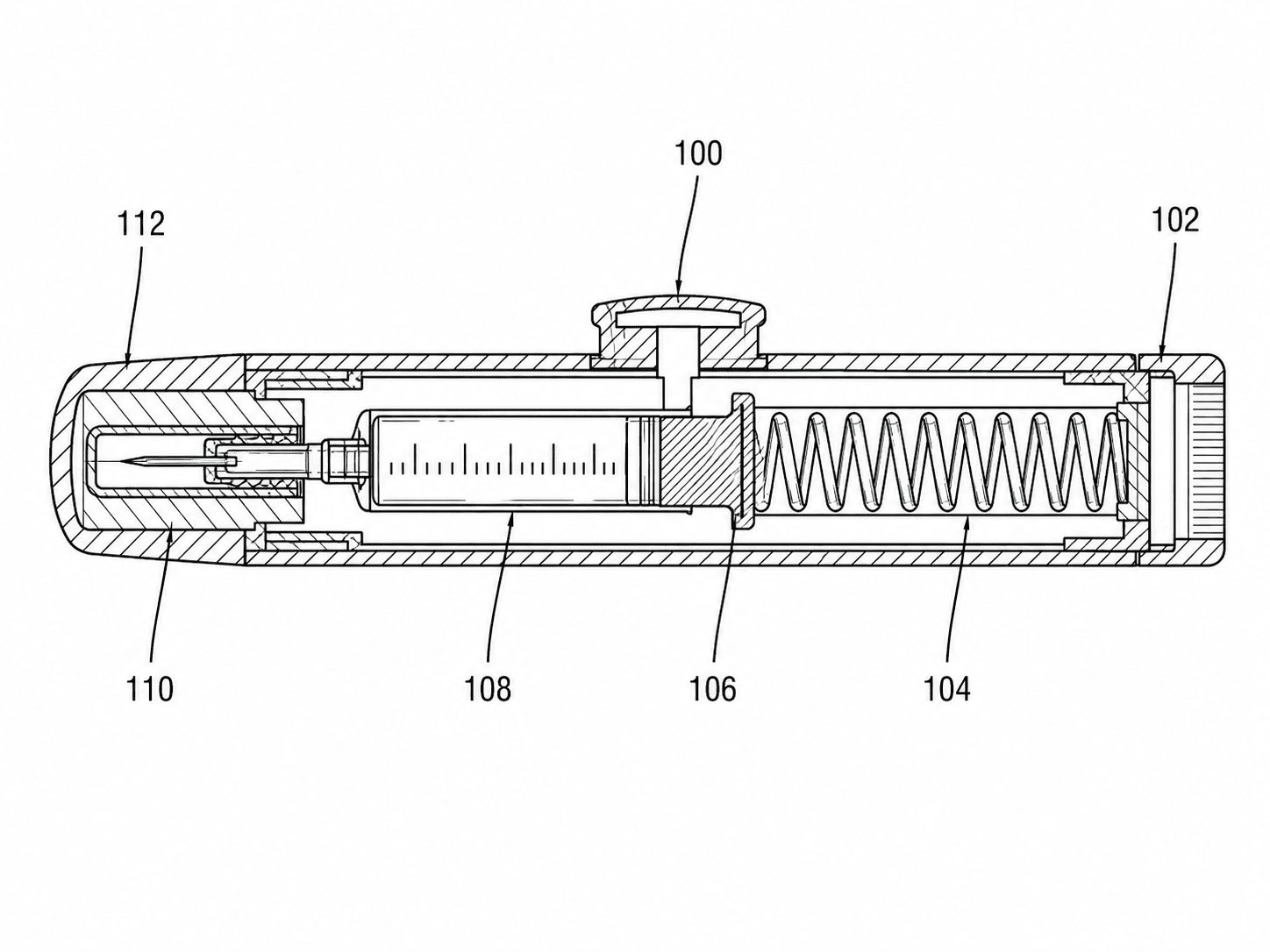
Medical device drawings
Anatomically aware device figures.
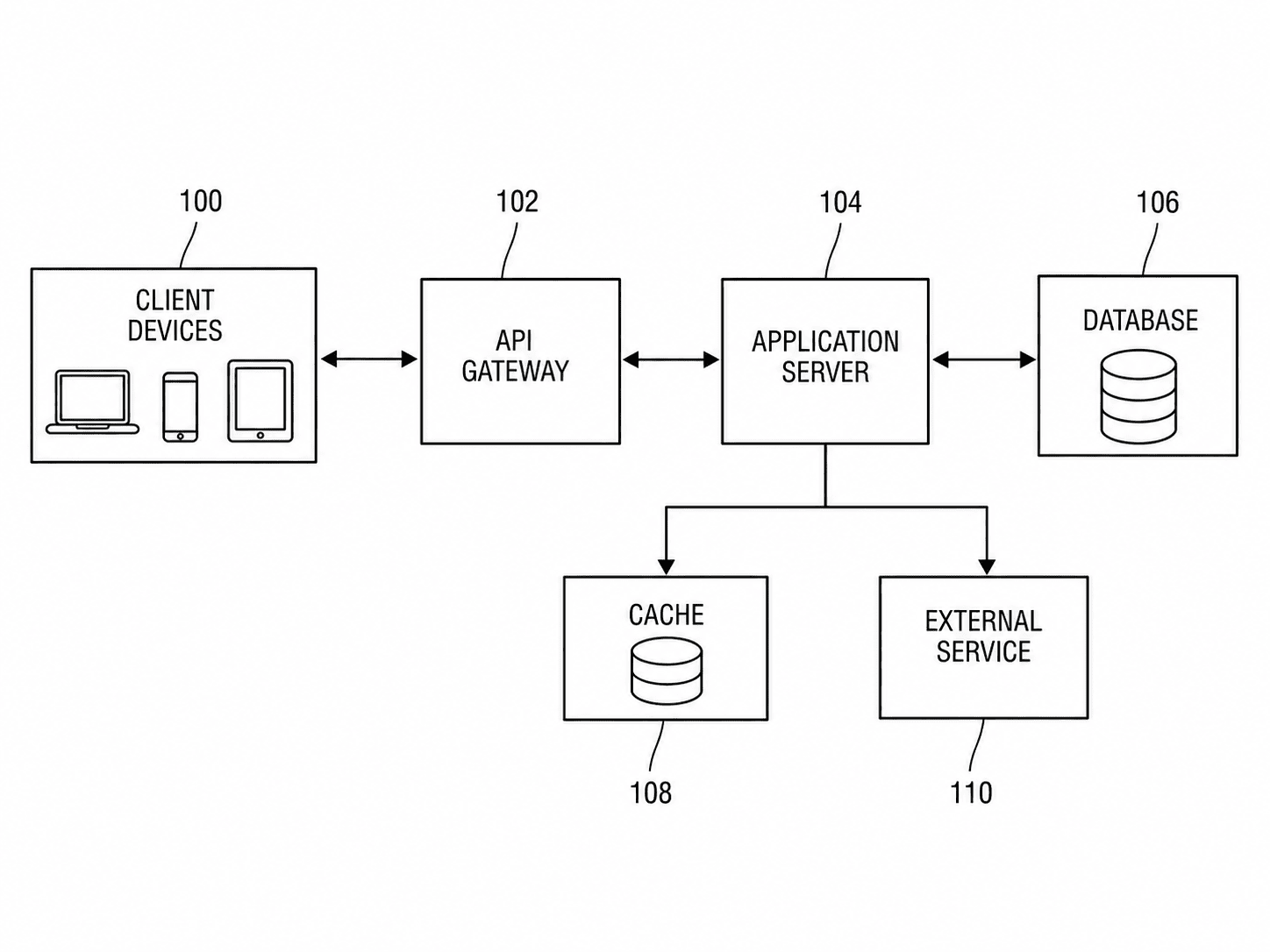
Software patent diagrams
Architecture and system diagrams.
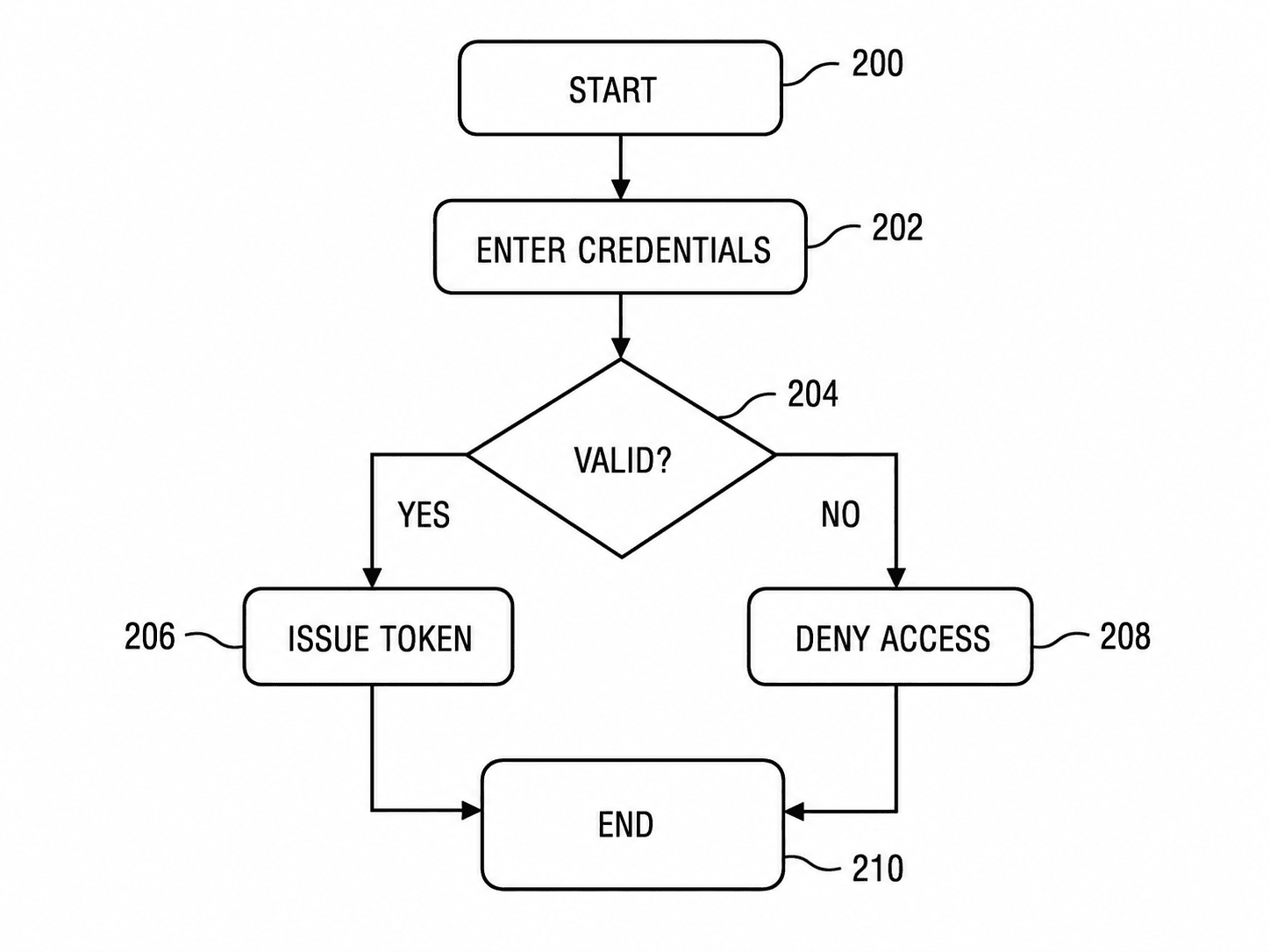
Patent flowchart generator
Method and process flowcharts.
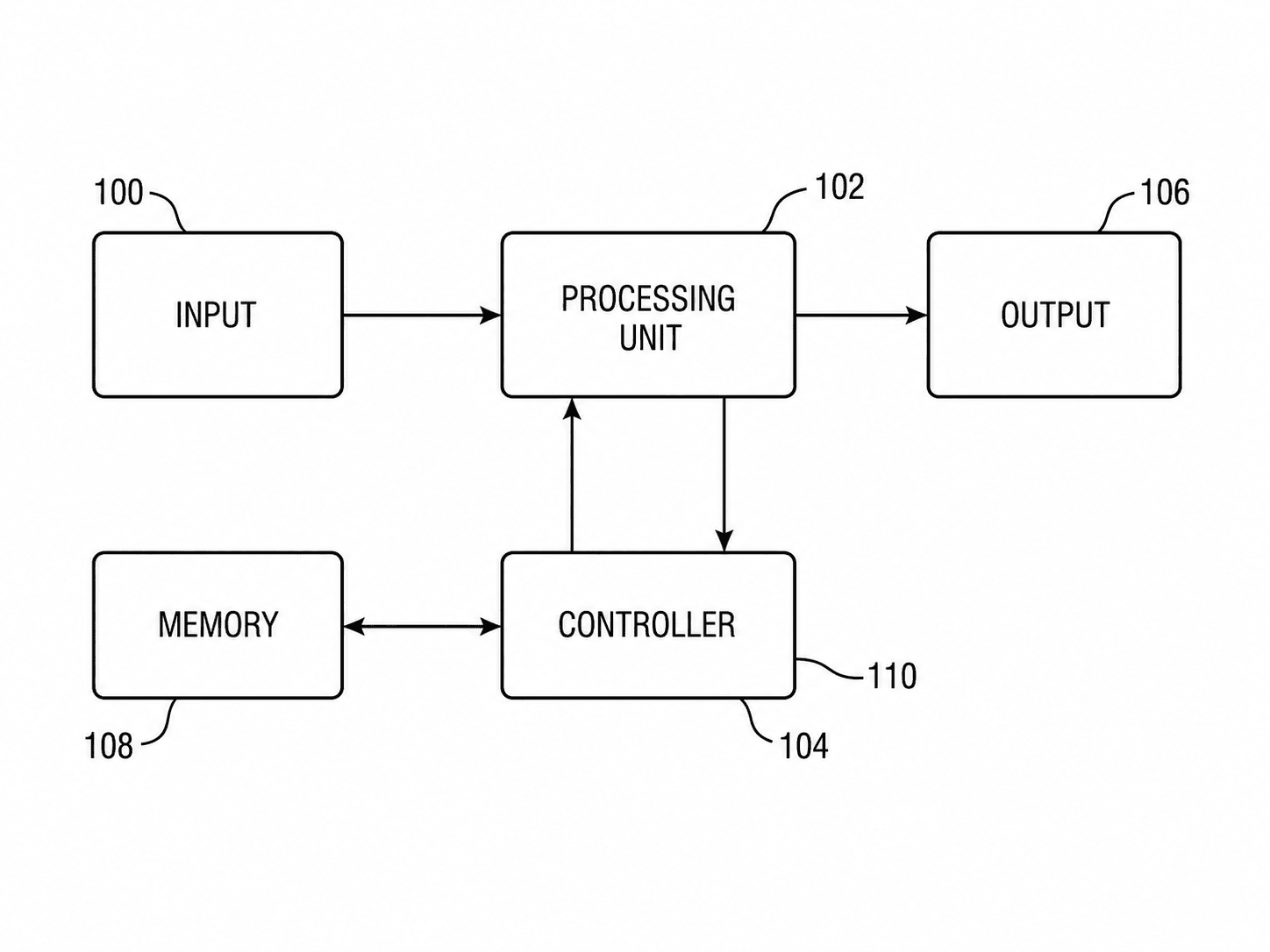
Patent block diagram generator
Block and system diagrams.
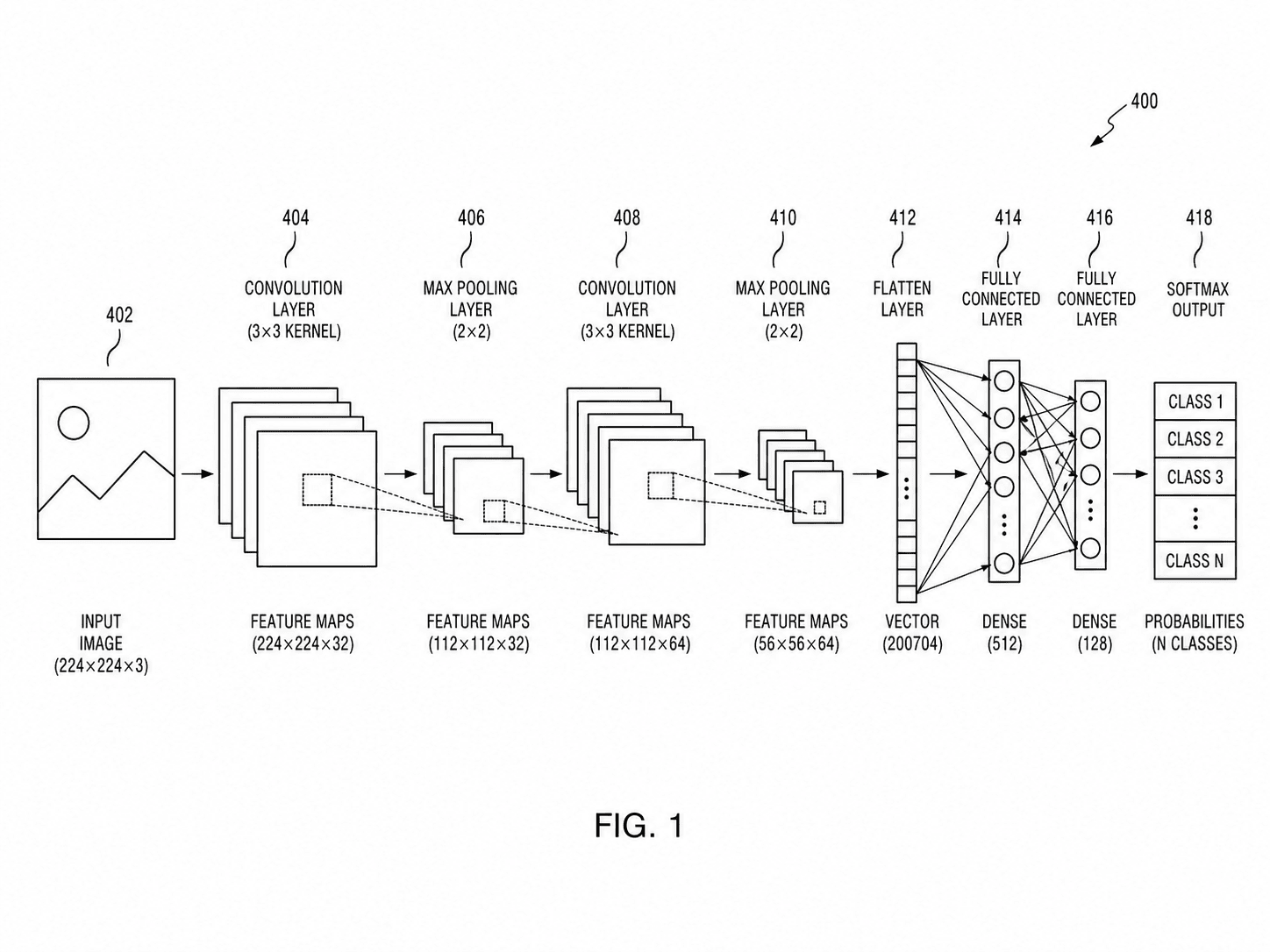
AI/ML patent diagrams
Neural-network and pipeline diagrams.
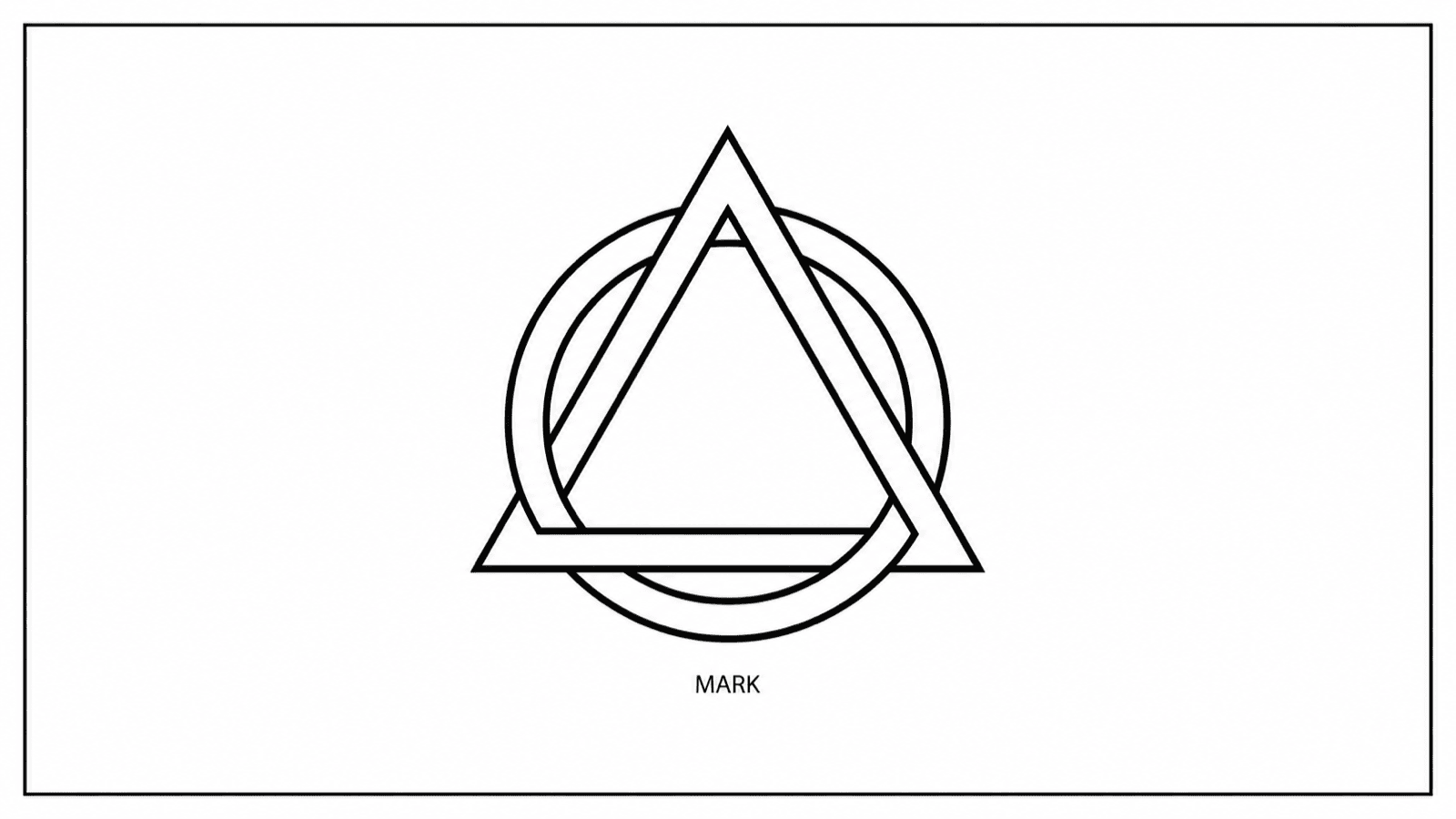
Trademark drawing
Trademark drawings for filings.
By industry
Figure sets tuned to your field: claim-to-figure mapping, domain examples, and the mistakes each industry makes.
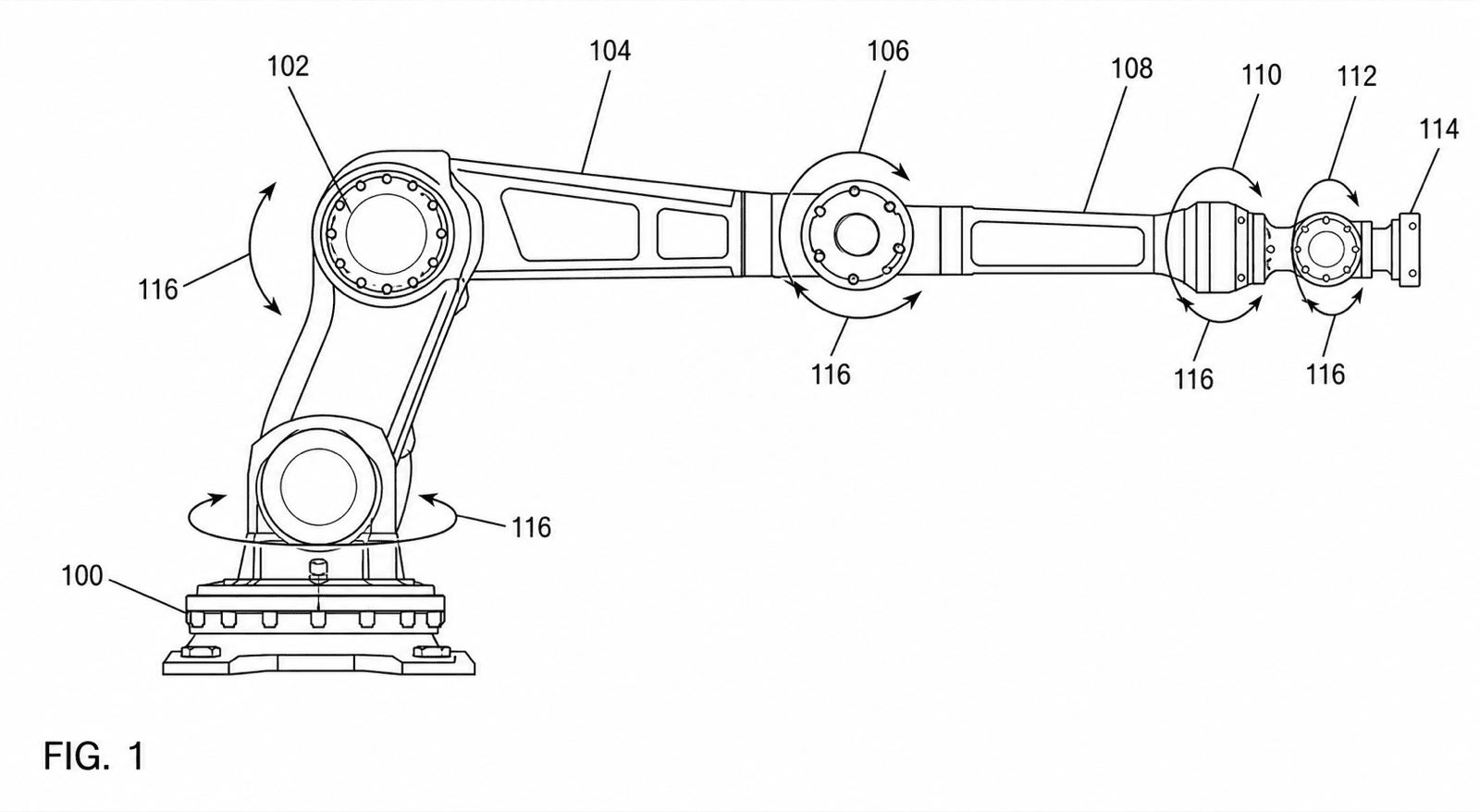
Robotics
Joints, motion ranges, multi-state figures, and control-system diagrams.
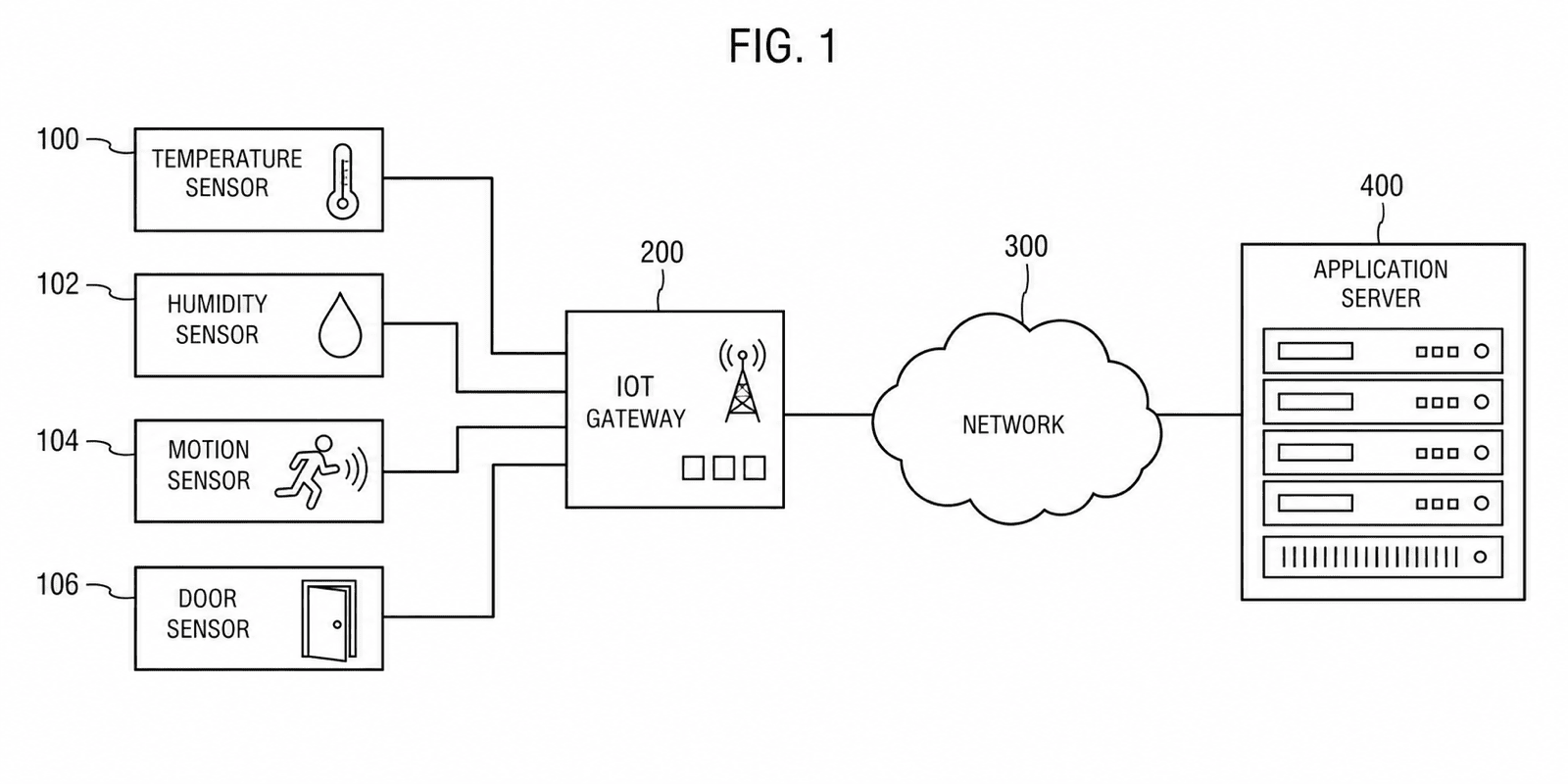
IoT & connected devices
Device-gateway-cloud topologies, node teardowns, and protocol flows.
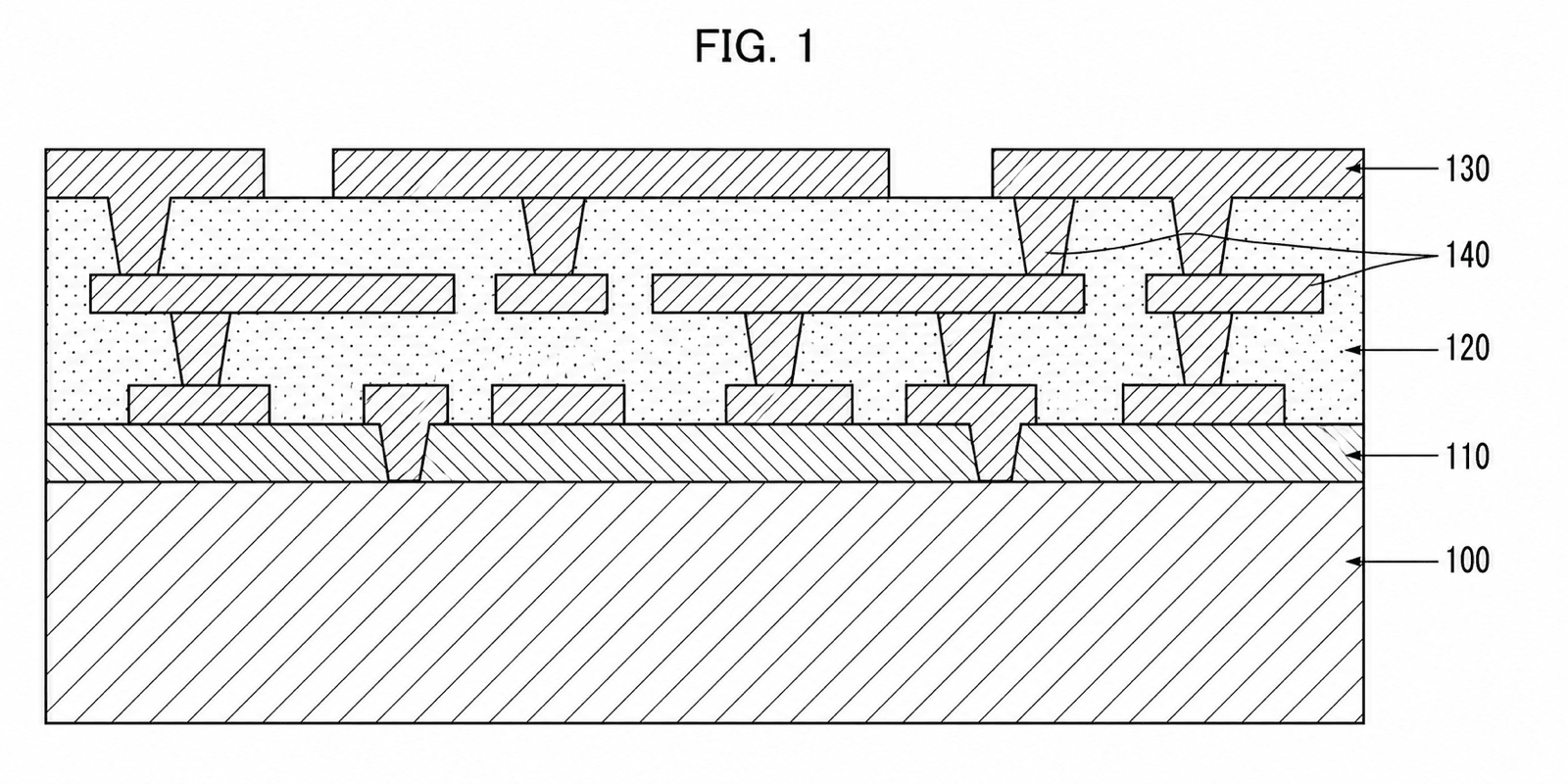
Semiconductor
Layered cross-sections with per-material hatching and process flows.
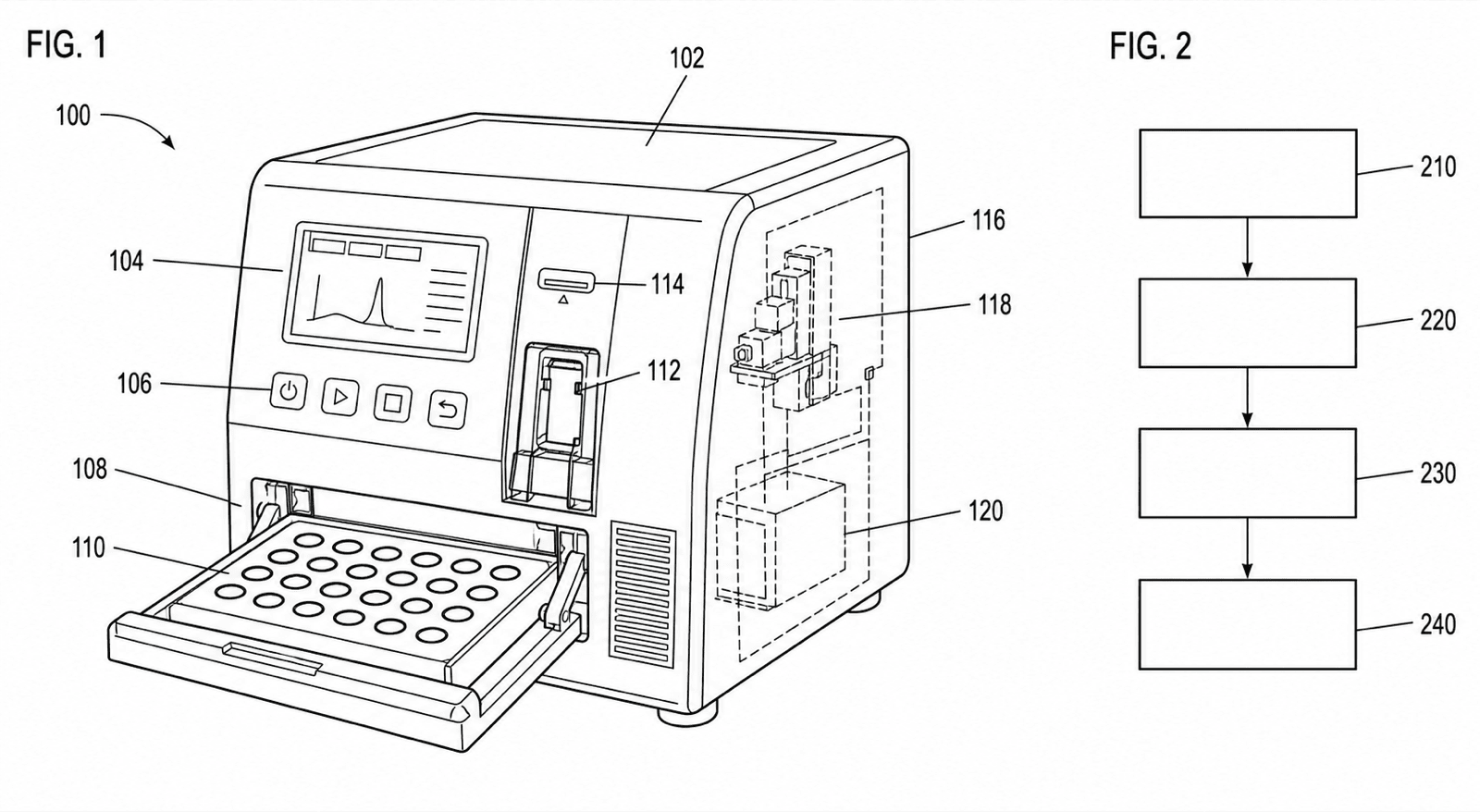
Biotech & lab devices
Microfluidics, assay flowcharts, and instrument figures.
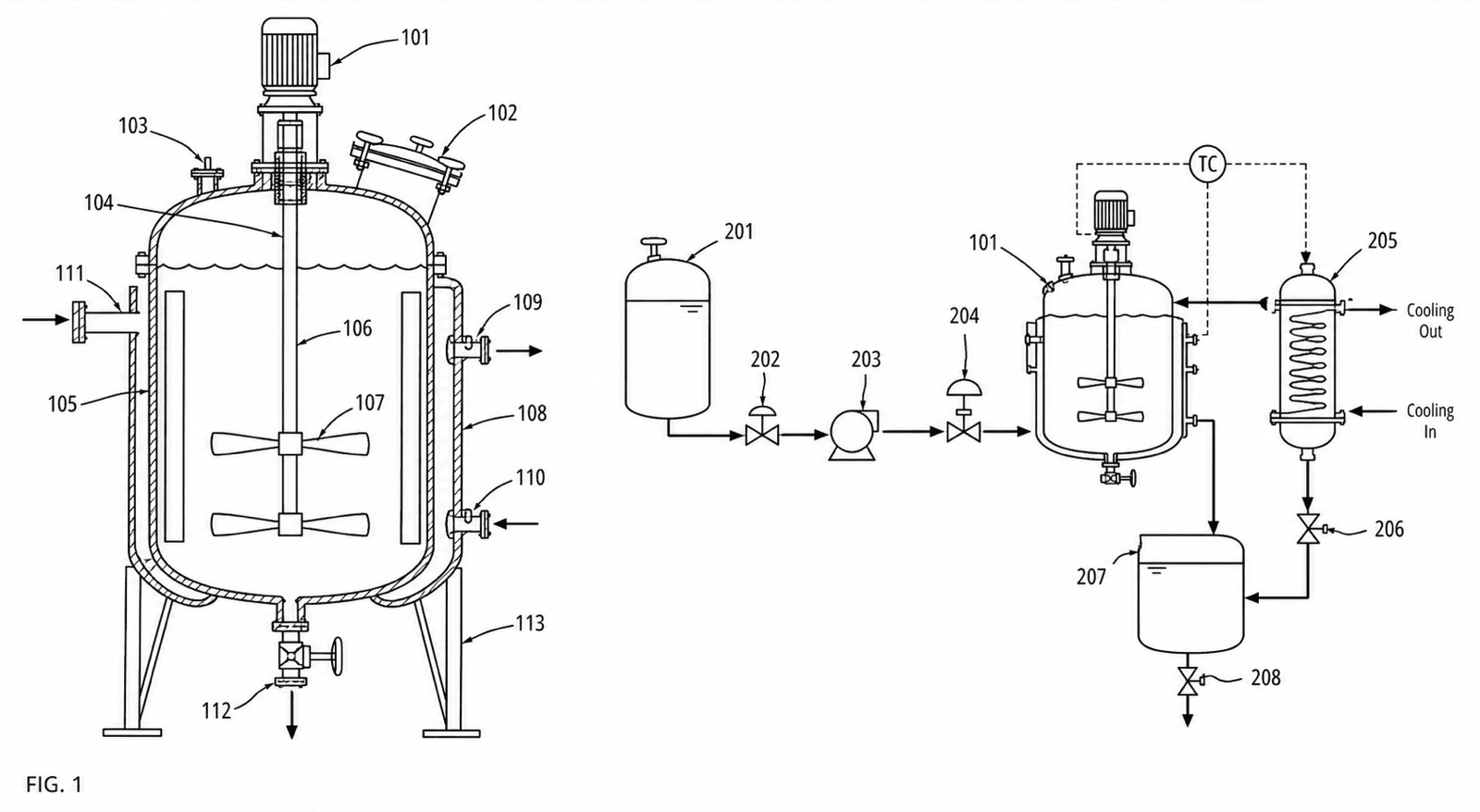
Chemical apparatus
Reactor sections, process flow diagrams, and column internals.
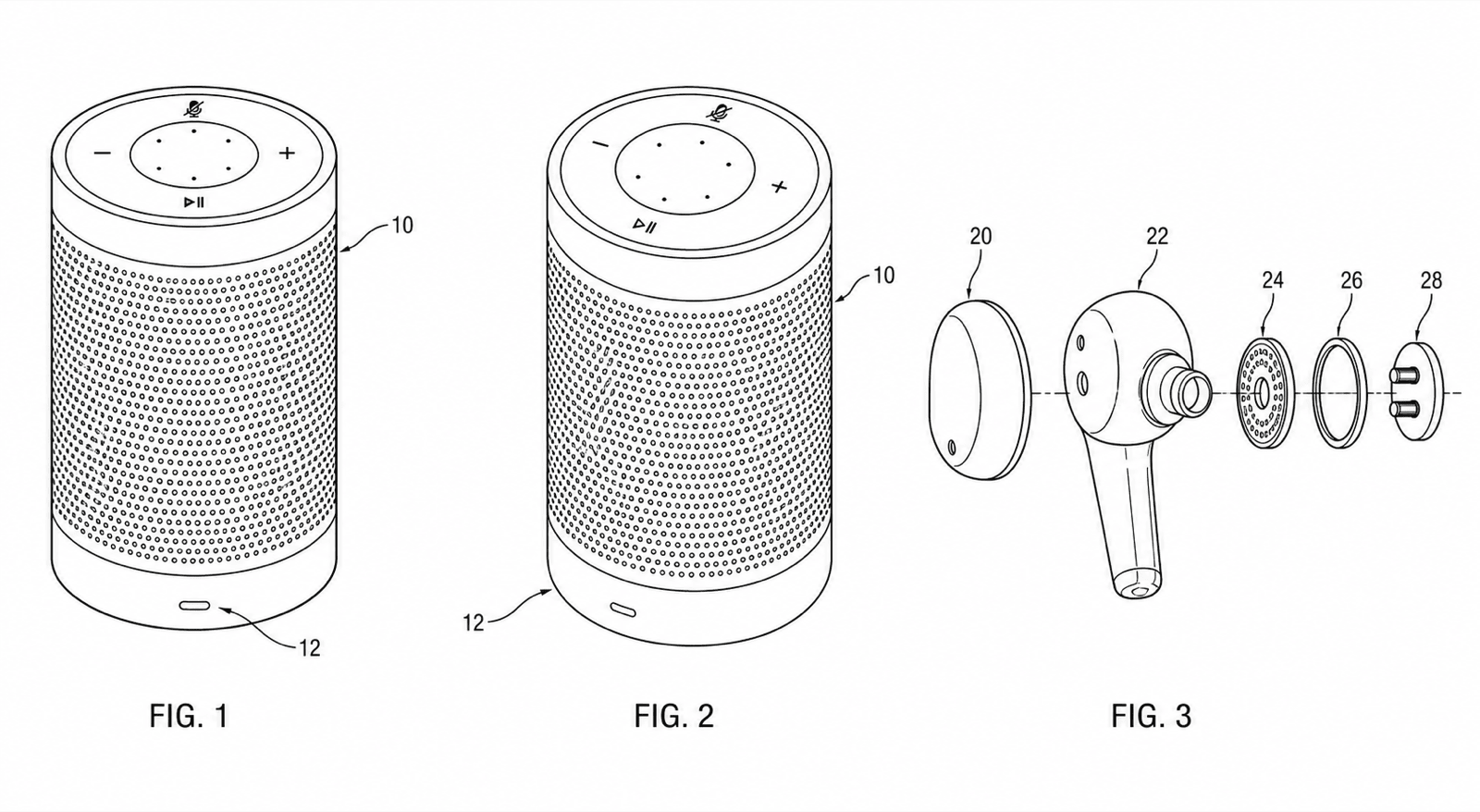
Consumer electronics
Design view sets, exploded teardowns, and system block diagrams.
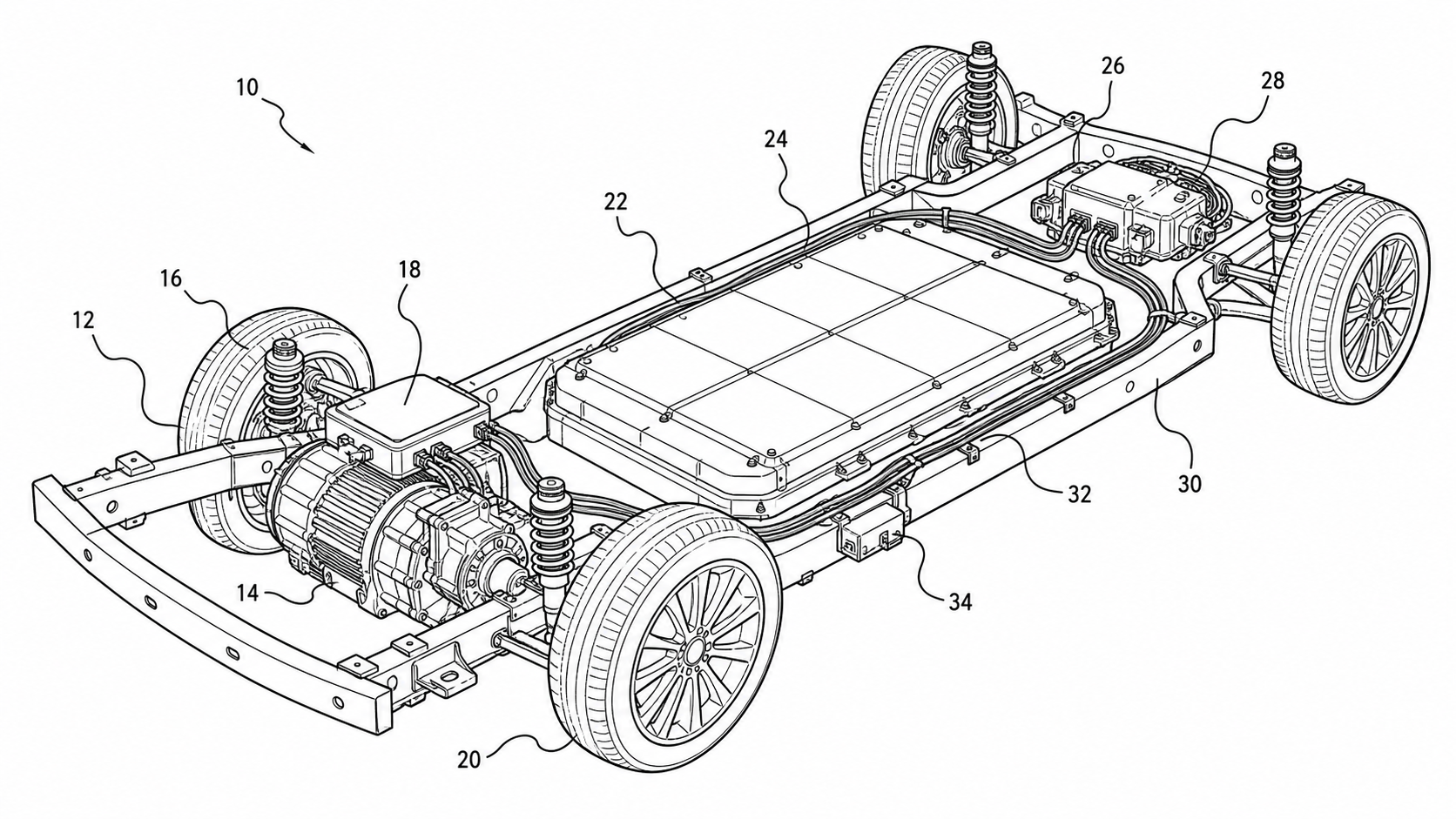
Automotive
Powertrain cross-sections, system layouts, and assembly exploded views.
Medical device drawings
Anatomically aware device figures.
Software & comparisons
Pick the right approach: software vs. illustrators vs. drawing services, compared honestly.
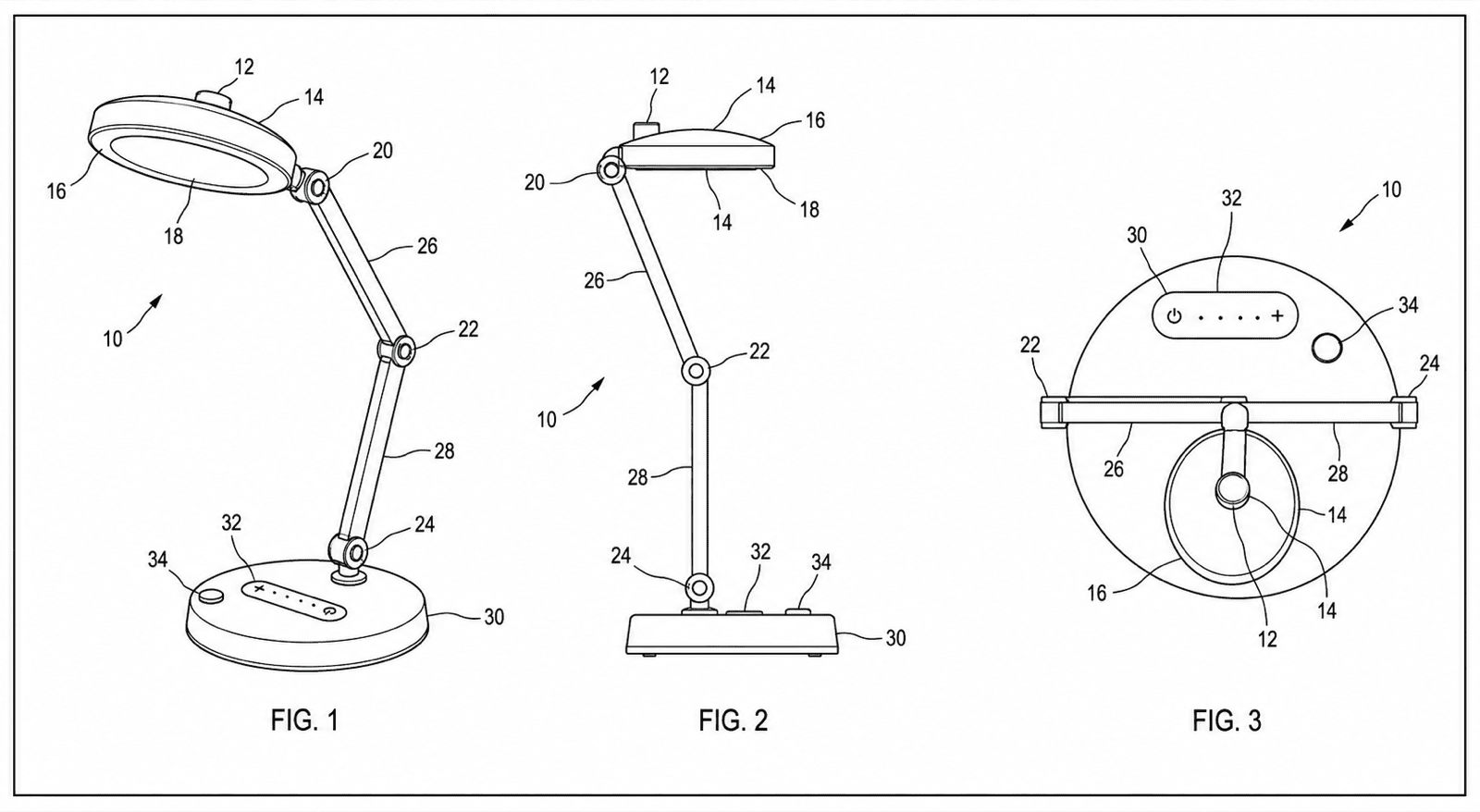
The complete workspace
Patent drawing software end to end: generate, edit, check, export.
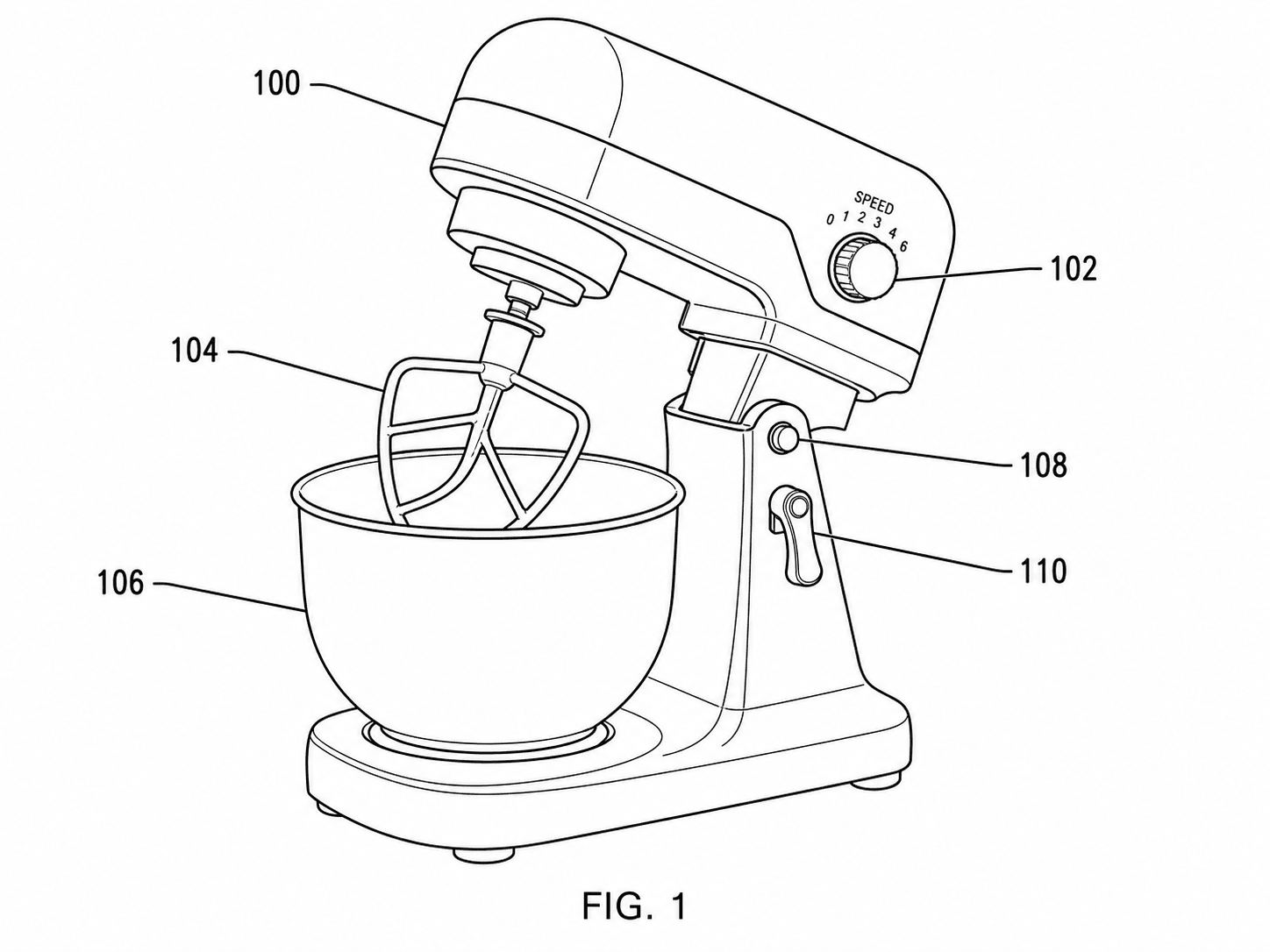
For illustration-heavy filings
When figures are most of the work: design views, medical, electrical.
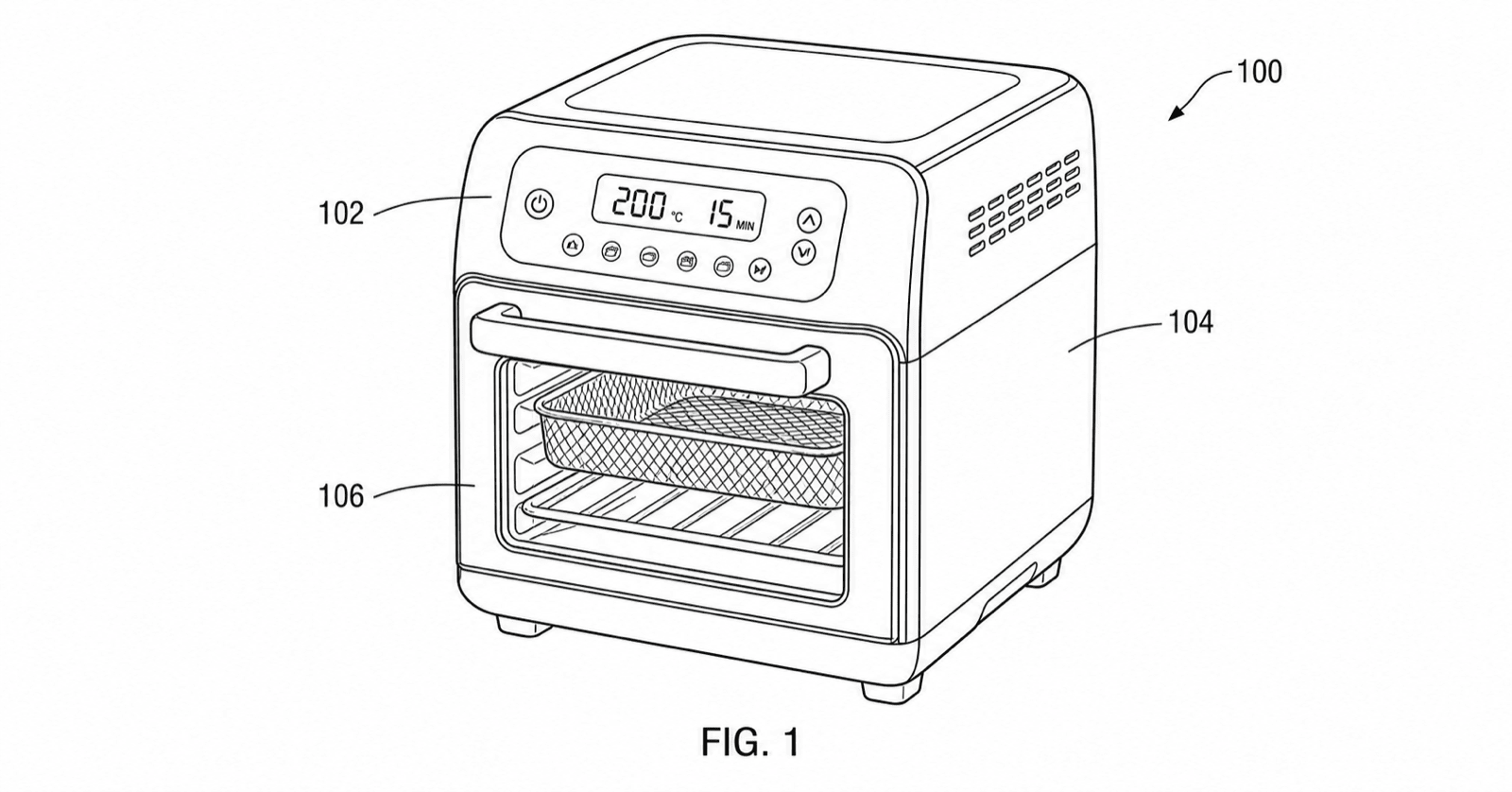
Do I still need an illustrator?
What AI patent illustration covers — and when to hire a human.
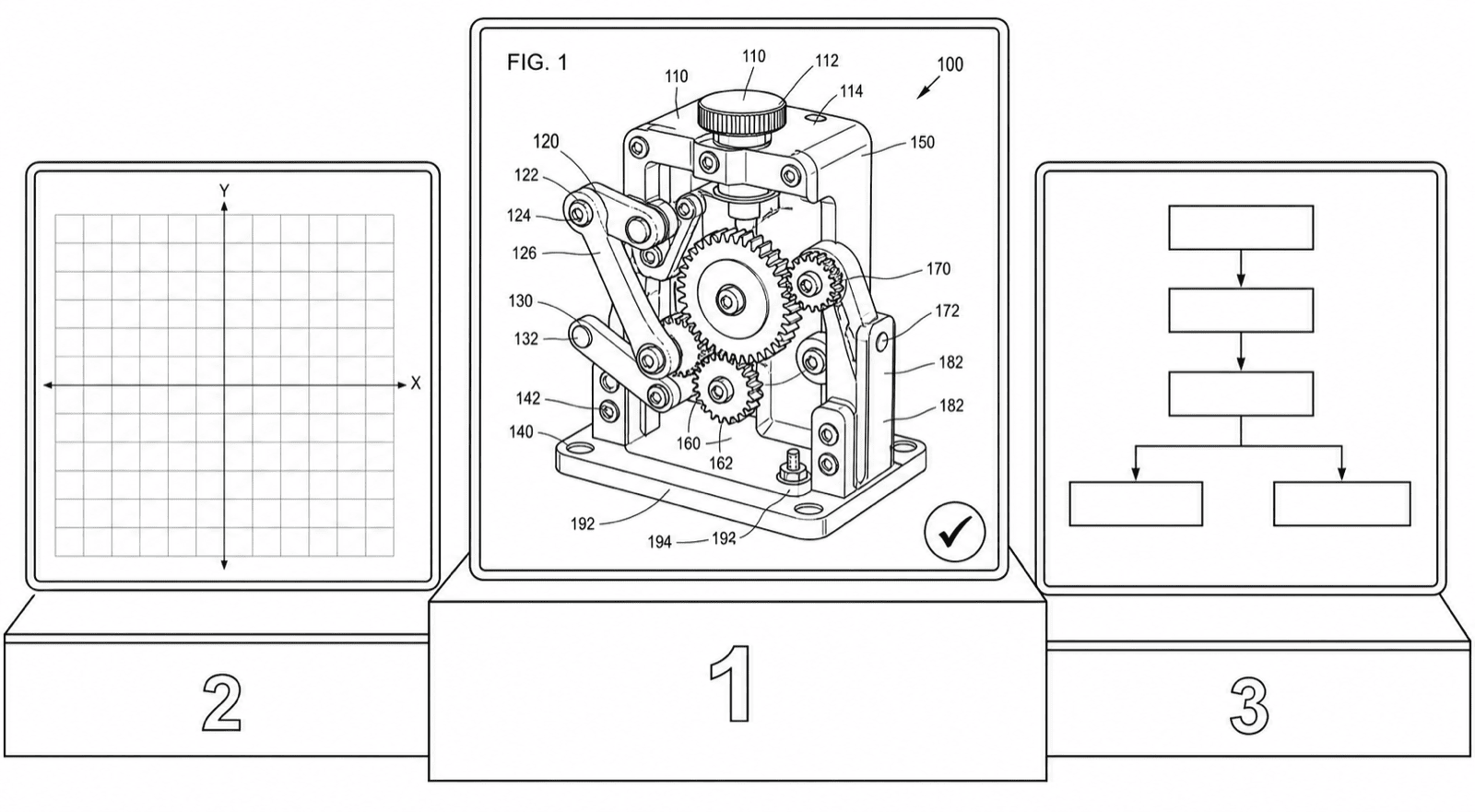
How to choose in 2026
Evaluation criteria: AI tools vs CAD vs diagram apps vs services.
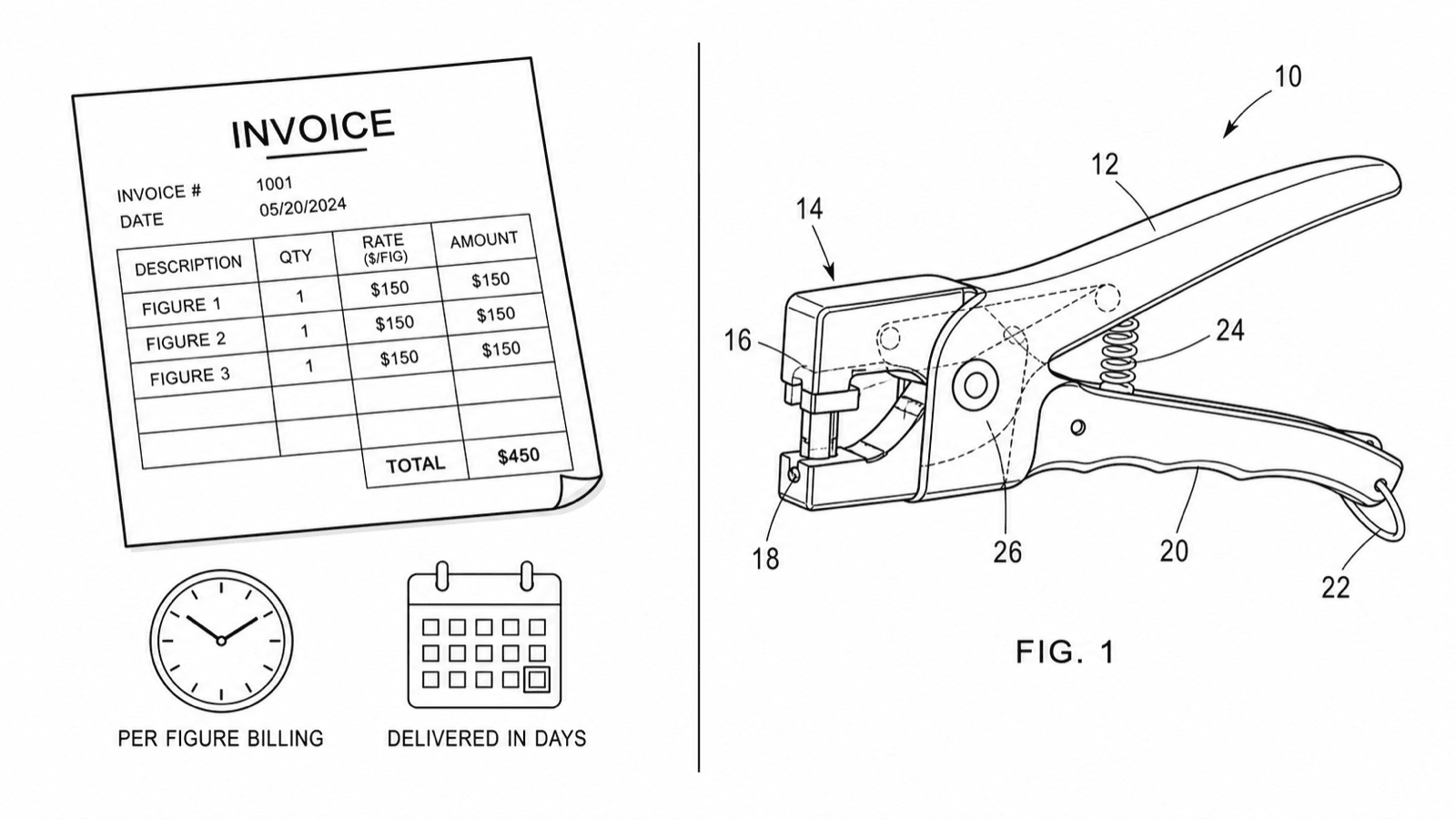
Patent drawing services
What services charge — and the software alternative.
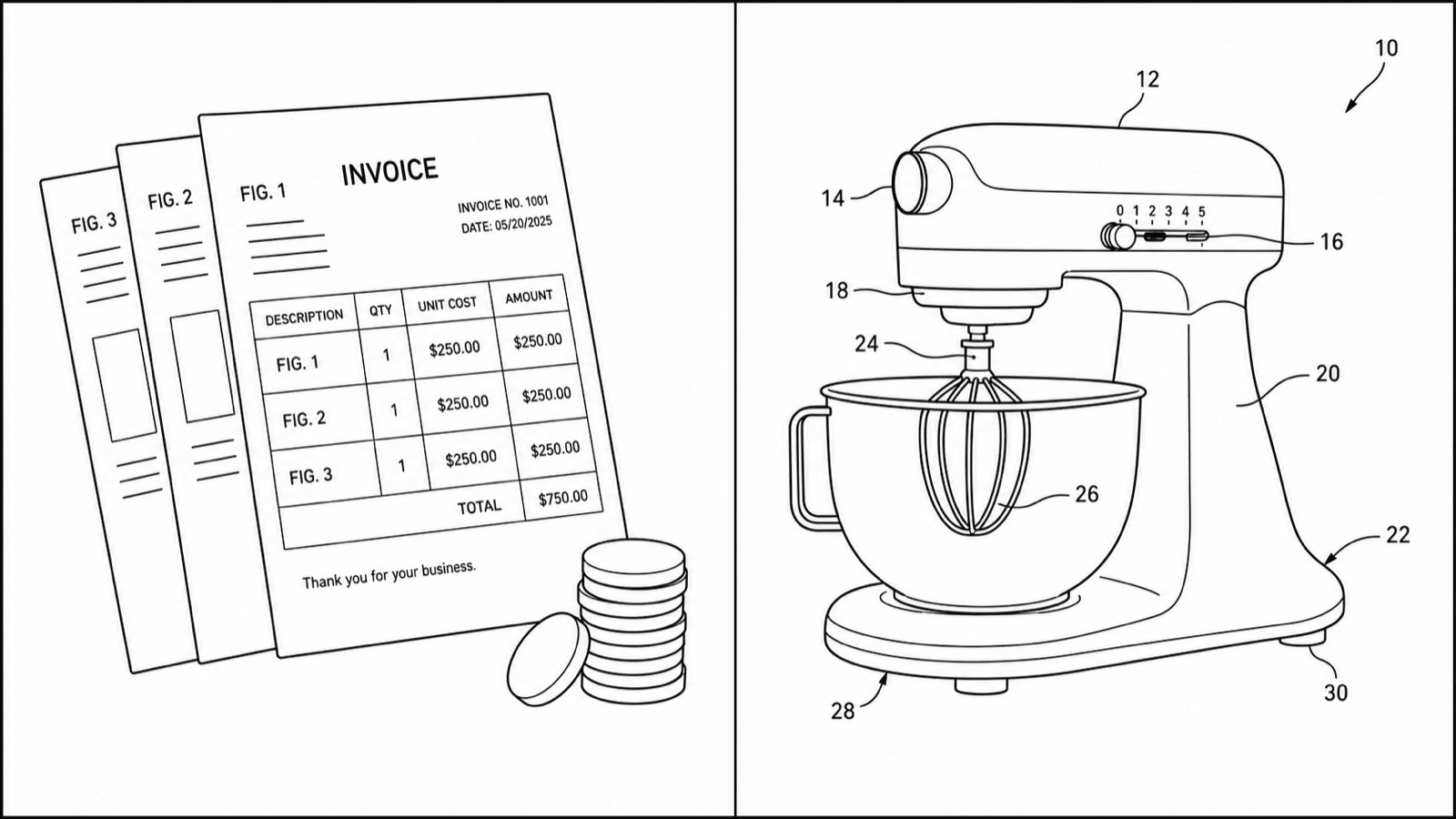
Patent drawing cost
2026 rates per figure, hidden fees, and worked examples.
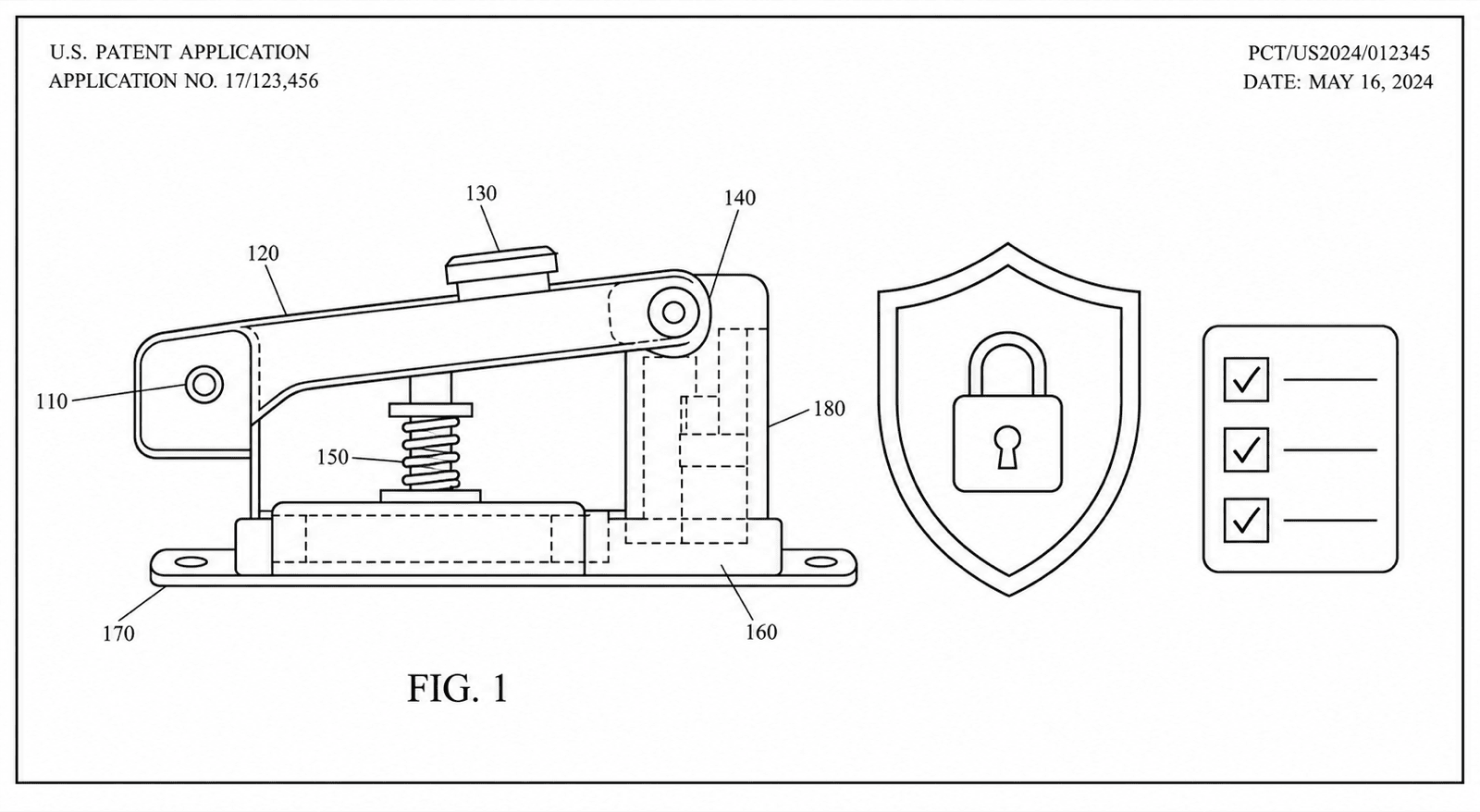
For law firms & IP teams
No-training policy, NDAs, and an in-house figure workflow.
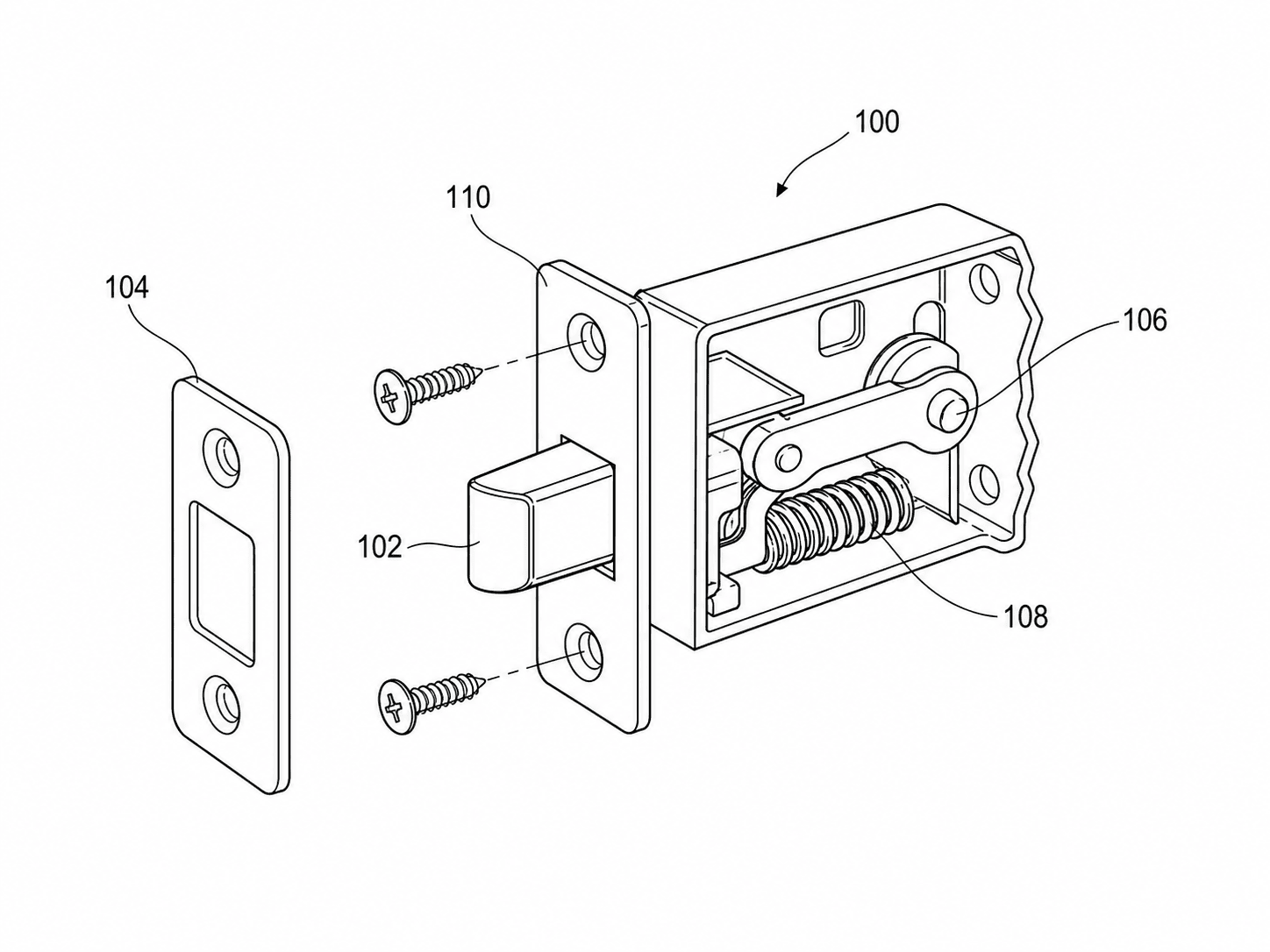
USPTO patent drawings online
Prepare USPTO-ready drawings online.
Process your figures
Upload existing figures to check compliance, convert, vectorize, or upscale.

Figure checker
Validate figures against office rules.
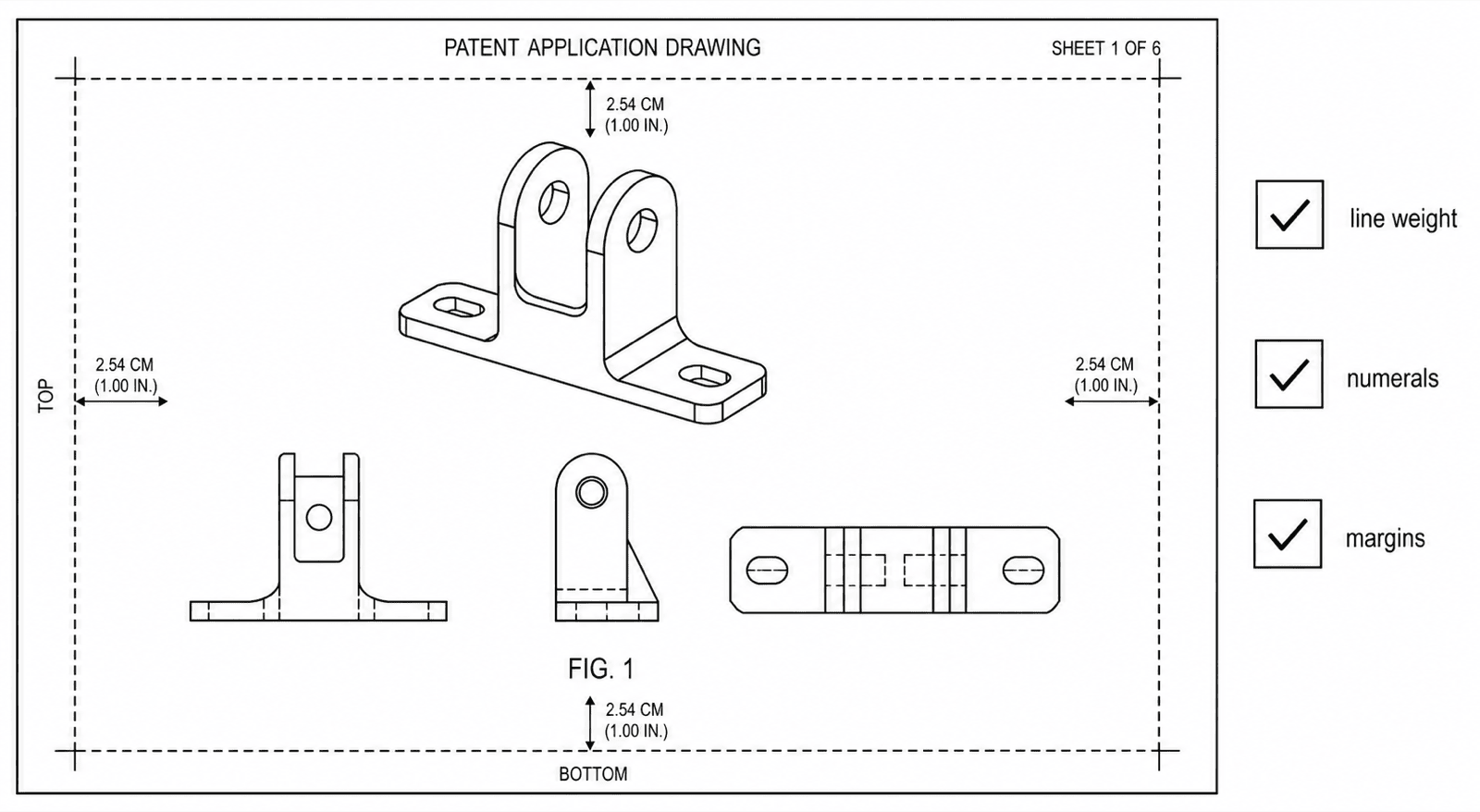
USPTO drawing checker
Check figures against USPTO requirements.
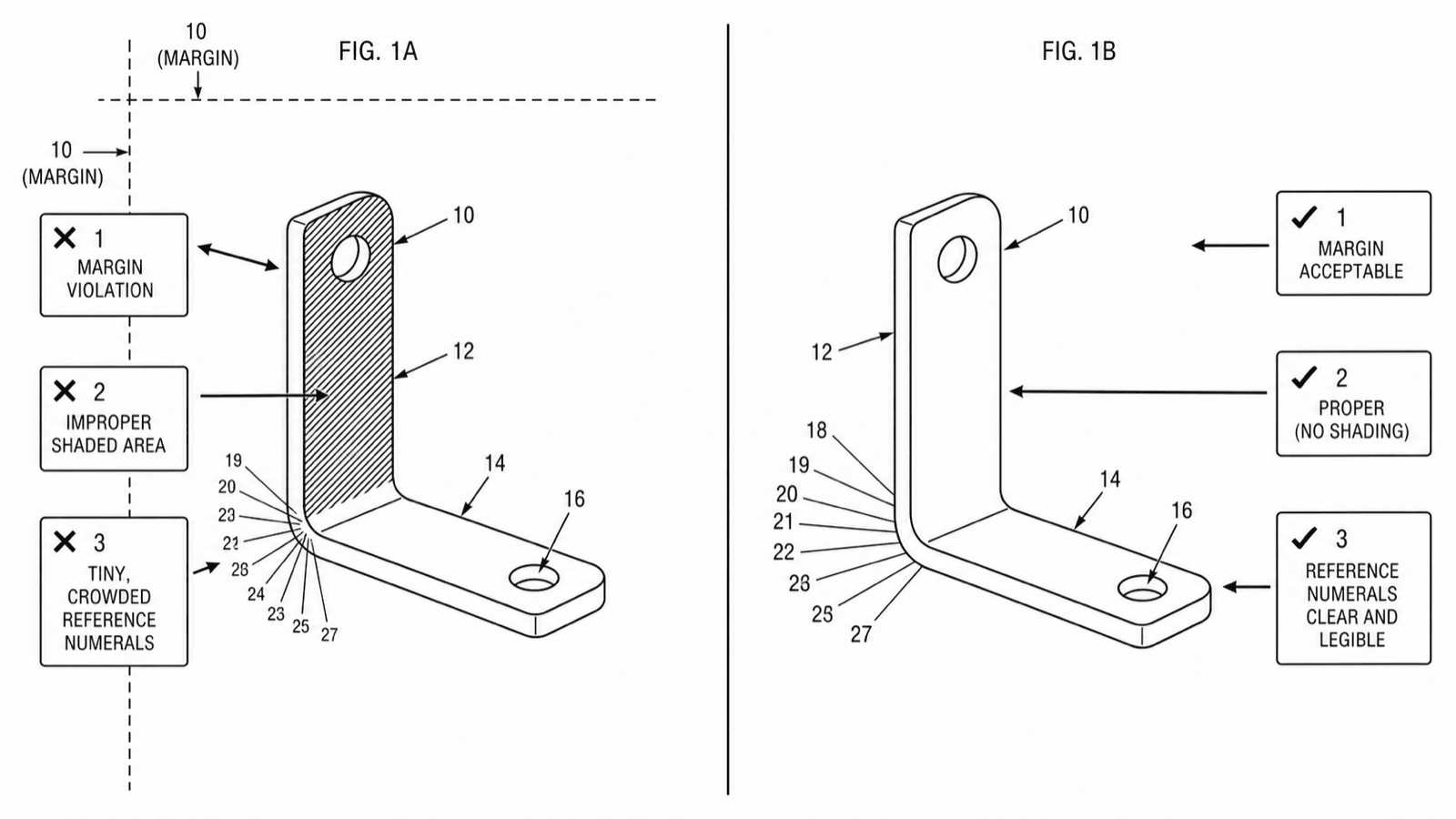
Fix a drawing rejection
Got an objection or corrected-papers notice? Diagnose and fix it today.
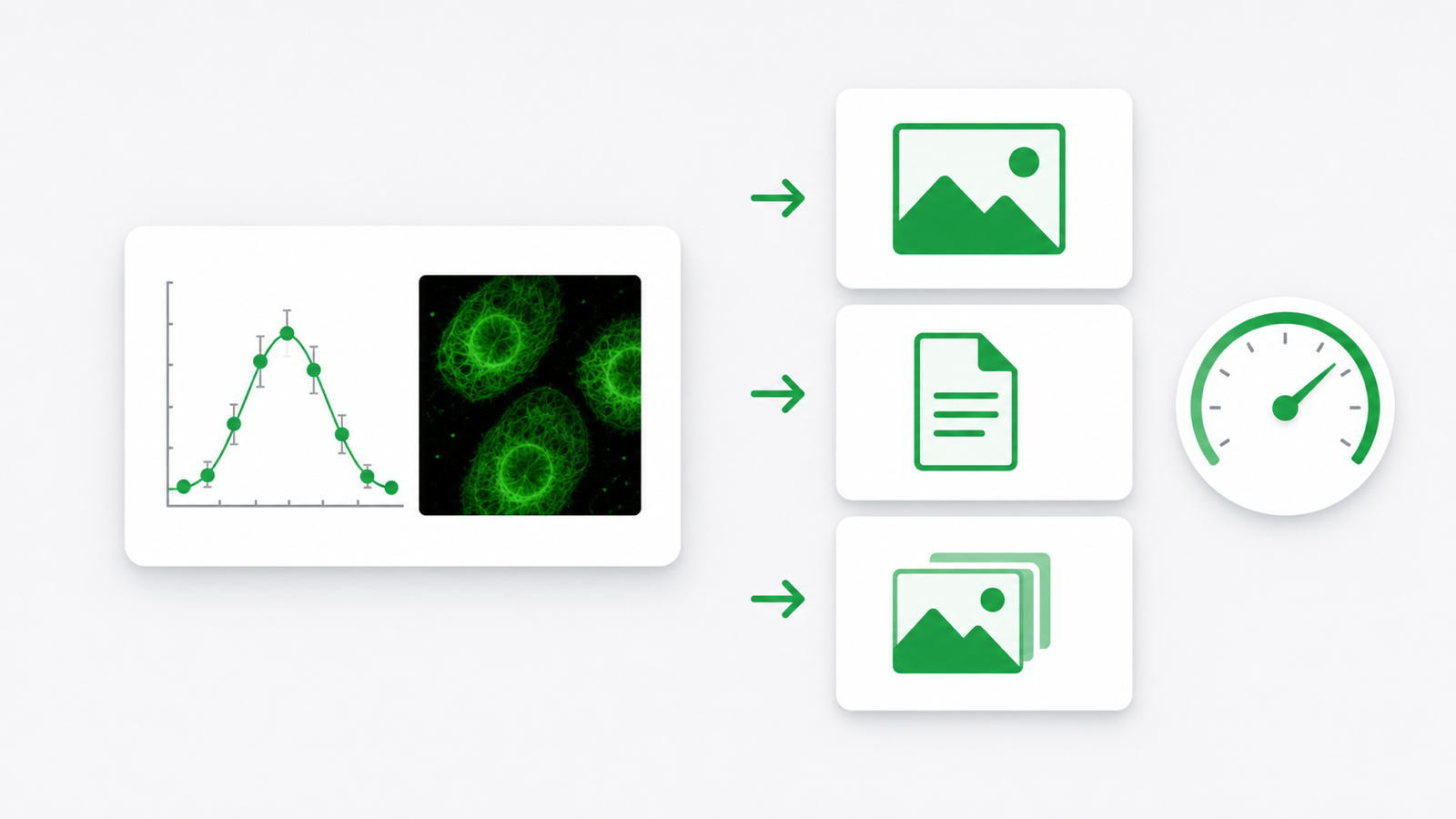
Convert
Convert figures to submission formats.
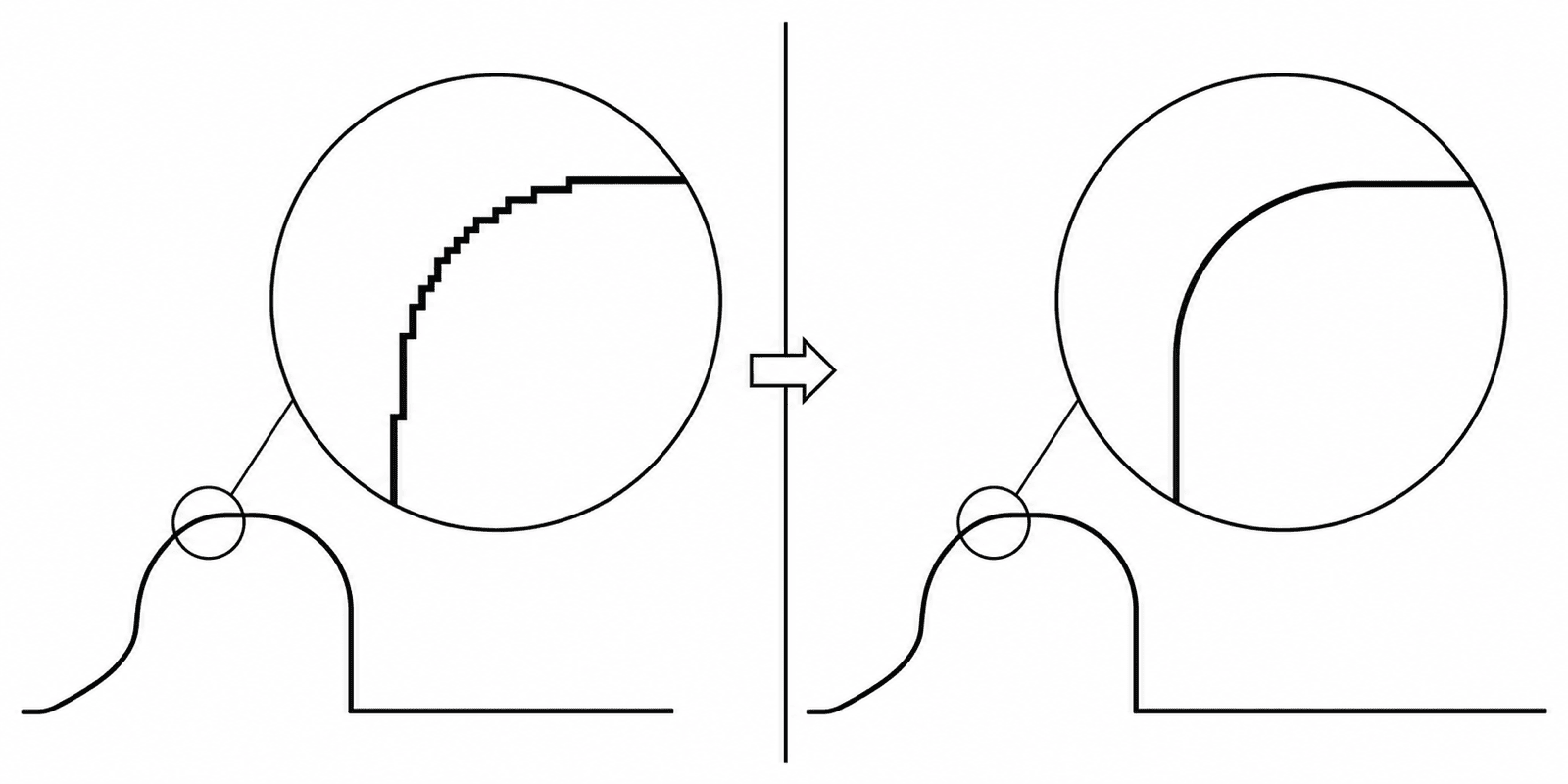
DPI enhance
Upscale images to 300/600 DPI.
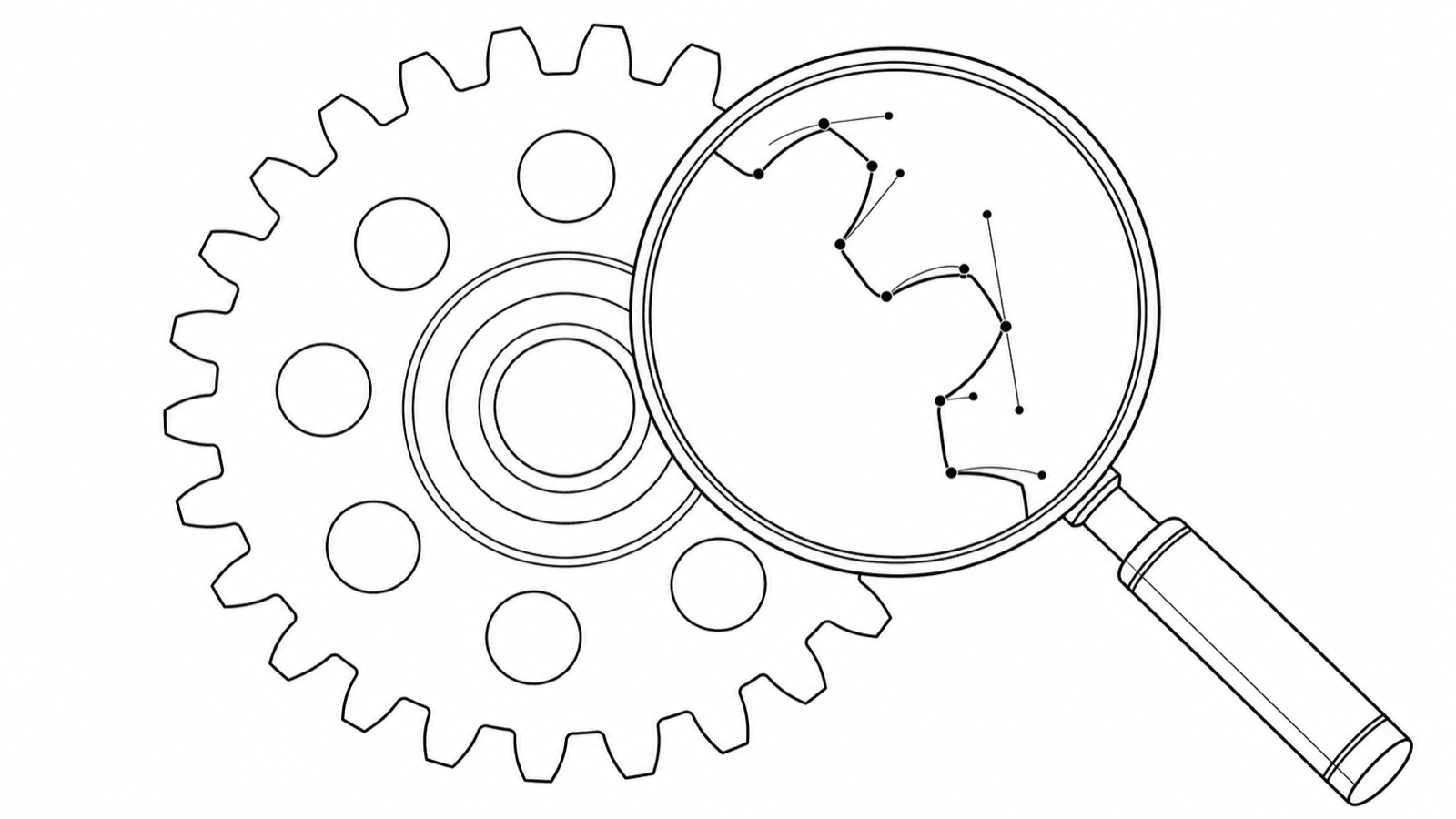
Vectorize
Convert raster figures to SVG, DXF, or PDF.
Examples & references
Sample figures and the rules behind compliant patent drawings.
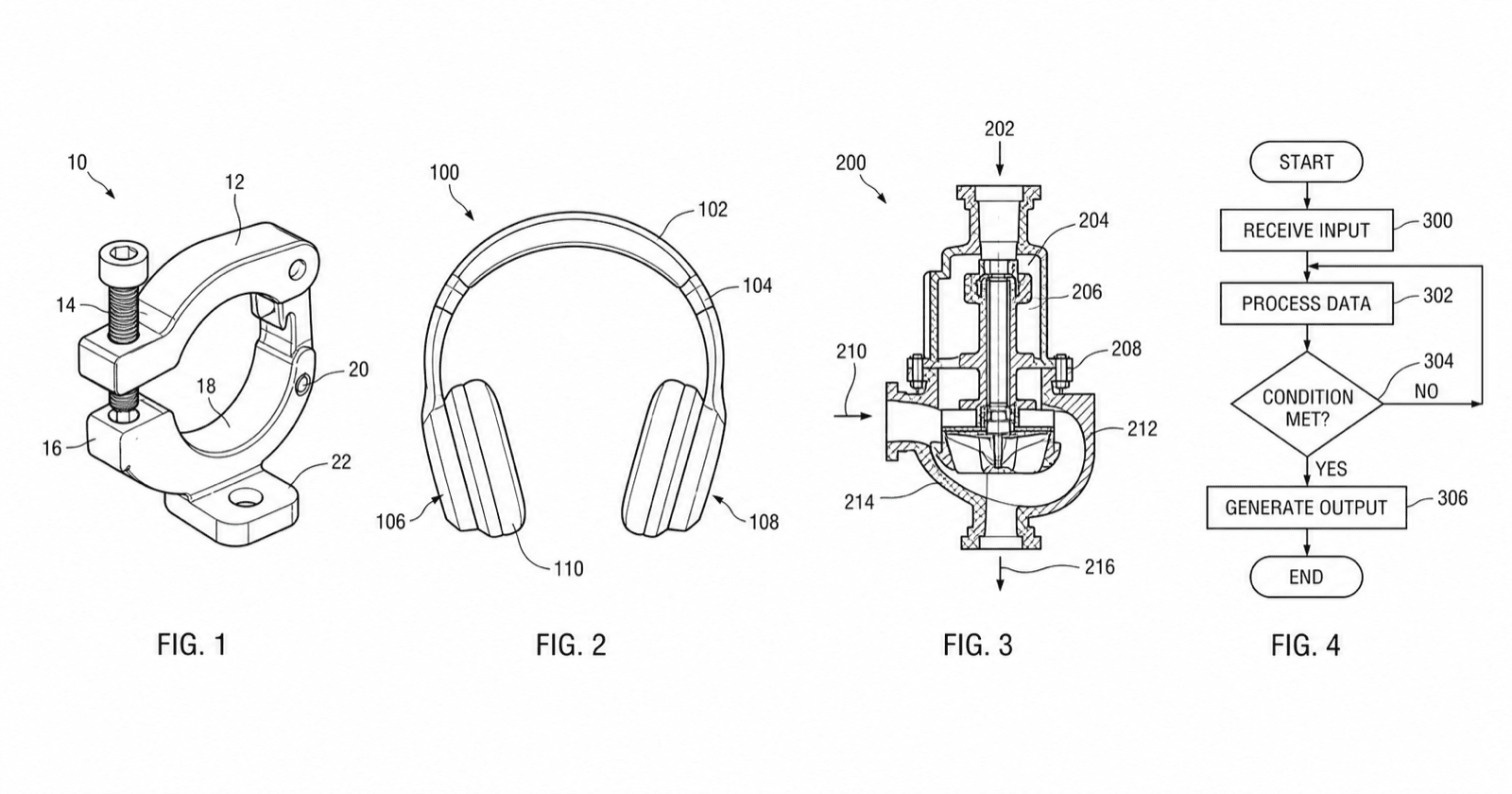
Patent drawing examples
Sample figures across every category.
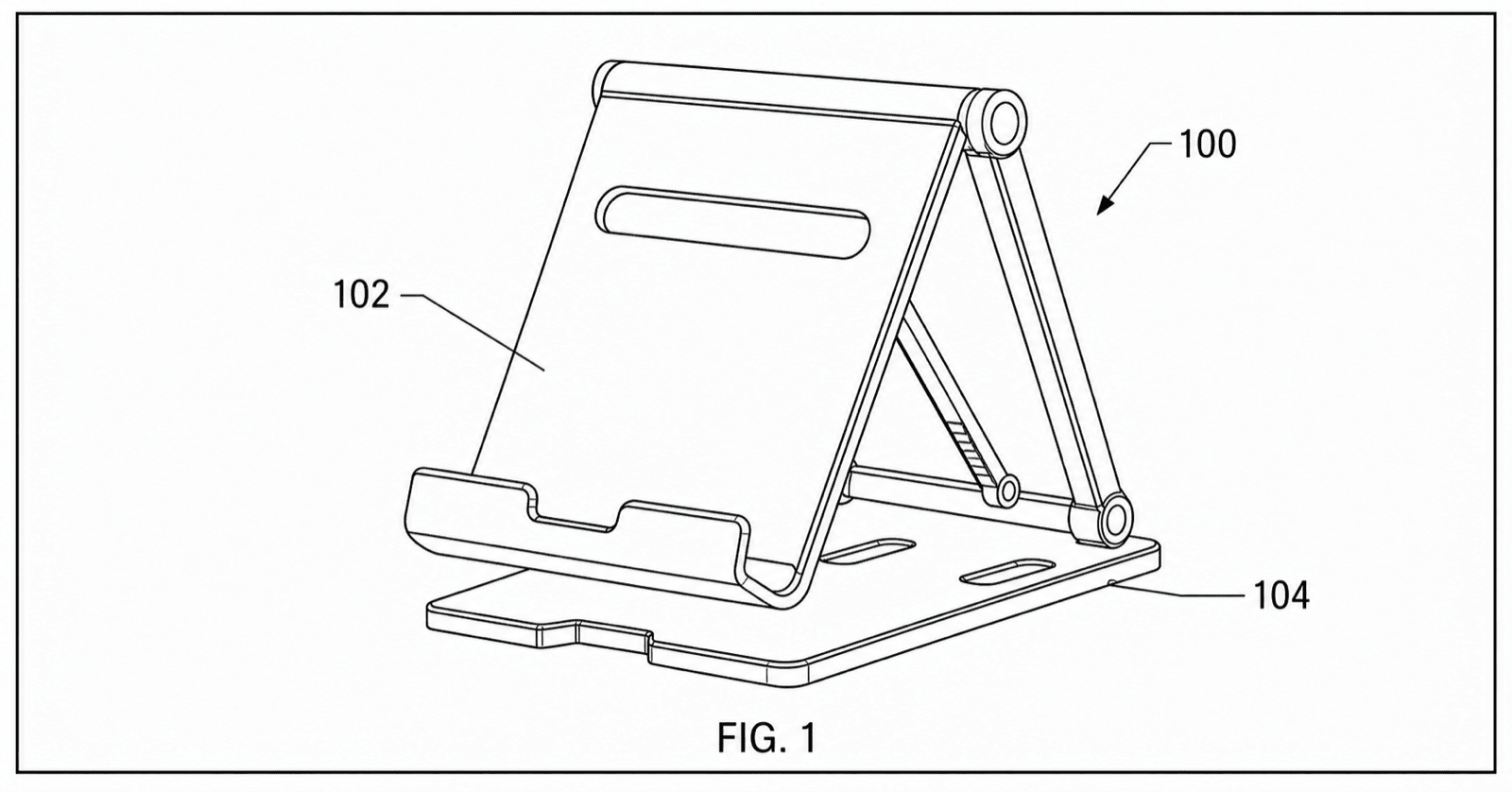
Patent drawing requirements
USPTO rules and a compliance checklist.
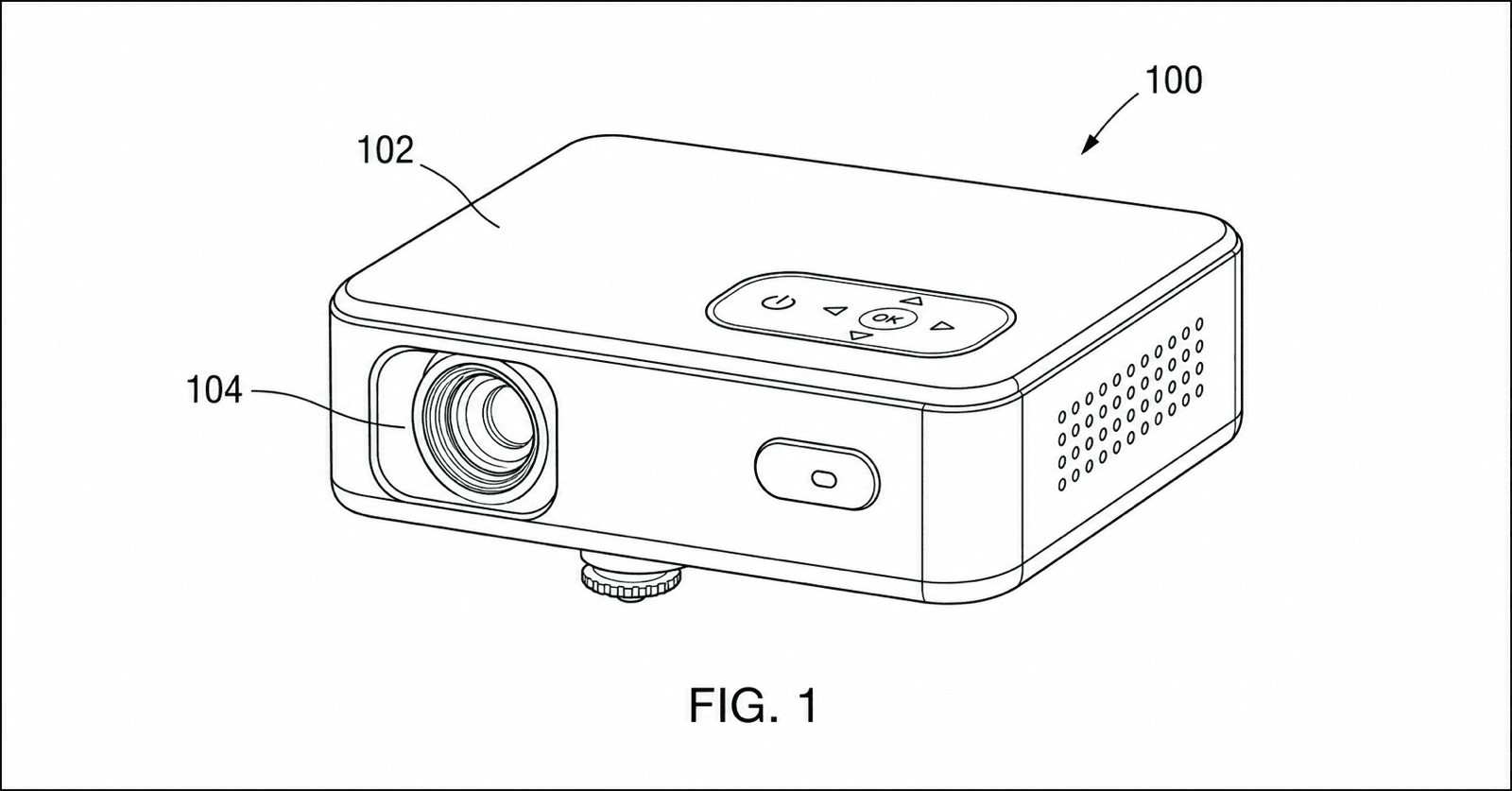
Patent figure numbering
Figure and reference-numeral conventions.
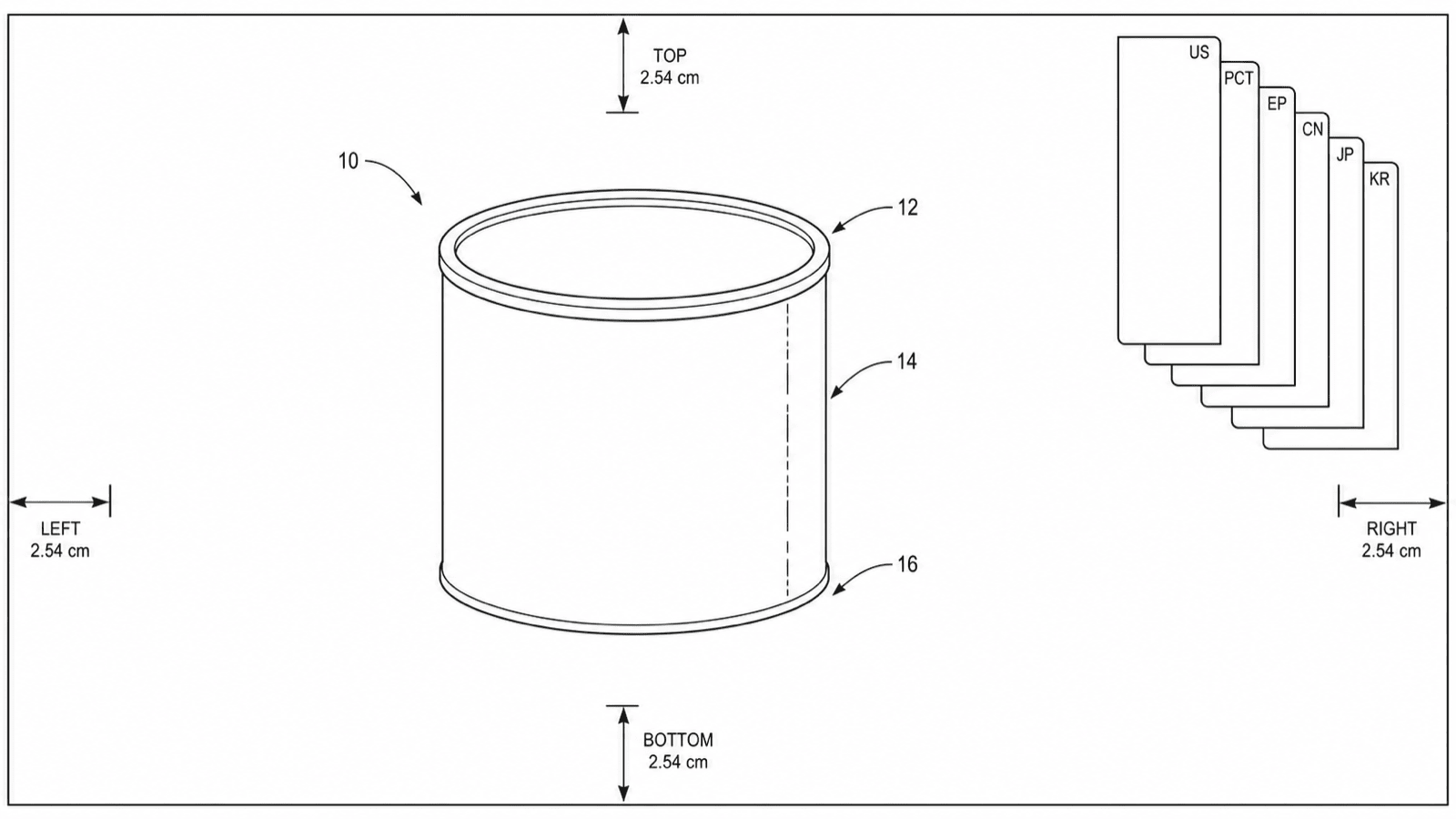
Patent drawing standards
Office-by-office drawing rules.
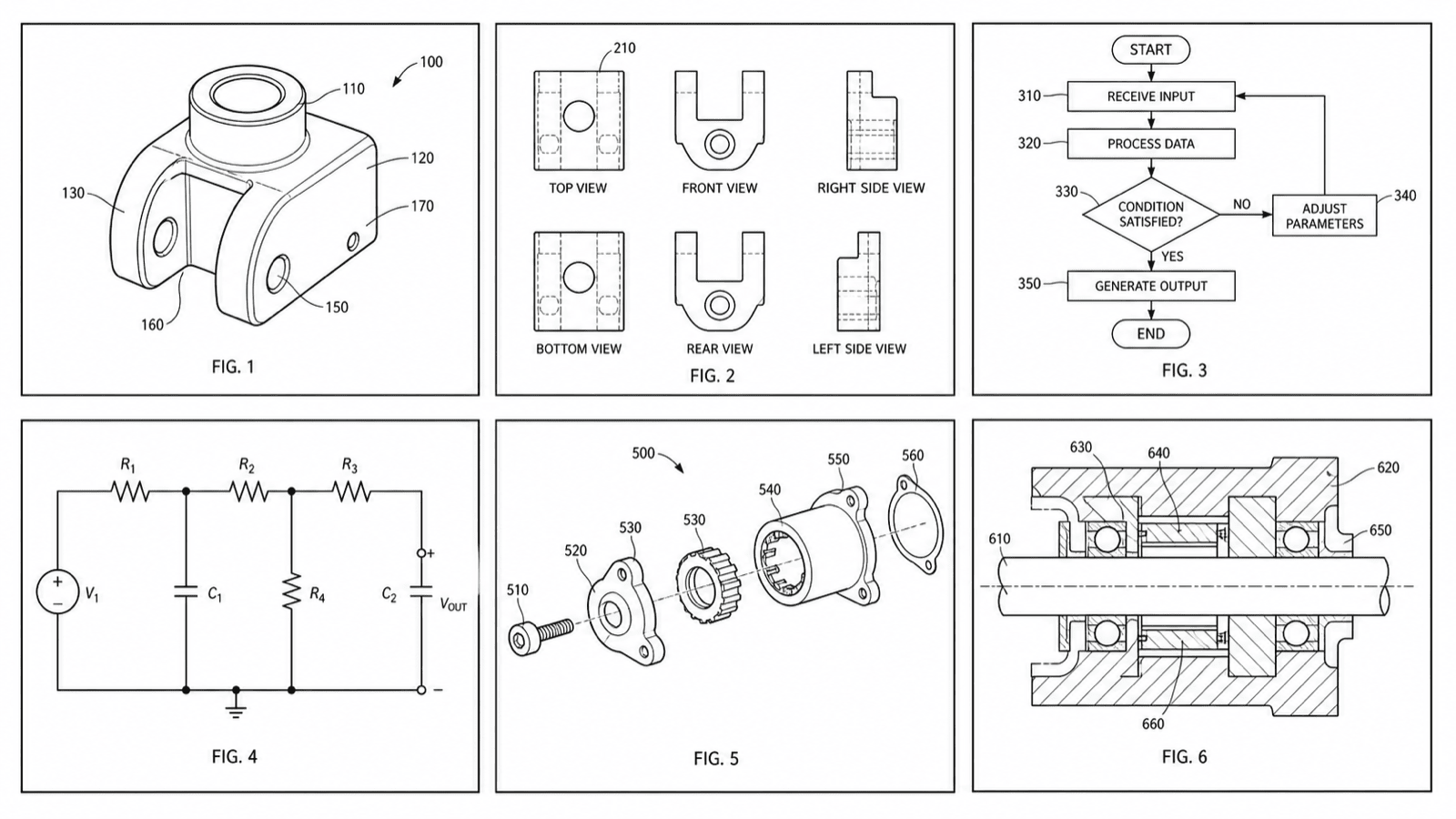
Browse by filing task
Find the right workflow for your task.
Ready to create your patent figures?
Generate a figure from a photo, sketch, or description — then check it against your patent office and export filing-ready files.