Vectorize Patent Figures
AI-powered vectorization that produces clean, stroke-based vector paths — not the double-outline artifacts from traditional tracing tools. Export as DXF, SVG, or PDF.
Upload Image
PNG, JPEG, TIFF, or WebP — max 10 MB
Drop your image here or click to browse
Single-image vectorize only
Vector Format
Choose your output format. DXF recommended for CAD editing.
DXF — CAD Exchange Format
AI-generated stroke-based paths — clean single lines ready for AutoCAD, LibreCAD, DesignCAD, or SolidWorks. No double-outline artifacts.
Conversion method
Each vectorize costs 20 credits. Sign in to get started.
FEATURES
AI-Powered Vectorization Built for Patent Drawings
Stroke-Based DXF Output
Unlike traditional tools that trace outlines and produce double-border artifacts, our AI generates true stroke-based paths — single clean lines that work natively in CAD software.
AI Vectorization
Our AI understands drawing structure and semantics, producing vector paths that match the original intent — not just tracing pixel edges.
CAD-Ready Files
DXF files open directly in AutoCAD, LibreCAD, DesignCAD, and SolidWorks with proper line weights and editable geometry.
SVG & PDF Export
High-quality SVG for web and design tools, plus vector PDF for universal sharing — all from the same AI vectorization.
Resolution Independent
Vector output scales to any size without quality loss — ideal for patent figures printed at various scales.
Fully Editable
Edit lines, labels, reference numerals, and annotations after conversion. Make last-minute changes before filing.
What the vectorizer does
The vectorizer converts raster line art — a PNG, JPG, or PDF drawing — into editable vector files: SVG for design tools, stroke-based DXF for CAD software, and vector PDF for filing bundles. It traces centerlines rather than outlines, so a drawn stroke becomes one clean editable path instead of the double-outline artifact most auto-tracers produce. It is built for black-and-white line drawings, not photographs.
Before and after vectorization
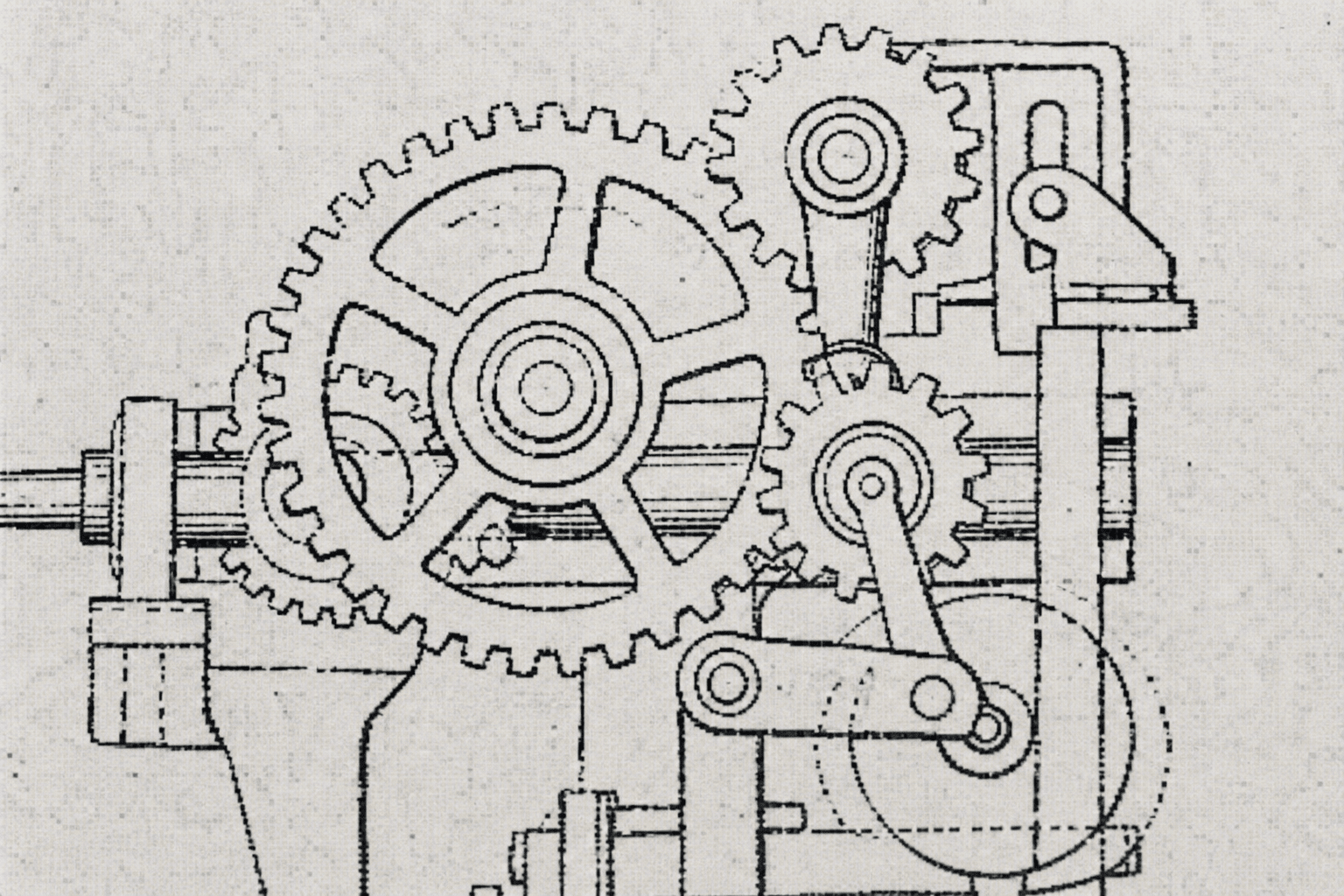
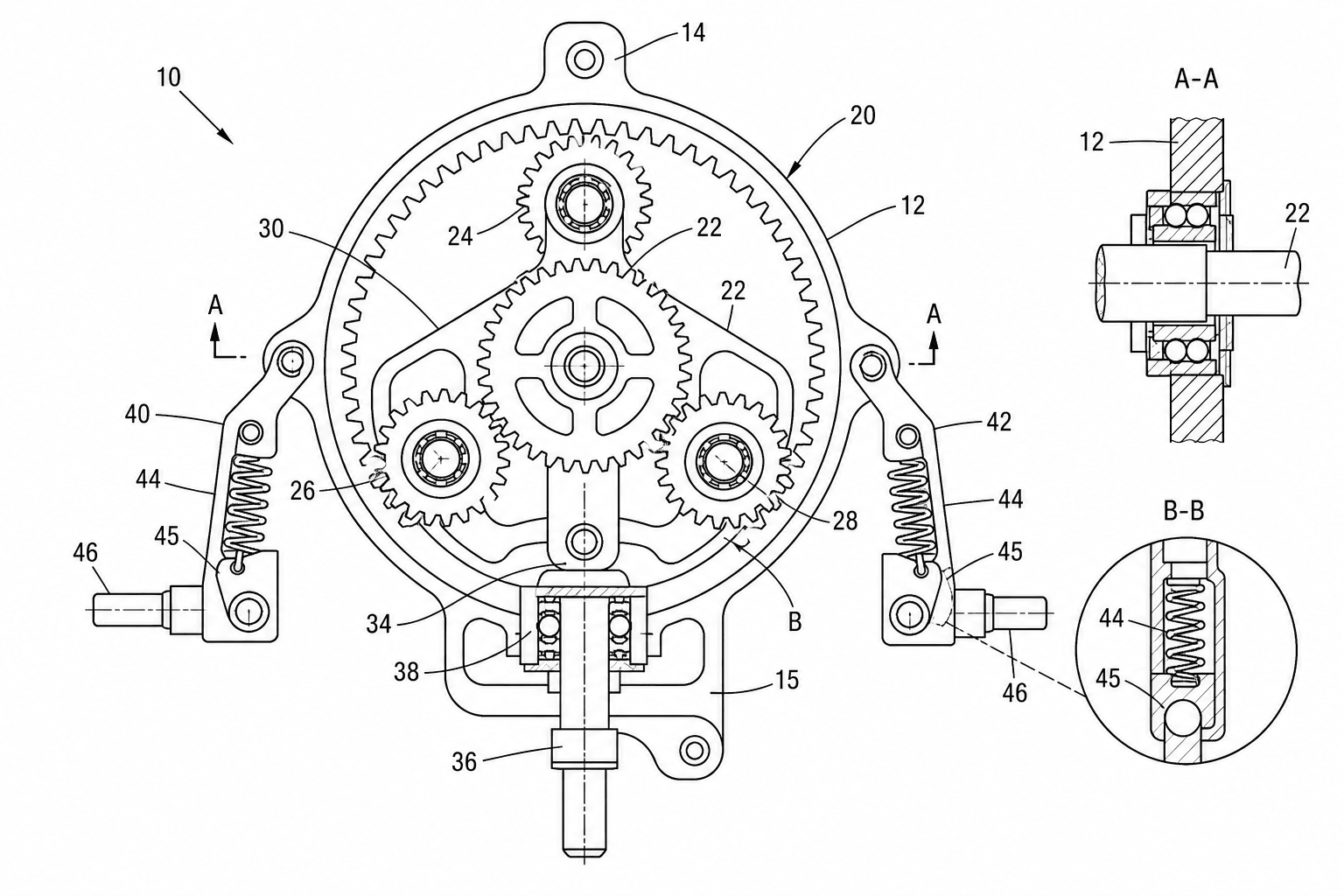
What vectorizes well — and what does not
Vectorization quality depends entirely on the input. As a rule: clean black-on-white line work converts well; continuous-tone images do not.
| Input type | Suitable? | Recommendation |
|---|---|---|
| Black-and-white patent line drawings | Yes | Best case — export SVG, DXF, or vector PDF directly |
| Scanned ink drawings and inked sketches | Yes | Works well if the scan is high-contrast; run Enhance first on faint scans |
| Flowcharts, block diagrams, CAD screenshots | Yes | Straight edges and text trace cleanly; DXF output reopens in CAD tools |
| Photographs of products or prototypes | No | Convert the photo to patent line art in the generator first, then vectorize |
| Shaded 3D renders and grayscale images | No | Continuous tones have no line paths to trace; generate line art from the render instead |
Related tools
Figure checker
Validate figures against office rules.
Fix a drawing rejection
Got an objection or corrected-papers notice? Diagnose and fix it today.
Convert
Convert figures to submission formats.
DPI enhance
Upscale images to 300/600 DPI.
Generate from a description
Type what your invention does — get numbered patent line art.
All patent tools
Browse every PatentFig AI tool in one place.