Patent Figure Checker
Check your patent drawings against USPTO or CNIPA formal requirements before filing.
Upload Figure
PNG, JPEG, TIFF, or WebP — max 10 MB
Drop your figure here or click to browse
Supports PNG, JPEG, TIFF, and WebP
Check Settings
Select the patent office and type to apply the correct rules.
Each check costs 20 credits. Sign in to get started.
Results
Upload a figure and click "Check Figure" to see compliance results.
DPIFormatColorTextLine Art
FEATURES
Comprehensive Patent Figure Compliance Checking
DPI & Resolution Analysis
Automatically calculates effective printable DPI based on image dimensions and detects whether figures meet the minimum 300 DPI threshold required by major patent offices.
Format Validation
Checks image format against patent office requirements. Detects alpha channels, unsupported formats, and transparency issues that could cause filing rejections.
Color & Grayscale Compliance
Analyzes color pixel ratio, detects monochrome vs color figures, and validates compliance with utility patent line-art requirements that prohibit color or grayscale.
AI-Powered Review
Uses AI vision to detect photo-like content, problematic shading, inconsistent line styles, and missing figure labels that manual inspection might miss.
Multi-Office Support
Applies office-specific rules for USPTO and CNIPA, with separate profiles for utility and design patents — covering format, color, DPI, and content requirements.
Text & Numeral Detection
Identifies figure numbers, reference numerals, and text annotations. Validates that patent drawings include proper labeling as required by patent office formal rules.
What the patent figure checker does
The patent figure checker analyzes an uploaded drawing — PNG, JPG, or PDF — against the formal drawing rules of major patent offices, including USPTO 37 CFR 1.84 and PCT Rule 11. It inspects margins, line quality, resolution, color mode, reference numerals, and sheet size, then returns an itemized report of passes and likely objections. Use it as a pre-filing review step so formatting issues are fixed before an examiner or receiving office flags them.
What a rejected figure looks like
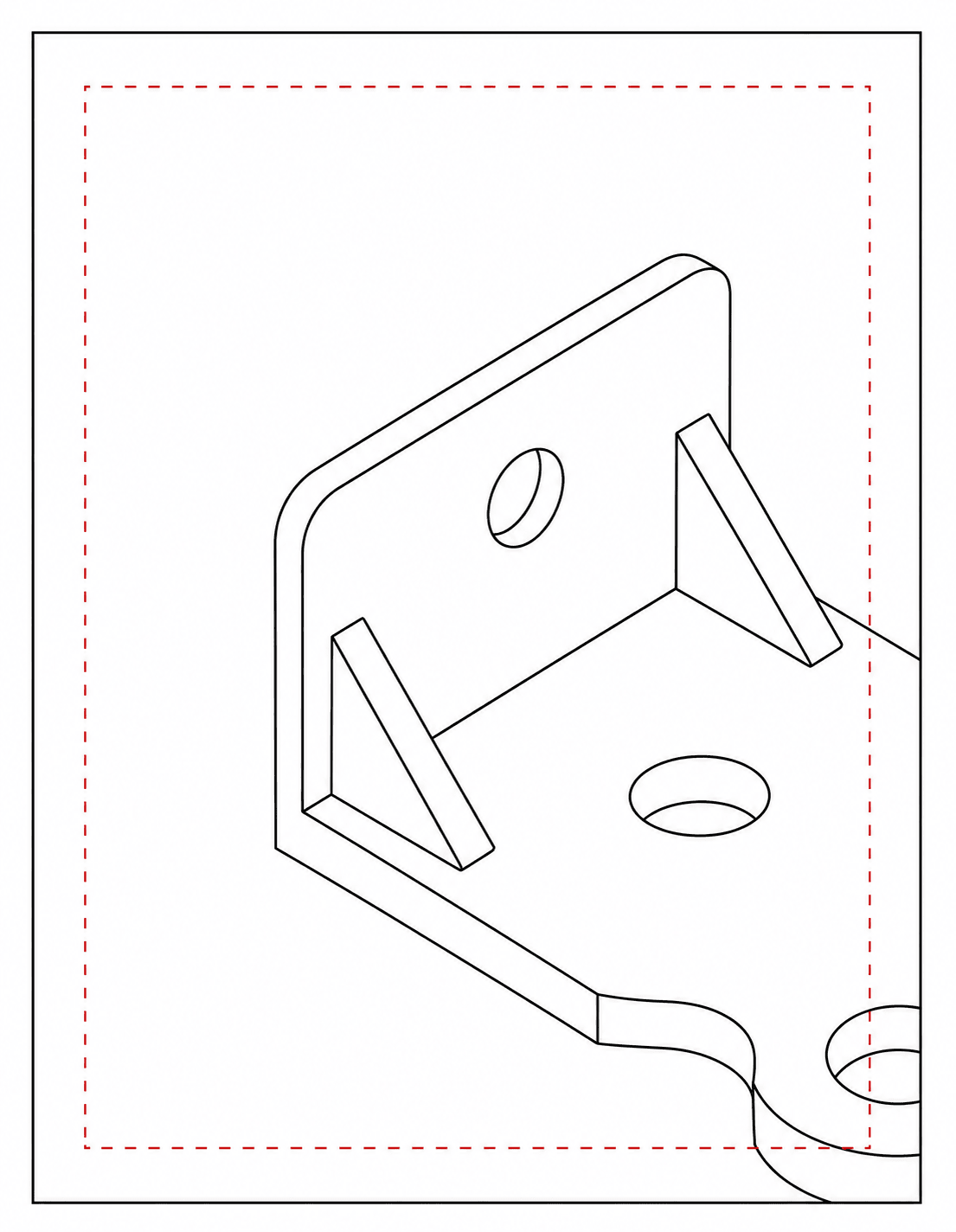
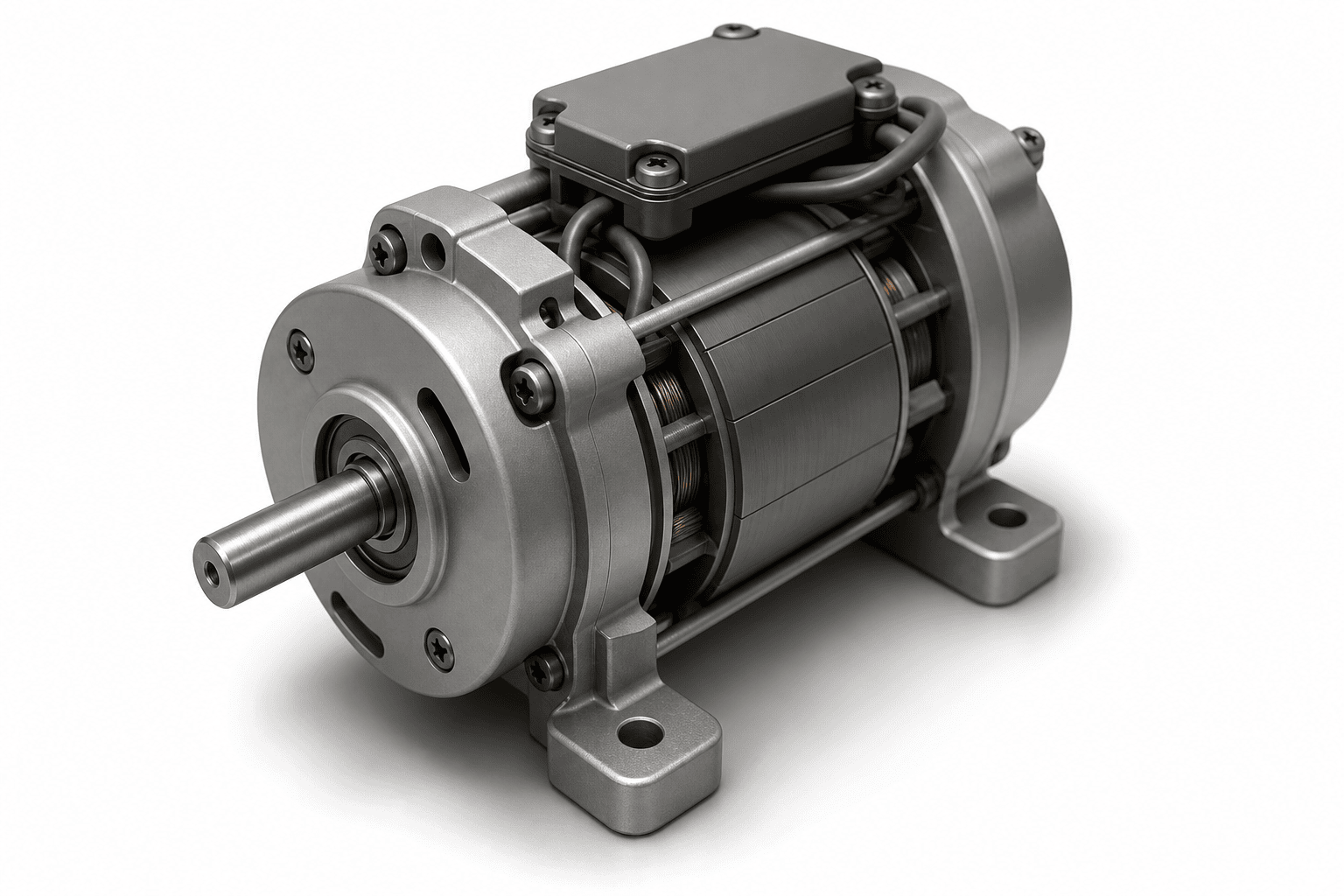
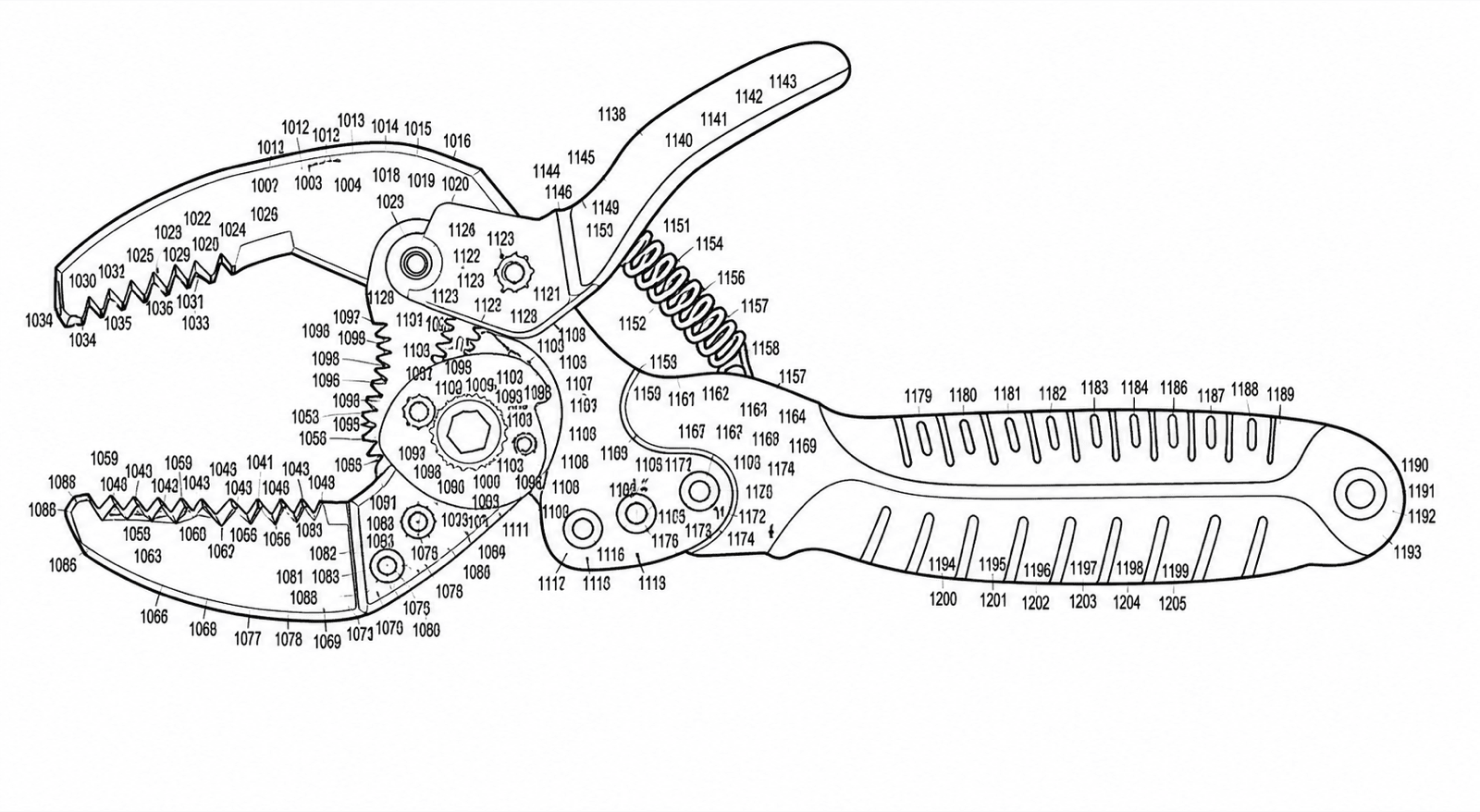
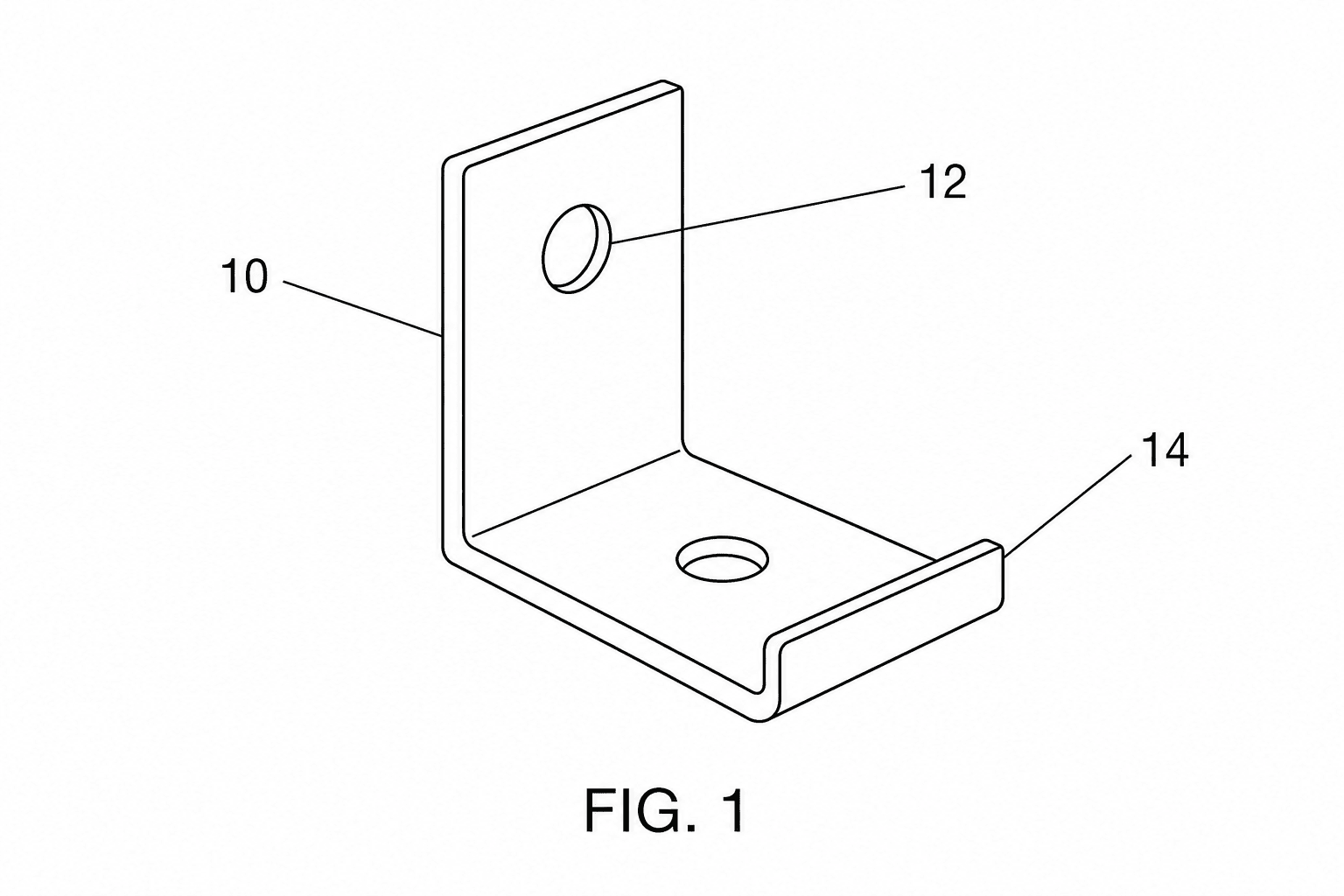
Checks the tool runs
Each upload is reviewed against office-specific thresholds. The most common checks and the rules behind them:
| Check | Threshold | Rule basis |
|---|---|---|
| Page margins | Top ≥ 2.5 cm; left 2.5 cm, right 1.5 cm, bottom 1.0 cm | USPTO 37 CFR 1.84(g); PCT Rule 11.6 |
| Line weight uniformity | Uniformly thick, well-defined, durable black lines | USPTO 37 CFR 1.84(l); PCT Rule 11.13(a) |
| Resolution | Minimum 300 DPI at final sheet size | USPTO Patent Center filing guidance |
| Color mode | Black-and-white line art; no grayscale or color without petition | USPTO 37 CFR 1.84(a)(1); PCT Rule 11.13 |
| Reference numeral height | ≥ 3.2 mm (1/8 inch) | USPTO 37 CFR 1.84(p)(3); PCT Rule 11.13(h) |
| Lead lines | Every numeral connected by a lead line that does not cross others | USPTO 37 CFR 1.84(q) |
| Sheet size | A4 (21.0 × 29.7 cm) or US Letter (21.6 × 27.9 cm) | USPTO 37 CFR 1.84(f); PCT Rule 11.5 |
Related tools
USPTO drawing checker
Check figures against USPTO requirements.
Fix a drawing rejection
Got an objection or corrected-papers notice? Diagnose and fix it today.
Convert
Convert figures to submission formats.
DPI enhance
Upscale images to 300/600 DPI.
Vectorize
Convert raster figures to SVG, DXF, or PDF.
Generate from a description
Type what your invention does — get numbered patent line art.
All patent tools
Browse every PatentFig AI tool in one place.