Patent Application Drawings
Prepare the complete drawing set your patent application needs — the right views, consistent reference numerals, and office-compliant formats — in one workspace.
- Full view set
- Consistent numerals
- Office-compliant
- Filing-ready export
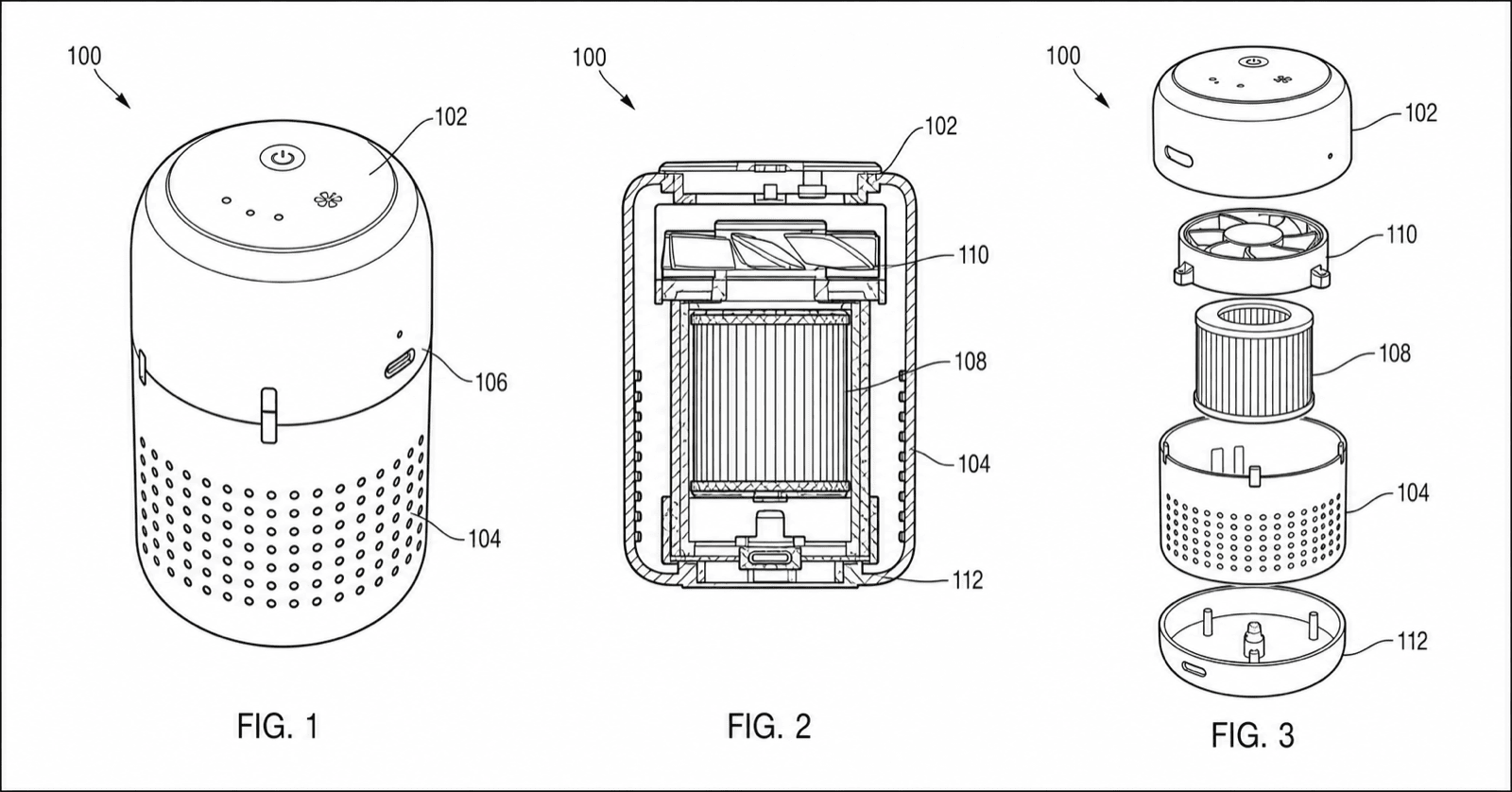
Application drawing examples
Fictional inventions shown as application-ready figures. Open one to pre-fill the generator.
How to prepare an application drawing set
From the first figure to a validated, filing-ready set.
1
Generate the core views
Produce the main figures that show how the invention works or looks.
2
Add supporting views
Include sections, exploded views, and details so nothing claimed is unshown.
3
Keep numerals consistent
Tie reference numerals to the specification and keep them consistent across views.
4
Validate and export
Check against your office, then export the set in the required format.
What a complete set includes
Cover everything the application needs to disclose.
Primary views
Perspective and orthographic views.
Sections
Cross-sections with hatching.
Exploded views
Assembly and part relationships.
Details
Enlarged callouts of key features.
Flowcharts
For method and software claims.
Consistent numerals
Tied to the specification text.
Patent application drawings
Patent application drawings FAQ
Prepare your patent application drawing set
Generate the full set, keep numerals consistent, validate, and export for filing.
Related tools and guides
Patent drawing tools
Browse every PatentFig AI generator, checker, and converter.
Patent drawing examples
Browse sample patent figures across every category.
Figure checker
Validate figures against office rules before filing.
Detailed guide
Read the related workflow article on the blog.
Patent drawing requirements
What the USPTO requires for compliant drawings.
Patent figure numbering
How to number figures and reference numerals.