DPI Enhance
Upscale patent images with AI super-resolution. Export at 2K (300 DPI) or 4K (600 DPI) in PNG or TIFF.
Upload Image
PNG, JPEG, TIFF, or WebP — max 10 MB
Drop your image here or click to browse
Single-image enhance only
Enhance Settings
Choose output format and DPI preset for your enhanced image.
Export preset note
2K and 4K are export presets mapped to 300 DPI and 600 DPI. Images smaller than the target are AI-upscaled first.
Each enhance costs 20 credits. Sign in to get started.
FEATURES
AI-Powered DPI Enhancement for Patent Images
High Resolution Output
Export at 300 DPI or 600 DPI to meet patent office submission requirements for clear, detailed technical drawings.
AI Super-Resolution
Enhance low-resolution patent drawings with AI upscaling to achieve the clarity needed for official filings.
PNG & TIFF Export
Export to PNG for general use or TIFF with LZW compression for patent office submissions.
Patent Office Compliance
Output settings aligned with USPTO, EPO, WIPO, JPO, and KIPO figure submission standards.
Lossless Compression
PNG and TIFF outputs use lossless compression — no quality degradation during the export process.
Filing-Ready Output
Generate figures with proper DPI metadata and clean line work, ready for direct inclusion in patent applications.
What the DPI enhancer does
Enhance upscales a low-resolution patent image with AI super-resolution, sharpening line edges instead of simply stretching pixels. Upload a PNG, JPG, or PDF figure — a scan, a screenshot, or an older export — and download a 2K (300 DPI) or 4K (600 DPI) version as PNG or TIFF. The result is sized for filing systems that reject images below their minimum resolution.
Before and after DPI enhancement
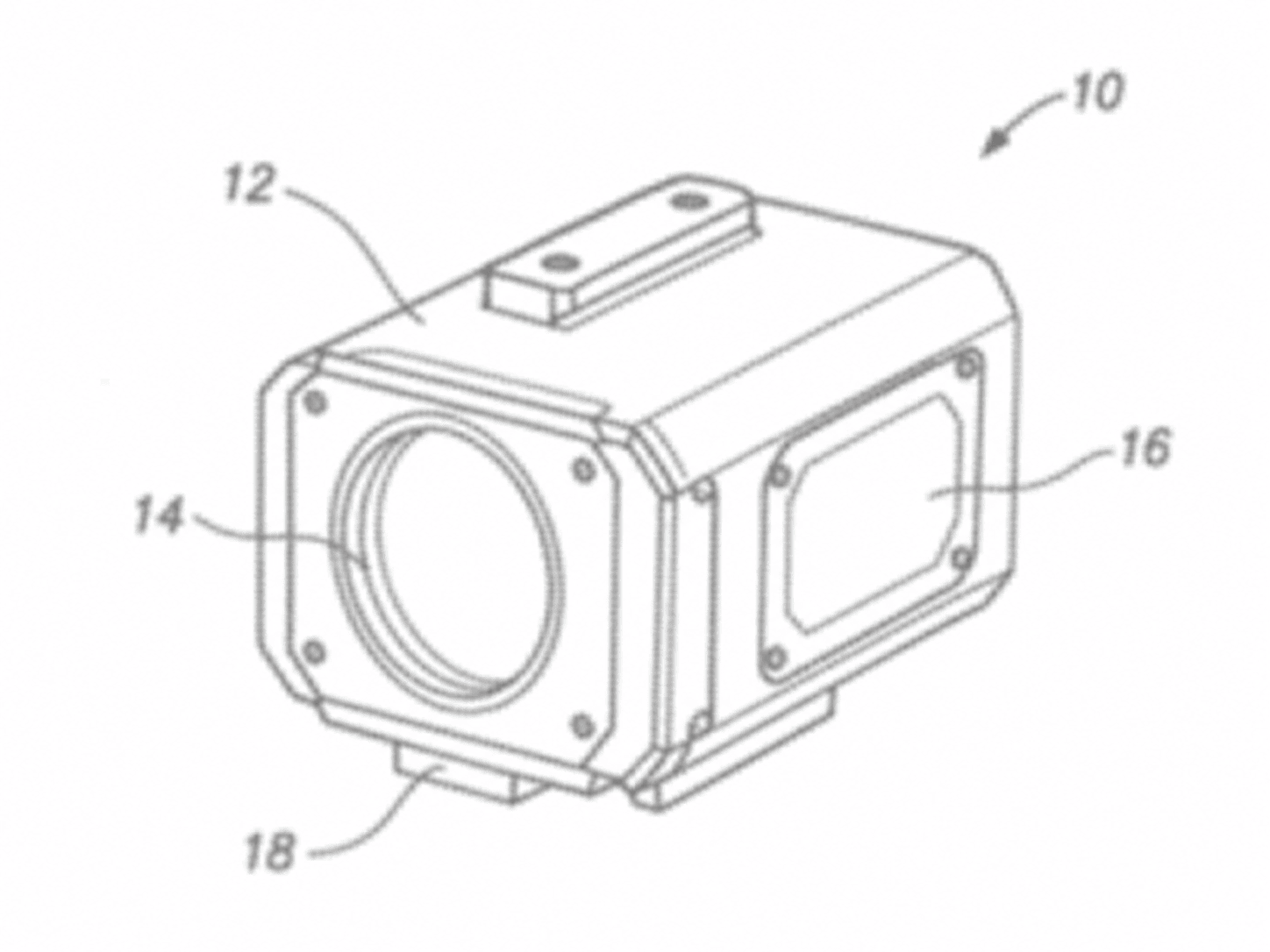
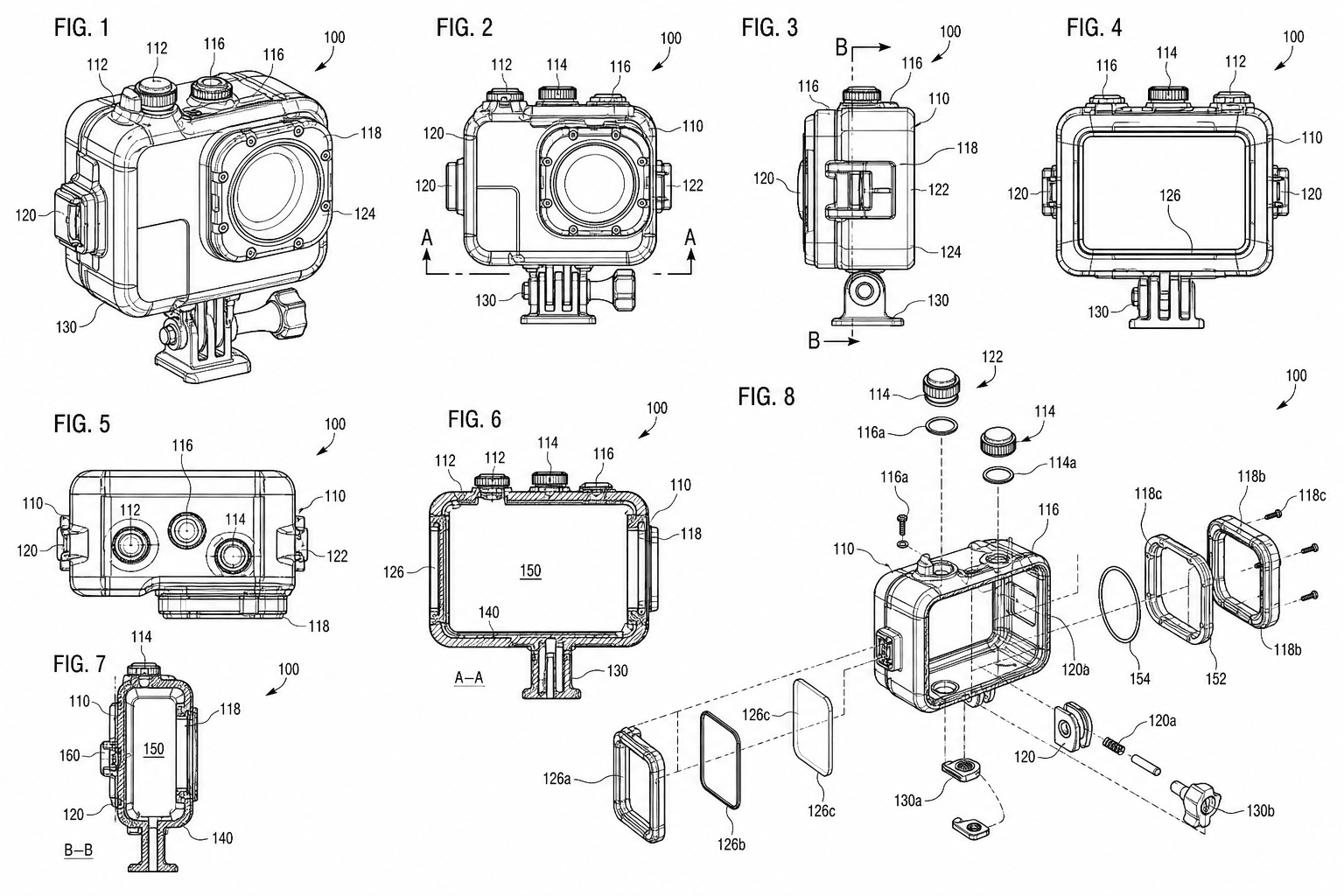
Choosing between 300 and 600 DPI
Both presets produce black-and-white output sized for A4 or US Letter sheets. Pick based on the office and how fine your line work is:
| Preset | Output | When to use it | Office guidance |
|---|---|---|---|
| 300 DPI (2K) | PNG or TIFF at standard filing resolution | Default for most utility figures: flowcharts, block diagrams, simple mechanical views | Meets the USPTO Patent Center baseline; accepted by CNIPA and EPO electronic filing |
| 600 DPI (4K) | PNG or TIFF at archival resolution | Fine hatching, dense cross-sections, small reference numerals, design patent shading | Exceeds every major office minimum; recommended where JPO and KIPO reviewers scrutinize fine line work |
Related tools
Figure checker
Validate figures against office rules.
USPTO drawing checker
Check figures against USPTO requirements.
Fix a drawing rejection
Got an objection or corrected-papers notice? Diagnose and fix it today.
Convert
Convert figures to submission formats.
Vectorize
Convert raster figures to SVG, DXF, or PDF.
Generate from a description
Type what your invention does — get numbered patent line art.
All patent tools
Browse every PatentFig AI tool in one place.