Technical & Patent Drawing Generator
Describe your invention and generate a clean technical drawing in seconds — numbered black-and-white line art that doubles as a filing-style patent drawing, ready to refine and export.
- Generate from text
- Black-and-white line art
- Reference numerals
- USPTO / PCT aware
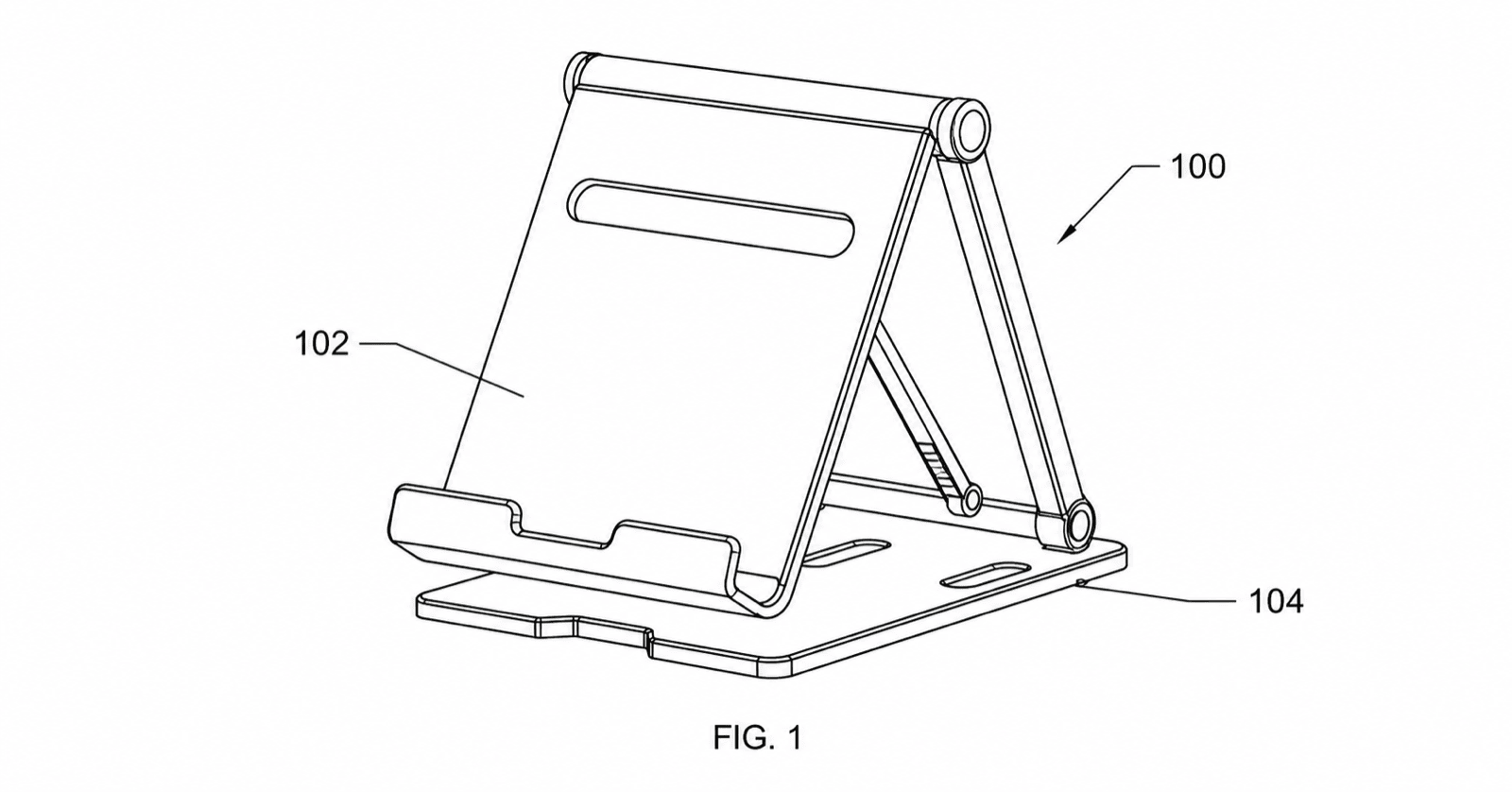
Patent drawing examples
Each example is a fictional invention. Open one to pre-fill the generator, then edit it in the workspace.
How the patent drawing generator works
From a description to a filing-style figure in four steps — then keep editing in the workspace.
1
Describe the invention
Type what the invention is and the views you need, or start from one of the examples below to pre-fill a prompt.
2
Generate the drawing
The generator returns clean black-and-white line art with consistent line weights and leader lines.
3
Continue editing in the workspace
Open the result in /generate to add reference numerals, request more views, or remove decorative shading.
4
Check and export
Run the figure checker against your filing office, then export to PNG, SVG, DXF, or vector PDF.
Common mistakes when generating drawings from text
Text is the loosest input a generator can work from. These are the prompt patterns that produce unusable first drafts.
Describing the benefit instead of the structure
"A more comfortable bicycle seat" gives the generator nothing to draw. Name the parts and how they connect: rails, shell, gel insert, clamp.
Not specifying the view
Without "side elevation" or "perspective view," you get whichever view the model guesses — and regenerate. State one view per figure.
Packing the whole invention into one figure
One prompt asking for the device, its interior, and its method produces a crowded hybrid. Generate the overview, the section, and the flowchart as separate figures.
Leaving out the reference numerals you already use
If your draft specification already calls the housing 102, say so in the prompt. Otherwise the generator assigns its own numbering and you reconcile by hand.
Technical & patent drawing generator
Patent drawing generator FAQ
Generate your first patent drawing
Describe the invention, generate a filing-style figure, and keep editing in the workspace.
Related tools and guides
Patent drawing software
The full PatentFig workspace for filing-ready figure sets.
Patent drawing examples
Browse sample patent figures across every category.
Figure checker
Validate figures against office rules before filing.
Detailed guide
Read the related workflow article on the blog.
Patent drawing requirements
What the USPTO requires for compliant drawings.
Utility patent drawing generator
Generate utility figures with reference numerals.