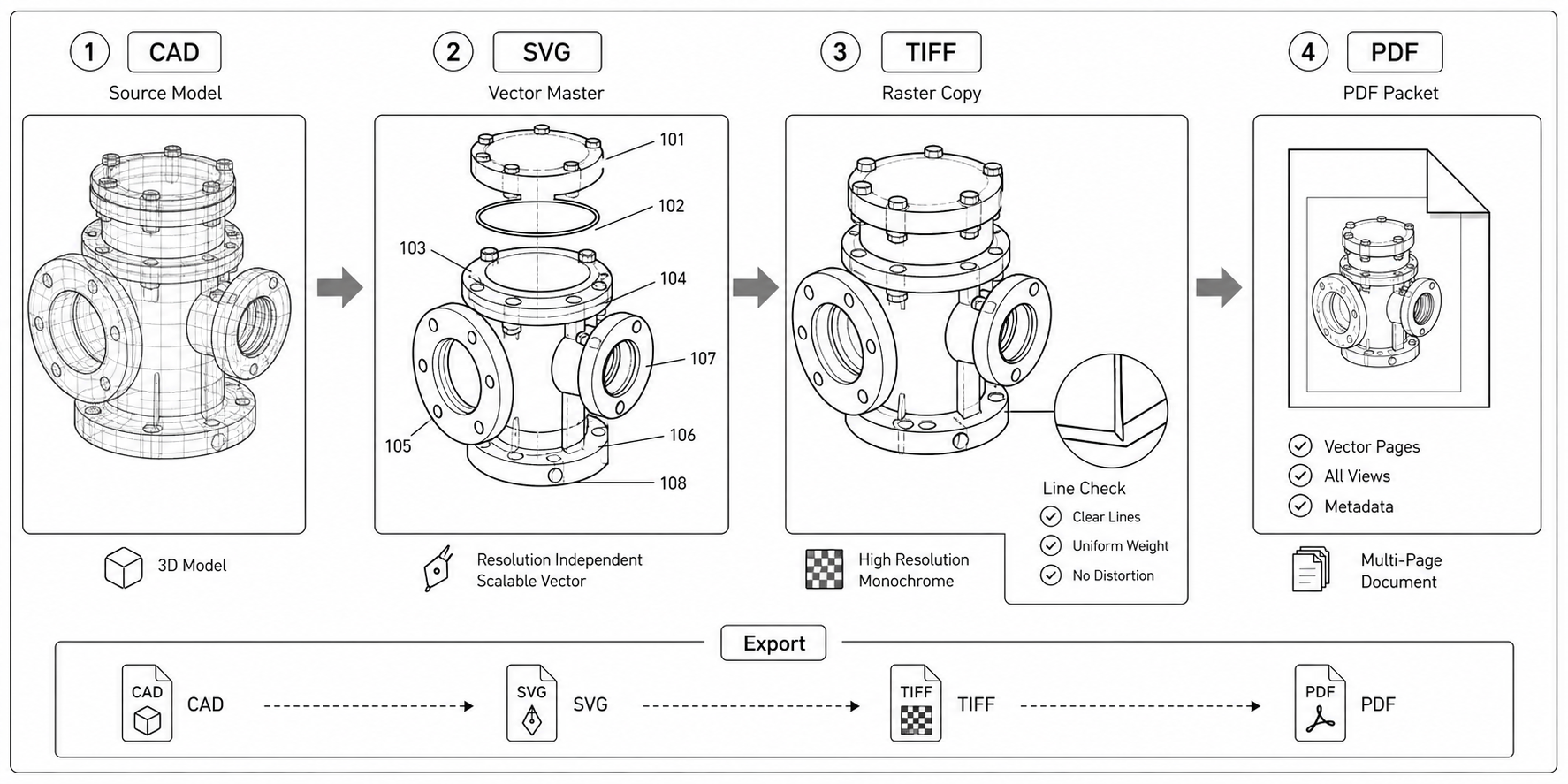
CAD to SVG to TIFF: A Patent Drawing Export Workflow
A practical pipeline for converting CAD output into patent drawings — SolidWorks, Fusion 360, FreeCAD to SVG, then Inkscape cleanup, then TIFF or PDF for filing.
TL;DR: Export each CAD view as SVG, clean it in Inkscape (strip the title block, dimensions, layer colors, and metadata), then export to 300–600 DPI TIFF or vector PDF for filing. CAD files are excellent geometry sources but always fail patent rules as-is — the pipeline is about removing extraneous matter, not redrawing. Once the cleanup is templated, a drawing set that takes a day by hand takes about an hour.
Engineering CAD files are excellent geometry sources for patent drawings and terrible final figures. They contain everything a manufacturer needs (dimensions, tolerances, surface finish, materials) and everything a patent office rejects (title blocks, layer colors, dimensions, manufacturer logos). The work in this pipeline is removing what does not belong, not redrawing what does.
Convert and clean your CAD source for patent-ready output. Open Convert to swap formats, or PatentFig AI to start fresh.
The Four-Stage Pipeline
A repeatable pipeline for one drawing set, regardless of which CAD tool the engineer uses:
- Generate orthographic views in CAD. Front, side, top, perspective, exploded. Do not skip this step and try to convert the 3D model directly.
- Export each view as SVG. Vector output, no rasterization.
- Clean each SVG in Inkscape or Illustrator. Remove title blocks, normalize line weights, strip color, convert text to paths.
- Export the cleaned SVG as filing-ready TIFF or PDF. Bilevel, 600 DPI, no anti-aliasing.
The pipeline is one-way: edits go in the SVG master, exports flow out as TIFF or PDF. Never edit the TIFF and treat it as the master.
SVG Export by CAD Tool
CAD tools have different export paths to SVG. The ones we have working pipelines for:
SolidWorks
Open the drawing (.SLDDRW), not the part. File → Save As → SVG (*.svg). SolidWorks 2022+ exports SVG with proper stroke widths if "Use document line font" is checked in the export options. Earlier versions export everything at the same stroke width and need normalization in Inkscape.
Common SolidWorks quirks:
- Hidden lines are exported as dashed strokes. Patent figures use solid for visible, dashed for hidden — this matches CAD convention.
- The title block sheet is exported as a separate layer. Delete it.
- Centerlines are exported with line type metadata that Inkscape preserves.
Autodesk Fusion 360
The model workspace has a basic SVG export but loses stroke distinction. Use the Drawing workspace instead: create a drawing from the model, then Export → SVG. Fusion 360 drawings include a default title block — disable it before export by setting the title block style to "None" in the drawing properties.
Autodesk Inventor
Use an IDW drawing file. File → Export → SVG. Inventor preserves layer colors in the SVG output; reset all strokes to black during cleanup. Hidden lines are exported as dashed strokes by default.
FreeCAD
Use the TechDraw workbench (not Draft). Create a view in TechDraw, then TechDraw → Export → Export Page As SVG. FreeCAD's SVG output is verbose but clean — strokes are properly typed and colors map directly to layer colors. Open in Inkscape, select all, set stroke to black.
OnShape
In the Drawing tab, Export → SVG. OnShape exports compact SVG with proper stroke types. Title block is a separate document element; remove it before export by toggling "Show title block" off.
Rhino
3D models export to SVG only after a Make2D operation. View → Make 2D, generate the projection views, then File → Export Selected → SVG. Rhino's Make2D is the cleanest projection tool of the listed CAD options.
KiCad (for electrical patent diagrams)
Use File → Export → SVG from the schematic editor or PCB editor. KiCad SVG output retains net names and component references, which need stripping in Inkscape. See the electrical patent diagram guide for why those references should be removed before patent use.
The SVG Cleanup Step
A CAD SVG opened in Inkscape almost always needs the same six operations. Do them in this order — earlier operations make later ones easier.
1. Remove the title block
CAD title blocks include drawing number, designer name, date, scale, revision, sheet count. None of this belongs in a patent figure.
In Inkscape: Object → Layers. The title block is usually a separate layer named "Title Block", "Border", or "Frame". Right-click → Delete Layer.
If the title block is on the same layer as the drawing, select it manually (it is usually a rectangle group in one corner) and delete.
2. Strip color
Patent figures are black-and-white. CAD exports often preserve color-coded layers — red for hidden lines, blue for centerlines, magenta for dimensions.
In Inkscape: Edit → Select All. Object → Fill and Stroke. Set fill to none, set stroke paint to black (#000000). The line-type metadata (dashed, dotted) is preserved while color is removed.
3. Remove dimensions and tolerances
Patent figures rarely include dimension lines. CAD drawings include them by default.
If dimensions are on their own layer, delete the layer. If they are mixed with the drawing, select each dimension element (extension lines, arrows, value text) and delete. Avoid deleting the geometry — dimensions are leaders that connect to geometry but the geometry itself stays.
4. Normalize line weights
CAD strokes vary in width. Patent figures use consistent weights.
In Inkscape: Edit → Select All → Same → Stroke Style. Set contour strokes to 0.3-0.5 mm, hidden/dashed strokes to 0.15-0.2 mm, section lines to 0.5 mm. The exact numbers depend on the figure size and reproduction target; consistency matters more than the specific values.
5. Convert text to paths
Reference numerals exported from CAD are usually text objects in a specific font. If the font is not embedded in the final PDF or TIFF, the office pipeline substitutes a different font and the numeral height changes.
In Inkscape: Edit → Select All → Path → Object to Path. Every text element becomes a path. Font dependency disappears.
6. Add the sight rectangle as a guide
The sight rectangle is the area the figure must stay inside. For A4 it is 17.0 × 26.2 cm. Add a non-printing rectangle at that size as a guide layer.
In Inkscape: create a new layer named "Sight", draw a rectangle 17.0 × 26.2 cm anchored at the top-left margin point (2.5 cm from the left and top edges of the A4 page). Set the layer to non-printing. Use it as the alignment reference for the figure.
See the patent drawing margin rules guide for the full per-office sight rectangle dimensions.
What CAD Adds That Patent Figures Should Not Have
A checklist for what to strip from every CAD-derived figure:
| CAD content | Why it fails | Fix |
|---|---|---|
| Title block | Extraneous matter (37 CFR 1.84(j), EPO Rule 46(2)(c)) | Delete the layer |
| Dimensions | Not part of patent disclosure | Delete the dimension layer |
| Tolerances (± values) | Engineering data, not invention | Delete |
| Surface finish symbols | Engineering convention, irrelevant to patent | Delete |
| Welding/machining symbols | Same | Delete |
| Manufacturer or supplier logos | Branding, extraneous matter | Delete |
| Sheet revision tables | Engineering tracking | Delete |
| Layer colors | Patent figures are black-and-white | Set all strokes to black |
| Drawing scale notation | Patent figures do not declare scale | Delete |
| Datum reference frames | GD&T notation, not patent content | Delete |
| Section identifiers (A-A, B-B) | Keep if they label patent cross-sections; rename to match patent convention | Conditional — keep the line, normalize the label |
TIFF Export from the Cleaned SVG
Once the SVG is clean and inside the sight rectangle, export the filing copy.
In Inkscape: File → Export → Plain SVG to save the editable master. Then File → Export → PNG Image, set DPI to 600, dimensions to match A4. Open the PNG in GIMP or ImageMagick.
For TIFF Group 4 in ImageMagick:
convert input.png -monochrome -compress group4 output.tifFor TIFF Group 4 in GIMP: Image → Mode → Indexed → 1-bit, then File → Export As → TIFF → Compression: CCITT Group 4.
The settings that survive USPTO scanning:
- 600 DPI
- 1-bit bilevel (no anti-aliasing, no grayscale, no color)
- Group 4 compression
- No ICC profile
- Page size A4 (or US letter for USPTO-only filings)
See the patent figure DPI requirements guide for why these settings matter and what happens when they are wrong.
PDF Export When the Office Accepts Vector
If the target office accepts vector PDF (USPTO Patent Center, EPO Online Filing, PCT-SAFE), export PDF instead of TIFF. Vector PDF survives every office pipeline without resolution loss.
In Inkscape: File → Save As → PDF. In the dialog, keep "Convert text to paths" checked. Choose PDF 1.5 unless the office requires PDF/A — in which case use a tool like Ghostscript:
gs -dPDFA -dBATCH -dNOPAUSE -dUseCIEColor -sProcessColorModel=DeviceGray \
   -sDEVICE=pdfwrite -sPDFACompatibilityPolicy=1 \
   -sOutputFile=output_pdfa.pdf input.pdf
The vector PDF is smaller, sharper, and easier to amend than a rasterized version.
When Direct CAD-to-PDF Skips the SVG Step
Some CAD tools export PDF directly with patent-quality output:
- SolidWorks: File → Save As → PDF, with "Embed fonts" and "Vector PDF" options checked, produces clean filing-ready PDFs.
- Fusion 360: Drawing workspace, Export → PDF, vector output.
- OnShape: Drawing → Export → PDF, vector output.
The catch: these PDFs still contain title blocks, dimensions, and engineering metadata. The PDF route saves the SVG cleanup step only if the CAD-side template is already patent-prepared. Most engineering teams' default templates are not.
The hybrid workflow: keep an SVG cleanup step for figures that need substantial revision, use direct CAD-to-PDF for figures that are already drafted with a patent-clean template.
A Repeatable Setup, Not a Per-Figure Setup
The first time through this pipeline takes hours per drawing set. The second time, with a patent-clean template established in CAD and an Inkscape cleanup macro in place, takes minutes.
Investments worth making once:
- A CAD drawing template with no title block, no dimension layer, no surface-finish symbols, all strokes set to black, line weights normalized.
- An Inkscape extension or set of selection presets that handles "remove color", "convert text to paths", and "normalize stroke widths" in one click.
- A standard A4 page template with the sight rectangle pre-drawn as a non-printing guide layer.
After those exist, the pipeline collapses to: generate views in CAD → export SVG → run the cleanup preset → export TIFF or PDF. A drawing set that took a day to prepare manually takes an hour to prepare on a setup that handles the repeated work.
Next step: Open the generator and try this workflow with your own source material — or browse patent drawing examples for a starting point.
Author

Categories
More Posts
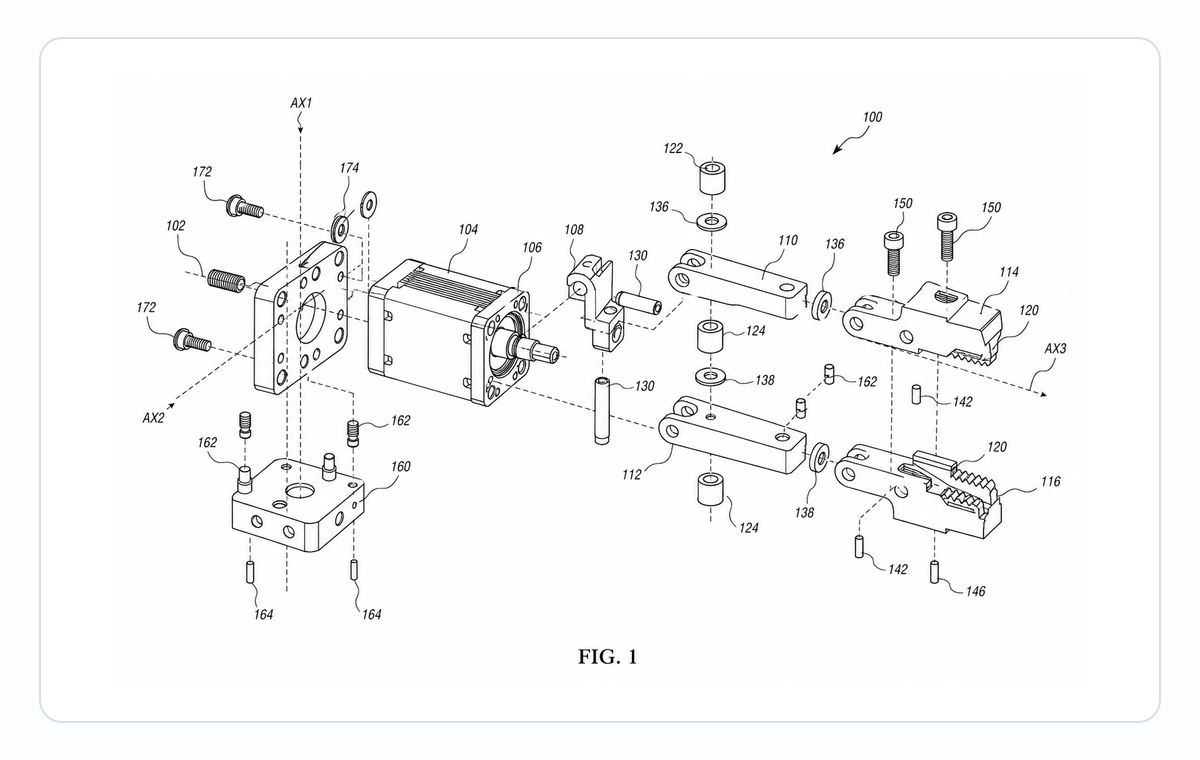
Exploded View Patent Drawing Workflow: Parts, Spacing, Callouts, and Review
Plan exploded view patent drawings with clear part order, spacing, leader lines, reference numerals, and pre-export review.
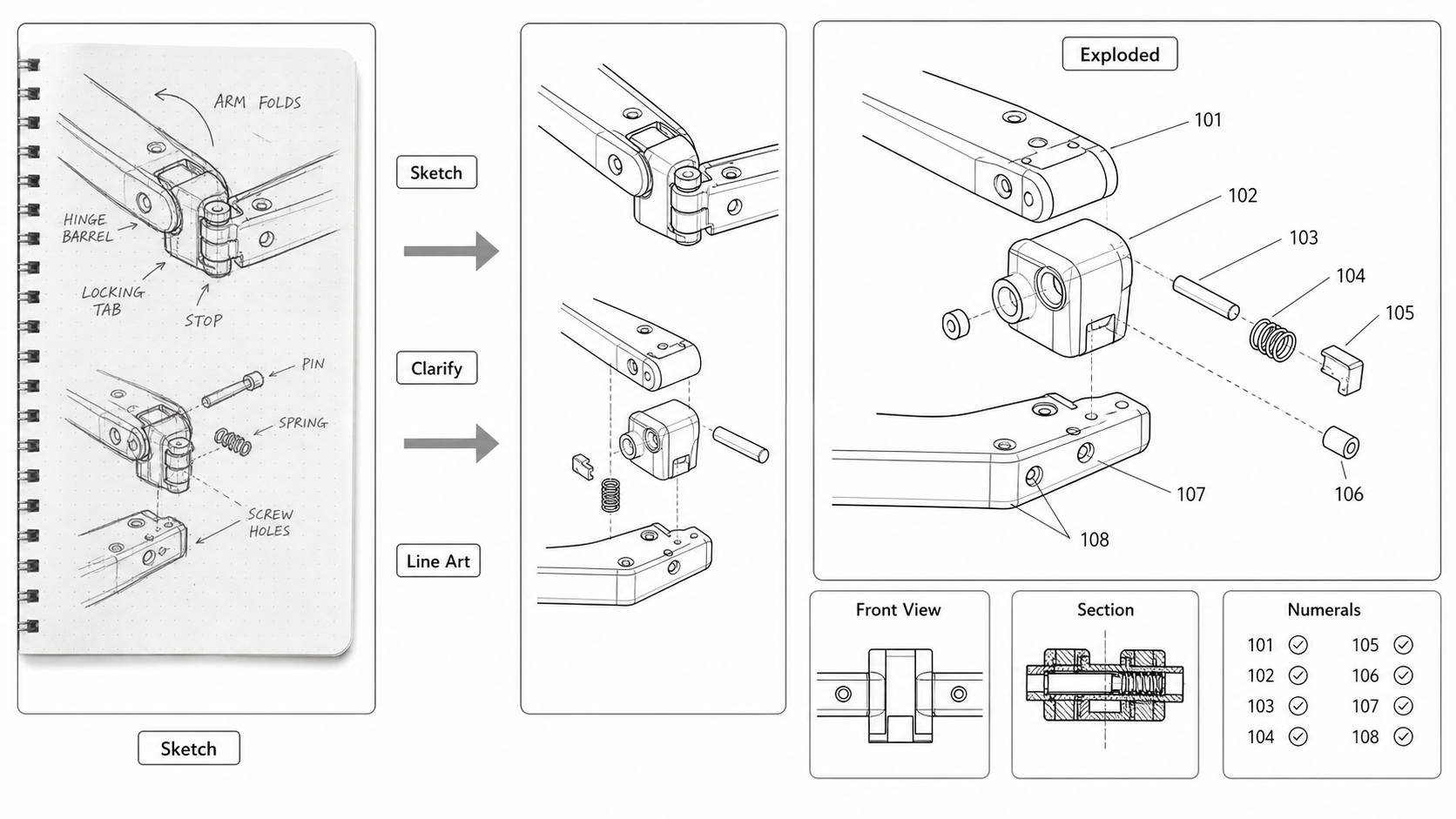
Sketch to Patent Figure: Turning Inventor Notes Into Filing-Ready Drawings
Convert hand-drawn inventor sketches into patent figures: scanning tips, AI line-art extraction, when to redraw, and what gets lost between a napkin and a USPTO submission.
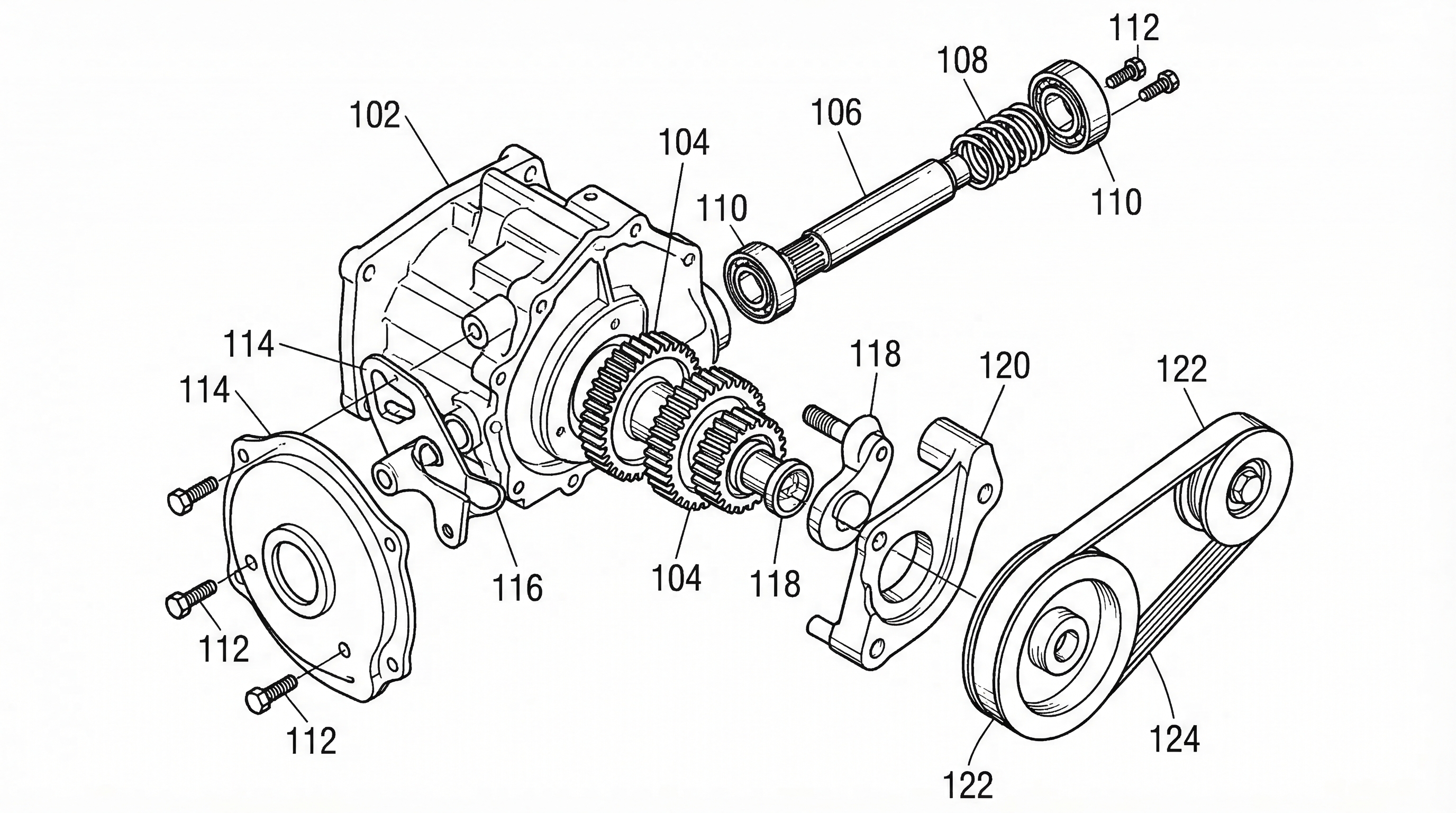
Patent Reference Numeral Consistency: Expert Guide and Automation
Why inconsistent reference numerals kill patent quality, and how to keep them synced across every figure. Proven strategies plus AI-powered numbering workflow.
Newsletter
Join the community
Subscribe to our newsletter for the latest news and updates