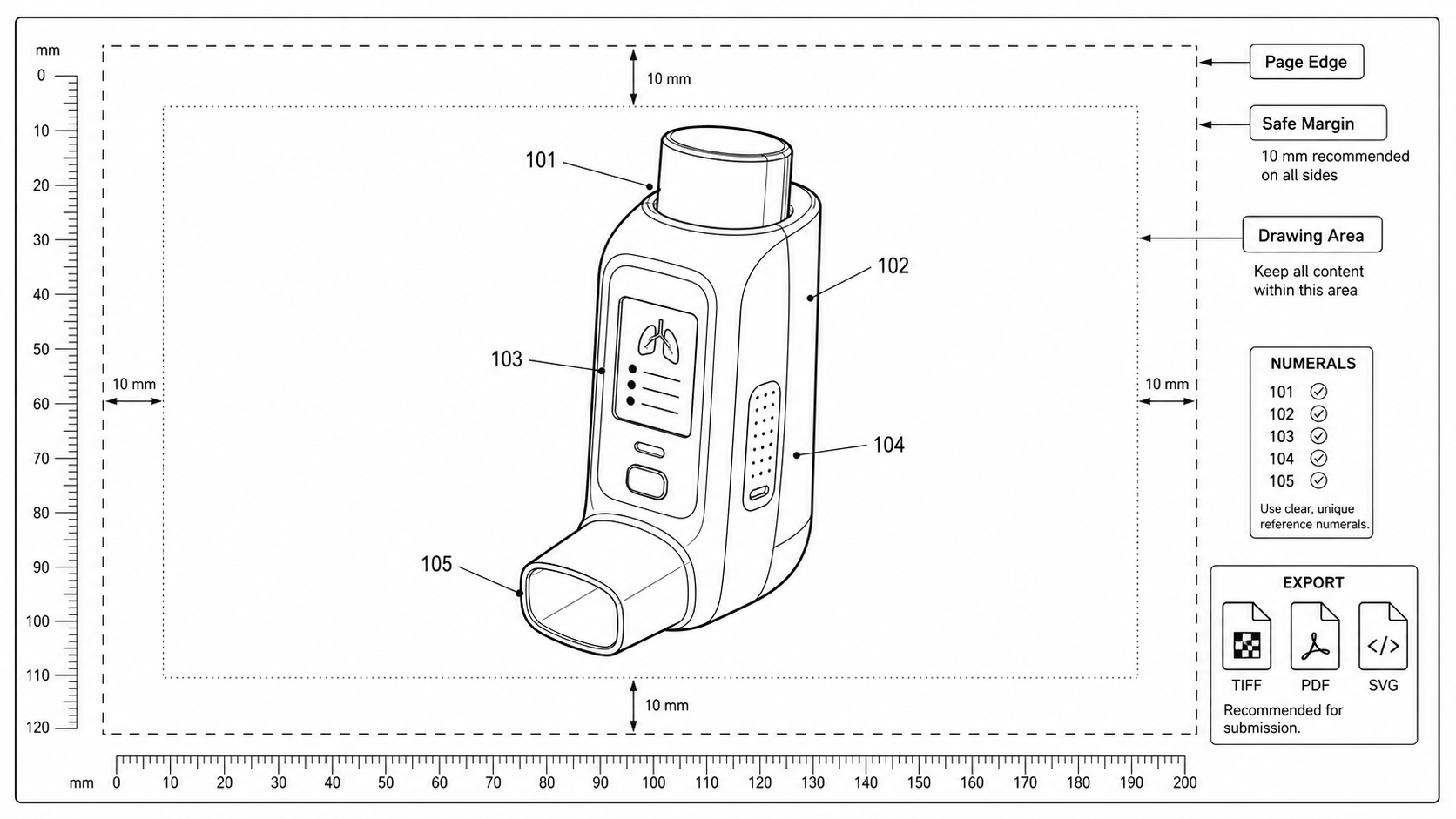
Patent Drawing Margin Rules: USPTO, EPO, PCT, CNIPA, JPO, KIPO
Sheet size, top, bottom, left, and right margin requirements for patent drawings across USPTO, EPO, PCT, CNIPA, JPO, and KIPO, with a practical pre-export check.
TL;DR: All major offices use nearly identical margins — 2.5 cm top, 2.5 cm left, 1.5 cm right, 1.0 cm bottom on A4 — with two exceptions: CNIPA wants a 1.5 cm bottom and JPO wants 2.0 cm on all four sides. The safe multi-jurisdiction default is PCT spec on A4, which keeps the drawing inside a 17.0 × 26.2 cm sight rectangle. The most common margin rejection is a single leader line crossing a single sight edge, so inspect each edge before export.
A patent figure can be technically correct and still bounce at the formalities desk because a leader line sits 3 mm outside the sight rectangle, or because the file was drawn on US letter paper and the PCT national-phase Receiving Office expects A4. Margin rejections are administrative, but they are real, and they tend to surface at the worst possible time — the morning of a filing deadline.
Run a margin check before export. Open the Patent Figure Checker
The Rule Across Major Offices
All six offices that PatentFig AI targets converged on the same numbers years ago. Memorize this table and the rest of the article becomes a checklist rather than a reference dump.
| Office | Sheet | Top | Left | Right | Bottom | Source |
|---|---|---|---|---|---|---|
| USPTO | A4 or 8.5 × 11 in | 2.5 cm | 2.5 cm | 1.5 cm | 1.0 cm | 37 CFR 1.84(g) |
| EPO | A4 only | 2.5 cm | 2.5 cm | 1.5 cm | 1.0 cm | Rule 46(2)(b) EPC |
| PCT | A4 only | 2.5 cm | 2.5 cm | 1.5 cm | 1.0 cm | PCT Rule 11.6(b) |
| CNIPA | A4 only | 2.5 cm | 2.5 cm | 1.5 cm | 1.5 cm | Implementing Regs Rule 18 |
| JPO | A4 only | 2.0 cm | 2.0 cm | 2.0 cm | 2.0 cm | Form 30, Patent Act |
| KIPO | A4 only | 2.0 cm | 2.0 cm | 1.5 cm | 1.5 cm | KIPO drawing rules |
A few takeaways before you start drafting:
- CNIPA wants a 1.5 cm bottom, not 1.0 cm. If you drew to USPTO/EPO/PCT spec and then file a Chinese national-phase entry, a 1.0 cm bottom is technically below CNIPA's published minimum. Most examiners do not object, but a strict formalities review may.
- JPO uses 2.0 cm on all four sides under the older paper-filing convention. Electronic JPO filings are usually validated by the JPO system itself, but if you reuse PCT-shaped figures the bottom and right will look generous, not tight.
- KIPO's right margin is 1.5 cm, same as PCT, but the top is 2.0 cm instead of 2.5 cm. A drawing built to PCT spec passes KIPO automatically; a drawing built to JPO spec may fail KIPO because the left/right are wider than needed but the top is the same.
The safe default for a multi-jurisdiction drawing set is PCT spec on A4: 2.5 / 2.5 / 1.5 / 1.0 (top / left / right / bottom). It satisfies USPTO, EPO, KIPO, and PCT. Adjust the bottom to 1.5 cm if you know CNIPA filing is in scope. If JPO is the primary office, draw to 2.0 cm all around.
Sheet, Sight, and Border — Three Different Rectangles
Margins make more sense when you separate three concepts that are easy to conflate:
- Sheet — the physical paper. A4 is 21.0 × 29.7 cm. Letter is 21.6 × 27.9 cm.
- Sight — the rectangle that the drawing must stay inside. Under 37 CFR 1.84(g), the sight is 17.0 × 26.2 cm on A4 (or 17.6 × 24.4 cm on letter). Compute it by subtracting the margins from the sheet.
- Border — there is no required printed border. USPTO and EPO both prohibit drawn frames around the sight. Do not add a rectangle to mark the safe area.
This is the most common margin mistake we see in figures coming from product or marketing tooling: the designer adds a thin border for visual polish. USPTO will object under 37 CFR 1.84(j) because the border is "extraneous matter." Strip it.
What Belongs Inside the Margins
Two things can sit outside the sight but inside the margins:
- Figure designators — "FIG. 1", "FIG. 2A", "FIG. 2B" — at the top or under each figure.
- Sheet numbering — at the top center, format
n/N(e.g.,3/12). USPTO MPEP 608.02(V) confirms this placement.
Everything else — every line, every leader, every reference numeral, every legend — must stay inside the sight. A leader line that ends on a numeral 2 mm outside the sight is a formal defect, even though the numeral is readable.
Why Margin Failures Slip Through
Three patterns produce most margin rejections we see in real filings:
- The image was generated at an aspect ratio the model preferred, not A4. AI models default to square, 16:9, or 4:3. None of those map cleanly into a 17.0 × 26.2 cm sight. The figure gets dropped onto an A4 page with whatever scaling the user picked, and a leader line ends up clipping the right margin.
- The figure was assembled from a slide deck. PowerPoint and Keynote use 16:9 by default. Pasting that into Word with a "fit to page" toggle does not preserve margins — it just rescales.
- A multi-view set was packed too tight. When four views compete for one sheet, designers tend to tighten the gaps between views instead of moving a view to a second sheet. The top and left margins survive, but the right edge of view 4 crosses the right margin.
Drawing each view with its own bounding box and then arranging boxes on a sheet with the sight rectangle visible solves most of this. Drafting tools like Inkscape, Illustrator, or any SVG editor make the sight rectangle a non-printing guide layer.
Margin Check Before Export
This is the workflow we recommend in Figure Checker:
- Confirm sheet size. A4 unless the filing is USPTO-only on letter.
- Overlay the sight rectangle at 17.0 × 26.2 cm (A4) or 17.6 × 24.4 cm (letter). Anchor it to the top-left margin point (2.5 cm in, 2.5 cm down).
- Inspect each edge. No line, leader, callout, or text element may cross any sight edge. Reference numerals must sit fully inside.
- Inspect figure designators. "FIG. 1" should sit in the margin area below the sight, not inside it. Sheet numbers go at the top center, in the top margin.
- Check rotation. For landscape drawings, the top of the figure faces the left side of the sheet. The sheet number stays at the top of the sheet, not at the top of the figure.
- Black-and-white reproduction. Margins look generous on screen and tight on paper; print a test page at 100% scale to confirm.
If you only have time for one of these checks, do step 3. Most margin objections are a single line crossing a single edge.
A4 vs Letter — The Decision
If you will only ever file with the USPTO and have no chance of a foreign equivalent, letter (8.5 × 11 in) is fine. The sight rectangle is slightly different (17.6 × 24.4 cm instead of 17.0 × 26.2 cm), which gives you 6 mm more horizontal width and 18 mm less vertical height.
For anything else — PCT, EPO, CNIPA, JPO, KIPO, or a multi-jurisdiction filing strategy — start on A4. You can always print A4 content onto letter paper for archival, but rescaling A4 → letter or letter → A4 quietly changes effective line weight and margin widths.
Common Objections, Translated
When a formalities examiner cites a rule, this is usually what they mean in practice:
| Cited rule | What the examiner saw | Fix |
|---|---|---|
| 37 CFR 1.84(g) | A line, numeral, or leader inside the 2.5 cm top/left strip | Move the view down or right; resize so everything is inside the sight |
| 37 CFR 1.84(g) bottom | Drawing extends below the 1.0 cm bottom strip | Split into two sheets, or shrink the view block |
| 37 CFR 1.84(j) | Decorative border, frame, or watermark in the margin | Delete the border |
| EPO Rule 46(2)(b) | Same as USPTO but stricter on A4 only | Convert from letter to A4 sheet, do not rescale |
| PCT Rule 11.6(b) | Sheet number missing, in the wrong corner, or not in n/N form | Add top-center numbering |
| CNIPA Rule 18 | Bottom margin under 1.5 cm | Move bottom of view up 5 mm |
When to Add a Second Sheet
A drawing that crowds the right margin is almost always trying to fit too many views on one sheet. The PCT rules are explicit that one figure may extend across more than one sheet (Rule 11.13(j)) when needed, and that multiple figures can be arranged on one sheet when there is space. The implication: do not compress a view set to make it fit. Split the sheet.
A useful rule of thumb: if any leader line is shorter than the diameter of its reference numeral, the view is too tight for that sheet.
Per-Office Quirks Worth Knowing
- USPTO does not require a sheet number on a single-sheet drawing, but examiners prefer it. Add
1/1anyway — it is one line of metadata that prevents an Office Action. - EPO is the strictest about extraneous matter. A logo, a part-number label that is not a reference numeral, or even text inside a callout box can be cited. Keep callouts to reference numerals only.
- CNIPA requires Chinese-language figure designators in domestic filings (e.g., "图1" instead of "FIG. 1"). Multi-jurisdiction filings can use Arabic numerals only ("1", "2"), which avoids retranslating per office.
- JPO is the most forgiving about margins in practice; figures that pass the JPO portal almost always pass PCT and KIPO. But the 2.0 cm right margin is wider than PCT — you lose 5 mm of horizontal space if you draw to JPO spec.
- KIPO validates margin compliance at upload. A 2 mm overrun is rejected at the portal before it ever reaches an examiner.
Generating Drawings That Already Fit
If you are generating figures from scratch with PatentFig AI, set the canvas aspect ratio to the sight rectangle, not the sheet. The model fills the canvas, which means the result already fits inside the margins when dropped onto an A4 page.
For A4, the sight is 17.0 × 26.2 cm, which is a 1 : 1.541 aspect ratio (close to 5 : 8). For US letter, it is 17.6 × 24.4 cm, or 1 : 1.386 (close to 5 : 7). Generators that default to 4 : 3 or 16 : 9 will leave too much vertical or horizontal space, depending on which way the rescale goes.
After generation, drop the result onto an A4 template with the sight rectangle as a non-printing guide layer, add the figure designator below the sight, and add the sheet number in the top margin. Run the Figure Checker before export — it flags margin violations, missing sheet numbers, decorative borders, and extraneous-matter risks.
Next step: Run your figures through the free figure checker before you file — it validates margins, line weight, DPI, and numerals against your target office. Or review the patent drawing requirements summary.
Author

Categories
More Posts
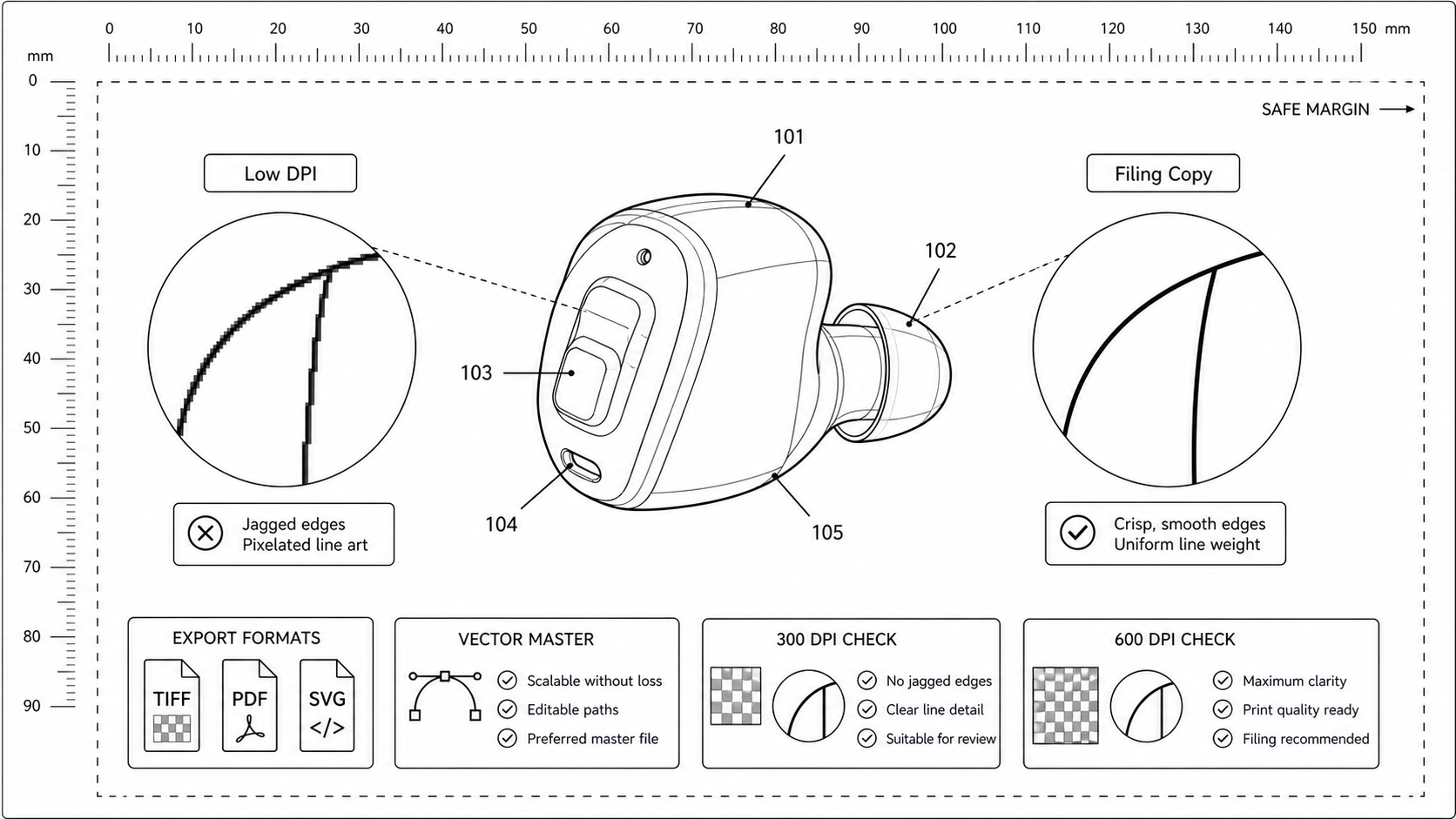
Patent Figure DPI Requirements: 300, 600, and When Vector Wins
What DPI patent offices actually expect, when raster is acceptable, and how to export TIFF and PDF figures that survive USPTO and PCT scanning without quality loss.
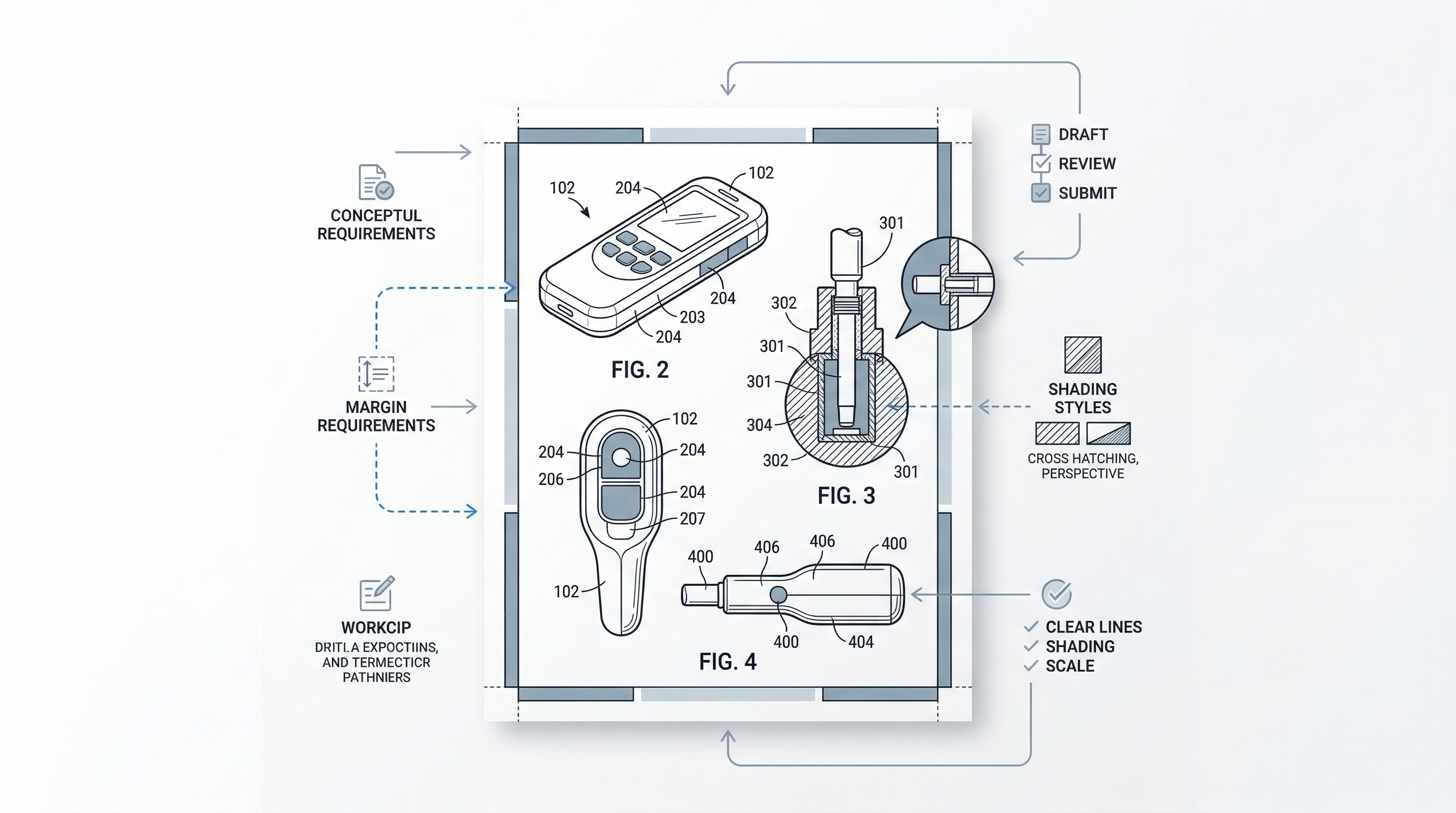
USPTO Patent Drawing Rules 2026: 7 Common Mistakes That Delay Filings
Why do USPTO drawings get rejected? 7 common 37 CFR 1.84 mistakes that trigger Office Actions, plus a free high-speed AI workflow to fix them. 2026 guide.
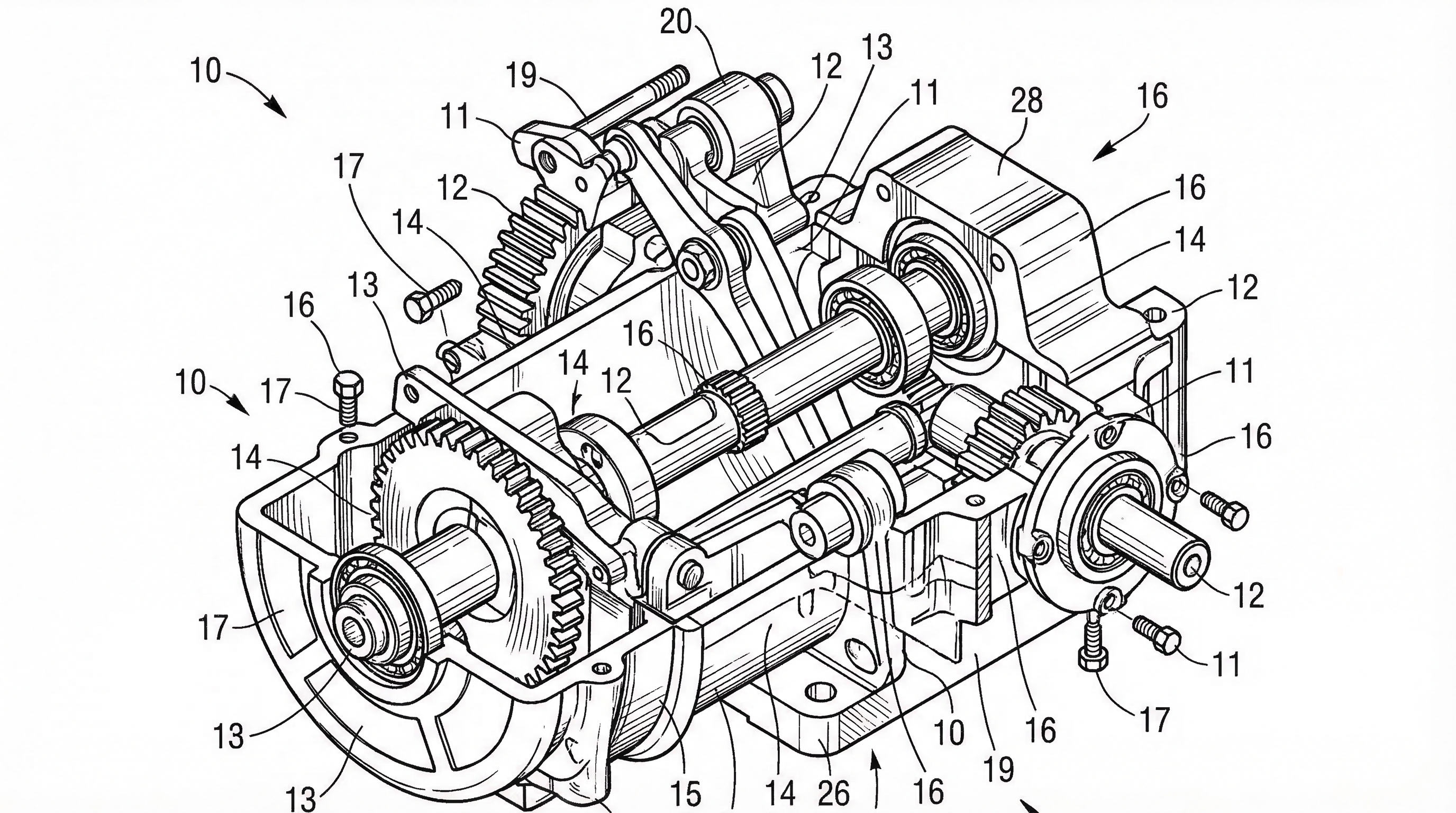
USPTO Patent Drawing Requirements 2026: Checklist, Margins & Examples
USPTO patent drawing requirements for 2026: 37 CFR 1.84 checklist, margins, line rules, reference numerals, examples, and pre-filing checks.
Newsletter
Join the community
Subscribe to our newsletter for the latest news and updates