Patent Reference Numeral Consistency: Expert Guide and Automation
Why inconsistent reference numerals kill patent quality, and how to keep them synced across every figure. Proven strategies plus AI-powered numbering workflow.
TL;DR: Give each part one reference numeral for the life of the application, block numerals by assembly (100-series, 200-series, and so on), and never reuse a number for a different element across figures. A final cross-check of the specification against every figure — or automated numeral synchronization — catches the mismatches that otherwise surface as objections and correction cycles.
Maintaining Reference Numeral Consistency Across Patent Figures
In the world of patent prosecution, the devil is frequently in the details—specifically, the numbers. While a groundbreaking invention is the core of any application, the technical drawings and their corresponding reference numerals are the bridge that connects the visual disclosure to the written specification.
When those numbers fall out of sync, the consequences are more than just cosmetic. This post explores why numbering consistency is a pillar of a high-quality patent application and how you can master it using a mix of industry standards and modern automation.
Need compliant patent figures faster? Try PatentFig AI in the generator.
The Critical Role of Numbering Consistency
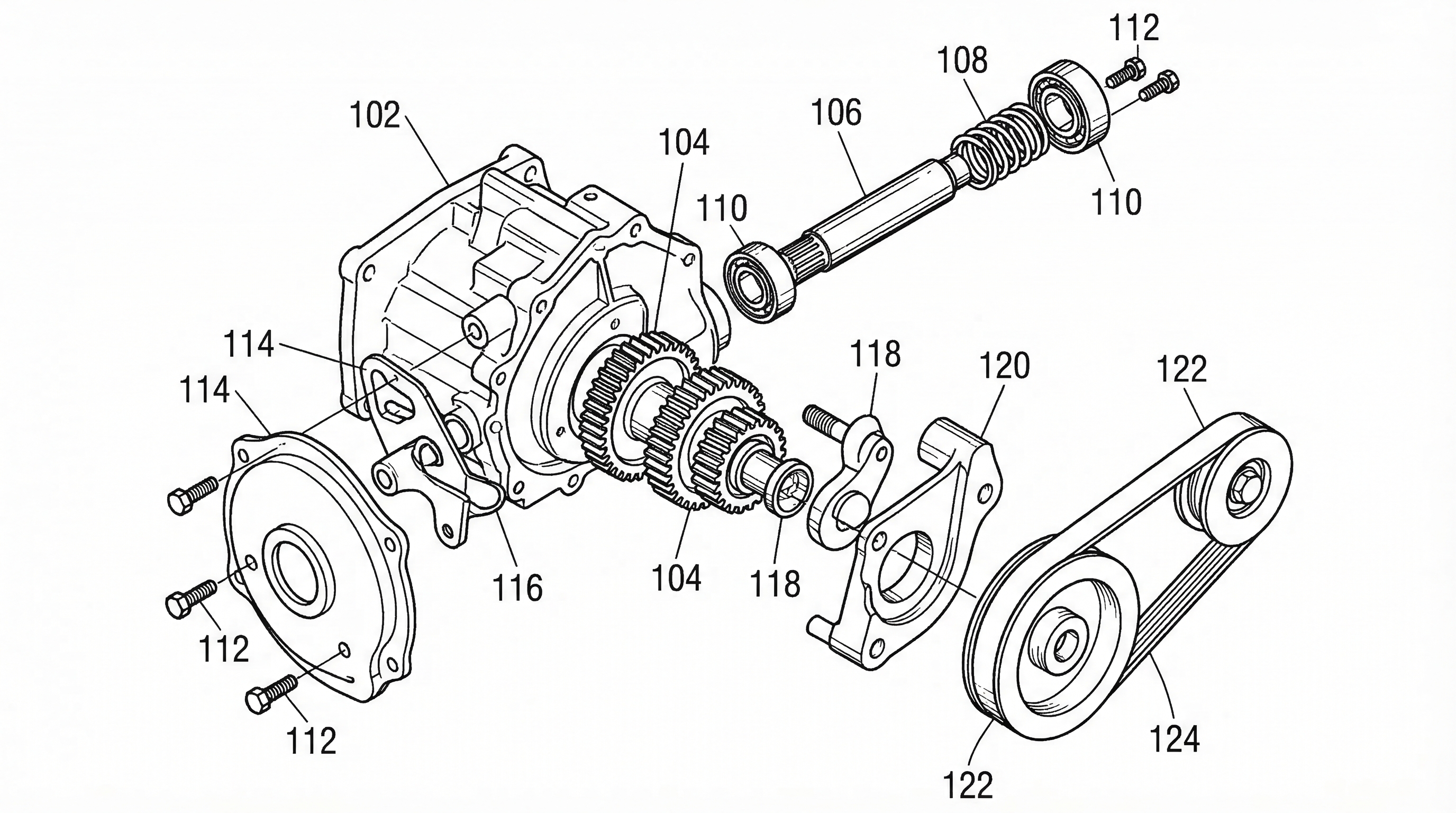
Consistency in reference numerals is a fundamental requirement for clarity. Under USPTO and EPO guidelines, every element mentioned in the description must be clearly identifiable in the drawings, and vice-versa.
If Figure 1 identifies a "processor" as element 102, but the written specification refers to it as 104, or if Figure 2 uses 102 to point to a "memory module," you are inviting a clarity rejection under 35 U.S.C. 112. These "indefiniteness" issues can lead to unnecessary Office Actions, increasing costs for the client and slowing down the time to grant. Beyond legal hurdles, mismatched numbers make the patent harder to read for examiners, licensees, and litigators, potentially weakening the perceived quality of the entire specification.
Industry Standard Numbering Conventions
To manage complexity, most experienced patent drafters use specific numbering conventions. The most common is the hundreds-based system:
- Figure 1 uses the 100-series (102, 104, 106...).
- Figure 2 uses the 200-series (202, 204...).
- Continuation Rule: If an element from Figure 1 appears again in Figure 2, it should retain its original number (e.g., the "processor" remains 102 throughout the entire document).
Another best practice is maintaining a Master Component List. This is a simple spreadsheet or document that tracks every component and its assigned numeral. Before finalizing the draft, the master list serves as the "single source of truth" to prevent the accidental reuse of a number for a different part.
Strategies for Multi-Figure Consistency
Tracking a single component across perspective views, cross-sections, and exploded views is where many drafters run into trouble. The goal is "identity over view"—the number identifies the thing, not the picture.
When creating complex sets:
- Lead with the Primary View: Start your numbering on the most comprehensive view (often Figure 1).
- Maintain Suffixes: Some drafters use a hybrid approach for variants. If a housing is 102 in one embodiment, a slightly modified housing in another embodiment might be labeled 102a.
- Cross-Sectional Integrity: When showing a cutaway, ensure the interior components carry the same numerals used in the external or exploded views.
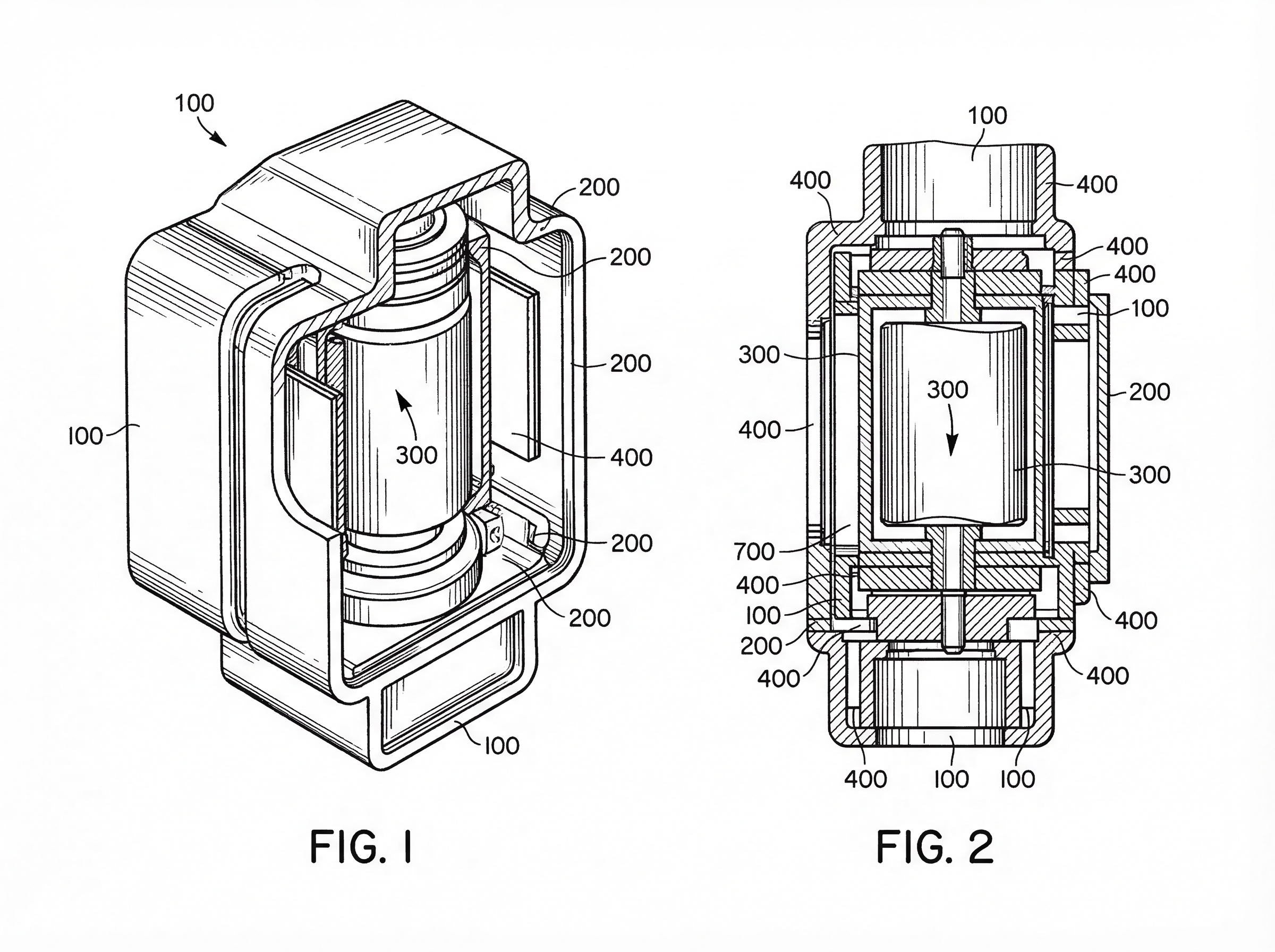
Consistent numbering across these views ensures that the examiner can mentally "rotate" the object without losing track of which part is which.
For office-specific drafting differences, pair this guide with:
- Patent Drawing Requirements by Office
- USPTO patent drawing requirements
- CNIPA patent drawing standards
- PCT patent drawing requirements
Streamlining Numbering with PatentFig AI
Manual numbering is a tedious, error-prone process. PatentFig AI lightens that load by keeping numbering consistent at the project level, so you spend less time re-typing numerals into a CAD program or drawing tool — and more time on a focused verification pass.
How the PatentFig AI workflow supports consistency:
- Recurring-element labeling: When you label a "nozzle" in an isometric view, you can carry the same numeral forward as you generate a side profile, keeping the element identified the same way across the views in your project.
- Project-level numbering: Figures in a project draw from the same numeral set, so the number you assign stays attached to that element across the set. Renumbering — say, changing element 105 to 107 — is best done deliberately, then verified figure by figure rather than relied on as a single global one-click update.
- Alignment with the specification: Keep the numerals in your figures matched to the ones in your draft. PatentFig AI helps you carry a consistent set across the figures; a final read-through against the spec remains the recommended way to confirm nothing has drifted.
By easing the "bookkeeping" of numbering, drafters can focus on the technical accuracy of the disclosure — and reserve their attention for the verification pass — rather than hunting for typos in a sea of lead lines.
Final Review Checklist for Drafters
Before you hit "file," perform a targeted audit of your numbering. Use this checklist to ensure your drawings are USPTO/EPO ready:
- Bidirectional Check: Does every number in the drawings appear in the written description? Does every number in the description appear in the drawings?
- Uniqueness Test: Are there any instances where the same number is used for two different components?
- Format Consistency: Are all numbers in the same font and size? Are the lead lines clearly touching or pointing to the intended element?
- The "First Appearance" Rule: Ensure that if a component is introduced in the text, its corresponding numeral is easily found in the earliest possible figure.
- Sequence Logic: Do the numbers generally flow in a logical direction (e.g., clockwise or top-to-bottom) to help the reader navigate the drawing?
Consistency might seem like a small detail, but in patent prosecution, it is the difference between a smooth path to allowance and a frustrating cycle of corrections. By combining disciplined numbering conventions with PatentFig AI’s automation tools, you can ensure your figures are as precise as your claims.
Create Patent Figures Faster
Ready to turn rough sketches, CAD screenshots, or prompts into patent-ready visuals? Open the PatentFig AI generator.
Next step: Open the generator and try this workflow with your own source material — or browse patent drawing examples for a starting point.
Author

Categories
More Posts
How to Turn Software Architecture Into Patent Flowcharts
Turn software architecture into USPTO-compliant patent flowcharts with AI. Method steps, system diagrams, and Section 112 safeguards in one workflow.
Exploded View Patent Drawing Workflow: Parts, Spacing, Callouts, and Review
Plan exploded view patent drawings with clear part order, spacing, leader lines, reference numerals, and pre-export review.
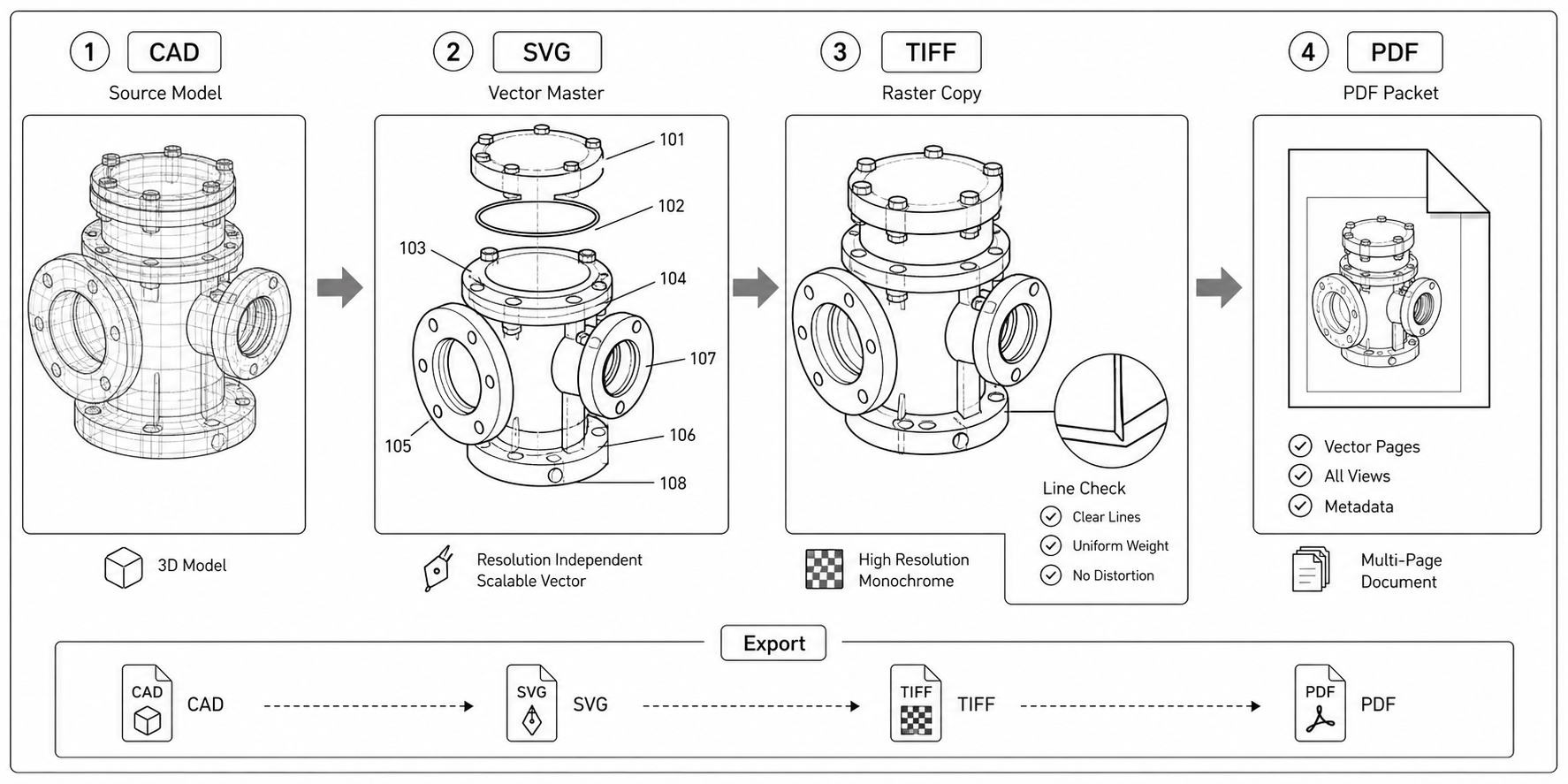
CAD to SVG to TIFF: A Patent Drawing Export Workflow
A practical pipeline for converting CAD output into patent drawings — SolidWorks, Fusion 360, FreeCAD to SVG, then Inkscape cleanup, then TIFF or PDF for filing.
Newsletter
Join the community
Subscribe to our newsletter for the latest news and updates