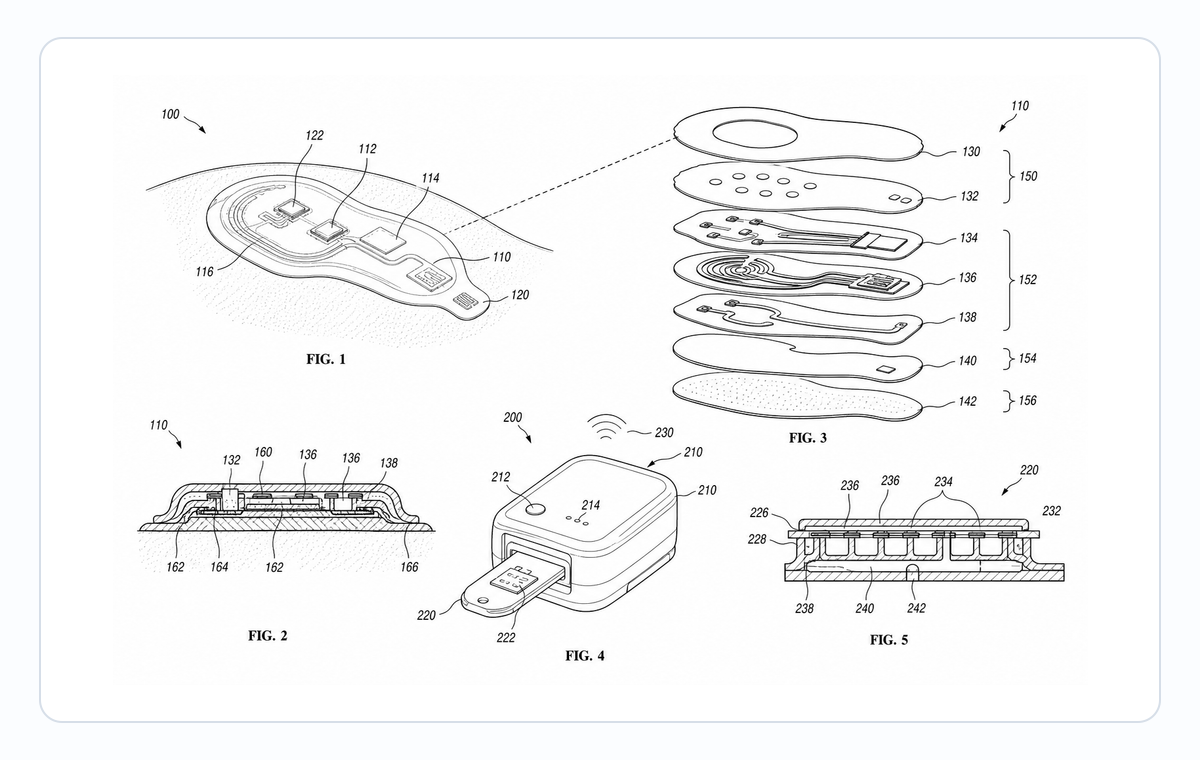
Medical Device Patent Figures: Exploded Views, Cross-Sections, and Use States
Plan medical device patent figures for cartridges, wearables, patches, sensors, surgical tools, exploded views, cross-sections, and use states.
TL;DR: Medical device patent figure sets typically need four kinds of views: a conservative overview, an exploded view for assembly relationships (cap-to-cartridge, sensor-to-housing, consumable-to-base), a cross-section for internal layers, seals, and fluid paths, and a use state that shows device-to-body orientation without patient-identifying detail. Keep patent figures completely separate from IFU artwork — the two may share geometry but need different line work, labels, and review rounds.
Medical device patent figures need restraint. They must explain structure and use without becoming clinical marketing artwork or an IFU.
Start with the medical device patent drawing generator when the target is patent filing. Use instruction-manual workflows when the target is patient or clinician guidance.
Start With The Claim, Not The Product Brochure
Medical device images often begin as CAD renders, IFU drawings, product photos, or investor deck visuals. Those sources can help, but a patent figure has a different job: it must show the structure, relationship, and use state that support the written disclosure.
Avoid turning the figure set into:
- a clinical marketing image
- an IFU safety instruction
- a photorealistic patient scene
- a fully dimensioned manufacturing drawing
- a crowded collage of every product feature
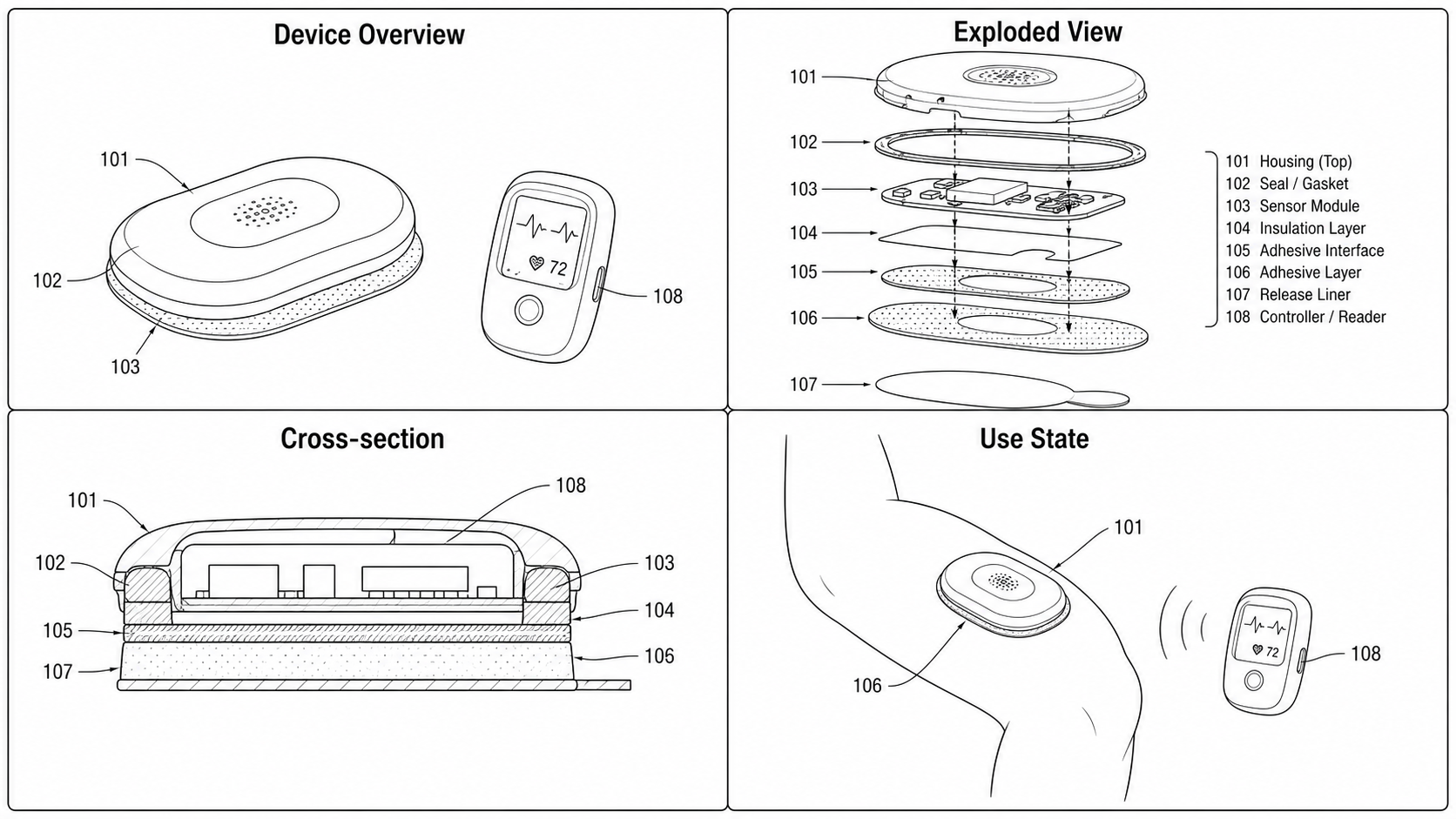
Device Overview
Begin with a conservative overview figure. Show housing, patient-contact portion, cartridge, cable, sensor, applicator, or handle only when those elements support the disclosure.
Exploded View
Exploded views are useful when the invention depends on assembly relationships:
- cap to cartridge
- sensor to housing
- needle or applicator to body
- adhesive patch to electronics module
- replaceable consumable to reusable base
If the assembly is important, use the exploded view patent drawing generator.
Cross-Section
Cross-sections help when internal layers, fluid paths, seals, channels, optical paths, or sensor placement matter. Keep hatching light and avoid clinical realism.
Use State
Use-state drawings can show orientation and environment, but avoid patient-identifying detail. The figure should explain the device relationship, not act as medical advice.
Before export, confirm the figure set is supported by the written disclosure and run image checks with the Figure Checker.
Figure Planning Table
| Figure type | Best for | Watch out for |
|---|---|---|
| Overview | Housing, handle, cartridge, sensor, applicator, controller | Do not add decorative product-render detail |
| Exploded view | Assembly order, replaceable parts, layers, consumables | Keep alignment and spacing readable |
| Cross-section | Seals, channels, layers, optical or fluid path | Use restrained hatching and clear labels |
| Use state | Orientation, device-to-body relationship, environment | Avoid identifiable patient detail |
| Detail view | Needle, port, latch, sensor location, connector | Do not overcrop so the part loses context |
Prompt Template For PatentFig AI
Create a patent-style medical device figure set.
Show an overview, exploded view, cross-section, and use-state panel for [device type].
Use black-and-white line art, reference numerals, clean hatching, and readable labels.
Avoid clinical realism, patient-identifying detail, medical advice, and marketing render style.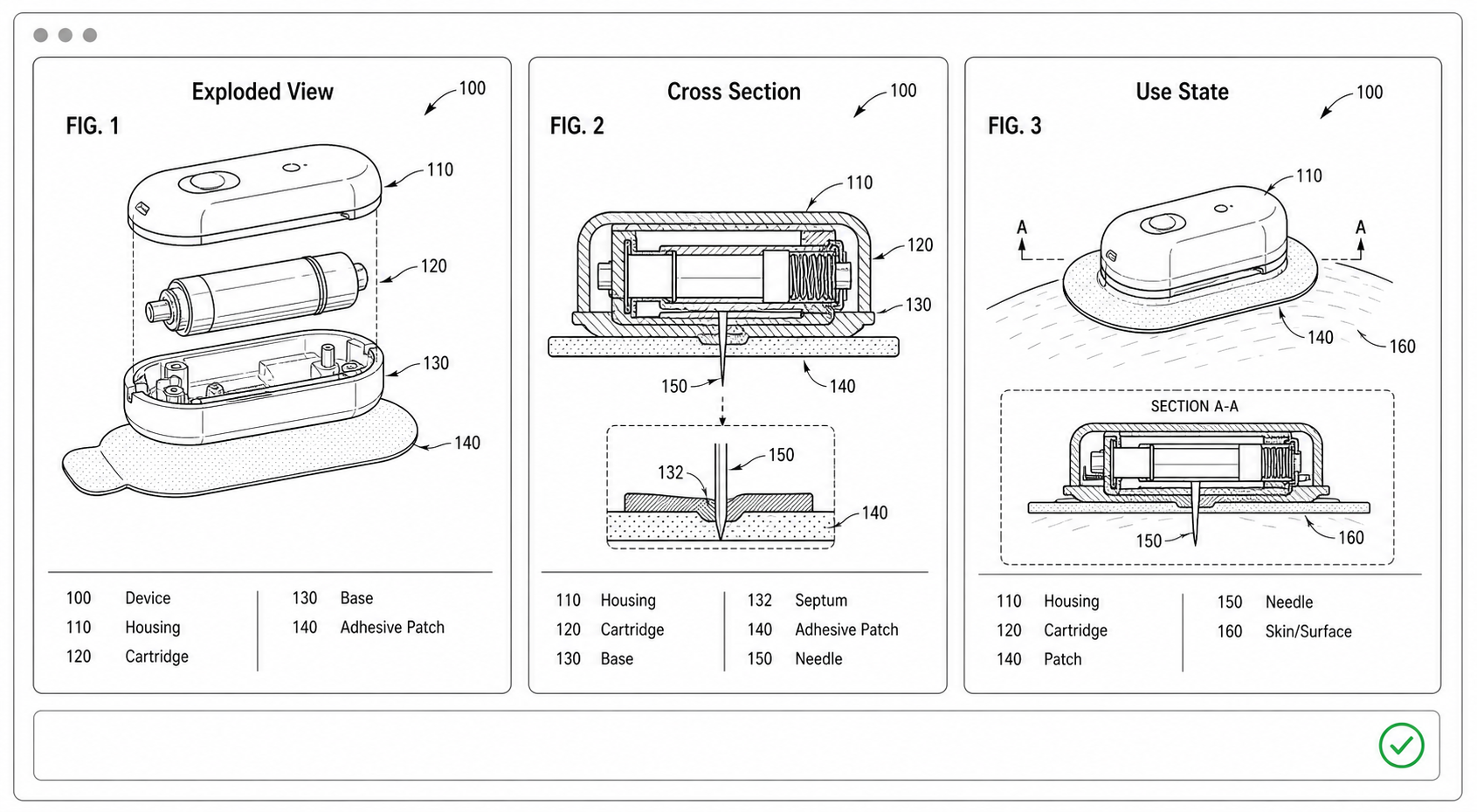
Pre-filing Review Checklist
| Check | What to verify |
|---|---|
| Structure | Every shown layer, cartridge, sensor, or channel is described in the specification |
| Use state | Environment is generic and only explains device relationship |
| Internal detail | Cross-section does not invent unsupported internal geometry |
| Labels | Numerals are readable and consistent between overview and detail views |
| Compliance | Margins, line clarity, black-and-white mode, and export format are checked |
Distinguishing Patent Figures from IFU Artwork
Medical device companies often have a deep library of IFU illustrations: warning glyphs, step panels, "do not" symbols, color-coded use sequences. None of that belongs in a patent figure. Build a separate folder for patent-side figures from day one, drawn against the specification rather than against the regulatory submission. When the same device appears in both contexts, the IFU artwork and the patent figure share geometry but nothing else — different line work, different labels, different review rounds.
Open the medical device patent drawing generator.
Next step: Browse 25 patent drawing examples by category — or open the generator and adapt the closest one to your invention.
More Posts
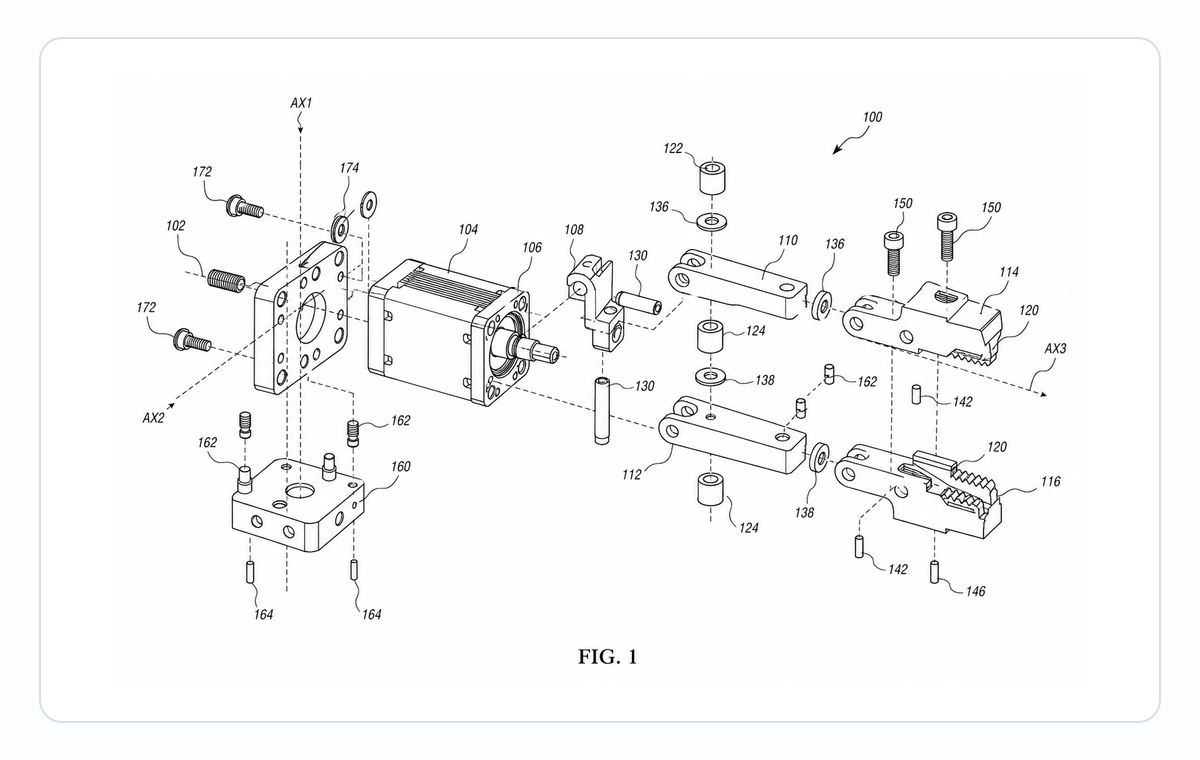
Exploded View Patent Drawing Workflow: Parts, Spacing, Callouts, and Review
Plan exploded view patent drawings with clear part order, spacing, leader lines, reference numerals, and pre-export review.

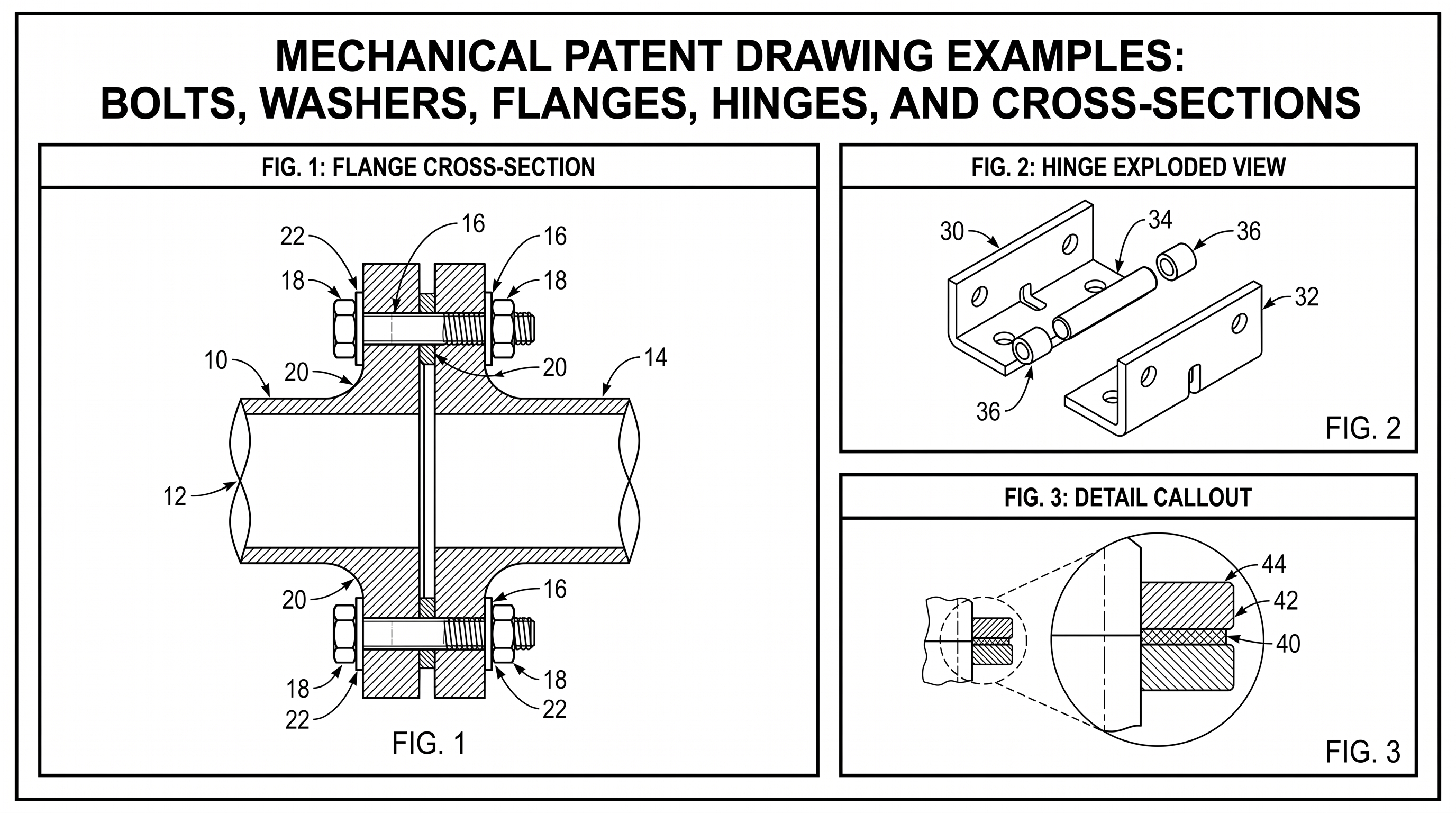
Mechanical Patent Drawing Examples: Bolts, Washers, Flanges, Hinges, and Cross-Sections
Practical mechanical patent drawing examples for bolts, washers, flanges, hinges, exploded views, cross-sections, labels, and revision workflows.
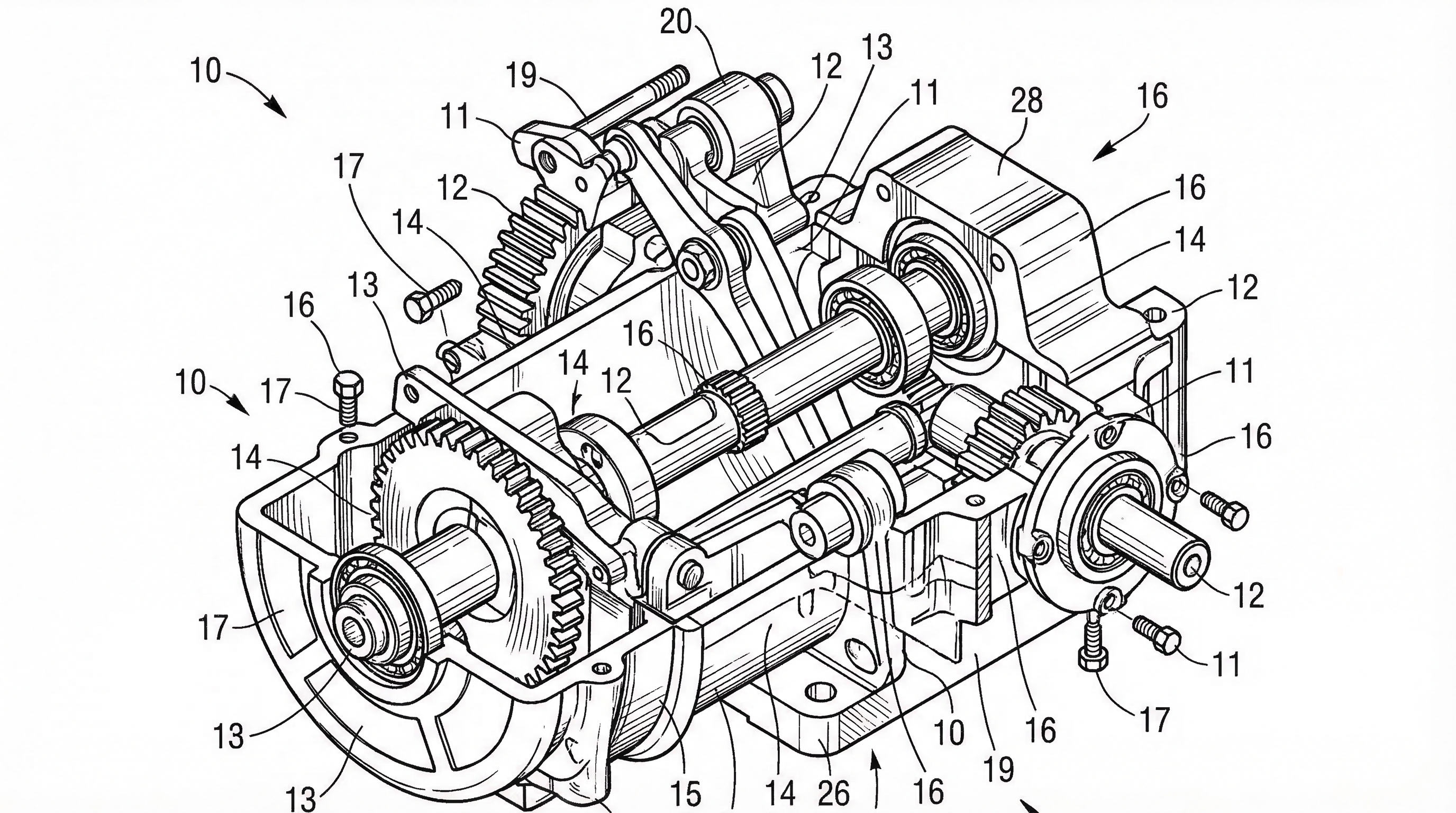
USPTO Patent Drawing Requirements 2026: Checklist, Margins & Examples
USPTO patent drawing requirements for 2026: 37 CFR 1.84 checklist, margins, line rules, reference numerals, examples, and pre-filing checks.
Newsletter
Join the community
Subscribe to our newsletter for the latest news and updates