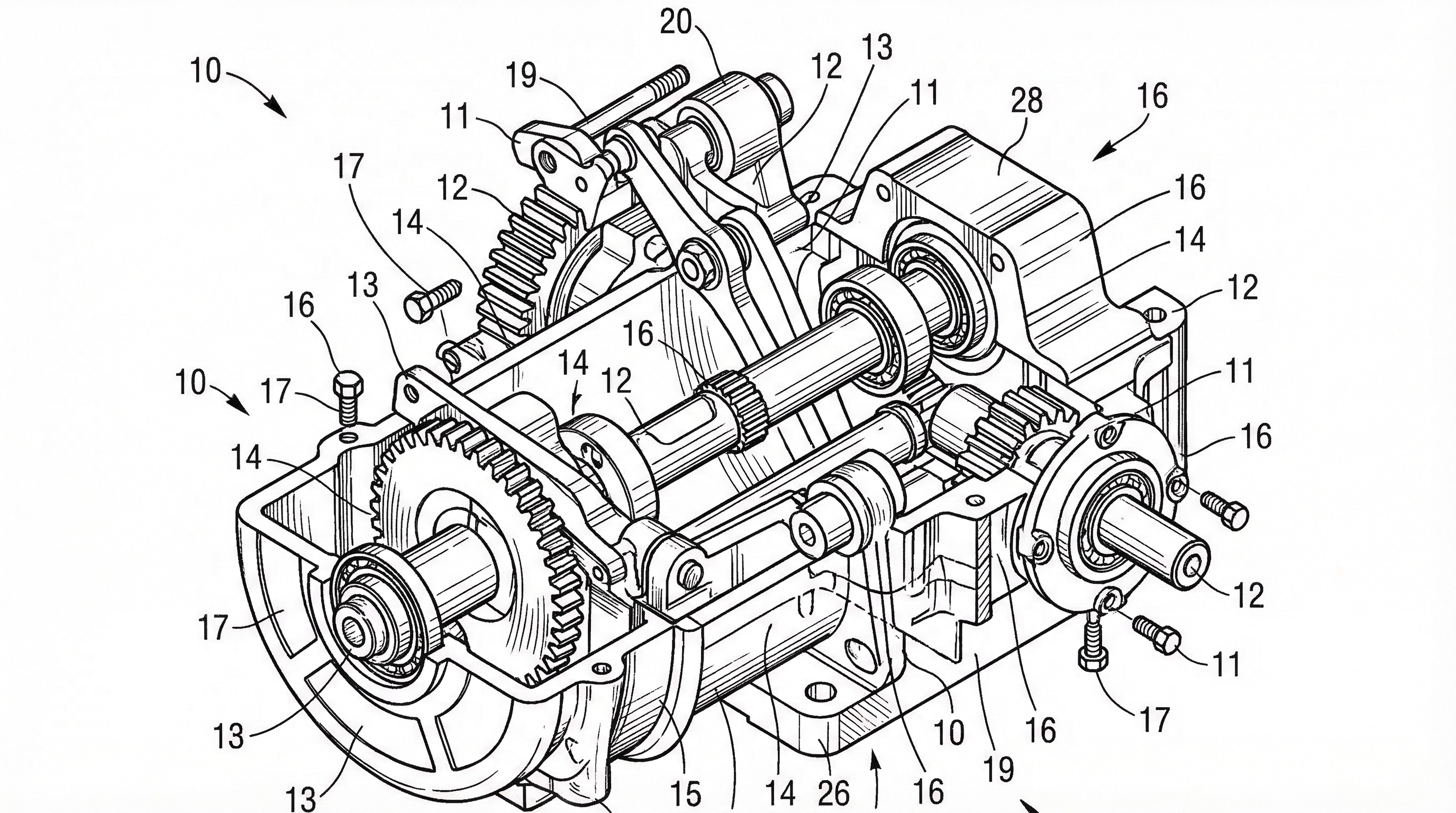
USPTO Patent Drawing Requirements 2026: Checklist, Margins & Examples
USPTO patent drawing requirements for 2026: 37 CFR 1.84 checklist, margins, line rules, reference numerals, examples, and pre-filing checks.
USPTO Patent Drawing Requirements: A Compliance Checklist for Professionals
TL;DR
- Use black-and-white line art unless color is genuinely essential and supported by a petition.
- Keep sheet size, margins, line quality, reference numerals, and view labels consistent before export.
- Treat software, electrical, circuit, and mechanical figures as patent figures, not raw engineering drawings or product slides.
- Run final figures through the Figure Checker before filing copies are exported.
- For the quick checklist version, see the patent drawing requirements page.
In the world of patent prosecution, a picture isn't just worth a thousand words—it’s often the difference between an immediate filing date and a costly "Notice of Omissions." While the USPTO’s 37 CFR 1.84 regulations might seem like pedantic formatting rules, they exist to ensure that every drawing is reproducible, legible, and capable of being scanned into digital records without loss of detail.
For patent engineers and counsel, drawing objections are a common source of prosecution delays. An objection to line thickness or margin width can stall an application, potentially risking the priority date if a substitute drawing introduces "new matter." To avoid these pitfalls, professionals must treat drawing compliance as a core part of the drafting workflow, not an afterthought.
Need compliant patent figures faster? Try PatentFig AI in the generator.
If you are comparing tools before changing your drafting process, start with the patent drawing software overview, then test one real figure in the AI patent drawing generator. Filing in more than one office? Cross-reference the USPTO checklist below with the office-by-office patent drawing standards guide so the same figure set survives USPTO, CNIPA, EPO, JPO, KIPO, and PCT review.
If you already know the figure type, use the focused entry point instead: utility patent drawing generator, patent block diagram generator, electrical patent diagram generator, or circuit patent drawing generator.
Technical Standards for Line Work and Shading
The USPTO is strict about how an invention is visually represented. The primary goal is clarity for reproduction.
- Black Ink Only: Drawings must be executed in black ink. While color is occasionally permitted via petition, the standard remains high-contrast black and white.
- Uniform Line Quality: Every line, whether solid or dashed, must be clean, sharp, and of uniform thickness. "Sketchy" lines or gray-scale gradients are frequent triggers for Office Actions.
- Shading Techniques: Solid black fills are generally prohibited except for specific symbols or very small areas. Instead, use:
- Hatched lines: To represent sections or cut-away surfaces.
- Stippling or thin surface lines: To indicate curved or contoured surfaces.
- No Photographs: Unless a photograph is the only way to illustrate the invention (common in biological or chemical patents), stick to line art.
Layout and Formatting: Margins, Scales, and Numbering
Formatting errors are the "low-hanging fruit" of USPTO objections. Even if the invention is perfectly rendered, a sheet with the wrong margins will be rejected.
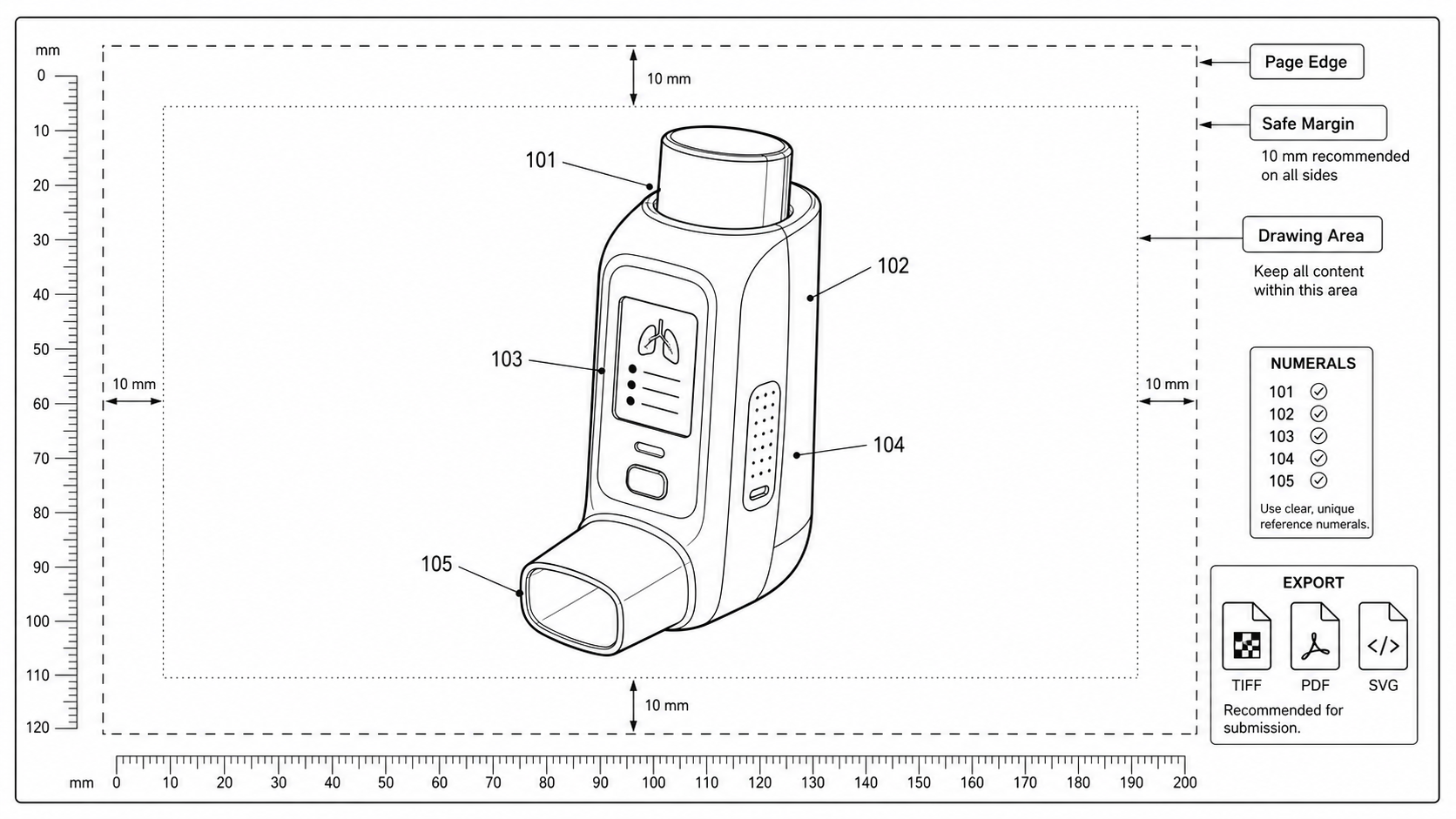
The Margin Checklist
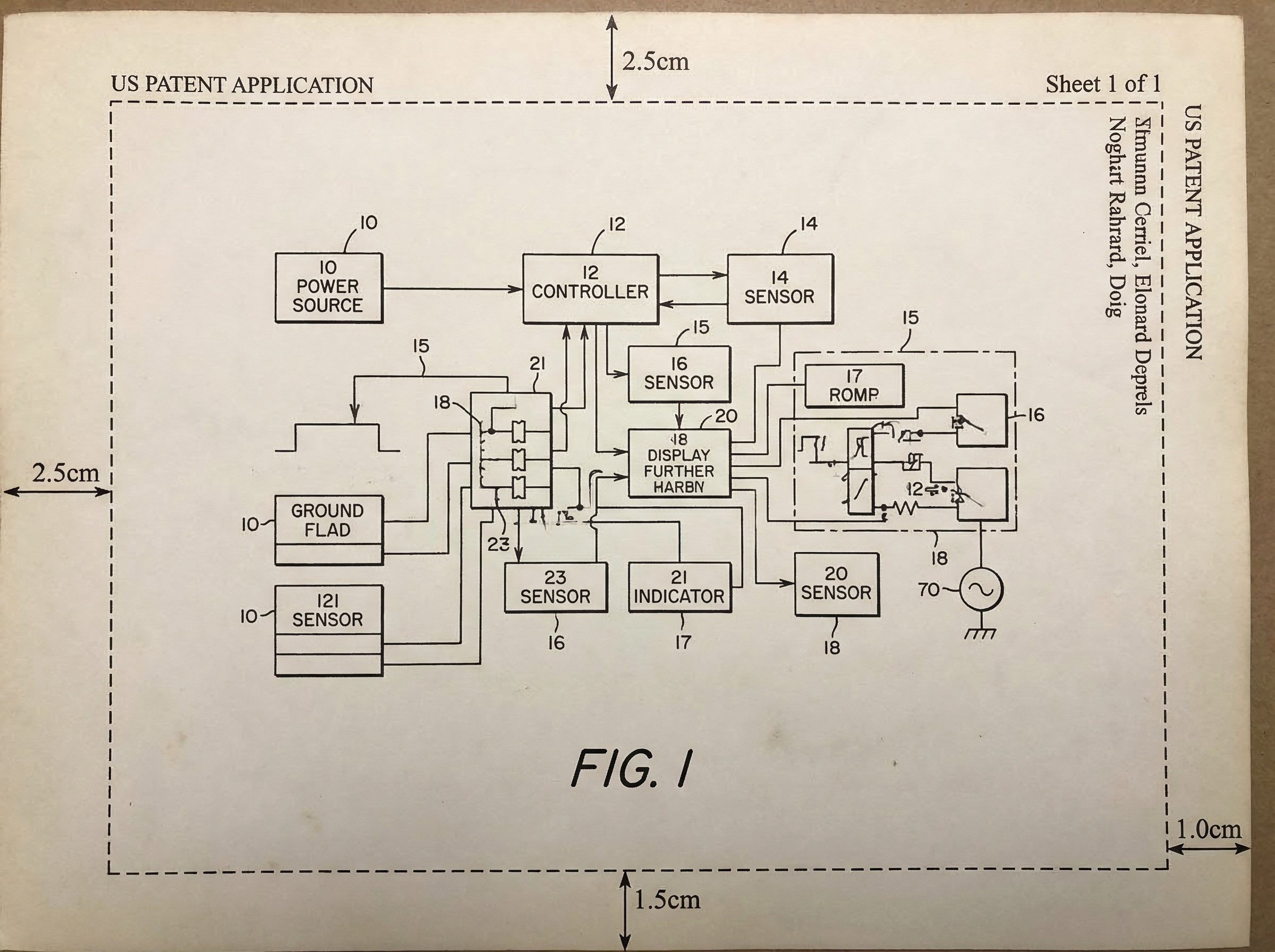
Every sheet of drawings must be either A4 (21 cm x 29.7 cm) or Letter (8.5 x 11 inches). The following minimum margins must be maintained on all sheets:
- Top: 2.5 cm (1.0 inch)
- Left: 2.5 cm (1.0 inch)
- Right: 1.5 cm (5/8 inch)
- Bottom: 1.0 cm (3/8 inch)
Scale and Reference Characters
Reference characters (the numbers pointing to components) are subject to specific size requirements. They must be at least 0.32 cm (1/8 inch) high so they remain legible after being reduced in size for publication.
Pro-tip: Avoid using lead lines that cross each other or become lost in the shading of the drawing. Use "broken" or "elbowed" lead lines to keep the layout organized.
Requirements for View Types and Arrangement
How you arrange your figures dictates how easily an examiner can follow your written description.
- Perspective and Exploded Views: These are often the most helpful for mechanical inventions. In an exploded view, the parts must be aligned so that their relationship to the whole is clear.
- Sectional Views: When showing a cross-section, use hatching to indicate materials. The plane of the section should be clearly marked on the general view with a broken line.
- Logical Sequencing: Figures should be numbered consecutively (e.g., FIG. 1, FIG. 2). If a single figure is spread across multiple sheets, it must be clear how the parts fit together.
- No Text Blocks: Avoid "notices" or descriptive text within the drawing area unless it is a flowchart or schematic. Let the reference numbers do the talking.
To see how granted applications handle perspective, sectional, and exploded views in practice, browse these real patent drawing examples before settling on your own figure arrangement.
Automating USPTO Compliance with PatentFig AI
Manually checking every margin and line weight is a tedious, error-prone process that pulls patent engineers away from higher-value technical analysis. Traditionally, firms solved this by outsourcing figures — if you are weighing that route, the patent drawing services guide compares professional drafting firms with software on cost, turnaround, and revision control. For teams that keep figures in-house, this is where modern automation tools become essential.
PatentFig AI is designed specifically to bridge the gap between technical concept and USPTO-ready line art. By leveraging AI-driven generation, PatentFig AI ensures that every output is natively compliant with 37 CFR 1.84 standards.
Instead of spending hours adjusting line thicknesses in traditional CAD software or cleaning up scans:
- Native Compliance: PatentFig AI generates high-contrast black ink drawings that meet line-weight standards automatically.
- Formatted Layouts: The system ensures that margins and reference character sizes are consistent across your entire figure set.
- Reduced Friction: By providing a "USPTO-ready" output from the start, PatentFig AI minimizes the risk of receiving a "Notice to File Corrected Papers," allowing counsel to focus on the strength of the claims rather than the width of the margins.
For professionals looking to streamline their drafting workflow without sacrificing quality, integrating a tool like PatentFig AI can significantly reduce the overhead of patent prosecution. Try it on your next application to see how automation can turn a complex compliance checklist into a one-click reality.
Create Patent Figures Faster
Ready to turn rough sketches, CAD screenshots, or prompts into patent-ready visuals? Start with the AI patent drawing generator for a guided walk-through, or jump straight into the generator. Need a pre-filing safety net? Run the result through the patent figure compliance checker.
Author

Categories
More Posts
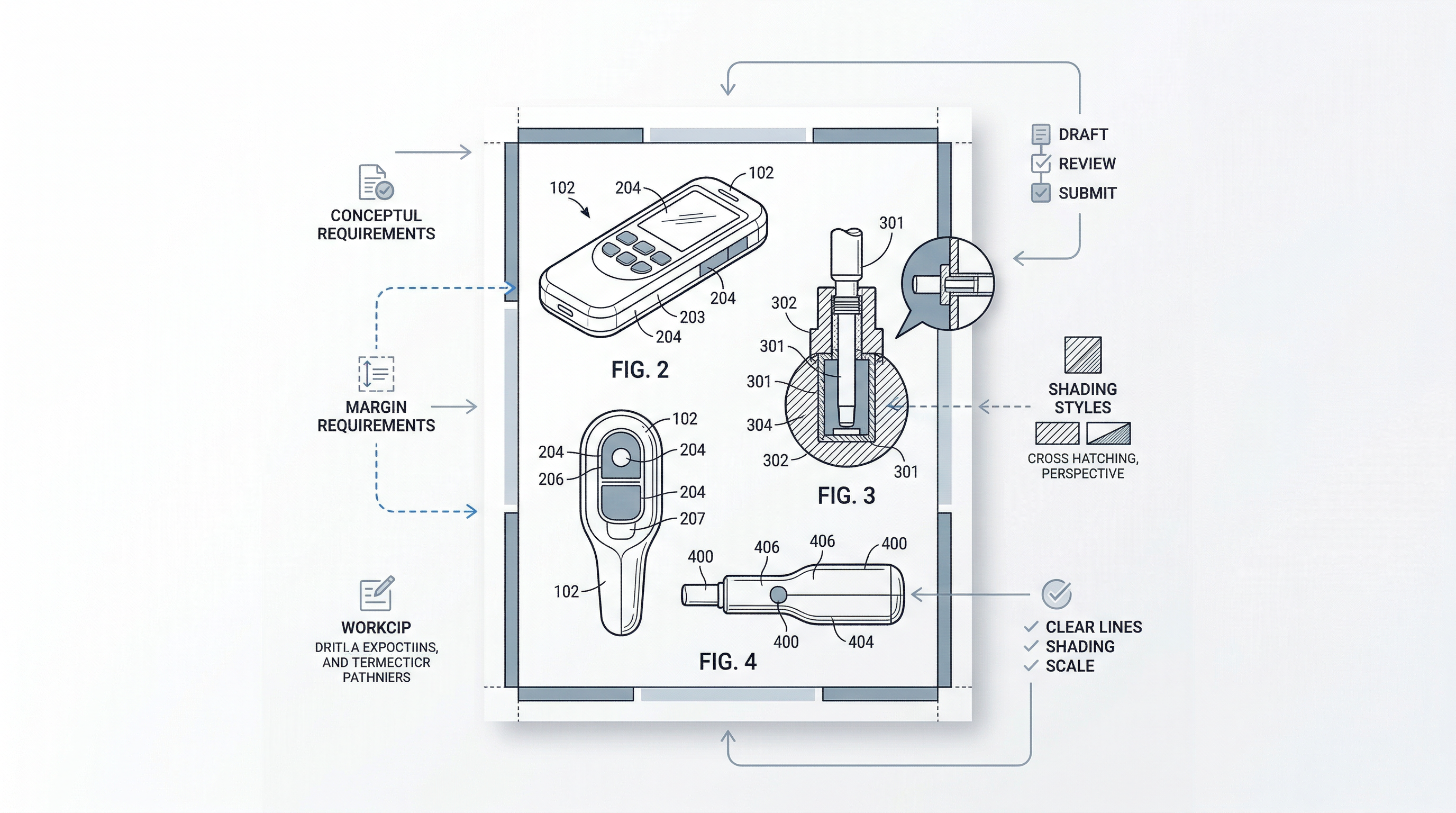
USPTO Patent Drawing Rules 2026: 7 Common Mistakes That Delay Filings
Why do USPTO drawings get rejected? 7 common 37 CFR 1.84 mistakes that trigger Office Actions, plus a free high-speed AI workflow to fix them. 2026 guide.
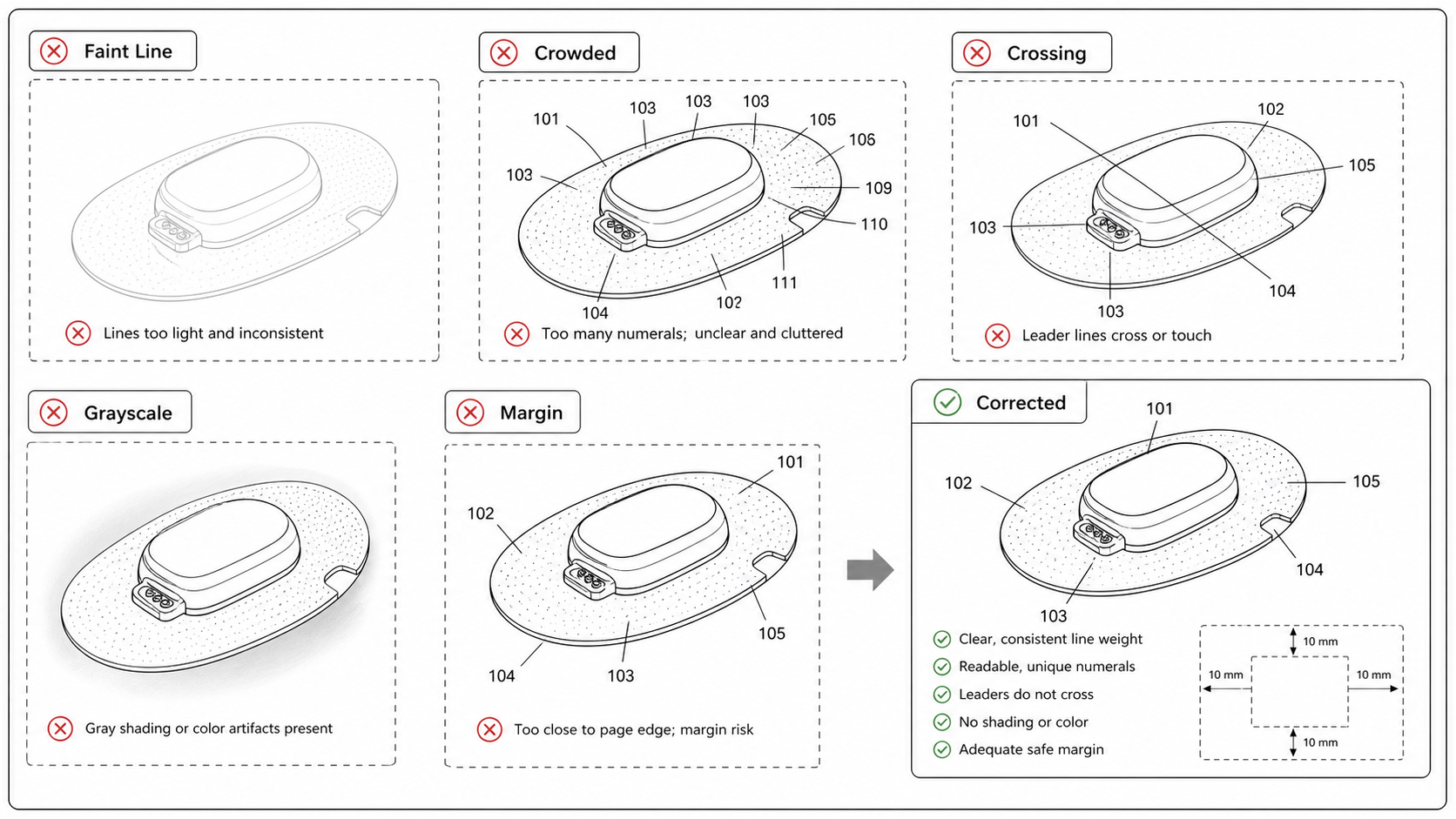
Common Patent Drawing Mistakes That Slow Down Filing
The recurring failure modes in patent drawings — line weight, numerals, views, color mode, extraneous matter — with the rule that catches each and the fix that ships fastest.
Patent Drawing Margin Rules: USPTO, EPO, PCT, CNIPA, JPO, KIPO
Sheet size, top, bottom, left, and right margin requirements for patent drawings across USPTO, EPO, PCT, CNIPA, JPO, and KIPO, with a practical pre-export check.
Newsletter
Join the community
Subscribe to our newsletter for the latest news and updates