How to Respond to a USPTO Drawing Objection: Deadlines, Replacement Sheets, and a Same-Day Fix Workflow
Got a USPTO drawing objection? Learn the difference between a Notice to File Corrected Application Papers and an Office Action objection, the six most common 37 CFR 1.84 defects, and how to file compliant replacement sheets — often the same day.
TL;DR: Most USPTO drawing objections are formalities, not substantive rejections — they cite 37 CFR 1.84 defects like light lines, bad margins, or small numerals, and they are resolved by filing compliant replacement sheets within the period set in your notice (typically two months for a Notice to File Corrected Application Papers, extendable for a fee). Each replacement sheet must be a full-page substitute labeled "Replacement Sheet" per 37 CFR 1.121(d), with no new matter. Before you refile, run the rejected sheet through the figure checker — it flags all six of the most common objection types in one pass.
How to Respond to a USPTO Drawing Objection
A drawing objection is one of the most common — and most fixable — events in U.S. patent prosecution. Unlike a rejection of your claims, a drawing objection almost never questions whether your invention is patentable. It says the figures, as filed, don't meet the formal standards of 37 CFR 1.84 and MPEP 608.02. The cure is procedural: identify the defect, produce corrected figures, and file them as replacement sheets before your deadline.
This guide walks through what you actually received, the six defects that generate the bulk of objections, the formatting rules for replacement sheets, and a workflow that lets you turn a corrected filing around the same day. If you want the underlying drawing rules themselves, see the patent drawing requirements summary.
First, Identify What You Received
Drawing problems reach applicants through two different documents, and the difference matters for your deadline.
Notice to File Corrected Application Papers
This comes from the Office of Patent Application Processing (OPAP) shortly after filing — often weeks before any examiner has looked at your application. OPAP screens incoming papers for scannability and format: margins, line darkness, sheet size, legibility after reproduction. The notice identifies the defective sheets and typically gives you a two-month period to file corrected papers.
Examiner's Objection in an Office Action
This arrives later, during substantive examination. The examiner objects to the drawings — commonly under 37 CFR 1.84 for formal defects, or under 37 CFR 1.83 if a claimed feature isn't shown in any figure. Here the drawing correction rides along with your Office Action response, on the response period stated in the Office Action (most often a three-month shortened statutory period).
Two practical points on deadlines:
- The controlling date is the one printed on your notice. Periods vary, and the USPTO occasionally sets different times for different defect types.
- Extensions are usually available for a fee under 37 CFR 1.136(a), generally up to the statutory maximum. But extension fees escalate quickly, and some notices have non-extendable components — so treat the printed period as the real deadline and confirm specifics against the notice itself and with your patent practitioner before relying on an extension.
Missing the period (including any purchased extensions) can result in abandonment of the application, which is an expensive problem to revive. There is no upside to waiting: drawing corrections rarely benefit from delay.
The Six Most Common Drawing Objections — and the Fix for Each
The same handful of 37 CFR 1.84 defects accounts for most drawing objections. If your notice cites one of these, the fix is mechanical.
1. Margin violations — 37 CFR 1.84(g)
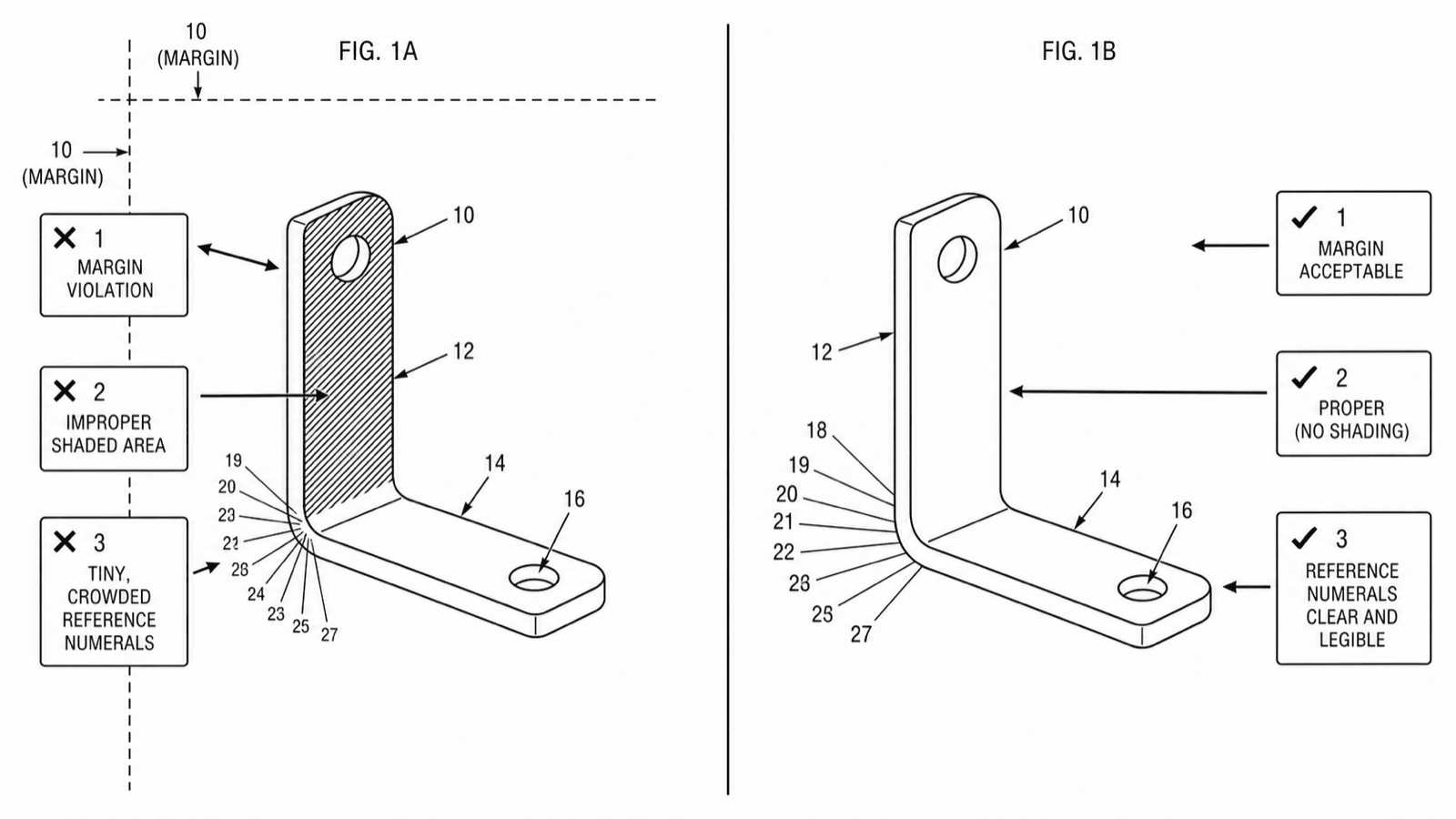
Each sheet needs sight margins of at least 2.5 cm top, 2.5 cm left, 1.5 cm right, and 1.0 cm bottom, with no frames around the usable area. Figures, lead lines, and even stray numerals that creep into the margin trigger an objection. Fix: Rescale or reposition the figure on the sheet. Don't crop — shrink the drawing slightly or split crowded content across two sheets.
2. Gray shading or photographic content — 37 CFR 1.84(b), (m)
Utility drawings must be solid black line art. Grayscale CAD renders, photographs, and soft gradient shading all reproduce poorly and get flagged. Photos are accepted only where a photograph is the only practicable medium, and color requires a granted petition under 37 CFR 1.84(a)(2). Fix: Convert the render or photo to line art with hatching or stippled surface shading instead of gray fills. The fix patent drawing rejections tool handles exactly this conversion.
3. Faint, broken, or non-uniform lines — 37 CFR 1.84(l)
All lines must be "durable, clean, black, sufficiently dense and dark, and uniformly thick and well-defined." Light pencil scans, thin hairlines, and anti-aliased exports that turn gray at the edges are classic OPAP catches. Fix: Re-export as high-contrast bilevel line art at adequate resolution, or regenerate the figure with a heavier, uniform stroke weight.
4. Reference numerals too small — 37 CFR 1.84(p)(3)
Numbers, letters, and reference characters must measure at least 3.2 mm (1/8 inch) in height. This is one of the most cited provisions because shrinking a figure to fit margins shrinks its numerals too. Fix: Enlarge the numeral text independently of the figure geometry, and recheck after any rescaling.
5. Missing or defective lead lines — 37 CFR 1.84(q)
Every reference numeral needs a lead line connecting it to the element it identifies (except numerals indicating a surface they sit on). Lead lines that cross each other, stop short of the part, or are missing entirely draw objections. Fix: Add a short, uncrossed lead line from each numeral to a clear touchpoint on its element; underline numerals placed directly on a surface.
6. Unlabeled or improperly numbered views — 37 CFR 1.84(u)
Each view must be labeled with "FIG." plus a consecutive Arabic numeral (FIG. 1, FIG. 2, FIG. 3A…), and the labels must match the brief description of the drawings in the specification. Fix: Add or correct the view labels, then cross-check the specification's figure descriptions for one-to-one consistency.
All six of these are exactly the checks automated by the figure checker, which is why running it before refiling is the cheapest insurance available.
Making Replacement Sheets That Get Accepted
Corrected figures are filed as replacement sheets under 37 CFR 1.121(d). The formatting rules here are unforgiving — a non-compliant replacement sheet earns you a second objection on the correction itself.
- Replace the entire sheet, every time. You can submit only the sheets you're changing, but each one is a complete substitute for the original sheet. Every figure that appeared on the original — changed or not — must appear on the replacement.
- Label the top margin "Replacement Sheet." This identifier goes in the top margin of each corrected sheet. New sheets adding figures are instead labeled "New Sheet."
- No new matter. The replacement must not show anything unsupported by the original disclosure (35 U.S.C. 132). Darkening lines, enlarging numerals, and fixing margins are safe; redrawing geometry, adding components, or "clarifying" proportions can cross the line.
- Include a marked-up copy when required. If the examiner requests it — or whenever the changes aren't obvious — file an annotated copy labeled "Annotated Sheet" showing what changed, and explain the changes in your remarks.
- Keep reference numerals synchronized with the specification. A replacement sheet that renumbers parts without conforming the specification trades one objection for another. Verify every numeral on the corrected sheet against the written description before filing.
- Mind the rest of 1.84 too. OPAP reviews the whole replacement sheet, not just the cited defect. Fixing the margins but leaving 2.8 mm numerals just restarts the cycle.
A Same-Day Correction Workflow
Drawing corrections used to mean a round-trip to a draftsperson measured in days. With current tooling the realistic turnaround is hours:
- Upload the objected sheet to the figure checker. It localizes every 37 CFR 1.84 issue on the sheet — including defects the notice didn't cite but a second review would catch.
- Regenerate or spot-fix. For line-quality, shading, and conversion problems, generate a corrected figure from the original or use the rejection-fix workflow; for small defects (a numeral size, a lead line), edit just the affected element.
- Re-run the checker on the corrected sheet. Confirm the original defect is gone and no new ones were introduced by rescaling or re-export.
- Export as replacement sheets. Output full-page sheets with the "Replacement Sheet" header, compliant margins, and bilevel line art ready for Patent Center, then file with your transmittal or Office Action response.
The discipline that matters most is step 3: most second-round objections come from corrections that fixed the cited defect while quietly breaking something else.
When to Escalate Instead of Just Refiling
Most drawing objections are safe to handle as the formality they are. Two situations are different, and both call for a patent practitioner before you file anything:
- New matter risk. If the correction requires redrawing structure — not just reformatting it — you're making a judgment call about what the original disclosure supports. Get that call wrong and the "correction" can taint claims that rely on the figure.
- The objection touches claim support. An objection under 37 CFR 1.83 that a claimed feature isn't shown, or examiner remarks questioning whether the figures support the claims, is substantive prosecution strategy dressed as a drawing issue. The response may involve amending claims or the specification, not just the sheets.
For everything else — margins, line weight, numerals, shading, labels — the objection is exactly what it looks like: a formatting punch list with a deadline attached.
Next step: Run the rejected sheet through the free figure checker — it flags all six objection types before you refile. Or generate a replacement figure from your original.
Author

Categories
More Posts
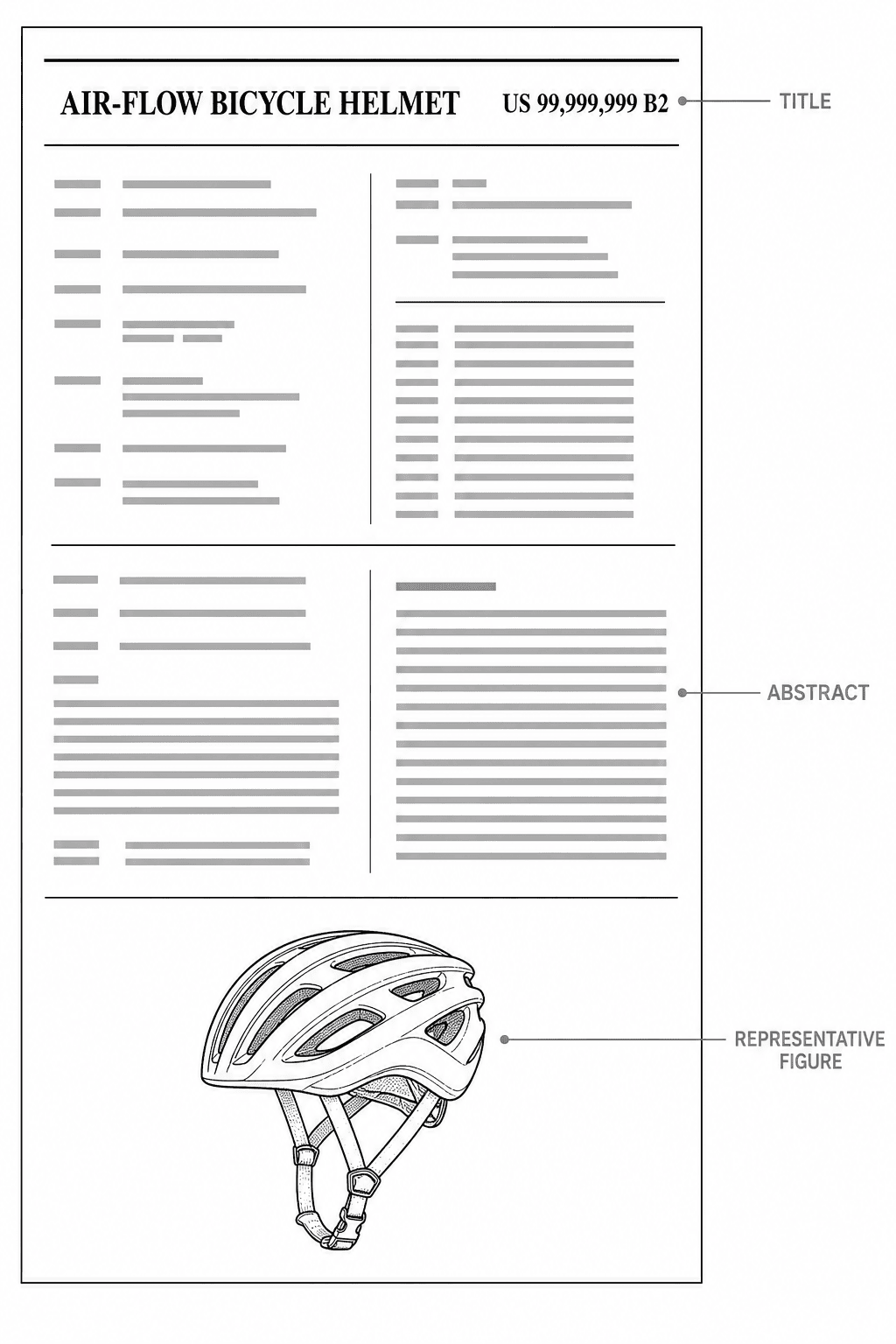
What Does a Patent Look Like? The US Patent Format, Page by Page
The anatomy of a US patent: title page, specification, claims, abstract, and drawing sheets — with an annotated fictional example showing the exact format the USPTO expects.
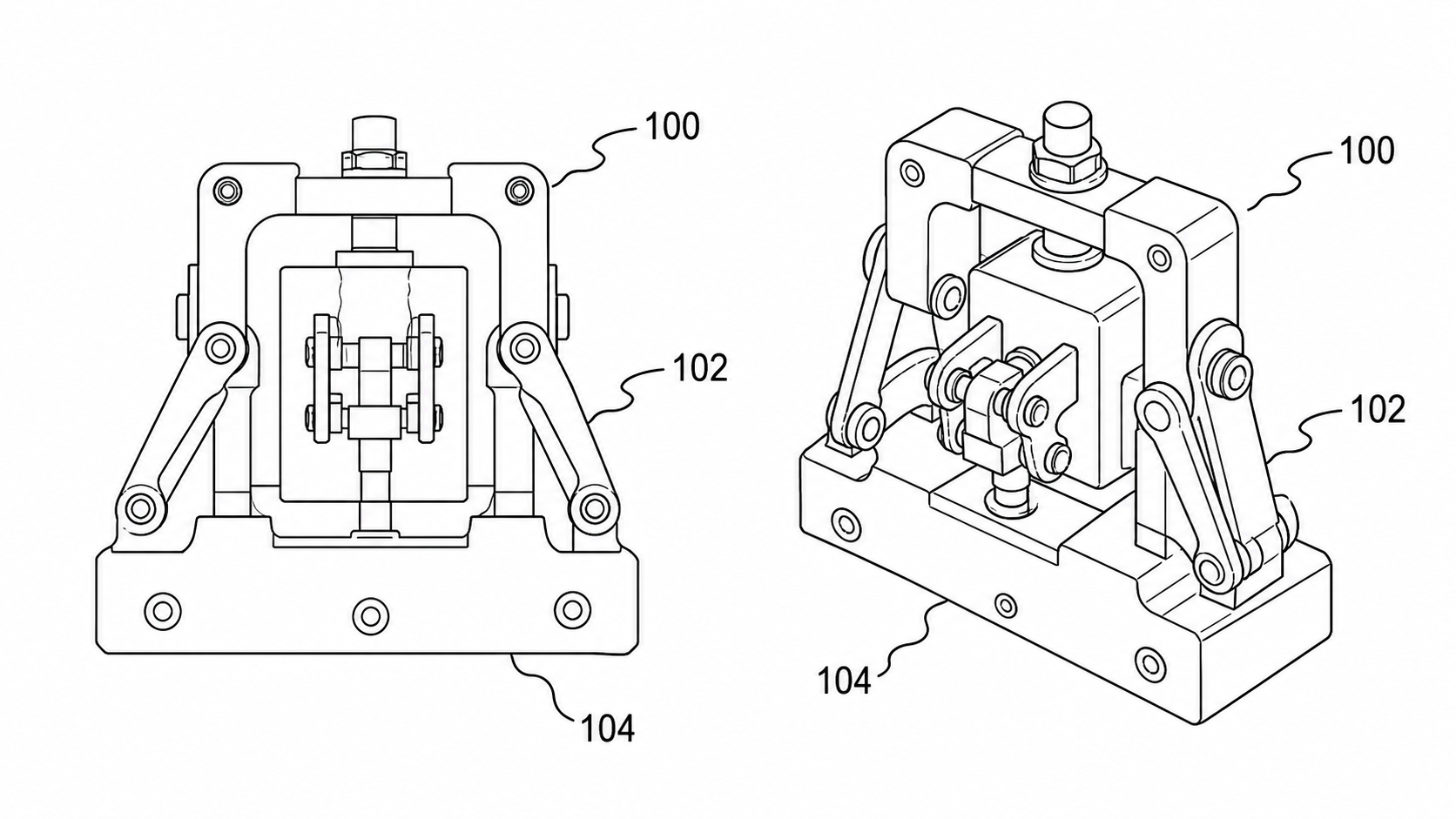
Black-and-White Patent Line Art: Reference Numerals, Lead Lines, and What Examiners Check
How patent figures must be pure black-and-white line art, where reference numerals belong, which lead-line styles pass, and the USPTO 37 CFR §1.84 and CNIPA rejections to avoid.
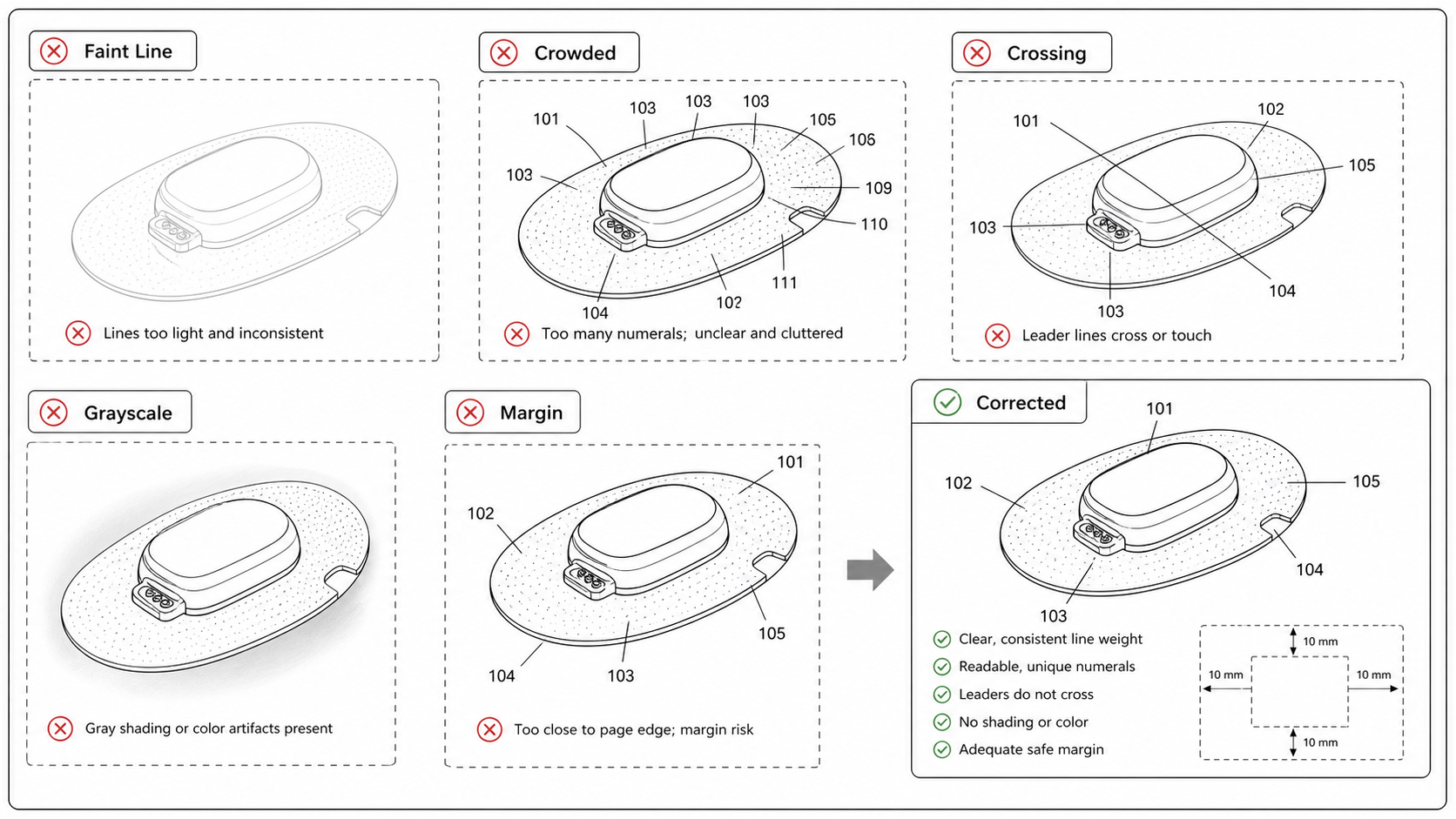
Common Patent Drawing Mistakes That Slow Down Filing
The recurring failure modes in patent drawings — line weight, numerals, views, color mode, extraneous matter — with the rule that catches each and the fix that ships fastest.
Newsletter
Join the community
Subscribe to our newsletter for the latest news and updates