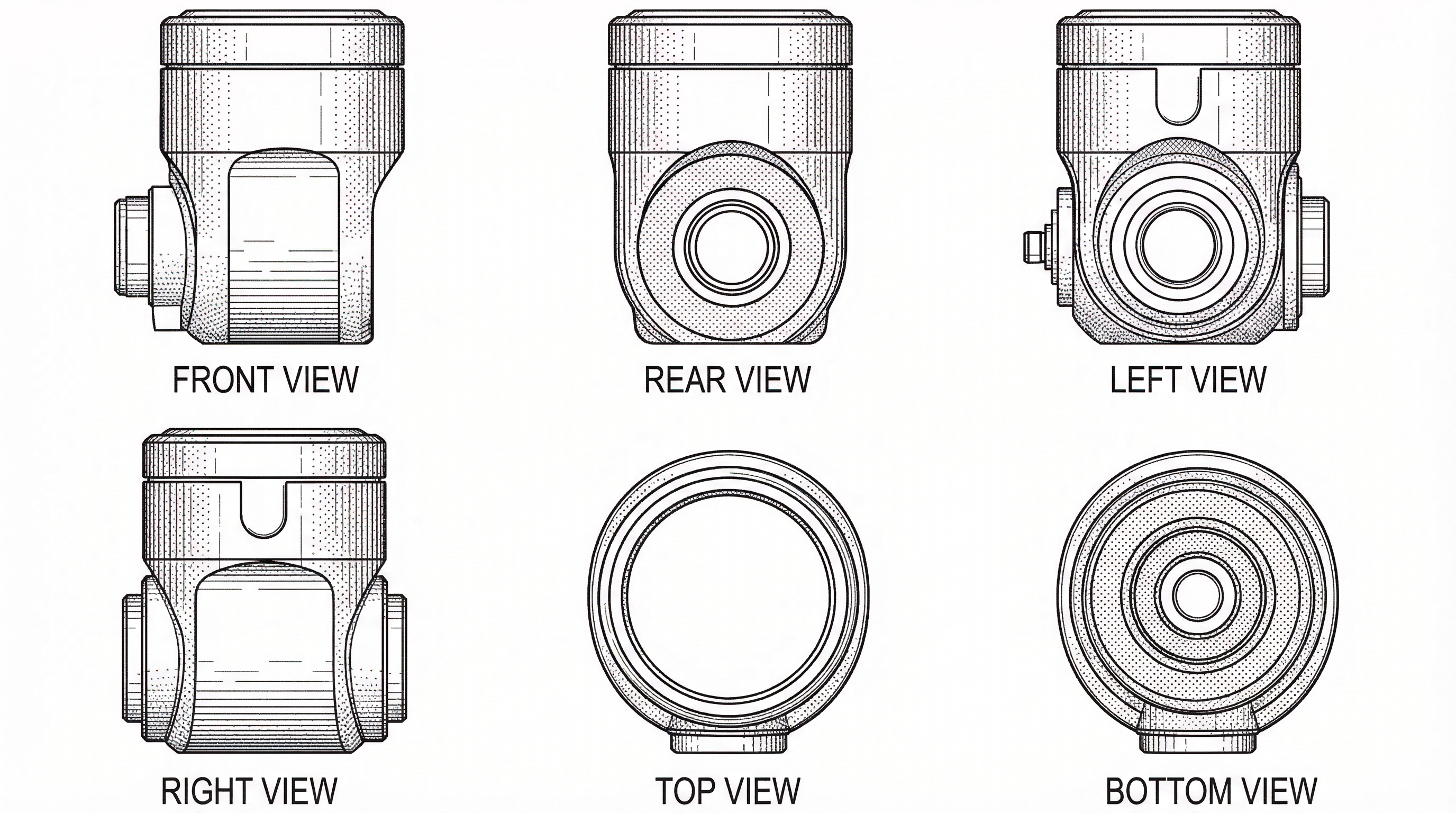
Design Patent Multi-View Sets: Generate 6 Views from One Reference Image
Generate consistent orthographic patent views from a single product image. Eliminate manual drafting and maintain contour alignment across all 6 views. 2026 guide.
TL;DR: A design patent needs a consistent orthographic set — typically front, back, left, right, top, and bottom plus a perspective view — and the hard part is cross-view consistency, where one misaligned contour can trigger an Office Action. AI multi-view generation from a single reference image produces the aligned set in minutes, shifting your review job to verifying contour agreement and per-office line conventions.
Generating Design Patent Multi-View Sets from a Single Reference Image
For industrial designers and patent engineers, the transition from a finalized product concept to a formal patent filing is often where the momentum slows down. One of the most tedious requirements in a design patent application is the creation of a complete set of orthographic drawings. To satisfy patent offices, you need a high degree of precision across multiple perspectives, ensuring that every contour on the front view aligns perfectly with its counterpart on the side and top views.
The Challenge of Consistency in Design Patent Figures
Maintaining visual consistency is the primary hurdle in traditional patent drafting. If you are relying on manual 2D drafting, even a slight misalignment in scale or a missing fillet in one of the six views can result in an Office Action from the USPTO or EPO.
Need compliant patent figures faster? Try PatentFig AI in the generator.
Similarly, using product photography poses its own set of problems. Lens distortion can warp the geometry of the product, making it difficult to extract the "flat" orthographic perspective required by law. Lighting and shadows often obscure critical design features, and cleaning up these images to meet the strict black-and-white line art requirements is a time-consuming process. When you have dozens of designs in the pipeline, these manual iterations become a significant bottleneck.
From Single Image to Multi-View: The PatentFig AI Workflow
PatentFig AI was designed to bridge the gap between a single design reference and a filing-ready drawing set. By leveraging a specialized projection engine, the platform allows you to generate a consistent multi-view set without needing to manually recreate the object for every angle.
The workflow is straightforward and fits directly into existing design cycles:
- Upload Your Reference: Start by uploading a single high-quality image of your product or a 3D rendering. This serves as the "source of truth" for the AI.
- Define the Geometry: The system analyzes the proportions and depth of the reference image.
- Generate Projections: With a single click, PatentFig AI generates the standard six orthographic views: Front, Back, Top, Bottom, Left, and Right.
- Refine and Export: You can adjust line thickness or shading density across the entire set simultaneously, ensuring that the visual style remains uniform across all figures.
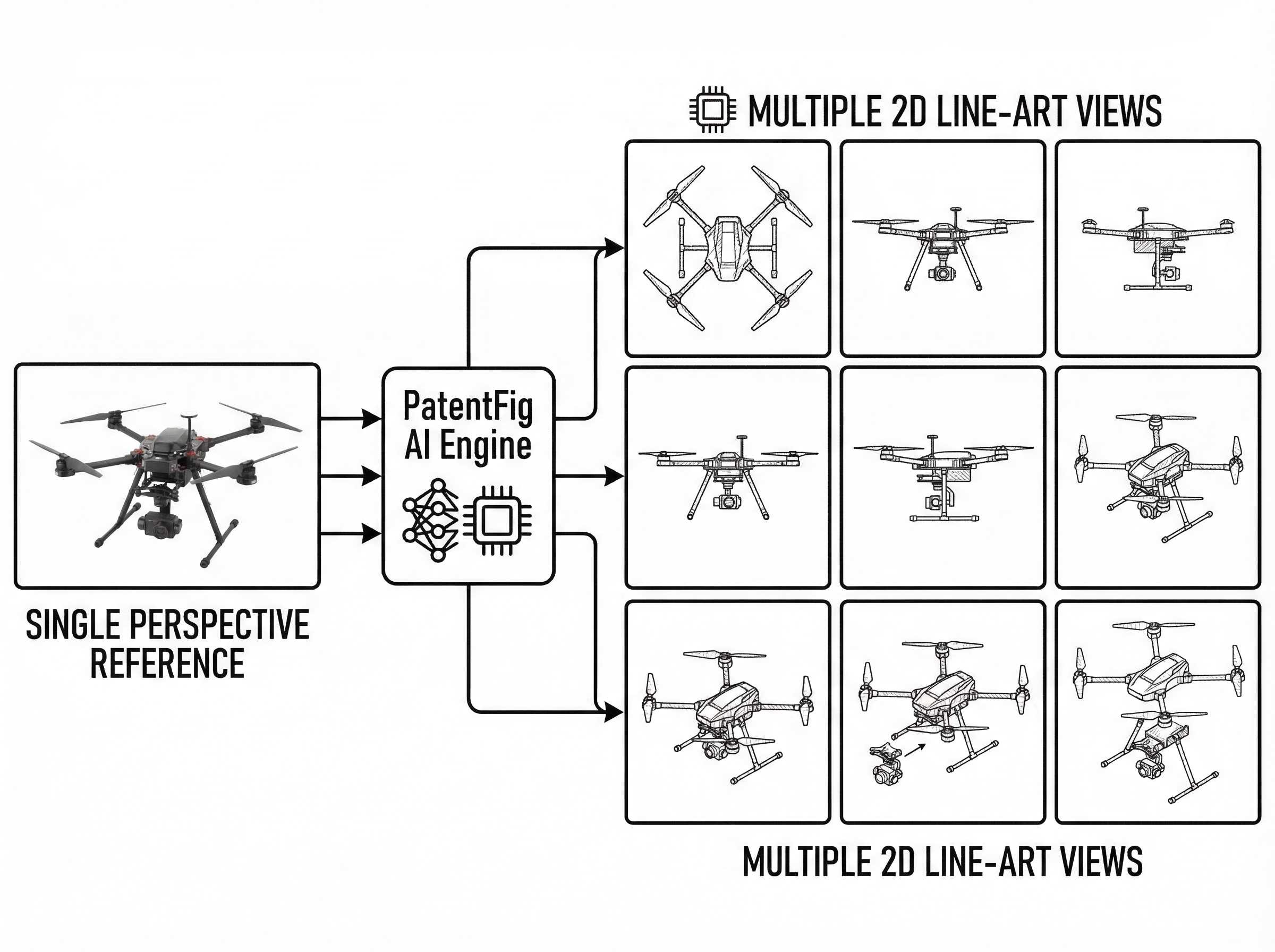
This process eliminates the risk of "perspective drift," where the object appears to change shape or scale as it is rotated—a common reason for patent application rejections.
Maintaining Compliance with USPTO and EPO Standards
A beautiful drawing is useless if it doesn't meet the formal requirements of the patent office. The USPTO, for instance, has very specific rules regarding line weights, surface shading, and the use of broken lines to indicate unclaimed subject matter.
PatentFig AI’s AI is trained specifically on patent formalization standards. Instead of generic "edge detection" found in standard design software, our engine produces:
- Clean Vector Lines: High-contrast black lines on a white background, free of the "fuzziness" often seen in automated trace tools.
- Standardized Shading: Automated tangential and surface shading that communicates three-dimensional form without the use of prohibited grayscale gradients.
- Consistency in Detail: If a button appears on the "Front" view, the engine ensures its depth and placement are mathematically accurate on the "Side" and "Top" views.
By automating the technical "inking" of the drawings, patent engineers can focus on the scope of the claims rather than the thickness of a line.
If your team is filing beyond one jurisdiction, compare office-specific rules in:
- Patent Drawing Requirements by Office
- EPO patent drawing requirements
- JPO patent drawing requirements
Accelerating the IP Lifecycle with AI Drafting
The traditional path from a finished CAD model to a formal patent figure set can take days or even weeks when coordinated through external drafting services. By using PatentFig AI to generate multi-view sets from a single reference, industrial designers and patent teams can cut that time down to minutes.
Moving from concept to filing faster doesn't just save on drafting fees; it secures your priority date sooner. Whether you are an independent designer protecting a new consumer product or an IP firm managing a high-volume portfolio, streamlining the multi-view generation process is a practical way to reduce the friction of intellectual property protection.
Ready to see how your design looks in orthographic view? Try PatentFig AI today and transform your product references into professional-grade patent figures in seconds.
Create Patent Figures Faster
Ready to turn rough sketches, CAD screenshots, or prompts into patent-ready visuals? Open the PatentFig AI generator.
Next step: Open the generator and try this workflow with your own source material — or browse patent drawing examples for a starting point.
Author

Categories
More Posts
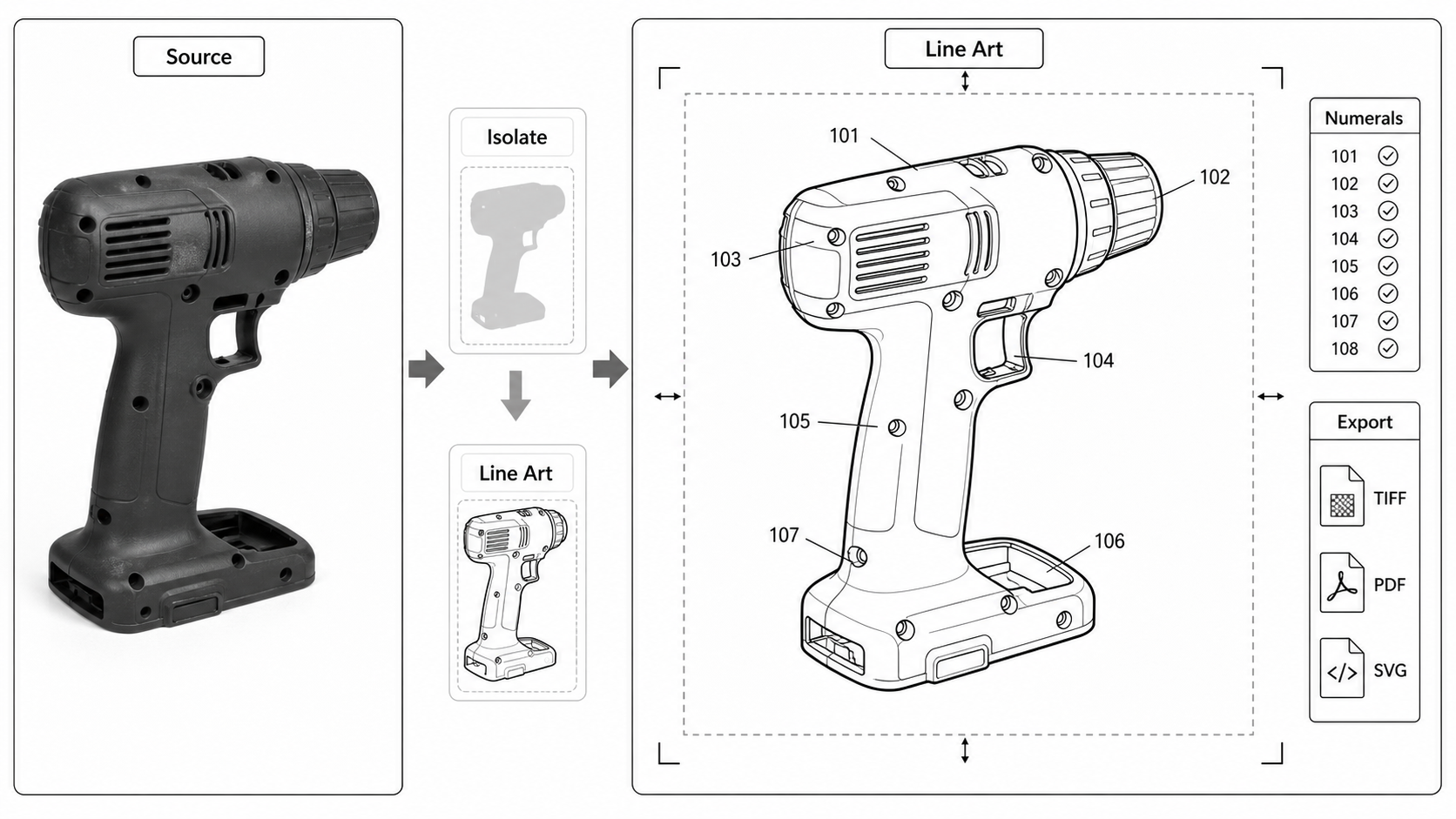
Photo to Patent Drawing AI: A Practical Workflow
Turn product photos into patent-style line art: photo prep, AI line extraction, what AI invents and what it loses, and the cleanup steps before filing.
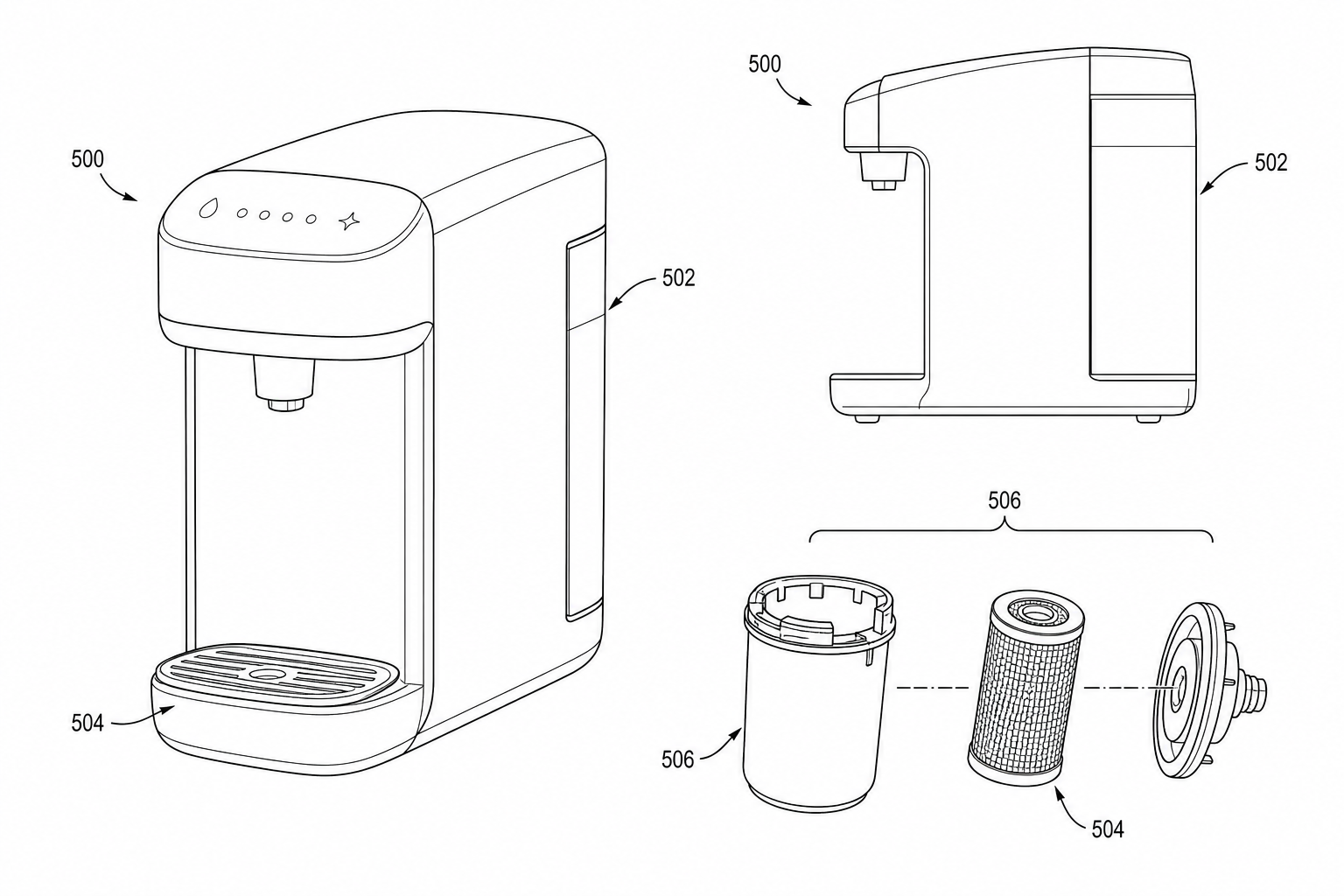
Product Photo to Patent Line Art: When AI Works and When to Redraw
Learn when product photos can be converted into patent line art with AI, when manual redraw is safer, and how to prepare views for patent filing.
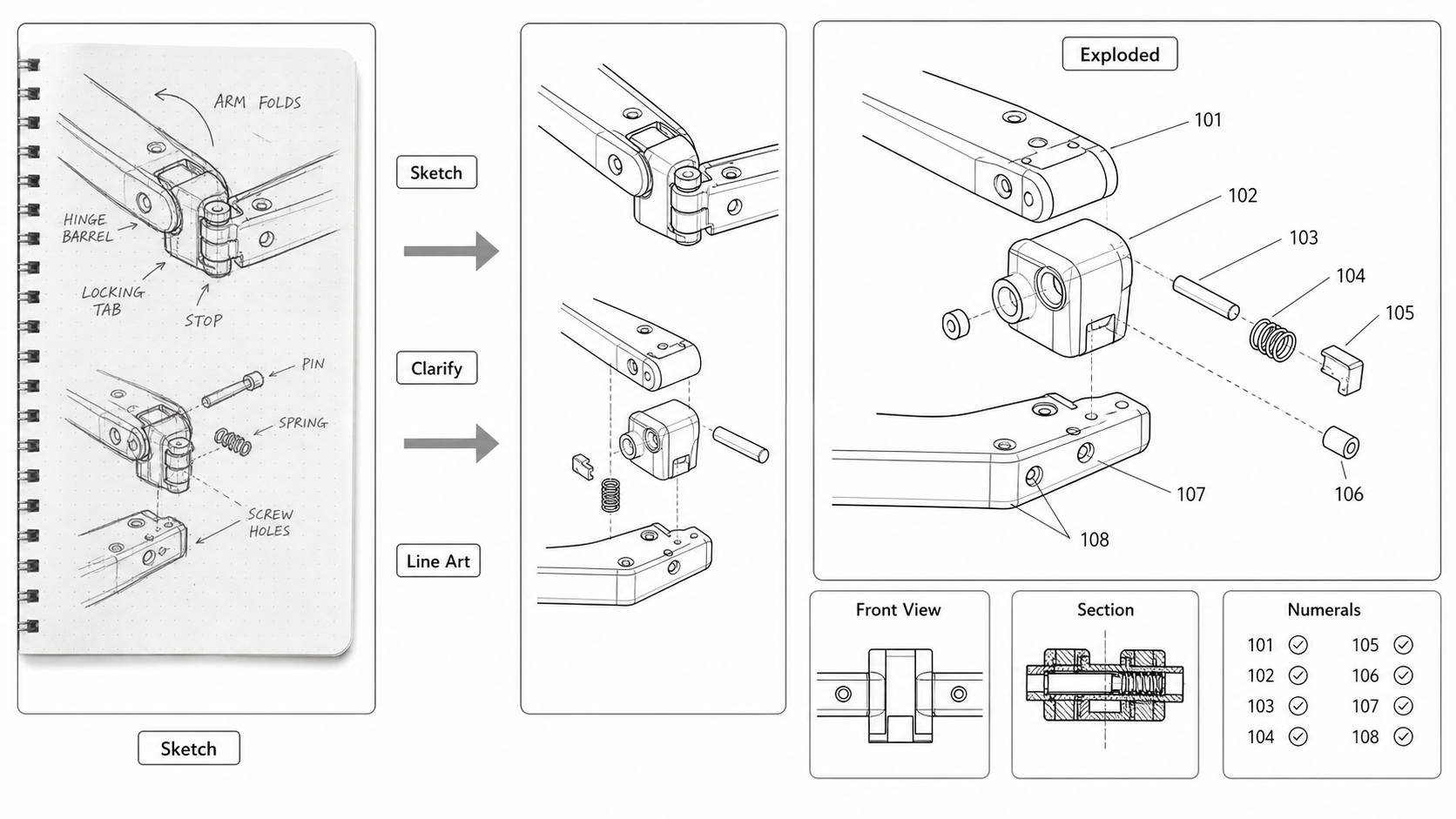
Sketch to Patent Figure: Turning Inventor Notes Into Filing-Ready Drawings
Convert hand-drawn inventor sketches into patent figures: scanning tips, AI line-art extraction, when to redraw, and what gets lost between a napkin and a USPTO submission.
Newsletter
Join the community
Subscribe to our newsletter for the latest news and updates