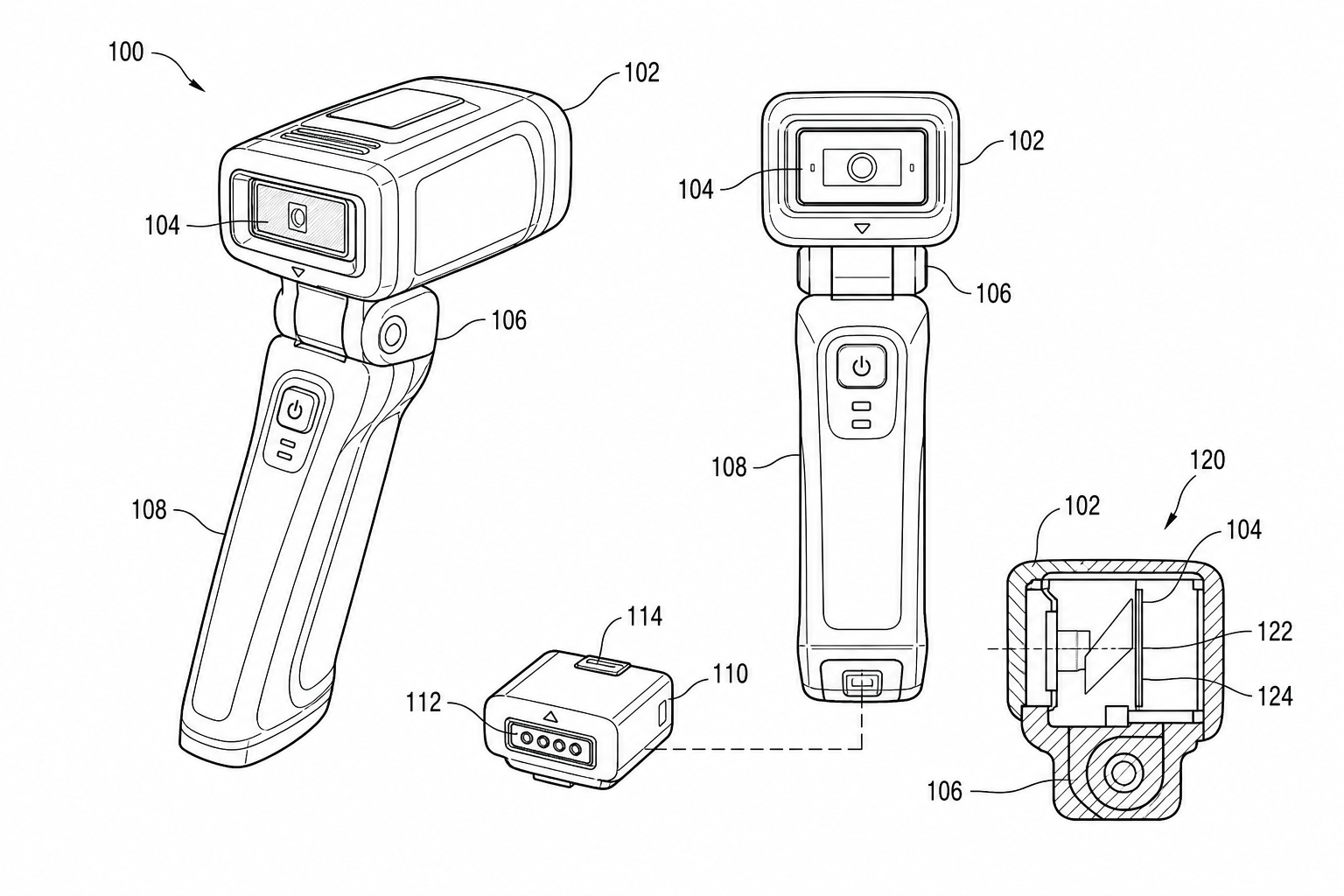
Utility Patent Drawings vs Design Patent Drawings: Which Figures You Need
Compare utility patent drawings and design patent drawings: figure purpose, views, line rules, broken lines, reference numerals, and when to use each workflow.
TL;DR: Utility drawings explain how the invention works — structure views, cross-sections, exploded views, flowcharts, and block diagrams with reference numerals throughout. Design drawings define how it looks — six orthographic views plus a perspective, where solid lines claim the design and broken lines disclaim environment. If a product has both functional and ornamental value, file both, but draft two separate figure sets that share geometry and nothing else.
Inventors often ask for "patent drawings" as if every application needs the same kind of figure. In practice, utility and design filings use drawings for different jobs.
If you need a functional figure set, start with the utility patent drawing generator. If you need appearance-focused views, start with design patent drawing software.
Utility Drawings Explain The Invention
Utility patent figures help the reader understand structure, operation, sequence, and relationships. They can include:
- product structure views
- cross-sections
- exploded views
- flowcharts
- system block diagrams
- circuit or electrical relationship diagrams
- medical device use states
The goal is not beauty. The goal is clear technical disclosure. A good utility drawing shows the elements that matter to the claims and gives them stable reference numerals.
Design Drawings Define Appearance
Design patent drawings work differently. The visual disclosure itself is central to the claim scope. Views need to be consistent, and broken lines are used carefully to separate claimed and unclaimed portions.
Design drawings usually need:
- front, rear, left, right, top, bottom, and perspective views
- surface shading when needed to show contour
- broken-line conventions for unclaimed environment
- consistent proportions across all views
Do not use a utility drawing style when the real issue is ornamental appearance.
Decision Table
| Question | Utility drawing | Design drawing |
|---|---|---|
| Main purpose | Explain how it works | Define how it looks |
| Typical figures | structure, flowchart, block diagram, cross-section | orthographic view set |
| Reference numerals | usually required | generally not used the same way |
| Broken lines | occasionally explanatory | claim-scope tool |
| Best PatentFig page | Utility Patent Drawing Generator | Design Patent Drawing Software |
Use Both When The Product Has Two Stories
A medical cartridge, consumer appliance, wearable device, or electronics housing may have both functional and visual value. In that case, draft the utility figures and design views separately. Do not try to make one drawing set serve both filings.
Run final figures through the Figure Checker before export so margins, DPI, line clarity, and color mode are not left until the filing deadline.
Planning A Utility Patent Figure Set
For utility filings, start from the invention function rather than the product appearance. A practical set often includes one overview figure, one detailed structural figure, and one method or relationship figure. Mechanical inventions may need perspective, section, or exploded views. Software inventions usually need a flowchart plus a system block diagram. Electrical inventions may need a patent-oriented relationship diagram rather than a manufacturing schematic.
Required Views for Design Patents
Design patents have explicit view requirements that utility filings do not. The USPTO and most other offices expect six orthographic views plus at least one perspective for most design filings:
- Front, rear, left side, right side, top, bottom — the six orthographic views
- One or more perspective views showing the overall appearance
- Optional partial views if a feature deserves enlargement
Some offices accept fewer views in specific cases (e.g., when the rear is identical to the front, the application can state so in the description and omit the redundant view). USPTO 37 CFR 1.152 and MPEP 1503 govern the US requirements; CNIPA, JPO, and KIPO follow similar conventions with local variations on broken-line scope.
Broken Lines: The Most Misunderstood Convention
In a utility patent, a broken line is occasionally explanatory — for example, showing a hidden internal feature behind a housing wall. In a design patent, a broken line has formal claim meaning: it marks portions of the drawing that are not claimed.
Practical implications:
| Aspect | Utility filing | Design filing |
|---|---|---|
| Solid line | Visible feature | Claimed feature |
| Broken line | Hidden or alternate feature | Unclaimed environment |
| Surface shading | Optional for contour | Often used to show three-dimensional contour |
| Cross-hatching | Used in cross-sections | Rarely used |
| Color | Requires petition under 37 CFR 1.84(a)(2) | Same petition required |
A design patent claim is essentially "the ornamental design as shown in the solid lines." Misusing broken lines either narrows or broadens that scope unintentionally.
When the Same Product Needs Both
A medical cartridge, consumer appliance, wearable device, or electronics housing may have both functional and visual value. In that case, draft the utility figures and design views separately. Do not try to make one drawing set serve both filings.
The two sets should share geometry but nothing else:
| Aspect | Utility set | Design set |
|---|---|---|
| Source | Spec, claim language, mechanism | Product appearance, ornamental detail |
| Drawing focus | Functional relationships | Surface, contour, proportion |
| Number of figures | Variable based on claims | Six orthographic + one perspective minimum |
| Labels | Reference numerals everywhere | Almost no labels; broken-line scope only |
| File naming | FIG. 1, FIG. 2, ... | FIG. 1, FIG. 2, ... (separate file) |
Even when filed on the same priority date, the figures live in different applications and should be reviewed against different rules.
Worked Example: A Wearable Fitness Band
Consider a fitness band with a novel optical heart-rate sensor housing and a distinctive curved display. Two patents may make sense:
- Utility patent on the optical sensor architecture: figures showing the optical path, the sensor's relationship to the skin contact surface, a method flowchart for the signal processing, and a cross-section of the housing.
- Design patent on the band's exterior: six orthographic views and a perspective view of the band, with broken lines around the optional wristband material (claimed only as "any wristband shape").
The two filings reference the same product but disclose different things. A reviewer should be able to tell from the figures alone which one they are reading.
Run final figures through the Figure Checker before export so margins, DPI, line clarity, and color mode are not left until the filing deadline.
A Simple Decision Test
Use this guide to decide whether the filing needs utility figures, design figures, or both. If a product has functional and ornamental value, prepare two separate figure sets instead of trying to reuse one drawing for both legal jobs.
Three quick questions to choose the right type:
- Does the claim language describe how it works? Utility.
- Does the claim language describe how it looks? Design.
- Does the product have value in both? File both, with separate figure sets.
Open the utility patent drawing generator.
Next step: Browse 25 patent drawing examples by category — or open the generator and adapt the closest one to your invention.
Author

Categories
More Posts
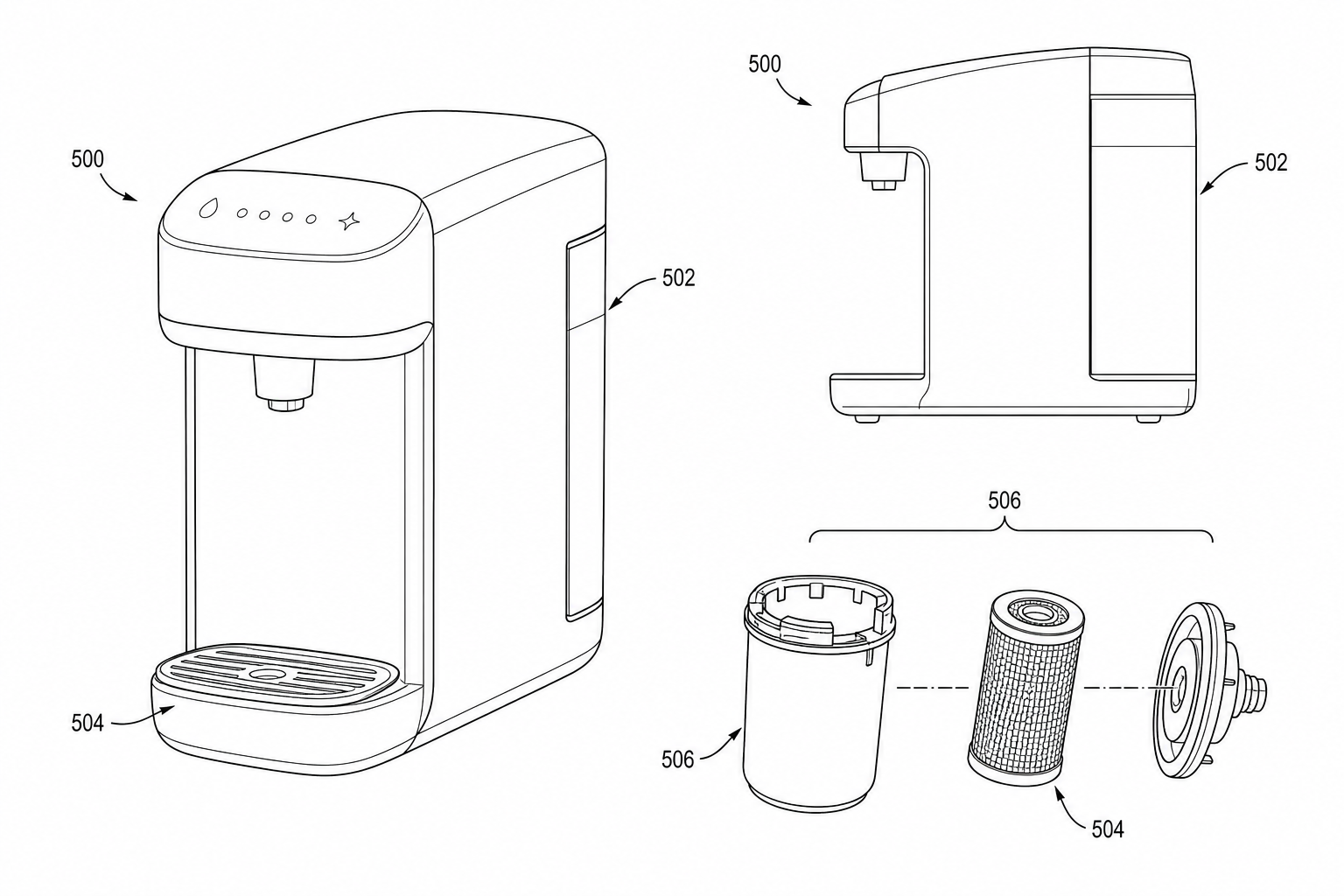
Product Photo to Patent Line Art: When AI Works and When to Redraw
Learn when product photos can be converted into patent line art with AI, when manual redraw is safer, and how to prepare views for patent filing.
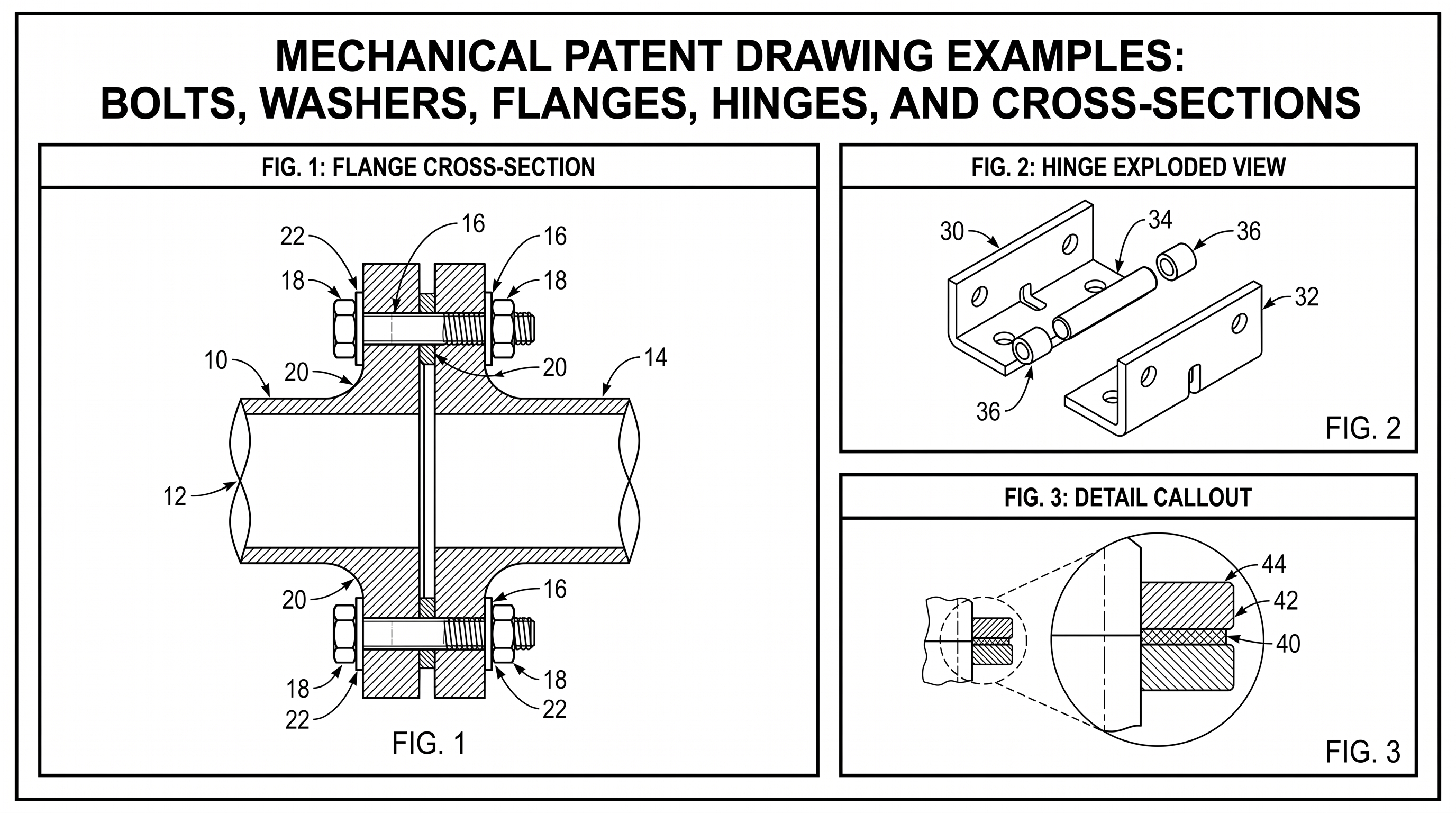
Mechanical Patent Drawing Examples: Bolts, Washers, Flanges, Hinges, and Cross-Sections
Practical mechanical patent drawing examples for bolts, washers, flanges, hinges, exploded views, cross-sections, labels, and revision workflows.
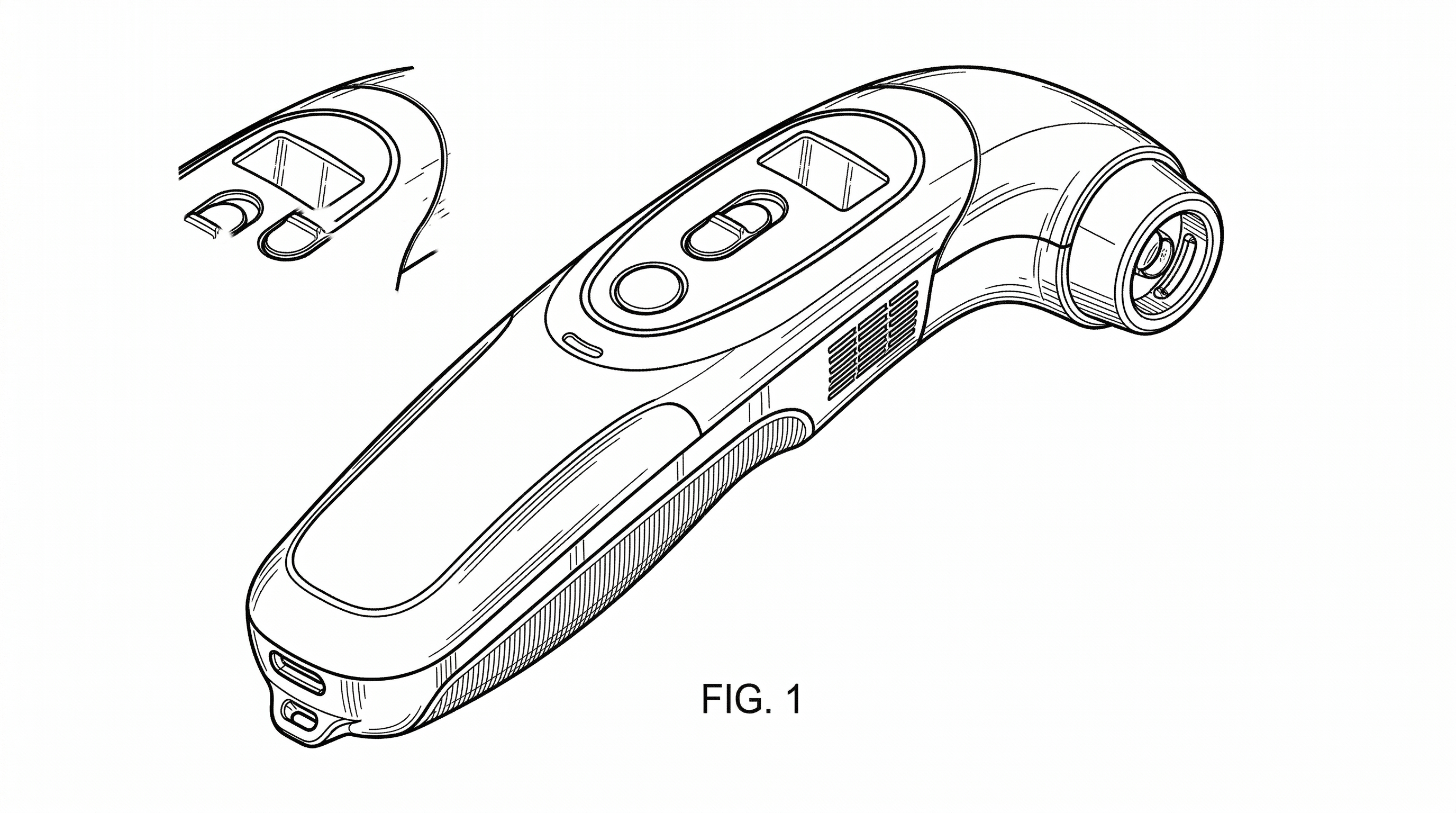
Design Patent Drawings — Broken Lines, Shading & Required Views (2026)
Design patent drawings explained: broken vs solid lines, shading conventions, all 7 required views. USPTO-ready examples included.
Newsletter
Join the community
Subscribe to our newsletter for the latest news and updates