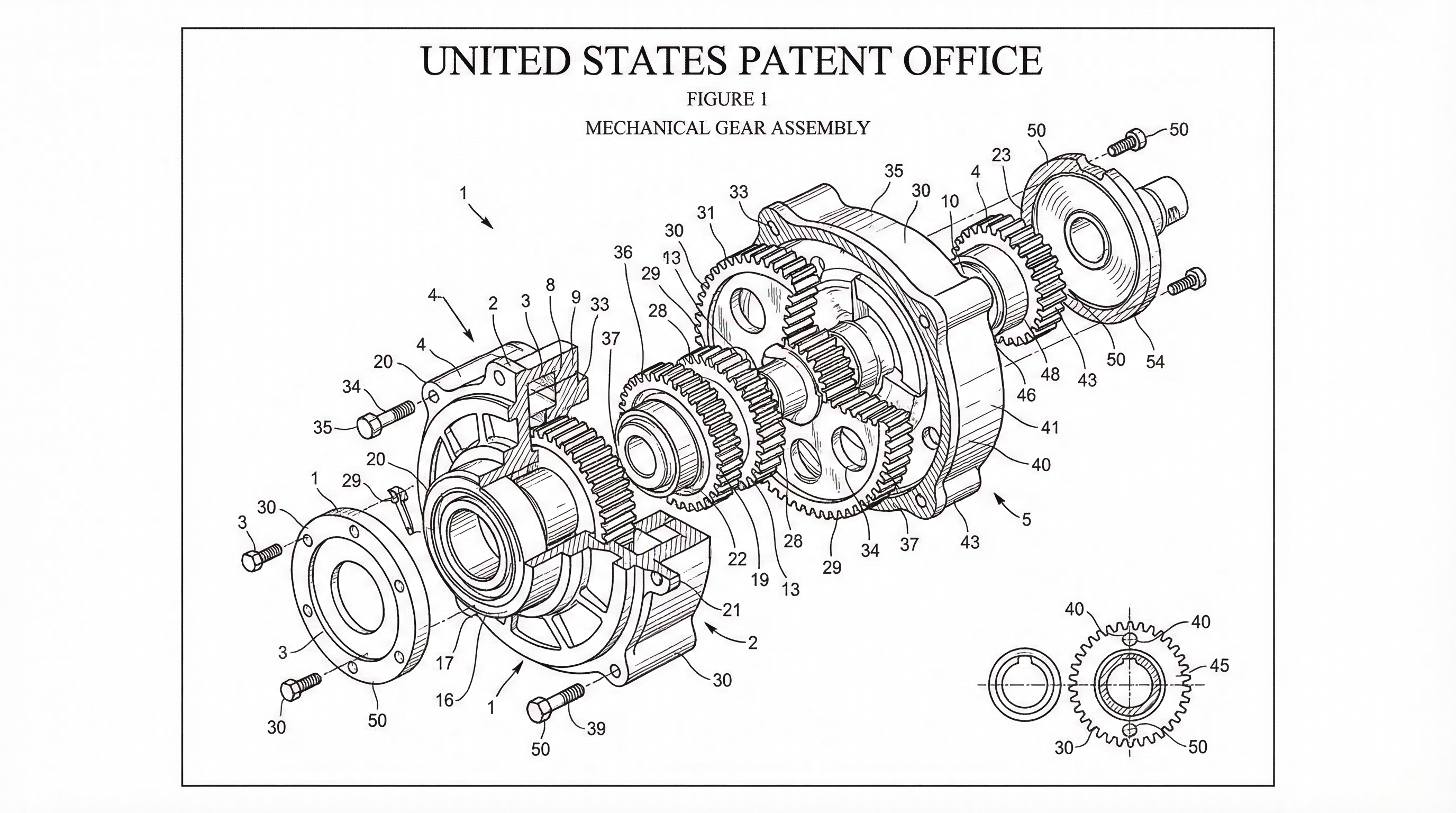
Chat-to-Modify Patent Figures: Surgical Edits Without Full Regeneration
Refine patent figures with natural language commands. Move, adjust, and edit specific elements without regenerating entire drawing sets. PatentFig AI guide.
TL;DR: Chat-to-Modify applies targeted edits ("move the sensor, keep everything else") instead of regenerating the whole figure set, so late-stage claim amendments and examiner feedback don't reset view consistency or reference numerals. Every edit is versioned, keeping a clean audit trail through final filing.
Iterative Precision: Refining Patent Figures via Chat Commands
In the high-stakes world of patent prosecution, the final 10% of the work often takes 90% of the effort. After the core concepts are drafted, the iterative process of refining figures to match evolving claims or examiner feedback can become a significant bottleneck. Traditionally, even a minor adjustment—like moving a sensor or adjusting the angle of a mechanical linkage—required a full manual redraw or a complete regeneration of an AI image set, risking inconsistency and wasting valuable time.
At PatentFig AI, we recognize that patent teams don’t just need drawings; they need the ability to refine them with surgical precision. Our Chat-to-Modify feature is designed to eliminate the "start from scratch" cycle, allowing for targeted edits through simple natural language commands.
Need compliant patent figures faster? Try PatentFig AI in the generator.
The Revision Bottleneck in Patent Prosecution
Manual drawing revisions are notoriously time-intensive. When a practitioner identifies a discrepancy in a figure, they usually have two choices: send it back to a dedicated drafting department (adding days to the timeline) or attempt to "patch" the drawing themselves.
Early-generation AI tools haven't fared much better. Most operate on a "full-set regeneration" model. If you need to change a single component in Figure 4, you have to rerun the entire prompt, often resulting in a set where Figures 1 through 3 no longer match the original style or numbering. This lack of granular control makes traditional AI tools difficult to use during the final, high-volume stages of filing.
Introducing Chat-to-Modify: Surgical Edits for High-Volume Teams
PatentFig AI’s chat-to-modify interface changes the dynamic from generation to iteration. Instead of asking the system to "redo everything," users can now talk directly to a specific figure.
This interface allows patent agents and attorneys to describe specific structural changes using natural language. Because the system understands the context of the existing drawing, it can execute "surgical edits"—modifying only the requested element while leaving the rest of the technical illustration untouched. This level of control is essential for teams managing dozens of active matters who cannot afford to re-review entire drawing sets for every minor change.
Workflow: Targeted Adjustments without Full-Set Reruns
The process of refining a figure is designed to be as intuitive as marking up a physical draft. Here is how a typical workflow looks within the PatentFig AI platform:
- Select Your Target: Navigate to the specific figure in your set that requires an update.
- Input the Command: Open the chat interface and describe the change. For example: "Add a secondary sensor to the top-left of the housing," or "Rotate the actuator 45 degrees clockwise."
- Process the Update: The AI analyzes the existing geometry and style, then applies the change specifically to that figure.
- Review and Finalize: The updated figure is presented alongside the original for quick verification.
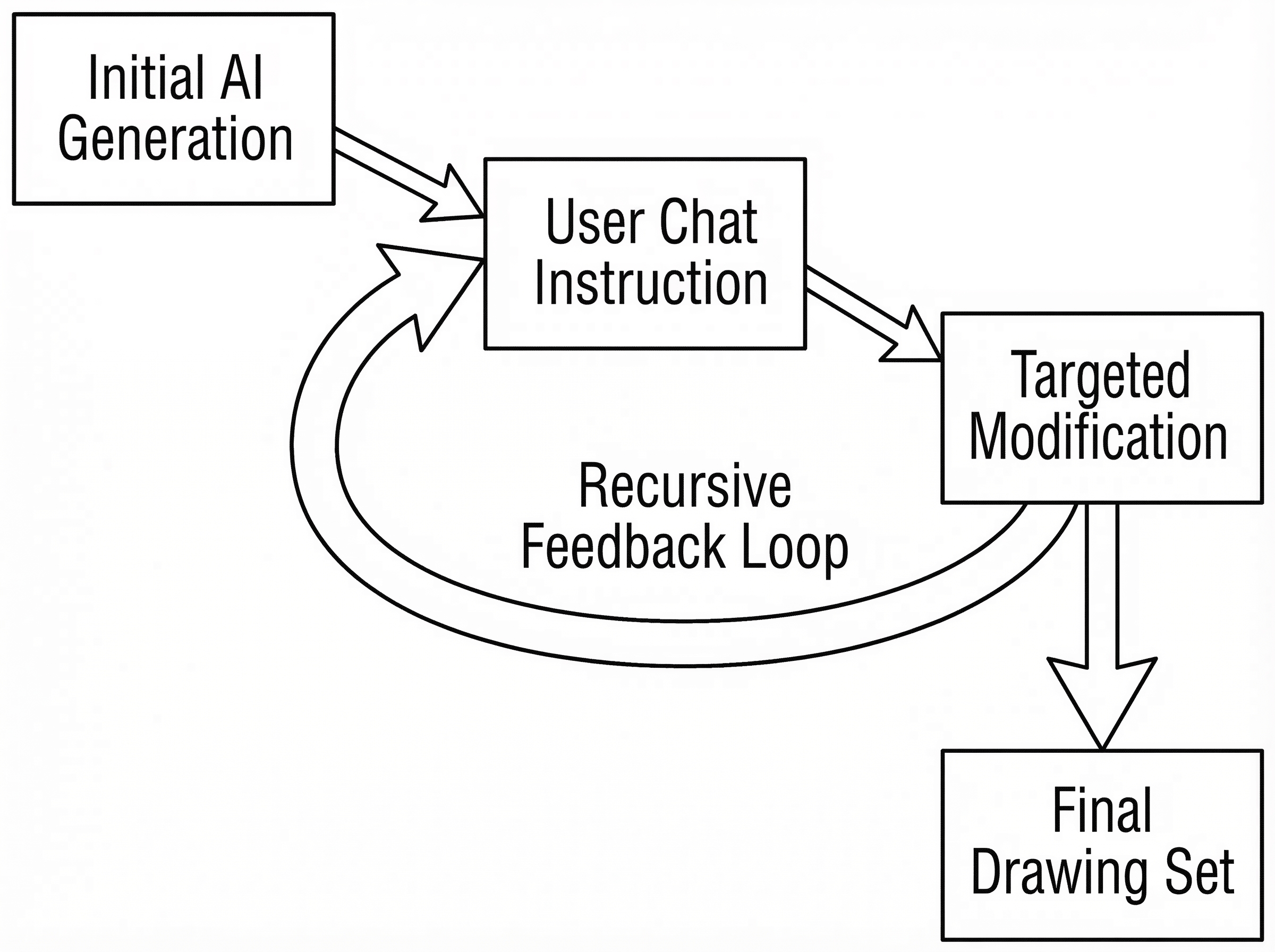
By focusing on localized updates, patent teams can move through embodiments rapidly. If Figure 5 needs a specific variation that wasn't in the original disclosure, you can simply "chat" it into existence without affecting the stability of Figures 1-4.
Maintaining Structural Consistency Across Iterations
One of the biggest risks in iterative drafting is losing "visual continuity." Patent drawings must maintain consistent reference numerals, line weights, and shading styles across the entire application to avoid clarity rejections.
PatentFig AI’s underlying architecture is built to preserve this consistency. When you use a chat command to modify a component:
- Reference Numerals: The system identifies existing labels and ensures new components follow the established numbering logic.
- Style Continuity: The line thickness, hatching patterns, and perspective remain identical to the rest of the set.
- Spatial Logic: If you move a component, the system understands how that move affects the visibility of parts behind or around it, maintaining a technically accurate representation.
Scaling Throughput for Final Filing Stages
For high-volume patent teams, the goal is to reduce the "review-and-correction" cycle. In a traditional workflow, a round of feedback between an attorney and a drafter might take 48 to 72 hours. With chat-based editing, that same correction happens in seconds.
This efficiency allows teams to:
- Meet Tight Deadlines: Handle last-minute examiner requests or client changes without delaying the filing date.
- Increase Capacity: Patent agents can manage more files simultaneously when they aren't bogged down by manual drawing management.
- Improve Accuracy: Because it is so easy to make a change, practitioners are more likely to refine a figure until it perfectly matches the claim language, rather than settling for a "close enough" illustration.
Iterative precision isn't just a convenience; it’s a strategic advantage. By leveraging Chat-to-Modify, PatentFig AI users can ensure their drawings are as precise as their claims, all while maintaining the speed required in modern patent practice.
Create Patent Figures Faster
Ready to turn rough sketches, CAD screenshots, or prompts into patent-ready visuals? Open the PatentFig AI generator.
Next step: Open the generator and create your first figure — no credit card required.
Author

Categories
More Posts

Inside PatentFig AI: How IP Teams Generate, Check, and Export Patent Figures
End-to-end AI workspace for patent figures: generate, refine, check, convert, and export. How PatentFig AI cuts figure prep time by 80% for IP teams. 2026.
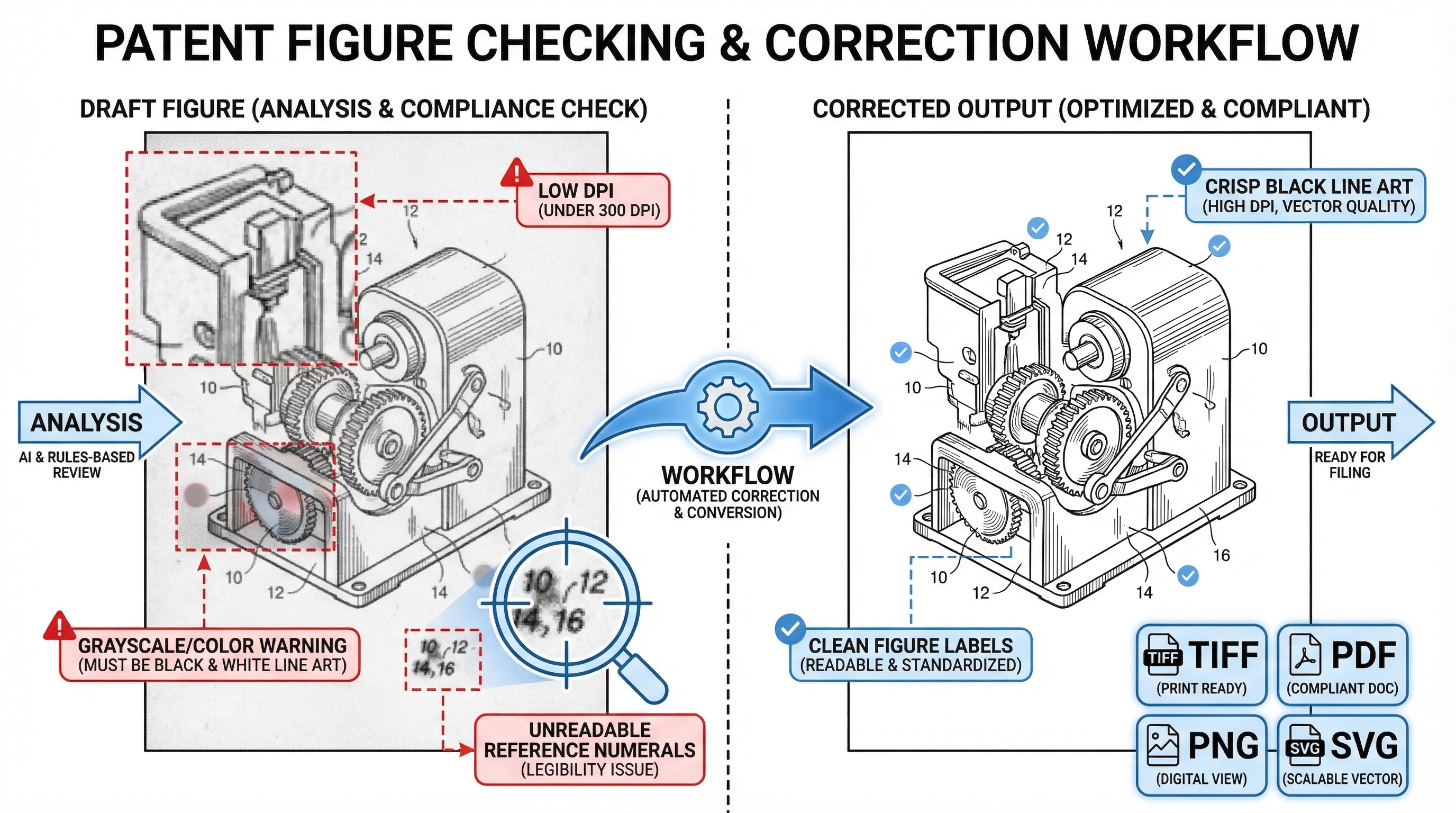
How to Check and Convert Patent Figures Before Filing (SVG, TIFF, PDF)
Catch DPI, color, and format issues before filing. Free patent figure compliance checker plus SVG/TIFF/PDF/PNG converter for filing-ready exports. 2026 guide.
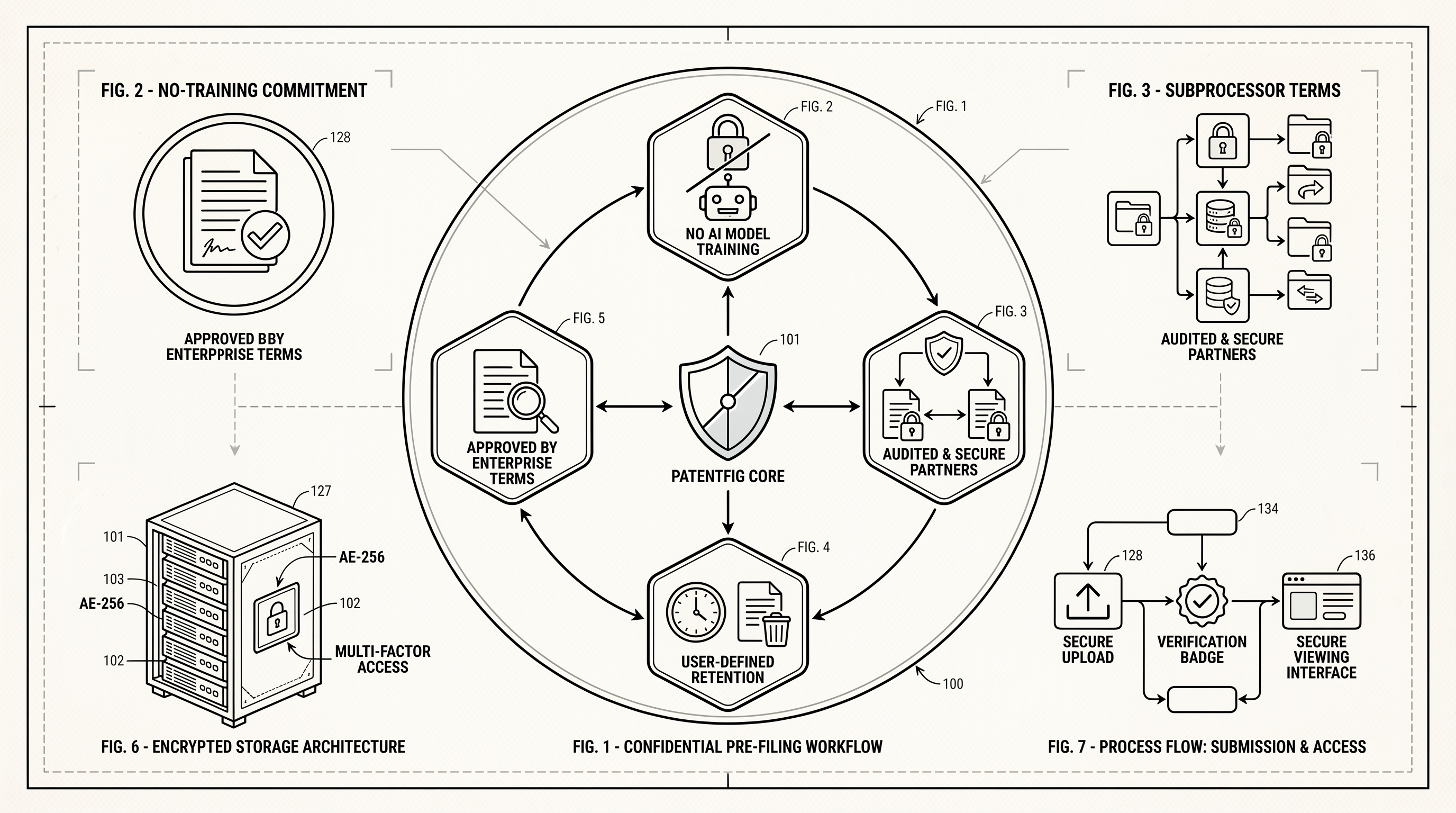
How PatentFig AI Protects Pre-Filing Patent Materials
A practical guide to how PatentFig AI handles confidential pre-filing patent materials, including no-training commitments, subprocessors, retention, and business review terms.
Newsletter
Join the community
Subscribe to our newsletter for the latest news and updates