PatentFig AI vs. DeepIP
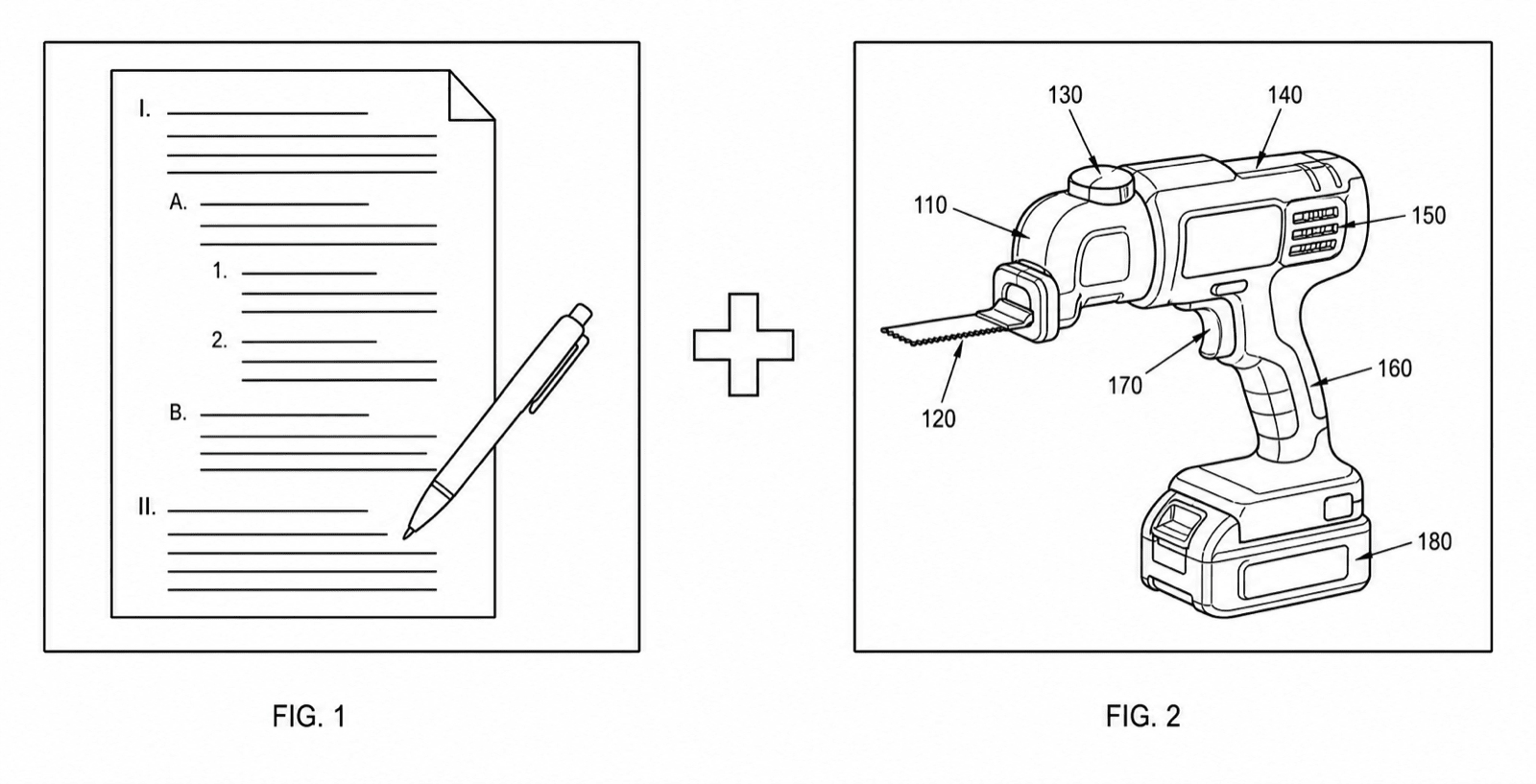
DeepIP is an AI patent drafting suite — claims, specifications, office actions, inside Microsoft Word. PatentFig AI is a figure workbench. They are complementary, not substitutes: many teams draft in one and draw in the other.
- Figure-first workbench
- Six-office checking
- Chat-to-modify edits
- Complements drafting suites
The 30-second answer
- Choose DeepIP if you need an integrated AI drafting and prosecution suite — claims, specifications, and office action responses inside Word.
- Choose PatentFig AI if you need patent figures generated, edited, checked against office rules, and exported — whether or not a drafting suite produced the rest of the application.
- They are complementary: teams that draft with DeepIP can produce and validate the figure set in PatentFig AI.
Two different jobs
The comparison only looks close until you ask what each tool actually produces.
1
DeepIP: the drafting suite
Per its public materials as of 2026: AI-assisted claims and specification drafting, office action support, and Microsoft Word integration, adopted across law firms and in-house teams.
2
PatentFig AI: the figure workbench
Generates utility figures, design view sets, flowcharts, and block diagrams from photos, sketches, screenshots, or text — then checks and exports them.
3
Where they meet
A drafted application still needs drawings. Figures generated in PatentFig AI drop into the application papers a drafting suite produces.
4
Where they do not overlap
PatentFig AI does not draft claims or specifications; figure generation is not DeepIP’s core product. Verify current capabilities with each vendor.
How teams combine them
The complementary pattern, step by step.
Draft in Word with DeepIP
Claims and specification take shape in the drafting suite, with the figure list emerging from the claim set.
Generate the figures in PatentFig AI
Each figure on the list — views, flowcharts, block diagrams — is generated from the disclosure material and numbered consistently.
Check before filing
The full set runs through the figure checker against the offices where the family will file.
Export into the application
Filing-ready PNG, TIFF, PDF, or SVG output joins the drafted papers.
PatentFig AI vs. DeepIP at a glance
Based on each product’s public materials as of 2026 — verify current features and pricing with the vendors.
DeepIP
PatentFig AI
Core job
AI patent drafting & prosecution suite
Patent figure generation, checking, export
Claims & spec drafting
Core product, inside Microsoft Word
Not offered
Figure generation inputs
Not the core product
Photo, sketch, screenshot, text description
Compliance checking (six offices)
Not a drawings checker
USPTO, CNIPA, EPO, JPO, KIPO, PCT
Editing figures
—
Chat-to-modify with version history
Pricing model
Enterprise pricing via its site
Free tier; $50/mo · 500 credits · ~50 figures (~$1 each)
PatentFig AI is the better fit when
- The job is figures: generation from photos, sketches, screenshots, or text
- Drawings need compliance checks for USPTO, CNIPA, EPO, JPO, KIPO, or PCT
- Figures go through review cycles — chat-to-modify edits without regeneration
- You want figure tooling at $50/month, not an enterprise drafting contract
DeepIP is the stronger choice when
- You want AI assistance for claims and specification drafting itself
- Office action response drafting inside Word is the core need
- The firm wants one enterprise platform for the whole prosecution workflow
Honest comparison
PatentFig AI vs. DeepIP FAQ
Add a figure workbench to your drafting stack
However you draft, the drawings still have to be generated, checked, and exported. Start there.
Related tools and guides
Guide: AI patent drafting tools — and where figures fit
The drafting-tool landscape and the figure gap most platforms leave.
Best AI patent drafting tools
How drafting AI relates to patent figures.
Patent drawing software
The full PatentFig workspace for filing-ready figure sets.
Patent drawing generator
Generate a patent drawing from a text description.
Figure checker
Validate figures against office rules before filing.
Patent drawing examples
Browse sample patent figures across every category.
Patent flowchart generator
Method and process flowcharts for software patents.