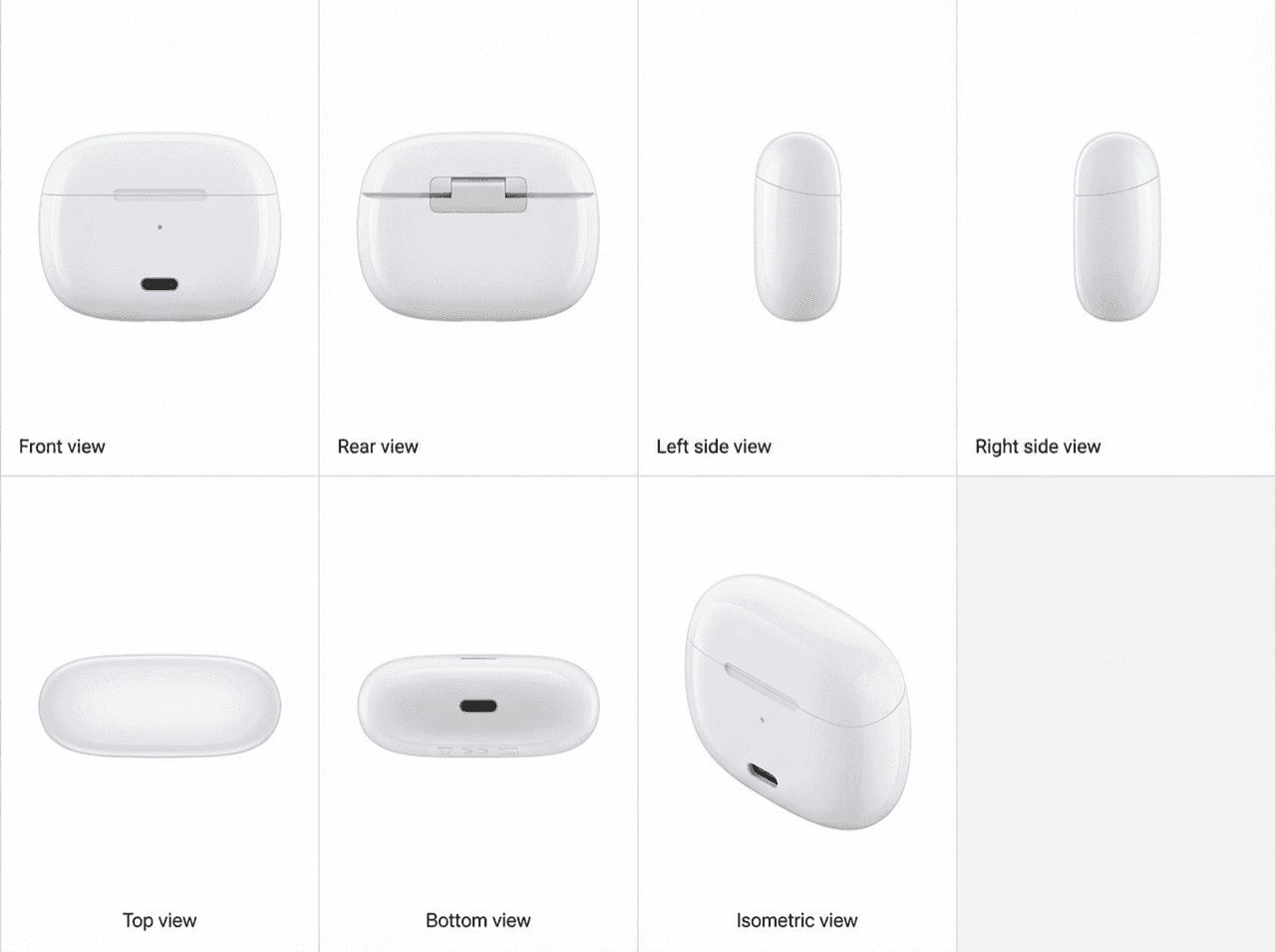
Inside PatentFig AI: How IP Teams Generate, Check, and Export Patent Figures
End-to-end AI workspace for patent figures: generate, refine, check, convert, and export. How PatentFig AI cuts figure prep time by 80% for IP teams. 2026.
TL;DR: PatentFig AI is an end-to-end workspace for patent figures: it generates USPTO, EPO, CNIPA, JPO, and KIPO compliant drawings from photos, sketches, or text, refines them via chat commands, regenerates per slot with version history, and exports SVG, TIFF, PDF, or PNG. The integrated generate–check–export pipeline is what cuts figure prep time by roughly 80% versus stitching together point tools.
If you work on patent filings, these pain points are probably familiar: figures need repeated revisions, multi-view consistency is hard to maintain, and exporting final deliverables is often manual and fragmented.
PatentFig AI is built to solve exactly that: an end-to-end SaaS workspace that turns product input into patent-ready figures in one place.
What problem this website solves
PatentFig AI is not just an image generator. It is a patent-figure workflow platform designed to reduce friction across creation, iteration, and delivery.
It mainly targets three problems:
- View consistency: front, side, top, and perspective views often drift apart.
- Production efficiency: editing one bad view can force unnecessary full reruns.
- Delivery organization: versions, slots, and exports become difficult to manage at scale.
Core features
1) Anchor-first workflow
You start from an Anchor image and generate downstream views from that shared visual source. This keeps outputs aligned around one base reference and improves consistency across the whole figure set.
2) Multi-output modes
The workspace supports multiple output sections, including:
- Line Art for patent drawing style outputs
- Rendering for high-clarity visual communication
- Flowchart for method and system-style diagrams
You can keep all outputs in one project instead of switching between separate tools.
Picking the right /generate mode
Inside the /generate workspace, three modes map to three different jobs:
- Custom mode — freeform single technical figures. The most flexible option, and it is not forced to black-and-white, so it suits explanatory or marketing-leaning illustrations.
- Product (patent) mode — black-and-white patent line art and renderings, including multi-view sets with reference numerals. This is the right choice for USPTO or CNIPA utility and design filings.
- Logic mode — flowcharts, system and block diagrams, data-flow and architecture figures for method-style disclosures.
Rule of thumb: choose Product for filing-ready drawings, Logic for diagrams, and Custom when you need one flexible figure outside those constraints.
3) Per-slot generate and regenerate
Each figure slot can now be handled independently:
- Empty slots: click Generate
- Existing slots: click Regenerate to create a new version
This is especially useful when only one perspective has issues. You can fix that single slot without rerunning the full batch.
For regeneration, PatentFig AI reuses the same prompt rules for that slot (template + view parameters + mode parameters), so no extra text input is required.
4) Versioned slot management
Every slot keeps version history, so you can:
- compare alternatives,
- switch to earlier results,
- and keep a clear audit trail of iteration.
This makes final figure selection much easier before submission.
5) Export-ready delivery
After selecting final versions, you can export and deliver from a centralized project context, which reduces manual file handling and handoff errors.
A typical workflow
In practice, most teams follow this path:
- Input product description and references
- Generate and confirm Anchor
- Batch-generate line art/rendering views
- Regenerate only problematic slots
- Finalize versions and export
The key advantage is simple: iterate locally, not globally.
Who this is for
PatentFig AI is suitable for:
- product and engineering teams filing patents regularly,
- patent teams that need fast multi-option iteration,
- agencies and legal collaborators that need stable, repeatable delivery.
If your current process relies on multiple disconnected tools and manual version handling, this kind of SaaS workflow can significantly improve throughput.
Final takeaway
PatentFig AI's value is not just "generate one image." Its core value is combining generation, regeneration, version control, and export into one operational pipeline.
For patent-figure work, where consistency and traceability matter, that integrated workflow is usually more valuable than isolated point tools.
Next step: Open the generator and create your first figure — no credit card required.
Author

Categories
More Posts
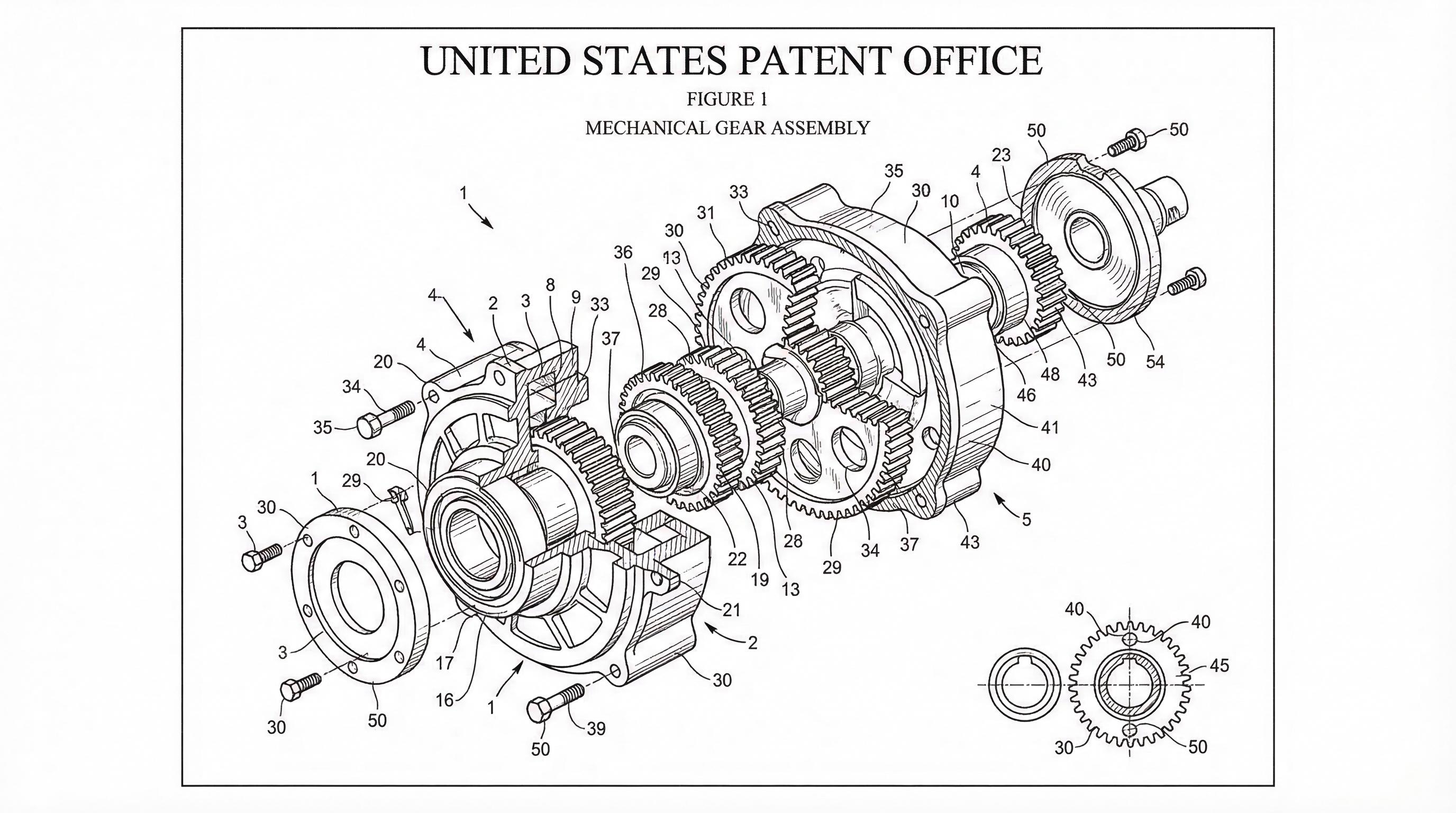
Chat-to-Modify Patent Figures: Surgical Edits Without Full Regeneration
Refine patent figures with natural language commands. Move, adjust, and edit specific elements without regenerating entire drawing sets. PatentFig AI guide.
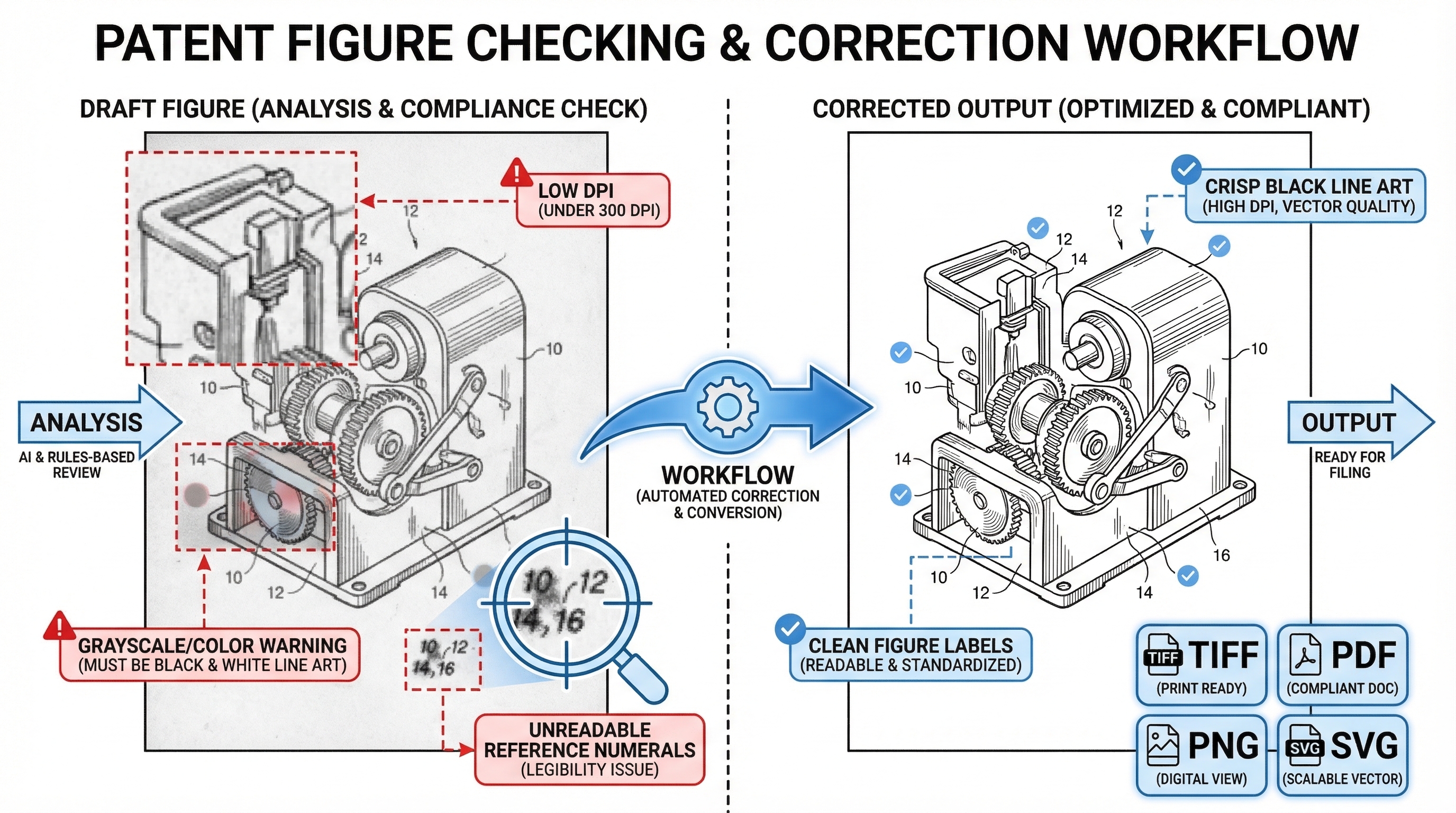
How to Check and Convert Patent Figures Before Filing (SVG, TIFF, PDF)
Catch DPI, color, and format issues before filing. Free patent figure compliance checker plus SVG/TIFF/PDF/PNG converter for filing-ready exports. 2026 guide.
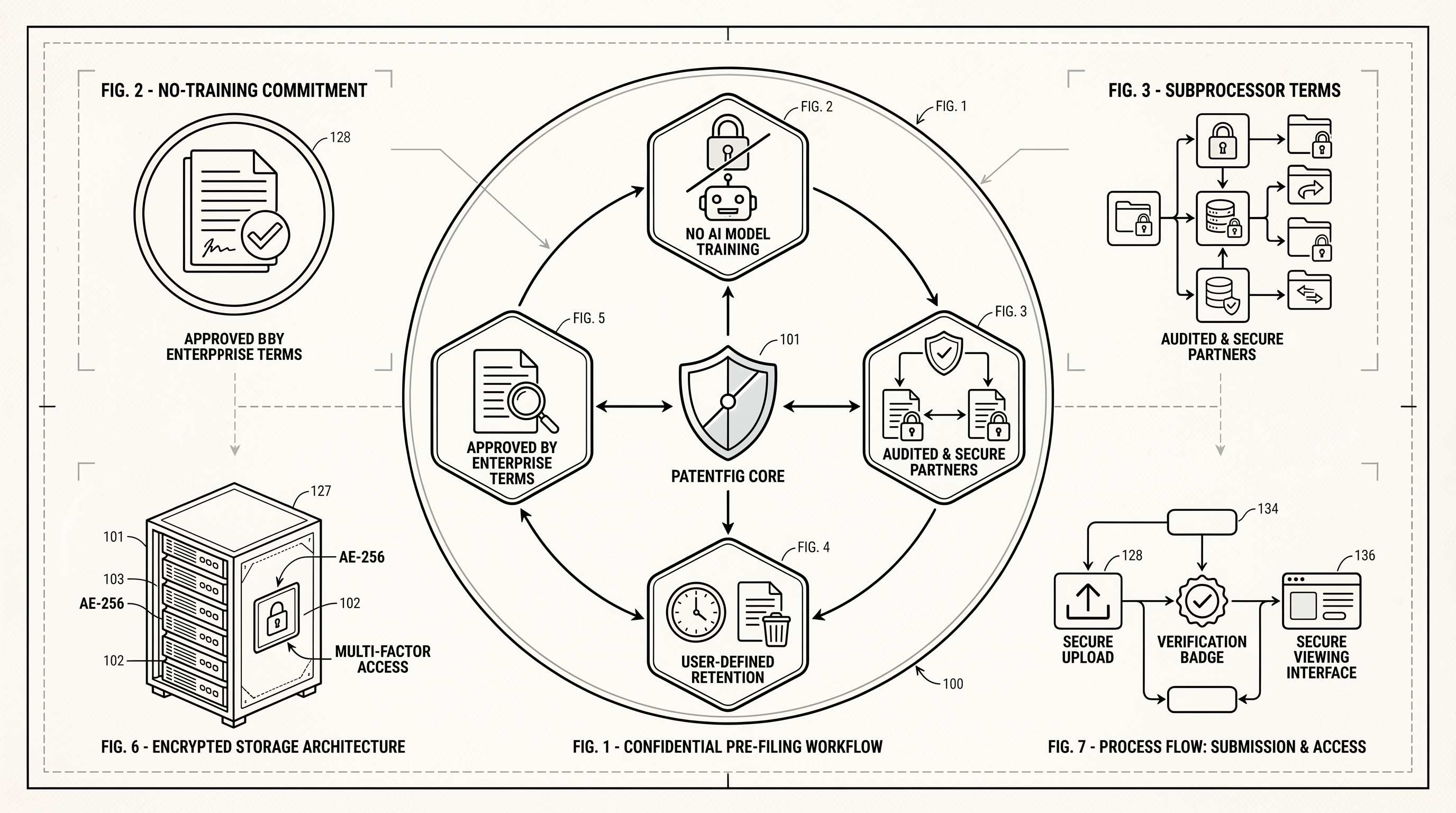
How PatentFig AI Protects Pre-Filing Patent Materials
A practical guide to how PatentFig AI handles confidential pre-filing patent materials, including no-training commitments, subprocessors, retention, and business review terms.
Newsletter
Join the community
Subscribe to our newsletter for the latest news and updates