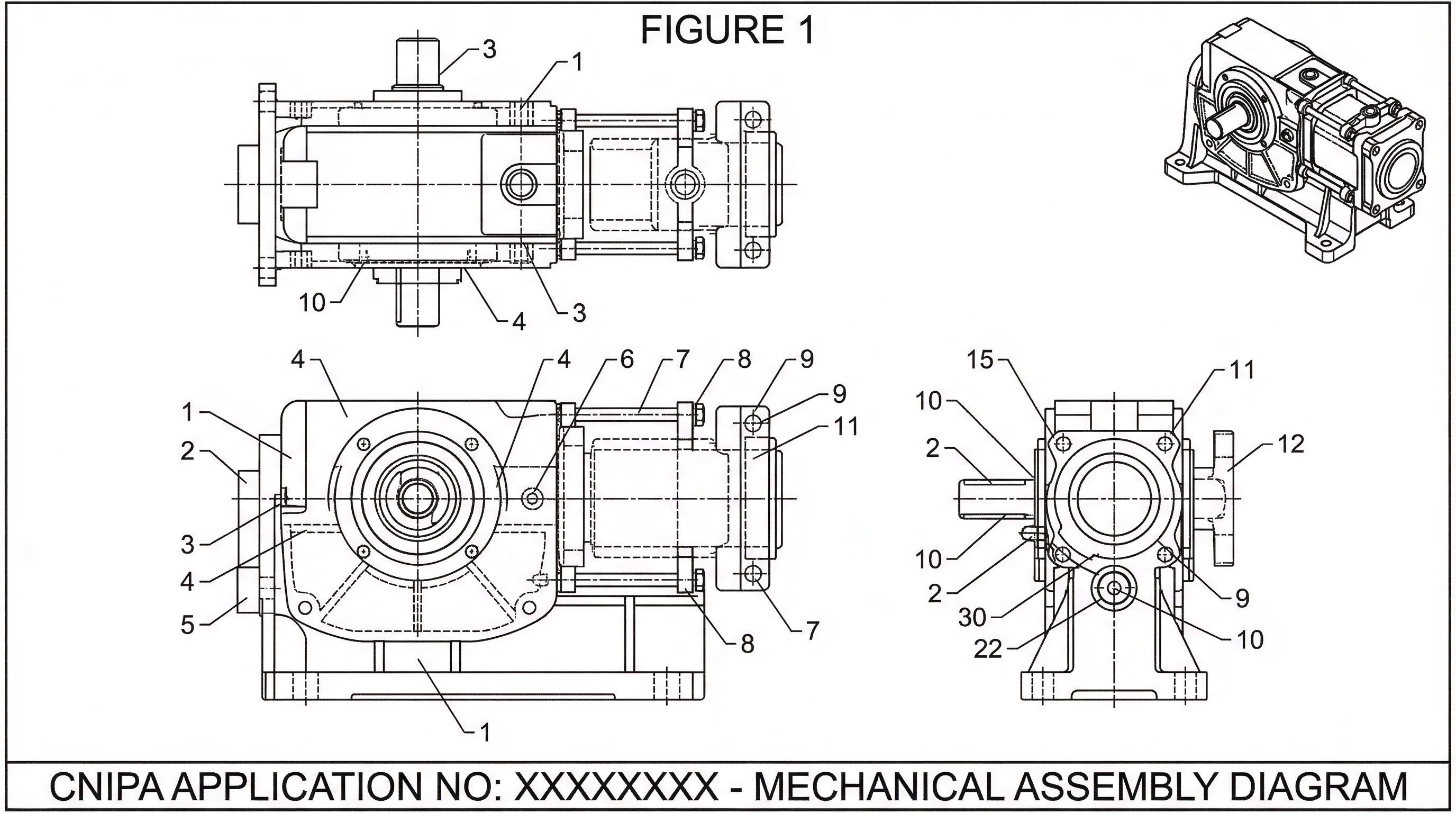
CNIPA Patent Drawing Standards 2026: China Filing Checklist & Examples
CNIPA patent drawing standards for 2026: A4 margins, black-and-white line rules, reference numerals, shading limits, and examples for China filings.
TL;DR: CNIPA wants clinically clean figures: A4 sheets with 2.5 cm top/left margins, solid uniform black lines, Arabic reference numerals at least 3.2 mm tall, and far less shading than the USPTO or EPO tolerate — gradients, grayscale fills, or residual color from a CAD export trigger immediate office actions. Drafting to CNIPA's minimalist standard first (a "Global-First" workflow) is much cheaper than stripping shading out of a USPTO-ready set later.
Mastering CNIPA Patent Drawing Standards: A Guide for Global IP Teams
For global IP teams, the Chinese market represents both a massive opportunity and a unique procedural challenge. While the legal frameworks of the CNIPA (China National Intellectual Property Administration), USPTO, and EPO have harmonized in many areas, drawing requirements remain a common stumbling block.
A "minor" drawing objection in China doesn't just mean a quick fix; it can result in significant delays, additional representative fees, and potential loss of priority if the required changes are deemed to add new matter. To maintain a high filing velocity, patent operations managers must move beyond a "file-and-fix" mentality and prioritize CNIPA compliance from the initial drafting stage.
Need compliant patent figures faster? Try PatentFig AI in the generator.
Chinese filing teams can also review CNIPA 合规专利绘图, which shows how AI generation, checking, and export fit into a Chinese patent drawing process.
Technical Specifications: CNIPA vs. USPTO and EPO
The CNIPA’s Guidelines for Examination are prescriptive regarding the visual execution of drawings. While the USPTO often allows for a degree of artistic variance in shading and perspective, the CNIPA emphasizes clinical clarity and strict uniformity.
Key differences include:
- Line Consistency: CNIPA requires solid, well-defined black lines. Grayscale, blurred lines, or "sketchy" CAD exports that pass at the USPTO are frequently rejected by CNIPA examiners for lacking clarity.
- Shading Restrictions: While the USPTO and EPO use shading to indicate surface contour or depth, the CNIPA is much more restrictive. Over-shading is often viewed as "obstructing" the technical features of the invention. If shading is used, it must be minimal and extremely clean.
- Margin and Scaling: CNIPA has specific requirements for sheet margins (typically 25mm top/left and 15mm bottom/right) and the size of text/reference numerals (at least 3.2mm high).
- The "No Color" Rule: Except in very specific biological or chemical cases where color is essential, CNIPA is strictly black-and-white. Any residual color or gradient from a CAD export will trigger an immediate office action.
A Repeatable Workflow for Global Figure Alignment
To avoid the bottleneck of manual rework for every Chinese filing, IP teams should adopt a standardized "Global-First" drawing workflow. This process ensures that figures created for a domestic filing are already 90% compliant with the strictest international standards.
- Standardize CAD Export Settings: Configure engineering exports to produce high-resolution vector files (SVG or PDF) rather than raster images (JPG/PNG). This preserves line integrity when scaling.
- The "Minimalist" Rule: Draft with the CNIPA’s shading restrictions in mind. It is significantly easier to add detail for a USPTO filing than it is to strip away complex shading for a CNIPA filing.
- Unified Reference Labeling: Ensure that reference numerals are consistent across all views. CNIPA examiners are particularly rigorous about checking that a part labeled "10" in Figure 1 is identical in function and appearance to "10" in Figure 5.
- Pre-Filing Validation: Implement a checklist that specifically audits for line weight consistency and margin compliance before the drawings are sent to foreign counsel.
Automating CNIPA-Ready Figures with PatentFig AI
The manual effort required to adjust line weights or remove gradients from dozens of figures is a primary cause of burnout for IP paralegals and illustrators. This is where PatentFig AI streamlines the operation.
By using AI-driven generation, PatentFig AI allows teams to transform engineering inputs directly into patent-ready line art that adheres to CNIPA’s technical specifications. The platform automatically enforces standard line thicknesses and removes the "visual noise" that often leads to objections in the Chinese patent office.
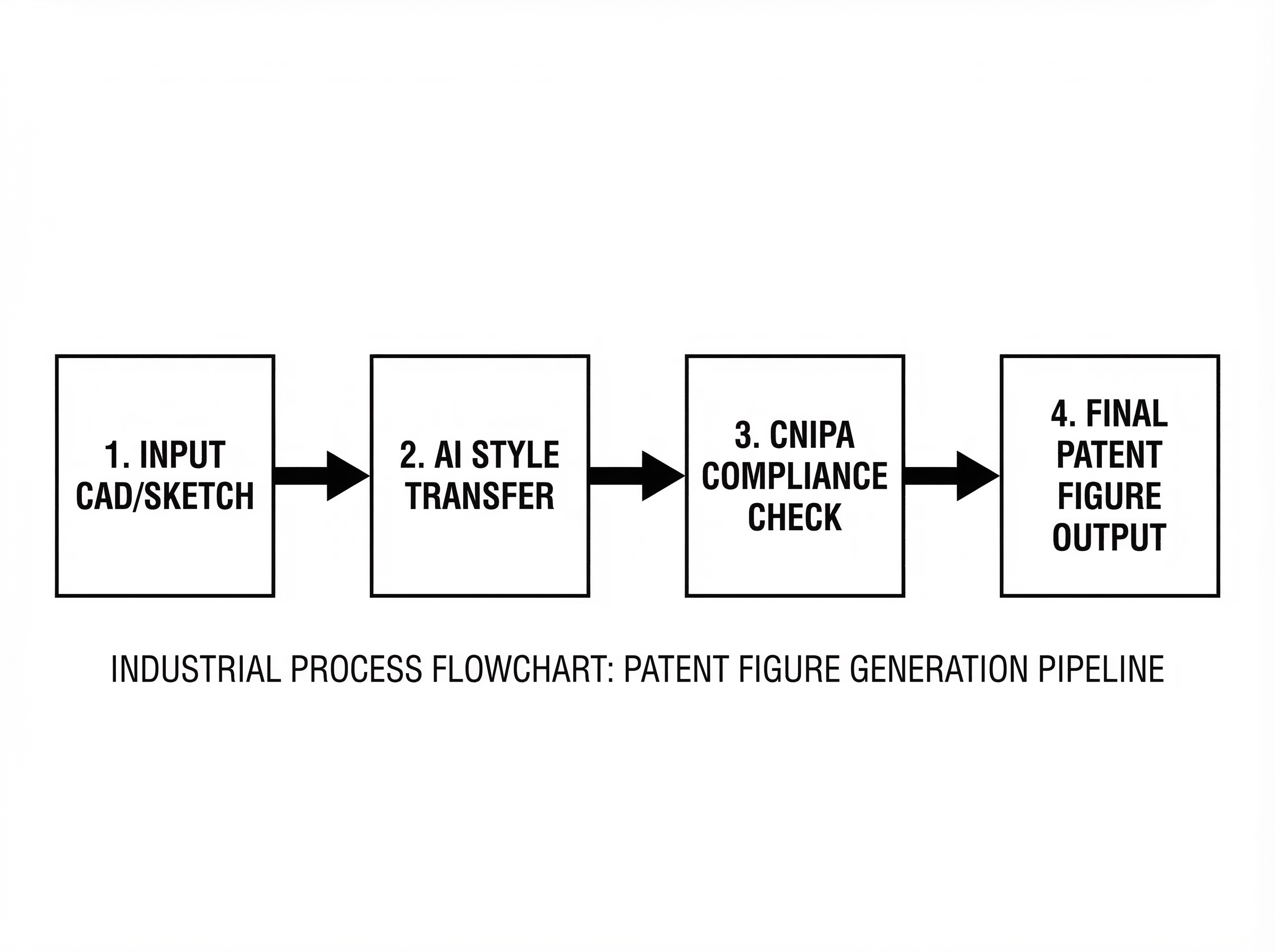
For complex system diagrams or multi-view mechanical drawings, PatentFig AI ensures that the visual style remains uniform across the entire set. If an adjustment is needed—such as increasing the size of reference numerals to meet the 3.2mm threshold—it can be applied globally rather than on a per-image basis, drastically reducing the risk of human error.
Compare CNIPA with Other Offices
If you are preparing a global filing pipeline rather than a China-only submission, compare CNIPA drafting discipline with:
- Patent Drawing Requirements by Office
- USPTO patent drawing requirements
- EPO patent drawing requirements
- KIPO patent drawing requirements
Future-Proofing Your IP Operations
As filing volumes in China continue to rise, the traditional model of relying on external illustrators for manual corrections is becoming a liability. It is too slow and too expensive for modern IP departments.
Integrating automated tools like PatentFig AI into your IP management ecosystem allows you to:
- Reduce Cycle Times: Move from CAD to a CNIPA-compliant filing in hours, not days.
- Control Costs: Minimize the "back-and-forth" with Chinese associate firms regarding drawing corrections.
- Ensure Quality: Maintain a high "Allowance on First Action" rate by eliminating technical drawing defects.
By treating patent drawings as a standardized technical output rather than a manual art project, global IP teams can navigate the complexities of the CNIPA with confidence and precision.
Create Patent Figures Faster
Ready to turn rough sketches, CAD screenshots, or prompts into patent-ready visuals? Open the PatentFig AI generator.
Next step: Run your figures through the free figure checker before you file — it validates margins, line weight, DPI, and numerals against your target office. Or review the patent drawing requirements summary.
Author

Categories
More Posts
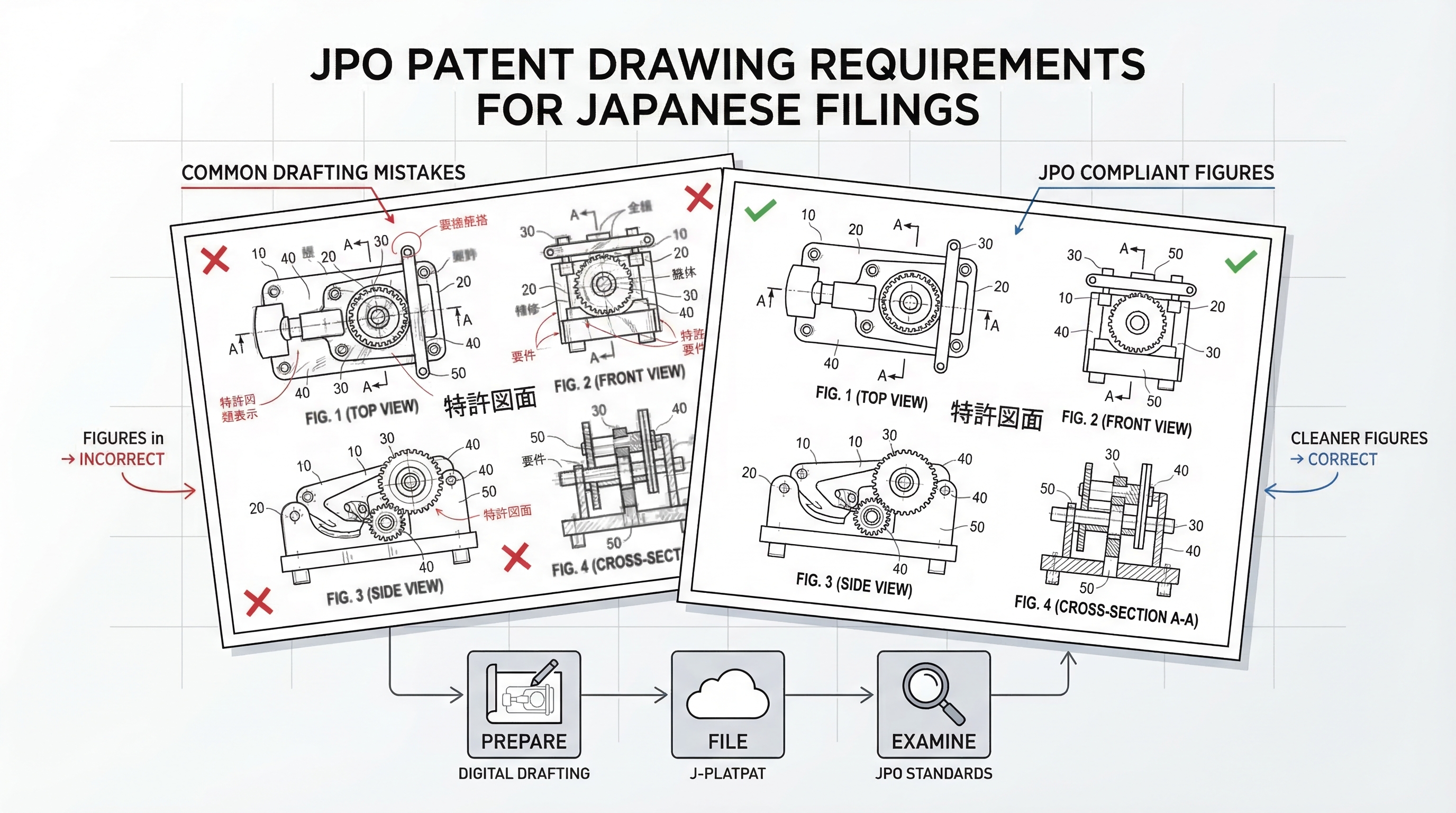
JPO Patent Drawing Requirements 2026: Complete Guide for Japanese Filings
JPO drawing rules, multi-view consistency, and common drafting mistakes for Japanese patent filings. Get cleaner figures with less rework. 2026 guide.
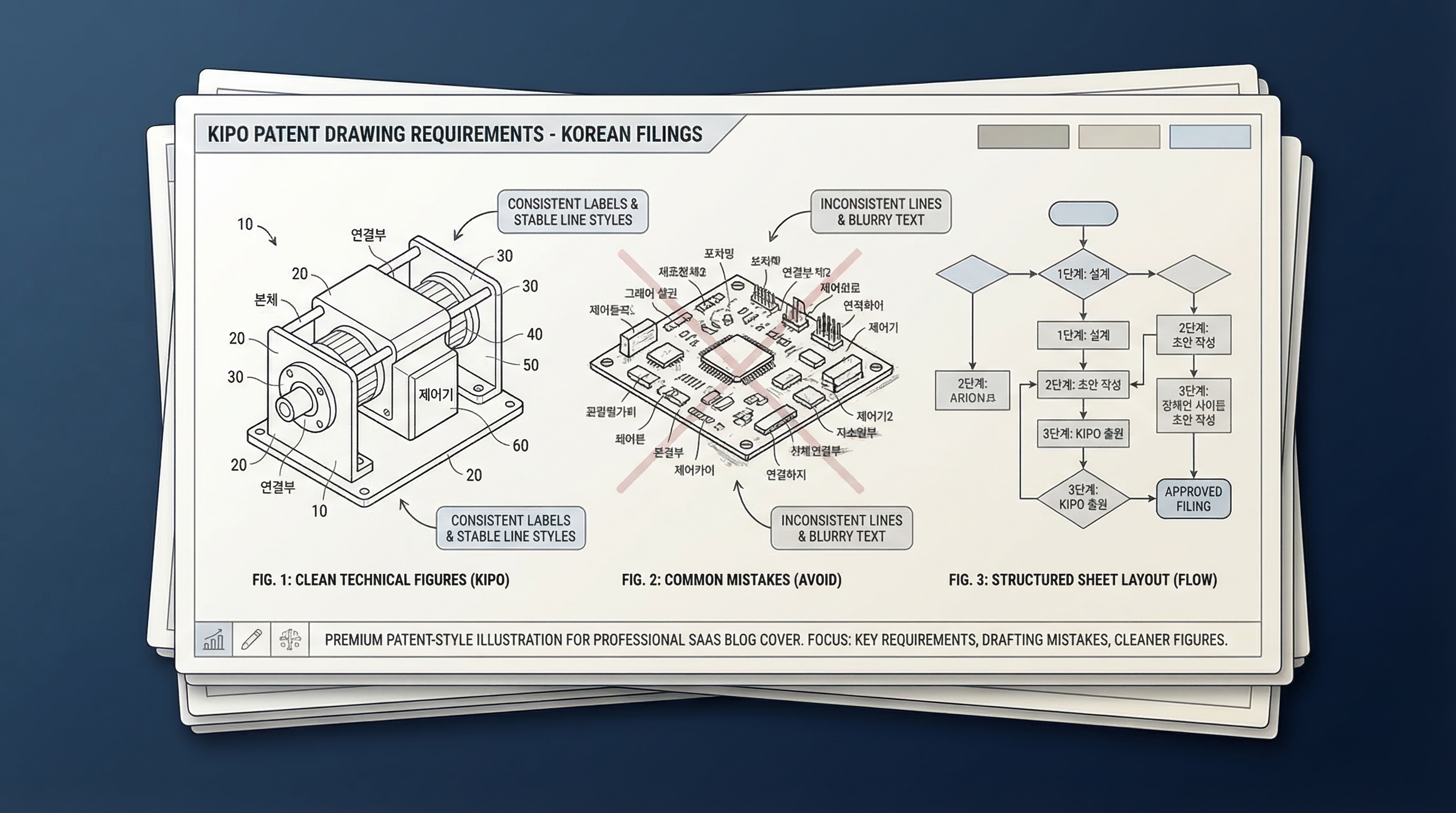
KIPO Patent Drawing Requirements 2026: Korean Filing Checklist & Examples
KIPO patent drawing requirements for 2026: A4 setup, margins, labels, reference numerals, Korean filing checks, and examples for patent teams.
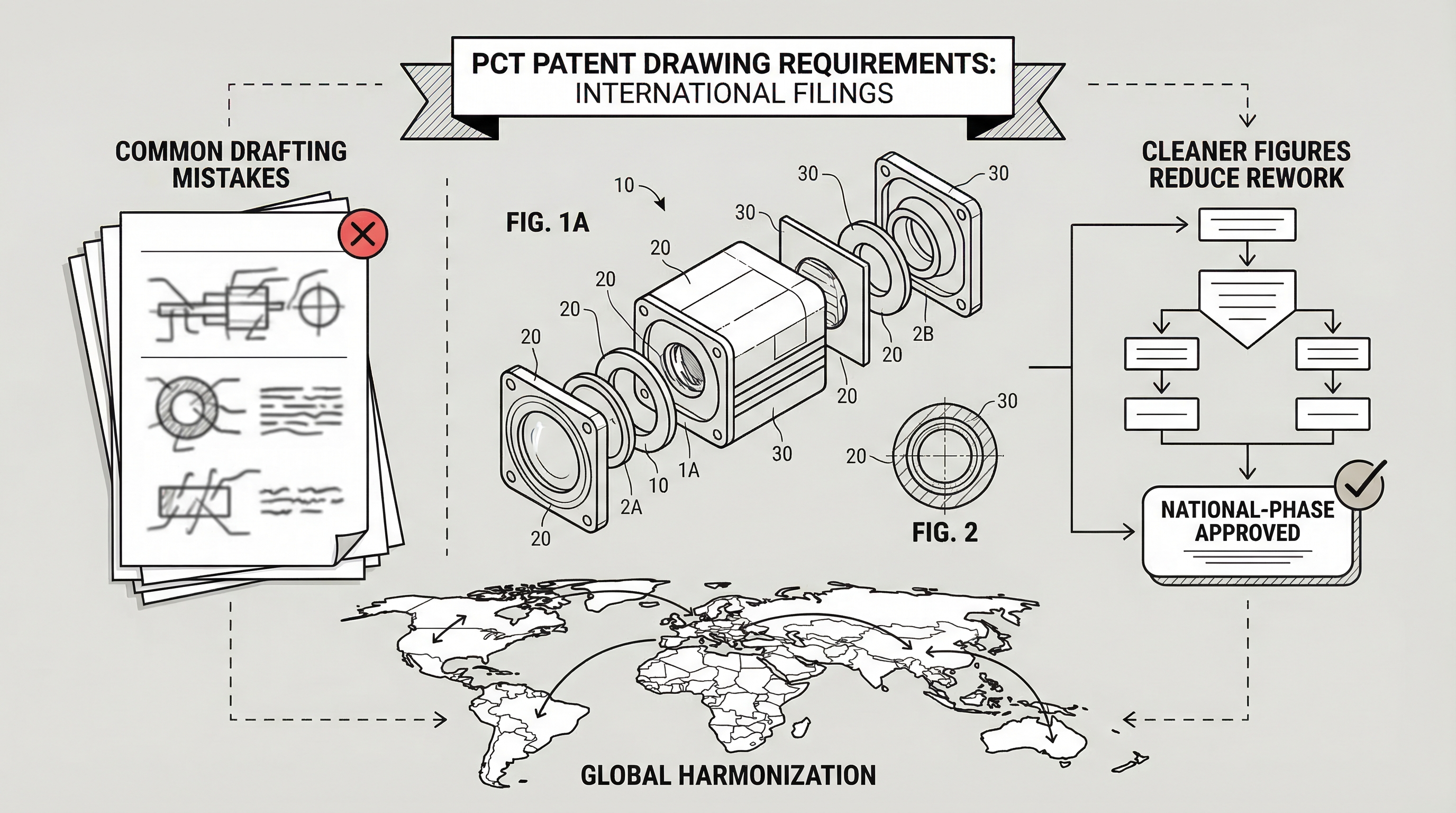
PCT Patent Drawing Requirements 2026: International Filing Guide
Why weak PCT figures cost you 3x in national phase. Complete PCT and WIPO drawing rules, conservative drafting choices, and reusable figure workflows. 2026.
Newsletter
Join the community
Subscribe to our newsletter for the latest news and updates